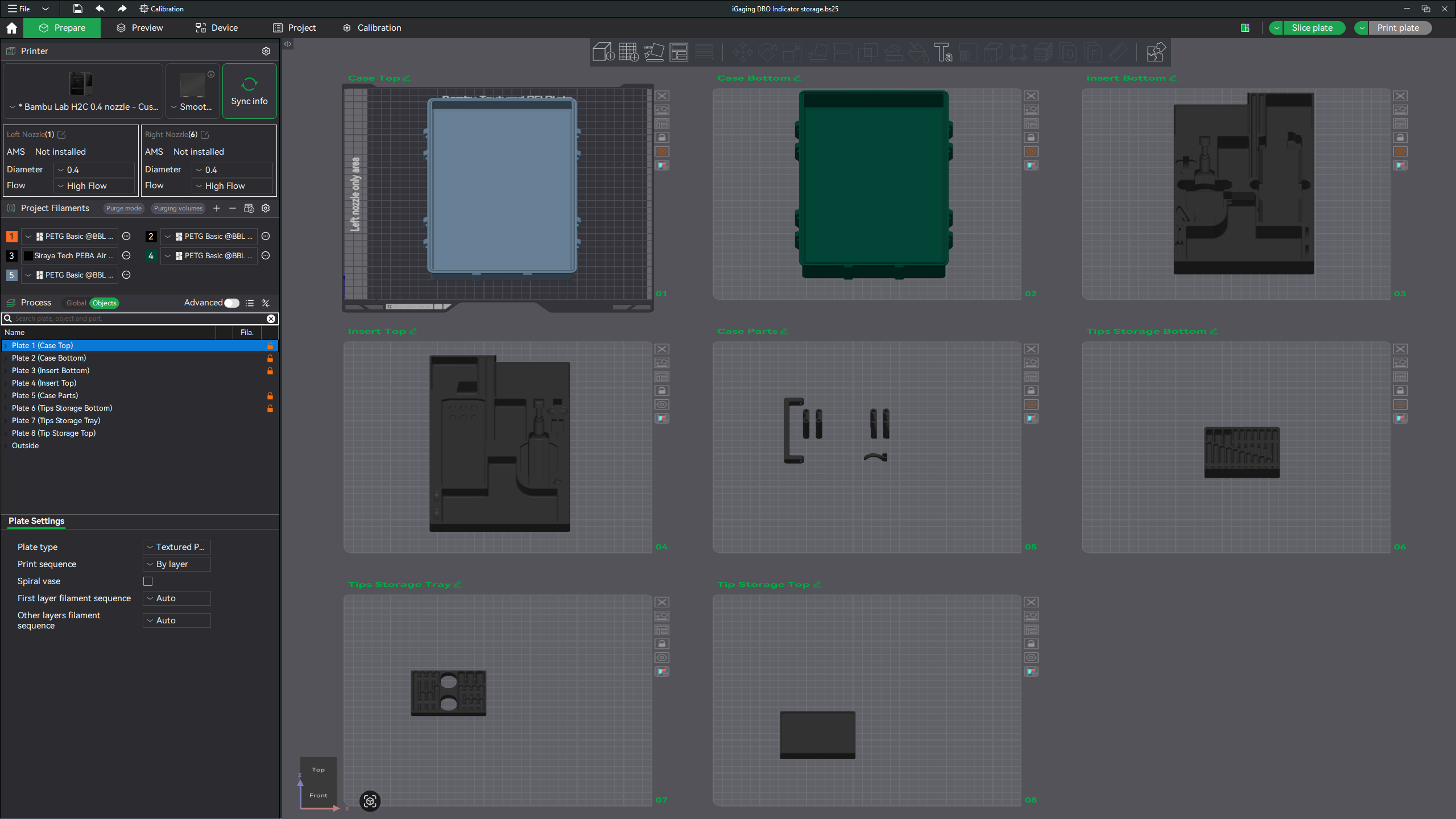
I find myself looking at a build plate of objects and I can’t remember which of the four corners of this thing that plate was. I don’t want to have 2 top right corners and no top left corner.
Is there some quick way to get the slicer to add the 3mf filename to the plate?
Yes I know I can click the add text button, but too much work.
Oh yeah, I feel your pain, especially when you are running 2-3 printers at a time, and sometimes Studio does NOT update the model name …always it seems. I spend more time writing notes and sticking them on the printers just so I can keep track!
Even better, I’d love a way to click a face and have the object filename printed onto that face. Even if it just printed the filename in outline mode on the base (while printing standard linear for the rest of the first layer) would be really handy.
The plates can be named (green pencil icon in the 3D view or by clicking on the plate name in the objects list). Although not automatically.
(Not sure if that helps with the request here and maybe this was already obvious, but figured I’d mention it… definitely find it useful at times.)
PS. Studio doesn’t really have a plugin architecture. (What BL calls the network “plugin” isn’t really… there’s lots of code in the core application to load and use that “plugin” specifically – it’s really just a way to separate the network functions into a non-public code base.) There’s g-code post processing scripts, but not sure how that would help here.
I can tell I don’t print anywhere near as many things or as complex things that you do but I guess I would just add printed dots to the project. 1, 2,3 ect and if I need to reference to a specific corner or side I would locate the dot(s) in that position on the plate. Of course none of this would work if someone was doing what was basically a full plate print.
Well, none of the plugins types Orca supports would help here either.
So you already knew about naming the plates… cool. I’m not sure how that would be automated… plate takes the name of the first added model object/file?
I feel that I can write a plugin quite quickly, given plugin archicture
it would take me some random amount of hours to read the documentation, and about 15 minutes for code, and then another random number of hours doing science on the codebase to find out what it really does, because the documentation is usually just a suggestion of the application’s behaviour.
I’ve tried various ways of automating things in BambuStudio - mainly with Keyboard Maestro.
I managed to create a fairly useful automated filament colour picker - based on stl names over the weekend using Claude - and thought I would try throwing your Plate labelling requirement at it this morning.
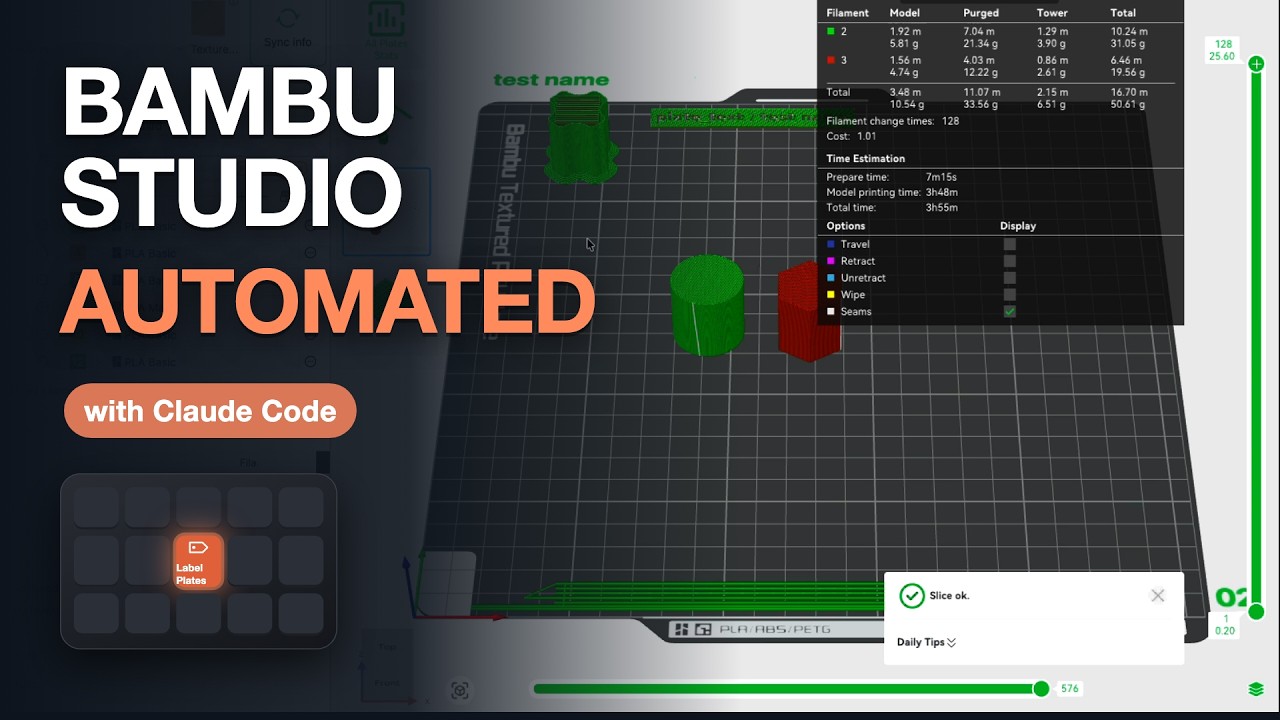
Amazingly it seems to work quite well - short video here - with a link to the sort of thing you need to put into Claude.
I think there are quite a few possibilities with this sort of approach - and as it only reads the 3mf’s and uses the standard user interface to make all of the changes then it should be pretty safe to share the 3mfs.
In my case I have done this on a Mac - but I imagine Claude or ChatGPT would be able to create the same sort of thing on Windows.