Neo987
1
Hi everyone,
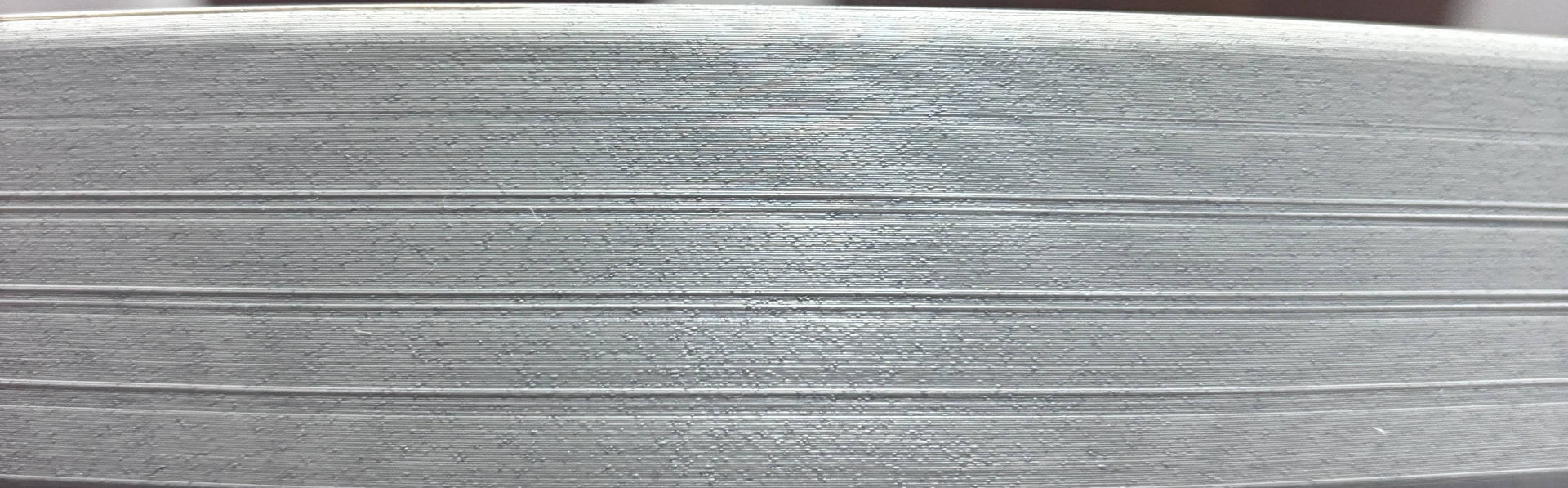
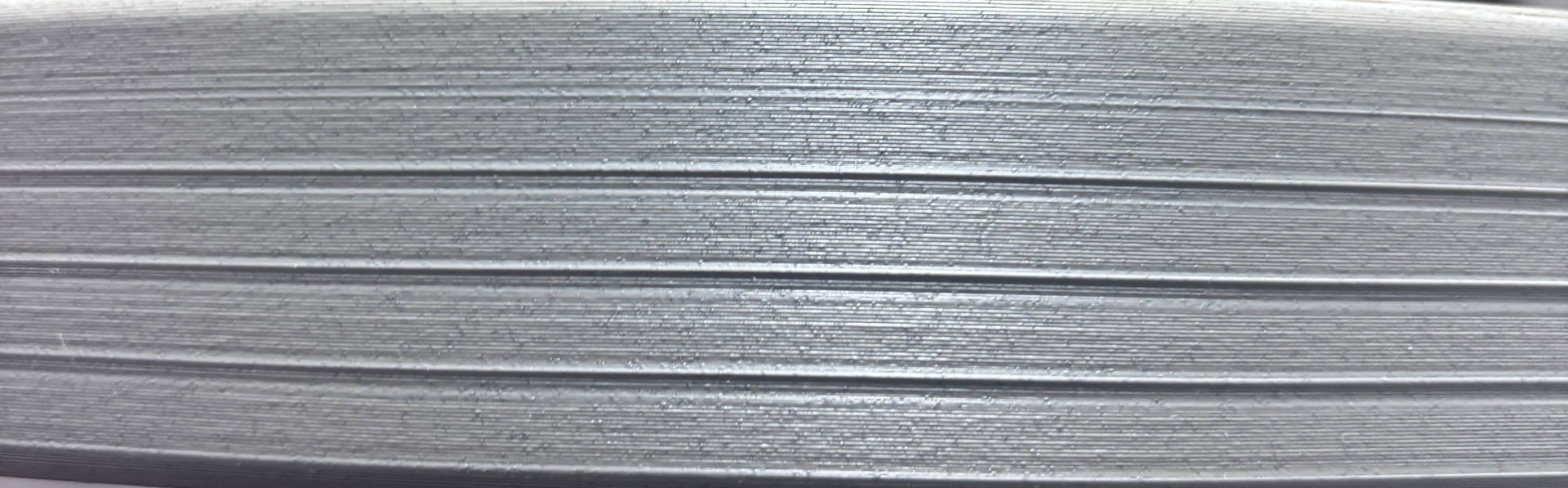
I’m trying to improve the surface finish of my 3D prints using a Bambu Lab A1 with a 0.4mm nozzle.
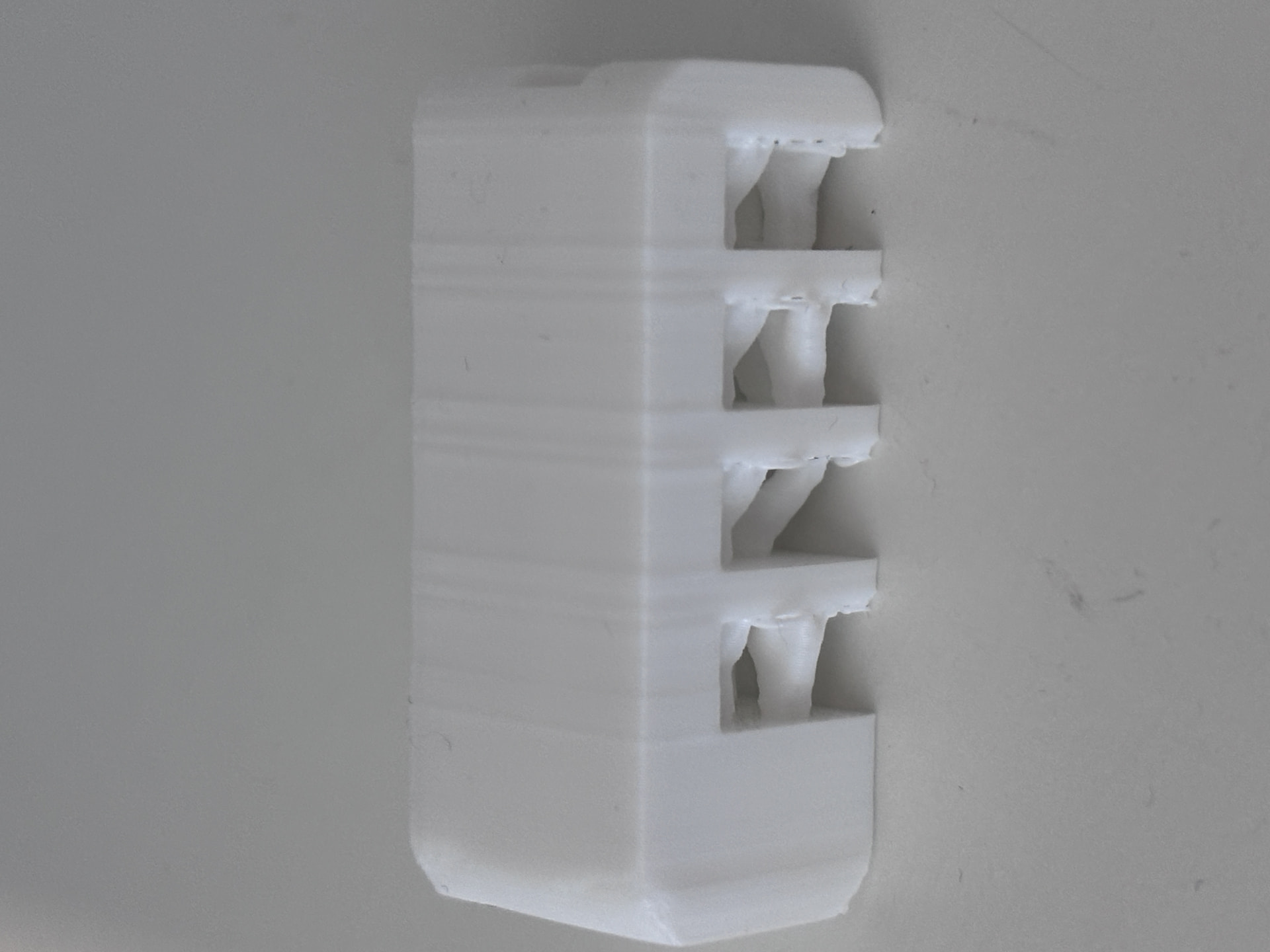
As shown in the attached photo, I’m getting noticeable vertical lines running down the outer walls, particularly on the upper surfaces.
Are there particular settings in Bambu Studio I should adjust to eliminate or reduce these lines?
I’d appreciate any suggestions, especially from anyone who has experienced similar issue
printed in the orientation show in the photo, have tried bump mesh which helps but doesnt fully fix the issue.
Thanks
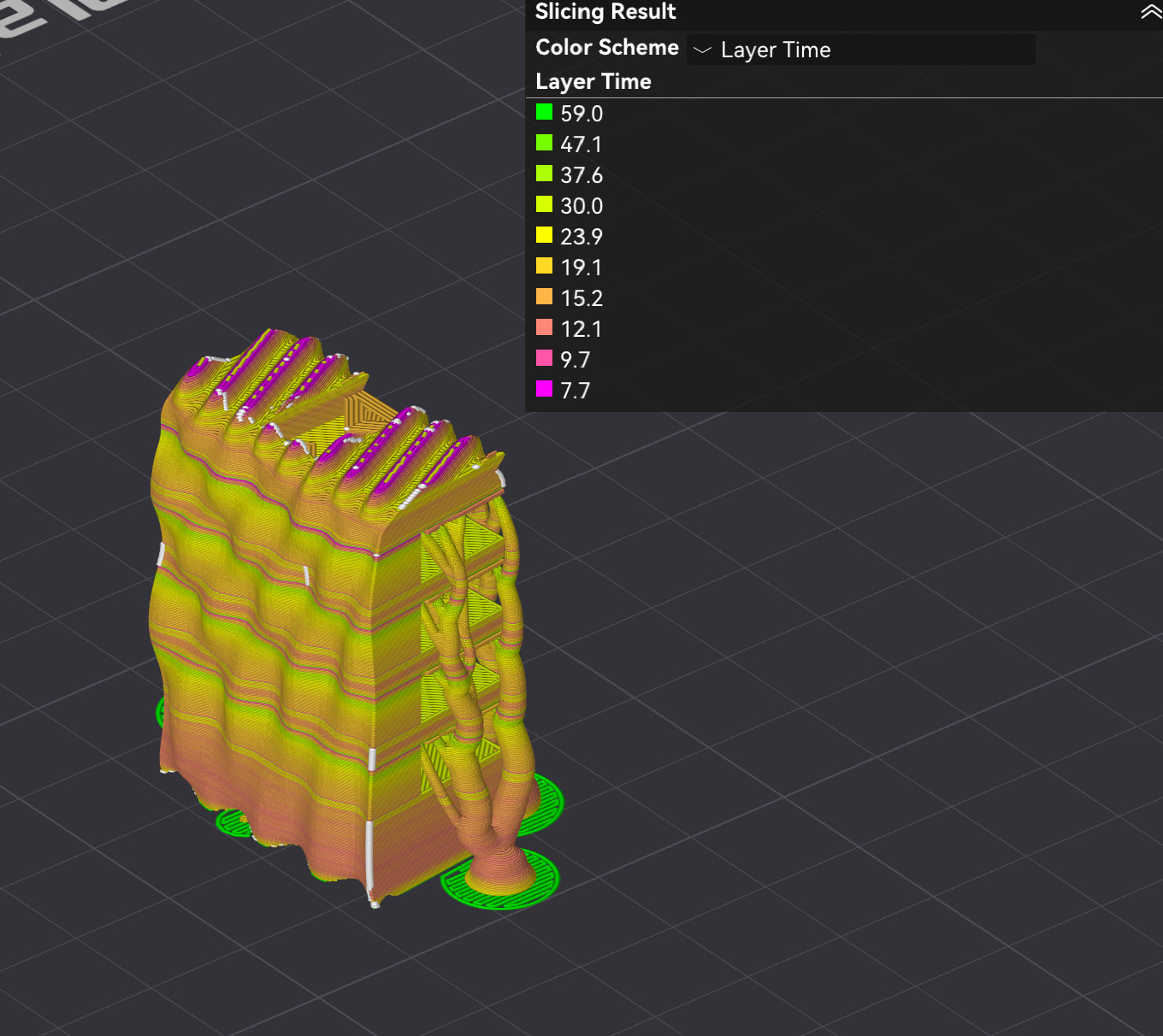
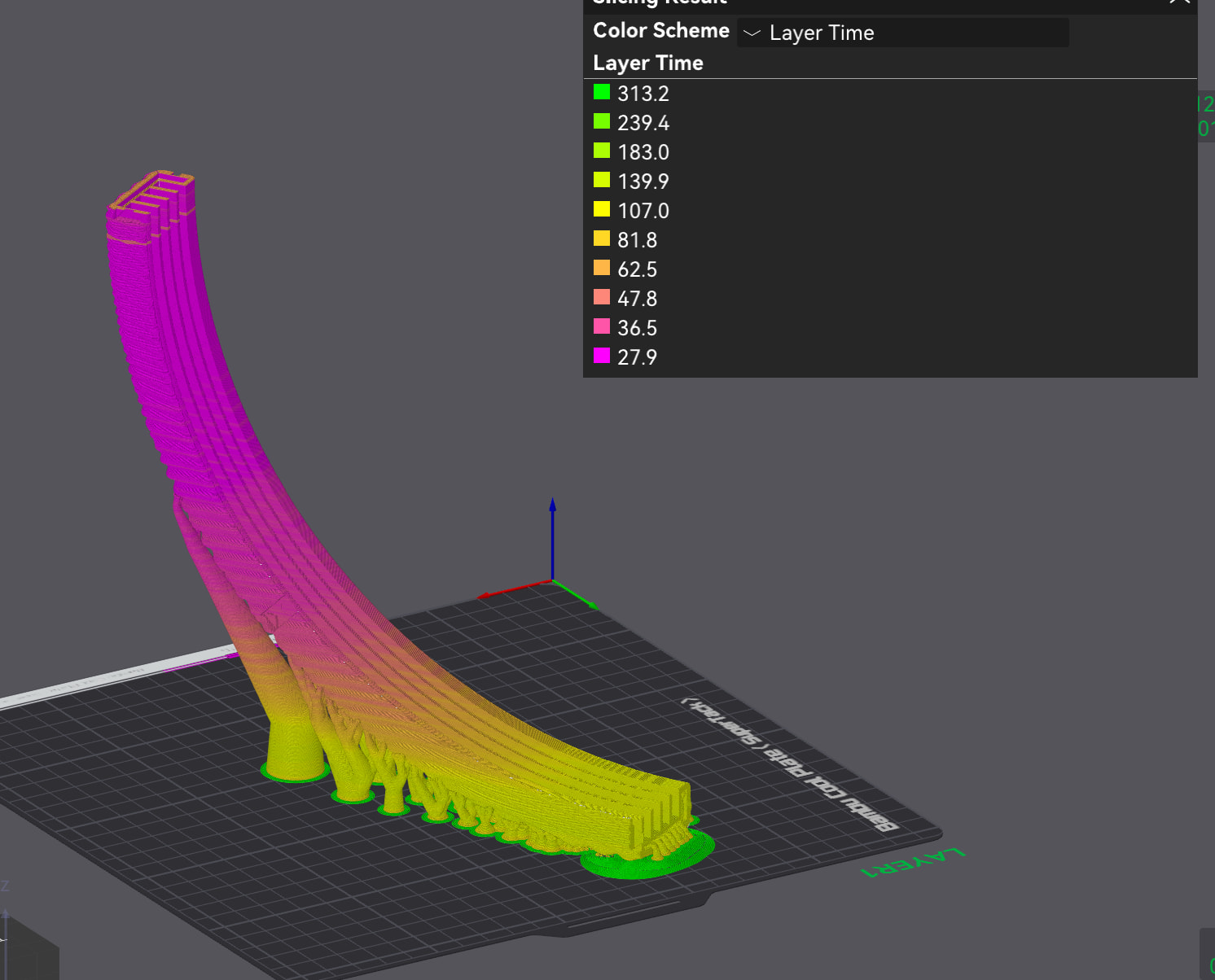
It looks like you have already stumbled upon the answer with the layer time.
You can try slowing down your minimum layer time and outer wall speeds. It will make a print take longer but the quality is better.
Neo987
3
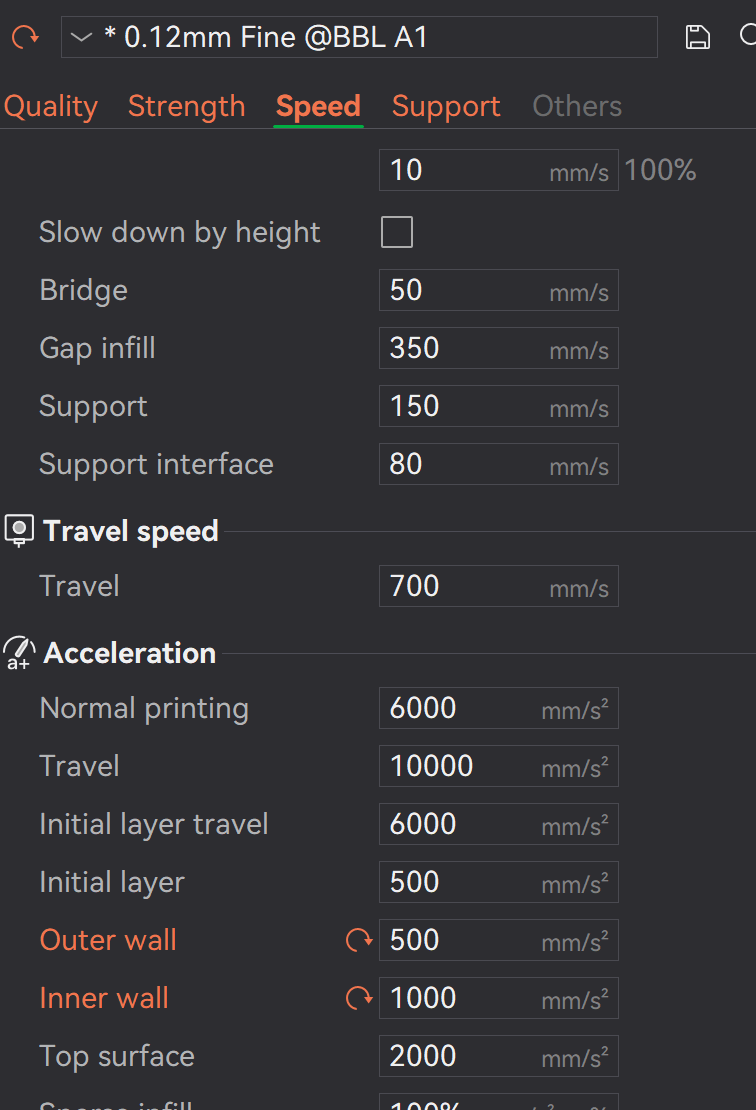
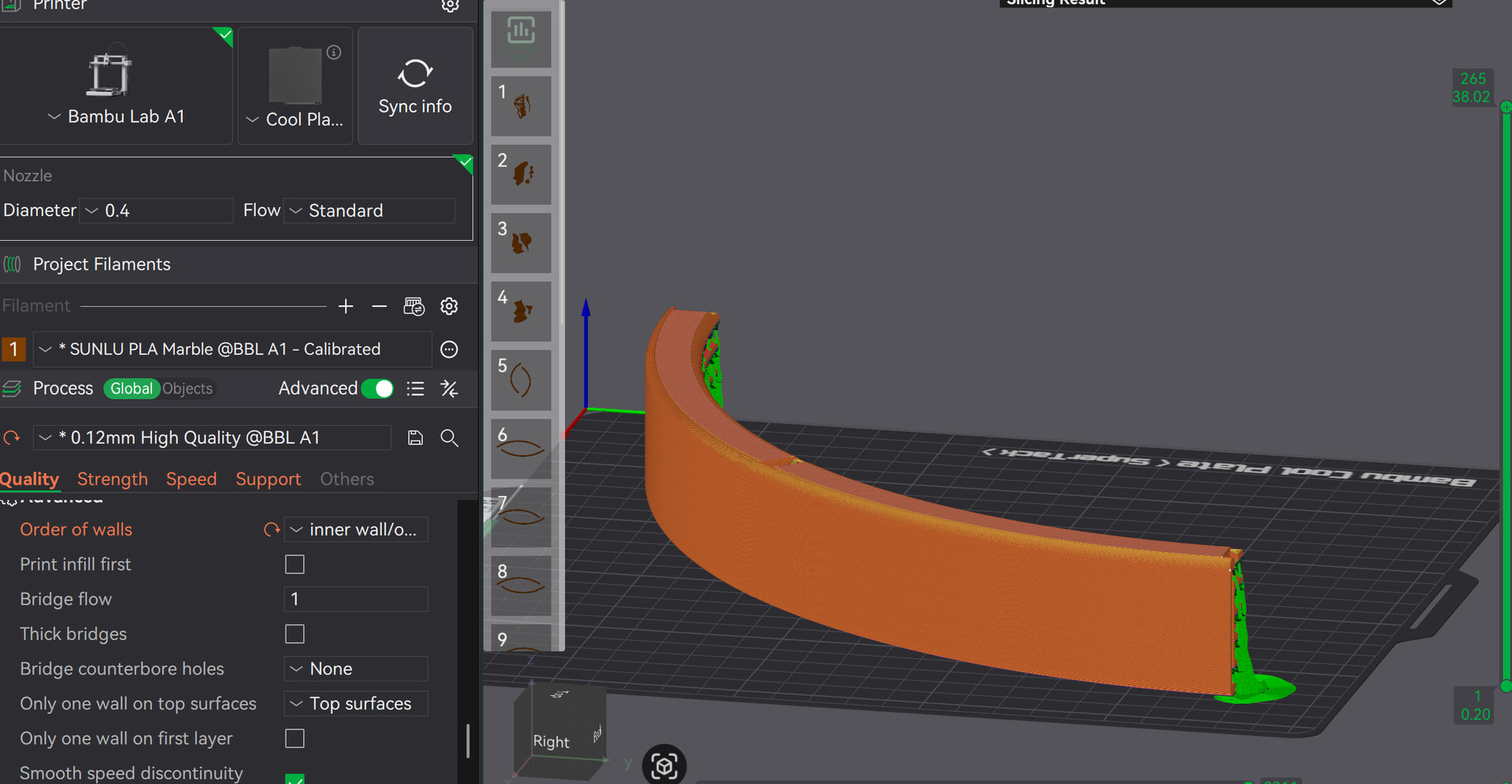
hi, thanks for the quick reply, i’ve tried slowing down the speeds, here’s the settings
Do me a favor and attach the 3mf file.
It will be easier if I adjust the settings and you can see those
Neo987
5
model.3mf (6.8 MB)hi, here’s the file will the full piece of the model
Here, its under your filament settings to set the minimum layer time. This is going to take a lot longer, but the speed is consistent between layers.
I also think you had a lot of adjustments in there that were simply unnecessary.
The part itself is just hard because of all the overhangs.
model.3mf (6.8 MB)
Neo987
7
wow thanks thats awsome, i’ll reprint this today and see how it turns out, thanks for the help!
Neiljt
8
Did you try laying the piece in a different orientation ? like on its back rather than upright ?
lkraus
10
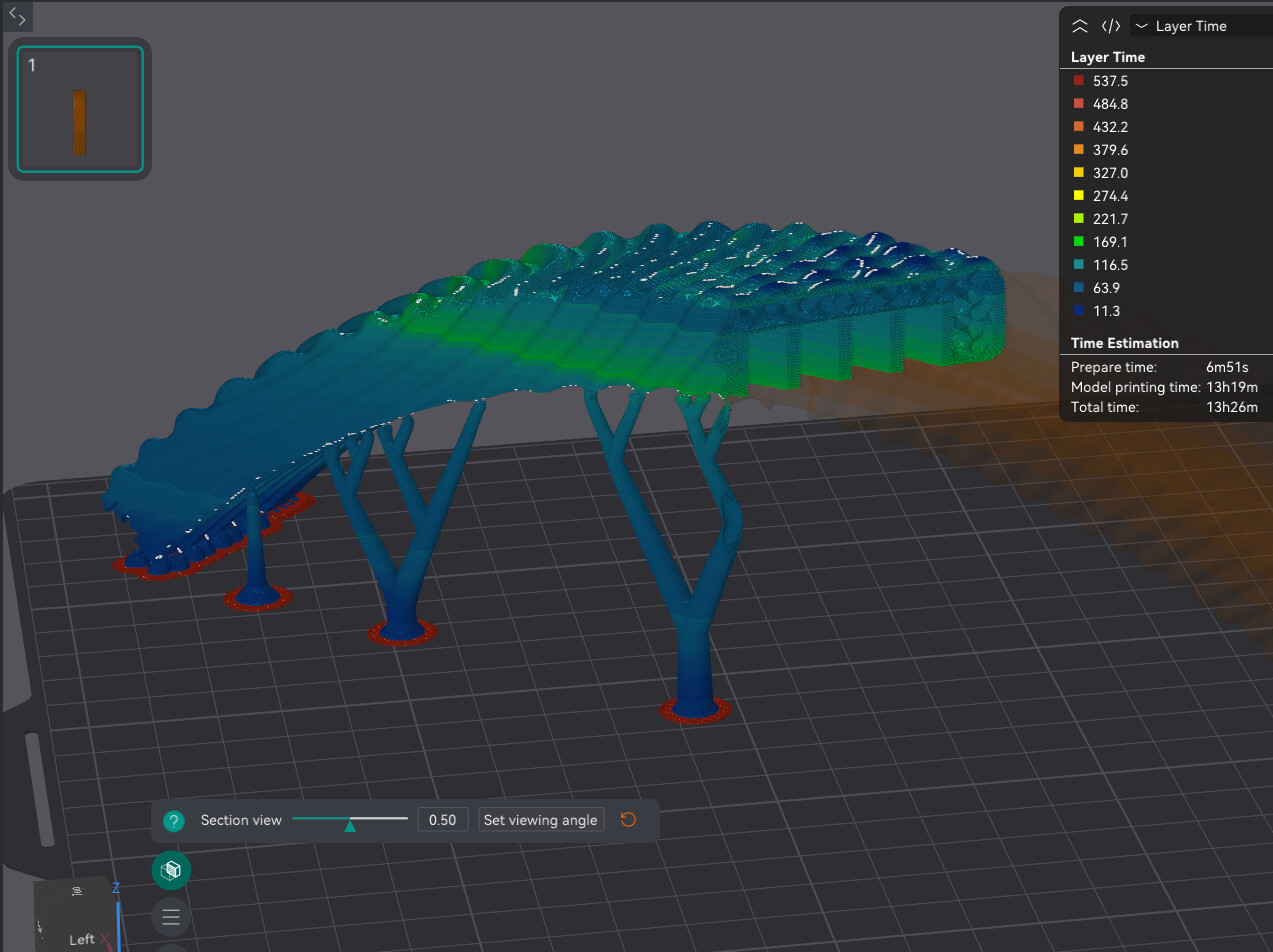
I was playing with the orientation in OrcaSlicer. I’m tempted to see if it will actually print:
Neo987
11
i’m tempted to try  but will send the CincinnatiDesigns setting to the printer
Neiljt
12
It appears to be the wrong way round , fortunatley the OP got the point , without the need for pedantics.
I tried a similar orientation out. Only difference was I had it standing up a little more.
Issue was that the pattern looked iffy closer to the top because of the way the layers are being put down. I usually look for more consistency.
Neo987
14
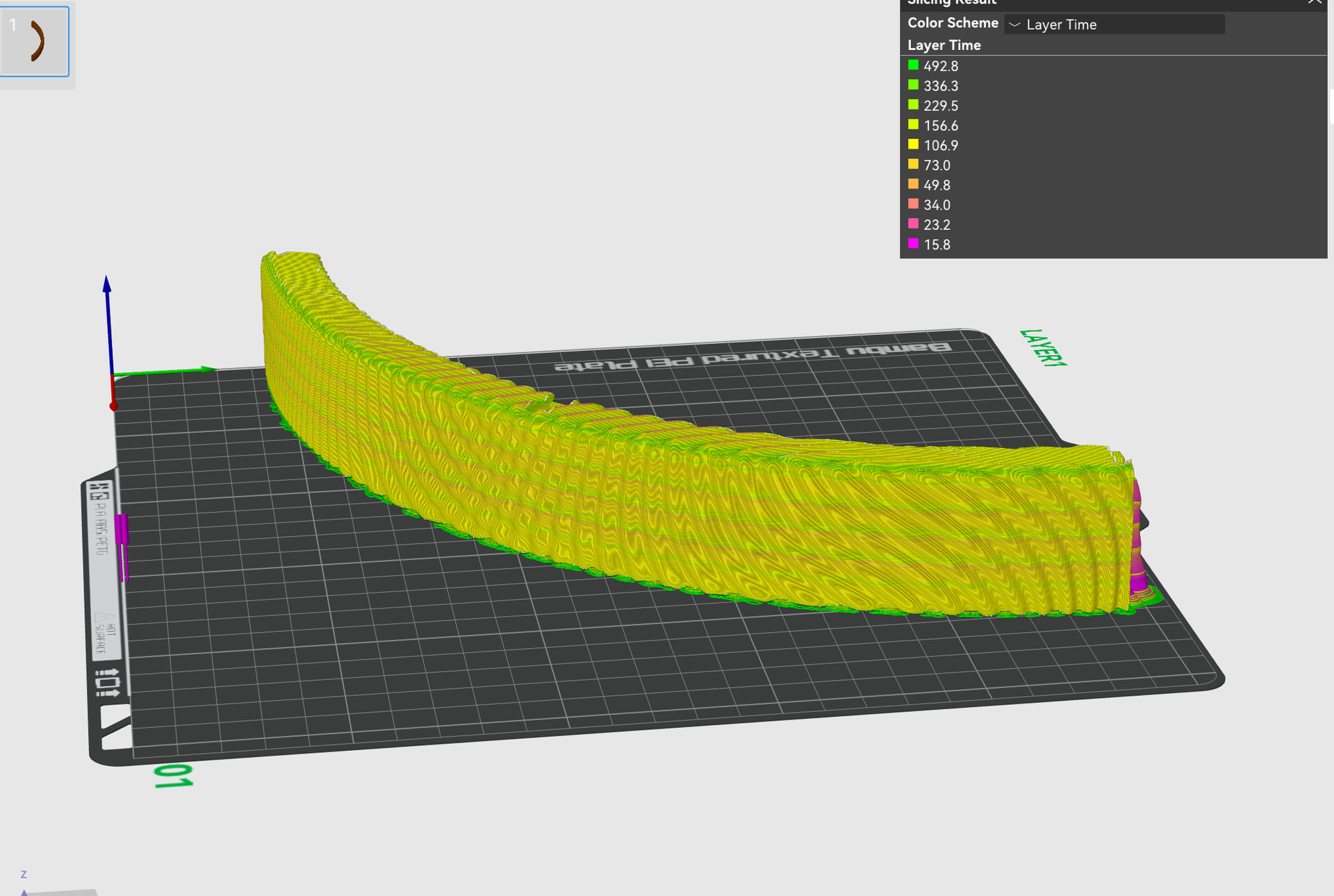
no luck so far with the layer lines, trying the same settings with 0.12 high quality now the preview looks more consistant,