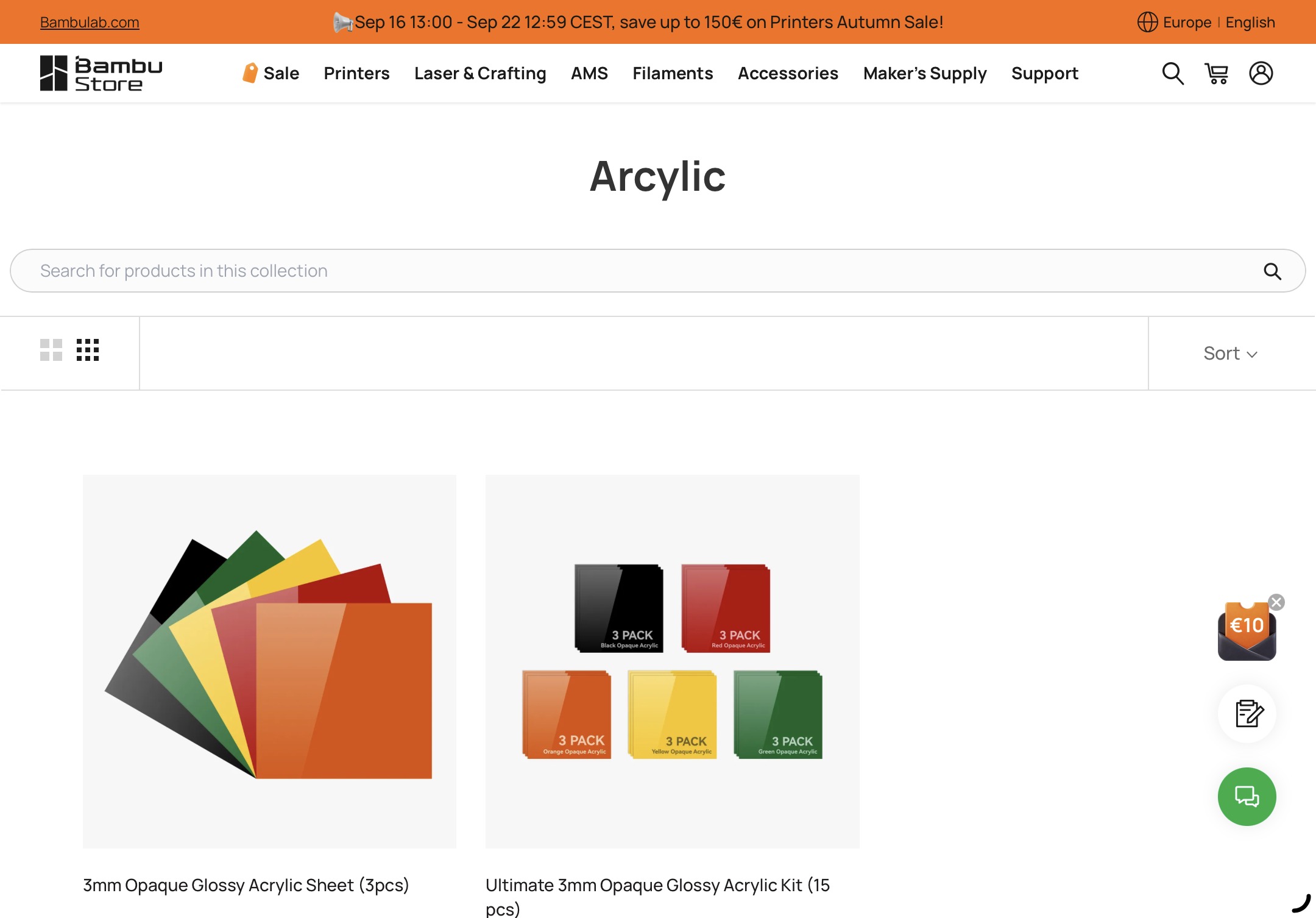
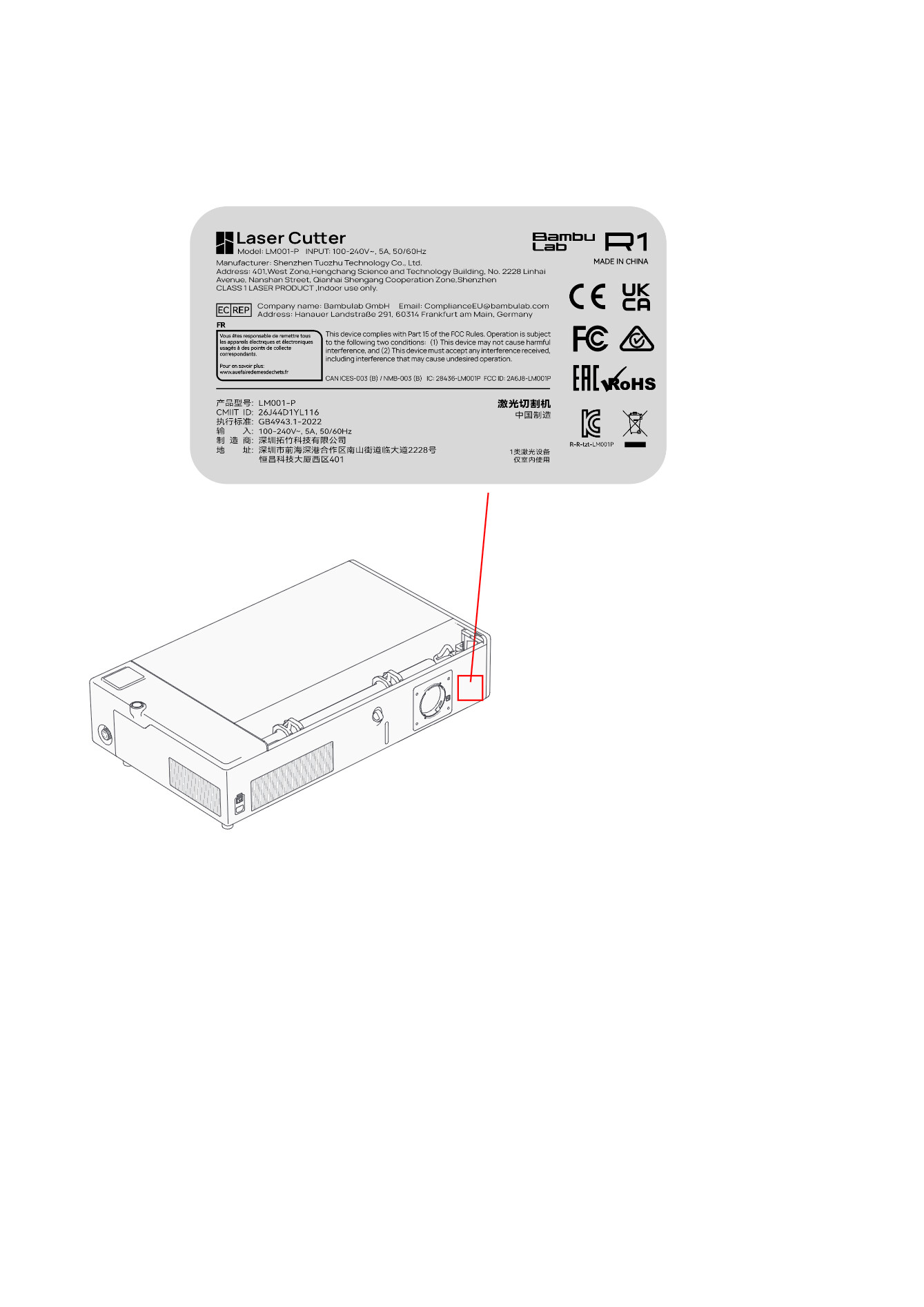
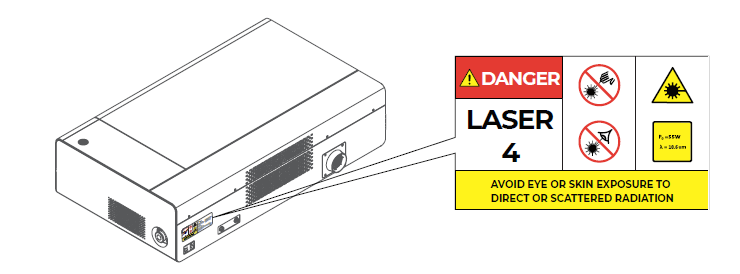
Seems like bambu has already updated the store:
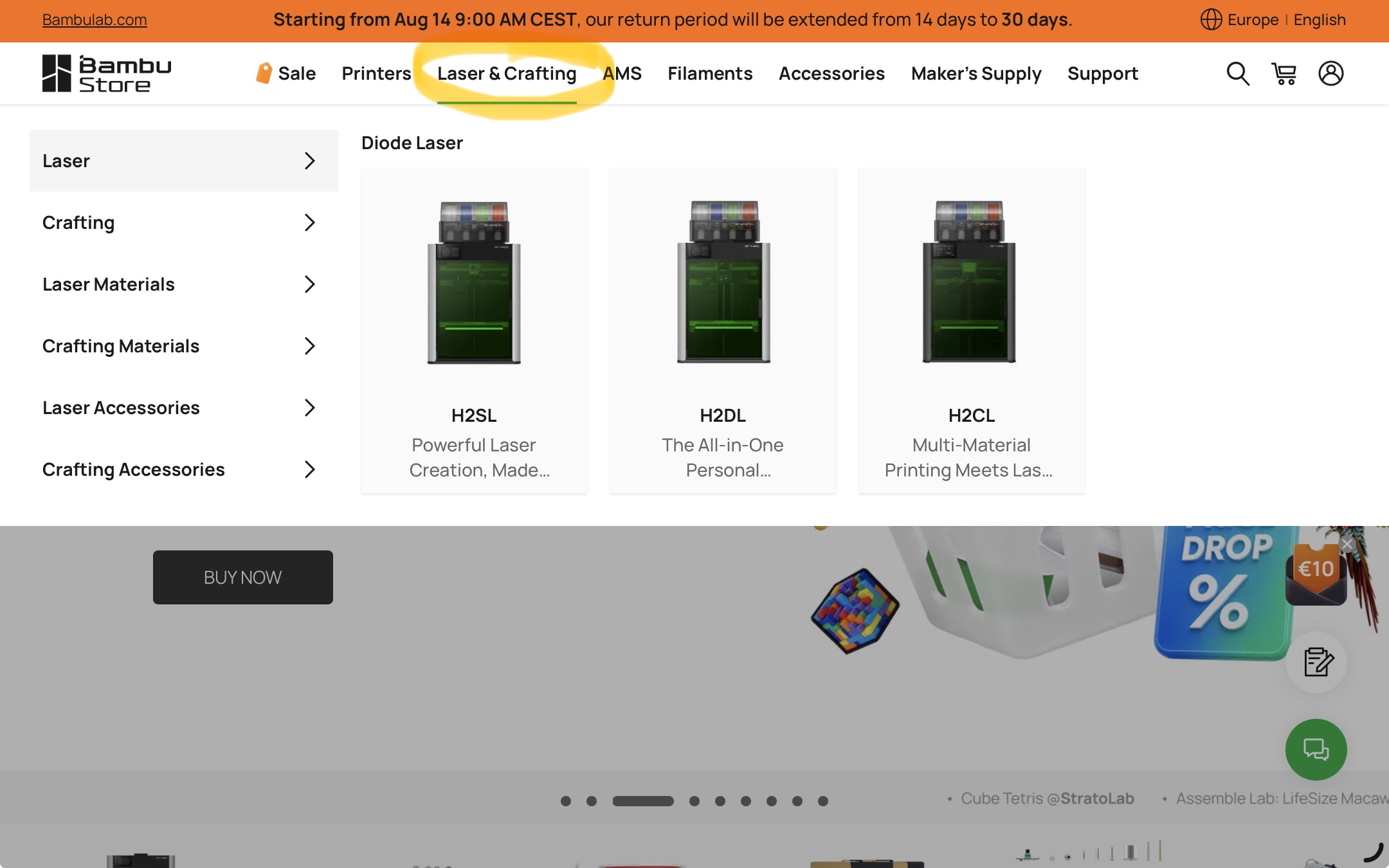
Edit: nice spelling bambu!
Edit: Created a new topic for this.
Real?
I hope that this time there will be a system to show where the laser will engrave, rather than having to guess randomly where we’re going to engrave.
Most of the time a red (guide) laser is used to show the location where the IR laser will go.
Not on the H2C and It’s a real painful to place items correctly
I was referring to the R1.
As for your issue, I would advise you to open a support ticket at Bambu.
I have the H2D Laser version, and my alignment is fine.
If you Birds Eye View camera has not the correct alignment, it might be a calibration issue or a hardware problem.
Wondering if there will be the capability to cut through material thicker than advertised via a multi-pass adjustable depth technic? ie: First pass at 5mm, the same for the second and third pass, etc. i don’t really see why not?
Well, I know less about how these things actually work than I thought so please disregard previous post. My apologies.
No points apologizing over. If you prefer I’d suggest simply downloading the app and play around to see what options are available. No need to own the machines.
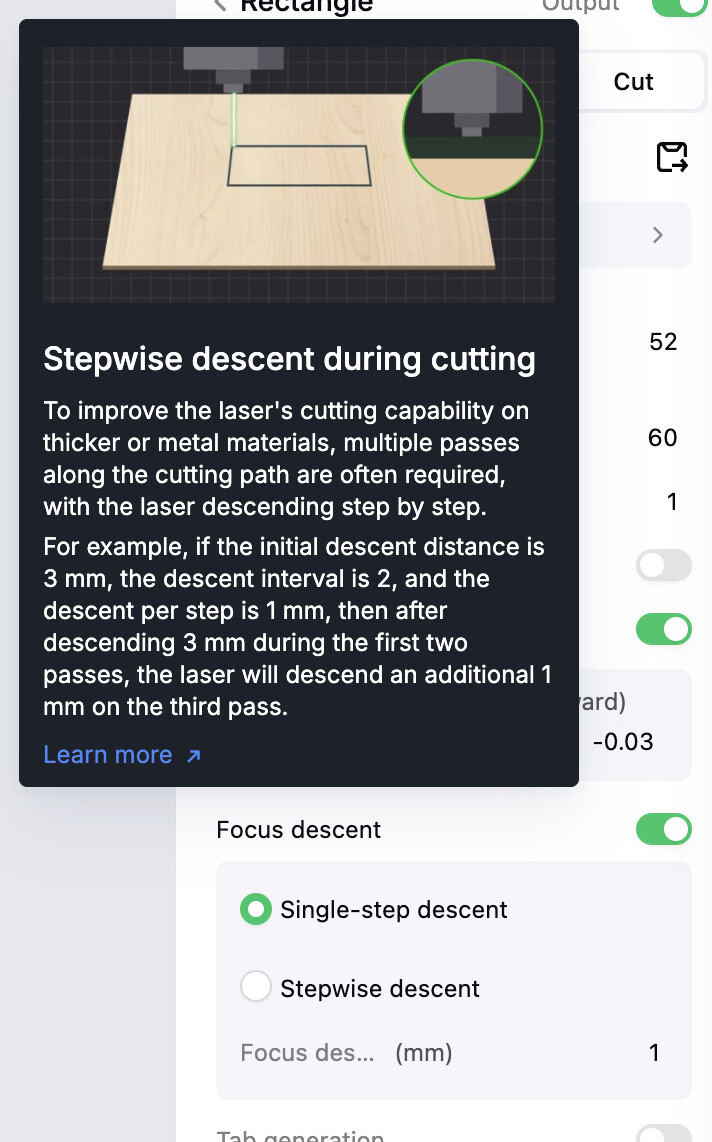
R1 can do multiple passes to do that but the better implementation is with focus descent, lowering the focus each pass, that R1 currently lacks:
(xTool as example)
Nice but a bit too small for me. I want it bigger.
I got a broken Bird Eye that always shifted the intended point up, down, left or right from what I expected. With a new Bird Eye it fixed that problem so yes a broken camera can indeed be the problem.
I think I know what was wrong; the combo is up,up,down,down,left,right,left,right,B,A,start. 
you sure its not a.b. start? 
I just played Contra with my kids a few weeks ago and they loved it. That combo will be burned in my head for life.
Yes, I am sure!
252525