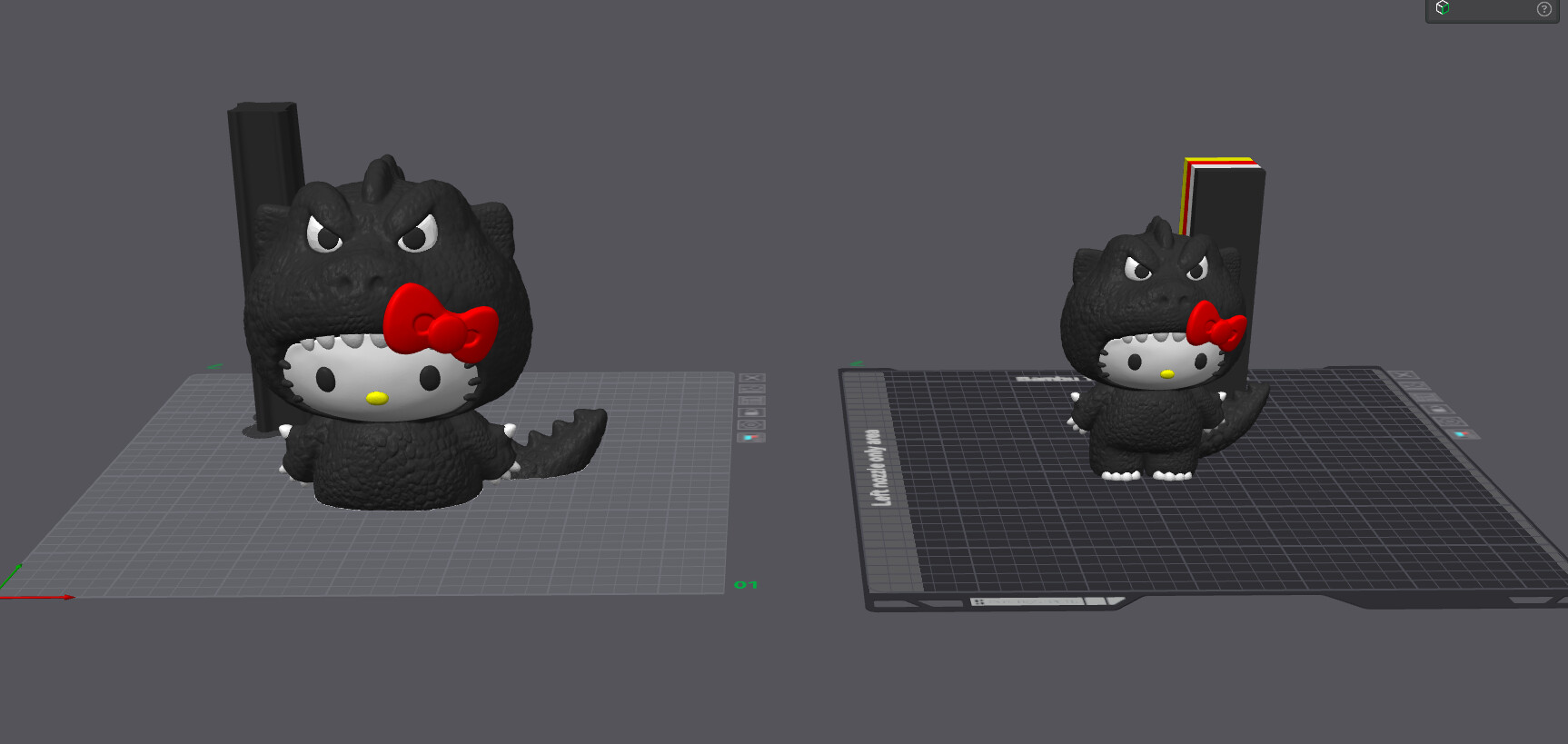
Can confirm this:
- macOS 27.2
- H2D Pro
The new feature to zoom in on the liveview camera takes its place of where the center is to zoom to upside down, while it does it correctly left/right.
Up/down is mirrored - very confusing at first.
My setup:
My mac is quite a bit more powerful (M5 max), also running macOS 27.2. I see the video freezing for a second or two every so often.
Initially I didn’t see the problem, but as it continues to run it seems to get worse.
Mesh boolean no longer works since installing 2.9.1.70. Two clean objects and it still won’t play.
Plan on fixing?
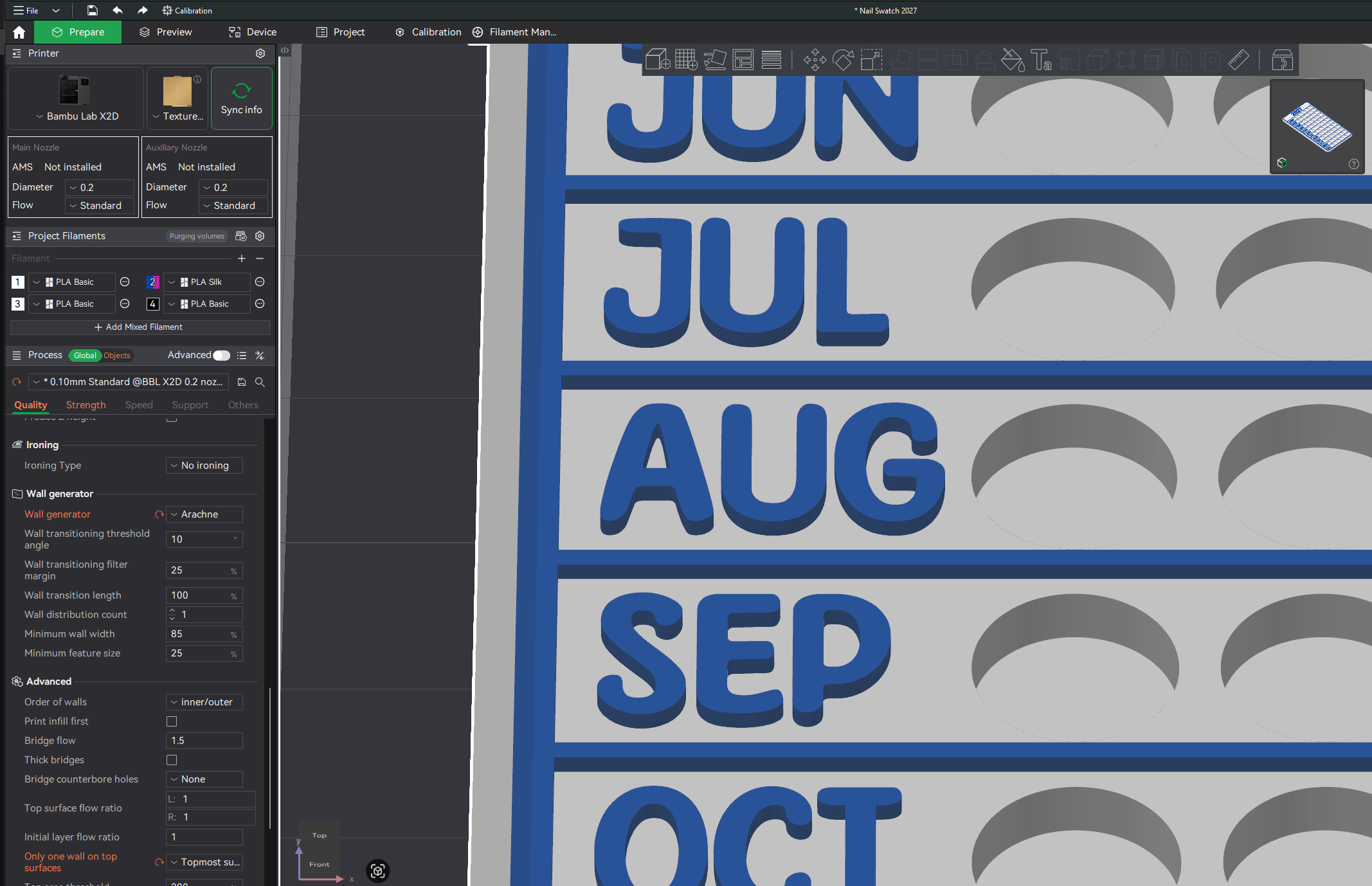
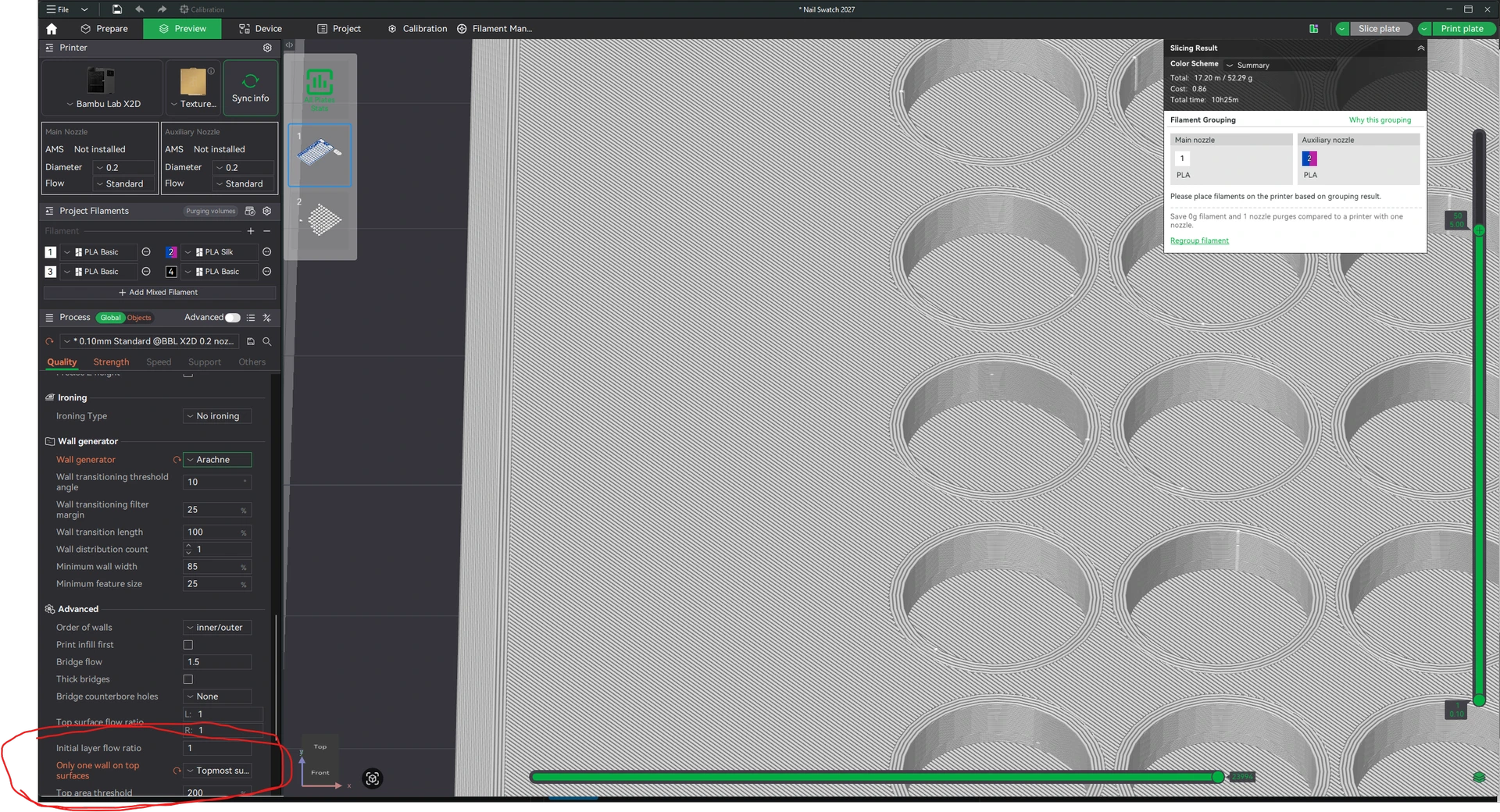
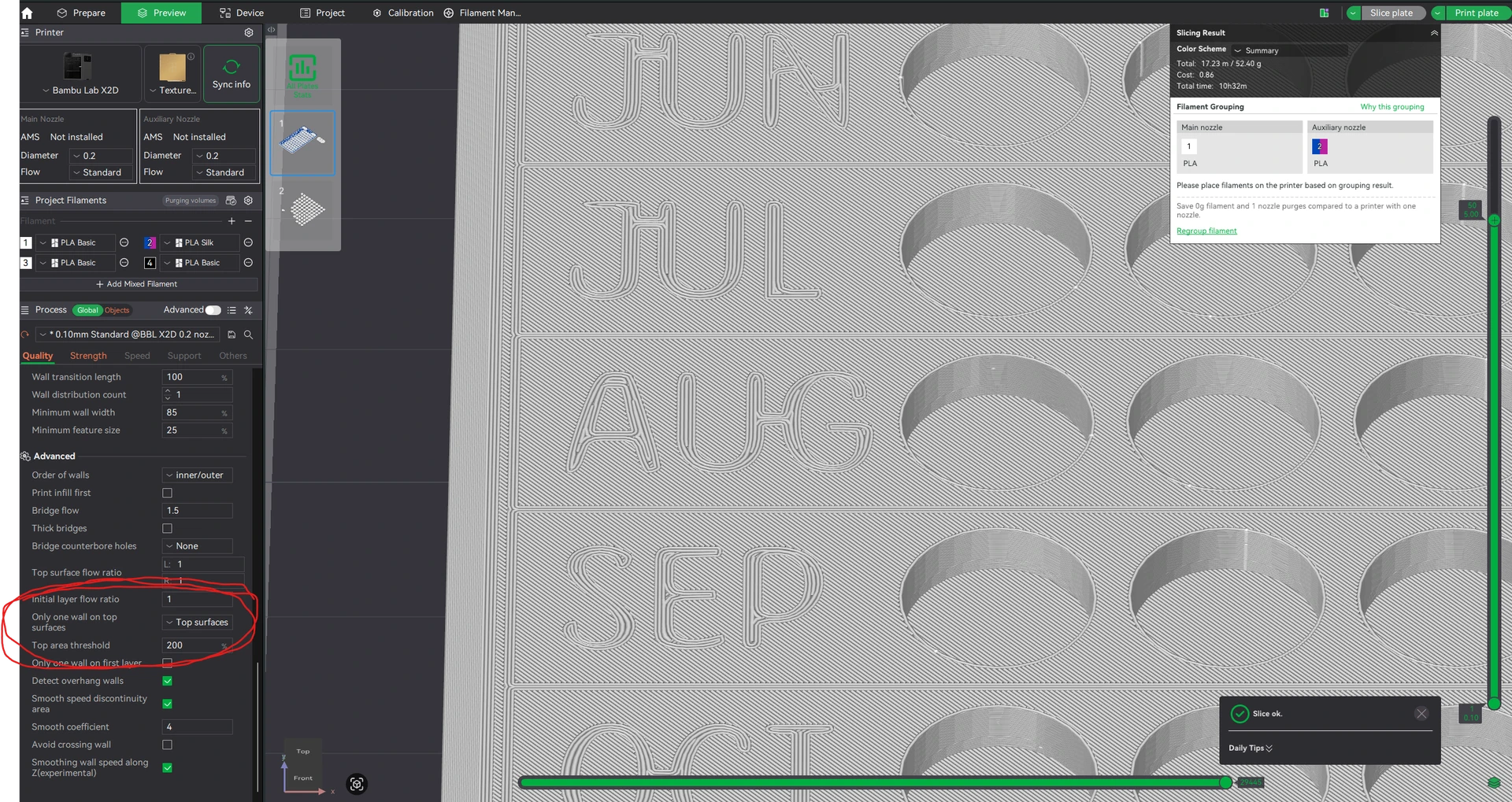
Problem: Interface Shells setting does not work correctly when ‘Only one wall on top surfaces’ is set to ‘Top Surfaces’ or 'Not Applied.’
This has been an issue for several versions of Bambu Studio. Orca Slicer does not have this problem. The issue is more prominent with Wall Generator: Arachne, but it also happens with Wall Generator: Classic.
Studio Version: 2.9.1.70
Platform: Windows
Steps to reproduce:
Example item to print:
Top white layer with Interface Shells: Enabled, and Only one wall on top surfaces**: Topmost Only**
Same layer with Interface Shells: Enabled, and Only one wall on top surfaces**: Top Surfaces** (everything the same except this single change)
Other information: Windows 11, X2D
Also seeing the video issue as soon as I updated to 2.9.1.70. Basically unusable.
Same issue with video, 2-10 frames per min. Long to load from black screen too. Mac M4 Sequoia
H2D and A1 mini. Windows, no issues here. Has to be on the MAC app.
After updating Bambu Studio to version 02.09.01.70, I encountered an issue with the H2C print job dispatching.
When initiating a print task, I manually select a specific nozzle for the right toolhead (for example, Nozzle Slot #3) on the “Send print job” page. However, H2C ignores the chosen nozzle and always defaults to the very last nozzle slot available on the rack (e.g., if there are 5 nozzles loaded on the right hotend rack, it will force the use of the 6th slot instead).
Problem: Bambu Studio Assistant (HMS) has a red 1 notification. The HMS tab is empty when I try to open it and nothing will make this notification go away.
Studio Version: 2.9.1.70
Platform: Windows 11
After updating the firmware from 1.02.50.00 beta to 1.03.00.00, this bug was resolved.
H2C.
My p2s also on 1.03.00.00 is still exhibiting the phantom HMS notification.
New bug in Bambu Studio ver. 02.09.01.70… when you use the zoom on the camera in printer view , the point you put your cursor is vertically opposite to where the screen zooms in. On mac. H2D
Bambu Studio 09.02.01.70, Windows 11. When I “cut” an object, I get an error about a broken mesh. Attempts to fix the mesh fail. I cannot subsequently “Assemble” the two pieces again.
Rolling back for now.
bambu-studiobug-report
I am having a similar problem. For me: When initiating a print task, I manually select a specific nozzle for the right toolhead (for example, Nozzle Slot #3 or R3) on the “Send print job” page. However, H2C ignores the chosen nozzle and chooses its own nozzle depending on what nozzle was used last for that material.
I use Bambu-studio 2.08.02.61 on Win 10 Pro, nVidia GeForce RTX 4060, with an H2D, AMS 2 Pro, and an AMS HT. I have done the suggested nVidia mods to prevent the slicer from crashing. <== THIS WORKS.
When I upgrade to BS 2.09.01.70, the program starts. Some things work, like I can turn the chamber light on and off and the interior camera works. But whenever I try to do anything else, like placing parts, slicing, turning on a heater, a dialog comes up that says, “Please try updating Bambu Studio and then try again [OK]”. The irony is, updating Bambu Studio is what causes the error. I have tried:
Luckily, when I reinstall BS 2.08.02.61, everything goes back to working perfectly. Searching for this specific error message yields no helpful results. I believe this is a bug, but I hope I am not doing something wrong. I have been 3D printing for over a decade, but am new to the Bambu ecosphere.