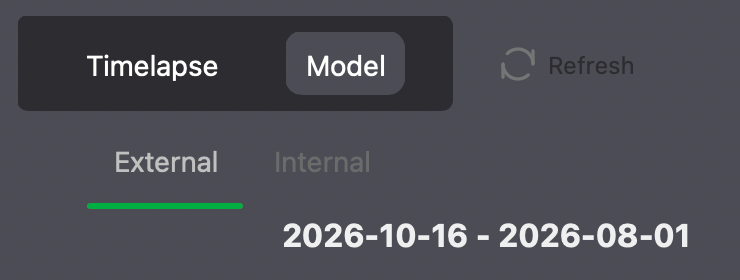
In Bambu Stuudio v2.8.2.61, All printers completely firmware updated as of today.
X2D, The storage screen looks like this:
On my P2S, also with a USB drive inserted, it looks like this:
Why don’t I get the “External / Internal” selector? (also not visible on my A1 mini)
I can “SEND” prints to Cache or External, so I know the USB drive is fine. Any ideas?
The X2D has storage built in, where the A1 Mini and other prints don’t. I’m not as familiar with the P2S, so. I just know that all the printers have some level of inbuilt storage, but like with the X2D, it’s much larger and can accommodate time lapses and stuff. For like the A1 Mini, and others like it, the internal storage is just large enough to hold incoming print jobs, more or less, so isn’t accessible in the same way.