If I can make a suggestion, if you have not already, provide brackets and cutting templates for display cases
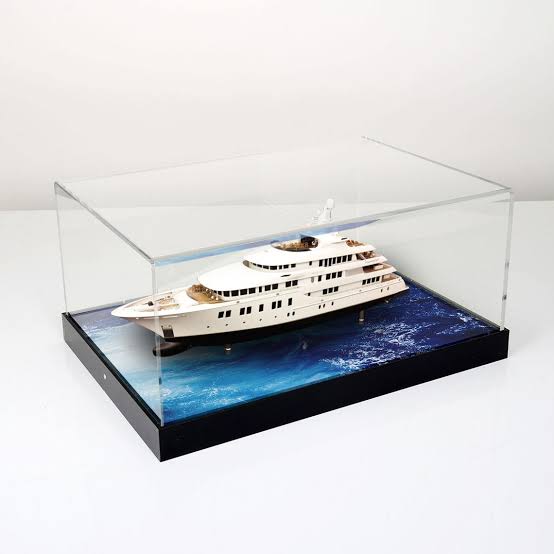
Funny thing, I still think it is a huge ship.
But compared to the insanely large ships from MSC and Royal Caribbean, its small. The qm2 is 22 years old now, other companies are just building bigger and bigger.
Back in 2004, it was the largest ship in its category.
I’ll agree that liners are huge for man made mobile structures.
But as ships go, the box ships and tankers are larger. See a lot of those living in Singapore (one of the world’s busiest container and oil ports).
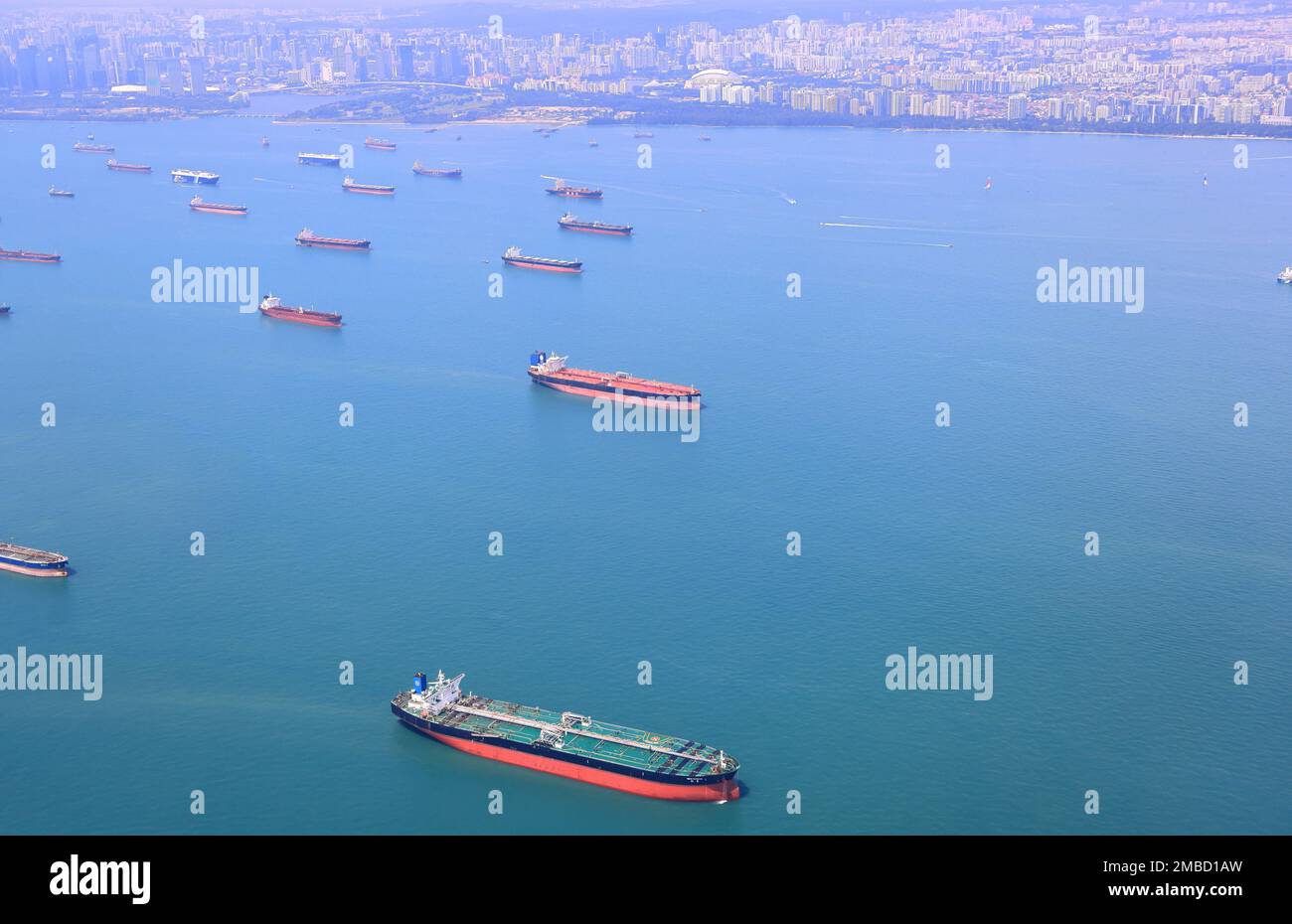
edit the stupid stock image website says there are liners there. i do not see any. i think those blue and white ones are PCTC.
Oh. Yeah. I didnt realize you were generalizing. I was only thinking in terms of cruise ships.
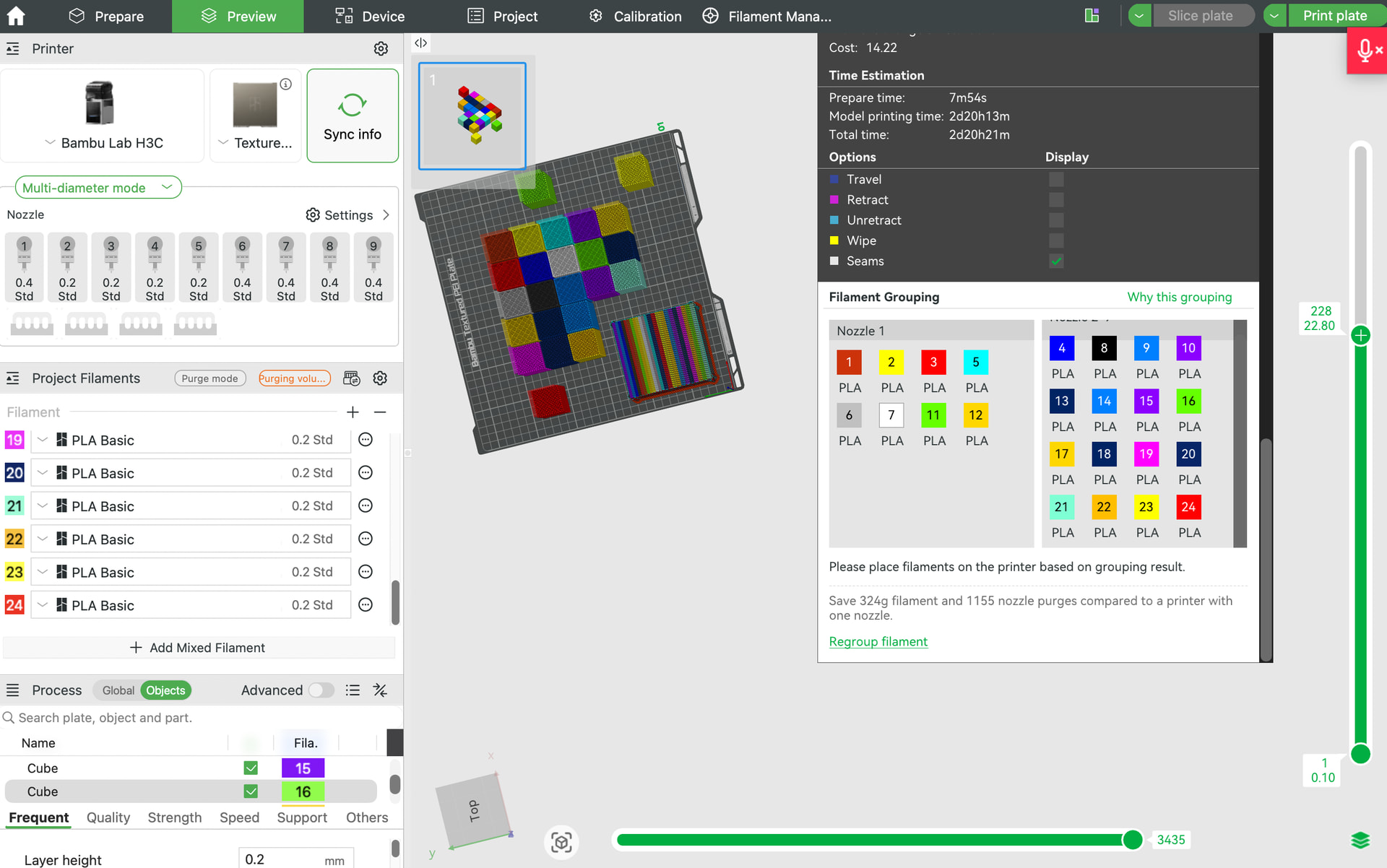
Looking into the H3C for my 12 colour Dual Nozzle prints.
I think the H2C should be able to handle 12 colours on dual nozzles each fine - with 4 Vortec as 0.2, 3 as 0.4, with the left nozzle 0.4. 12 rolls of filament might be possible too with the filament track switch. - Or maybe I might have to double up the white.
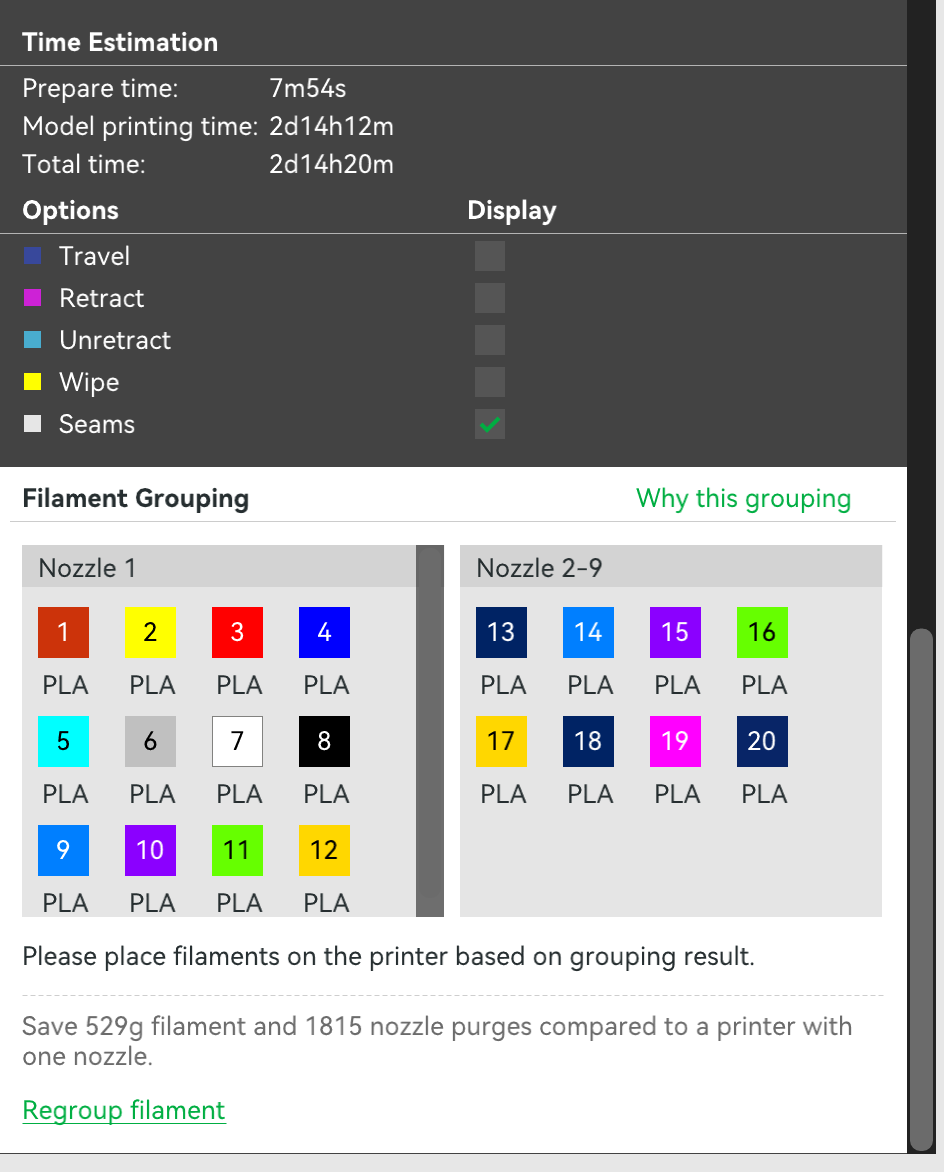
I think on the H3C you will only be able to go up to 8 colours dual nozzle, and you will need duplicate rolls of the 8 colours. With nozzle 1 for example 0.4 with 2 x AMS, and then nozzle 2-9 all 0.2 - as 0.4 easier to purge.
Thought however I would try a test slice with 12 x 2 = 24 colours - and the slicer is seeming to take it - putting 8 colours in slot one on 2 of the AMSs - with 16 colours somehow being assigned to the 8 remaining nozzles - I don’t think that will work - so I am surprised the slicer accepts it.
I know you are an experienced designer and don’t need help, and certainly don’t need my comments, but I was looking at this earlier to re-colour some older models I had, and basically I realized that all of the problems vanish if the model is parted out for printing, rather than being parted out to be faithful to the source. This is also the approaching being done by some of the commercial designers I follow.
agreed - thats how I got my 1:500 12 colour Aurora to work on an 8 colour Prusa C1 INDX. The 1:500’s generally need splitting up anyway to fit on the build plate. I do though like doing the 1:1000s as single part prints if I can. Also with the H3C swapping colour rolls is going to be a lot more of a pain than it is on the H2C due to the non retracting AMS - although swapping rolls between the two print heads is a bit annoying on the H2C.
I always forget how serious the FDM community is about not liking glue and supports. I came from traditional model kits and resin, over there we cut parts off frames, or remove supports, and glue them.
I can see the attraction; ah boy cannot be trusted with knives and superglue!
Yes I’m not keen on glue or painting - for multi part models these days I mostly use springyT’s (as inspired by @slant3d) to join the parts - but for my earlier models it’s mostly cap head bolts and dovetails.
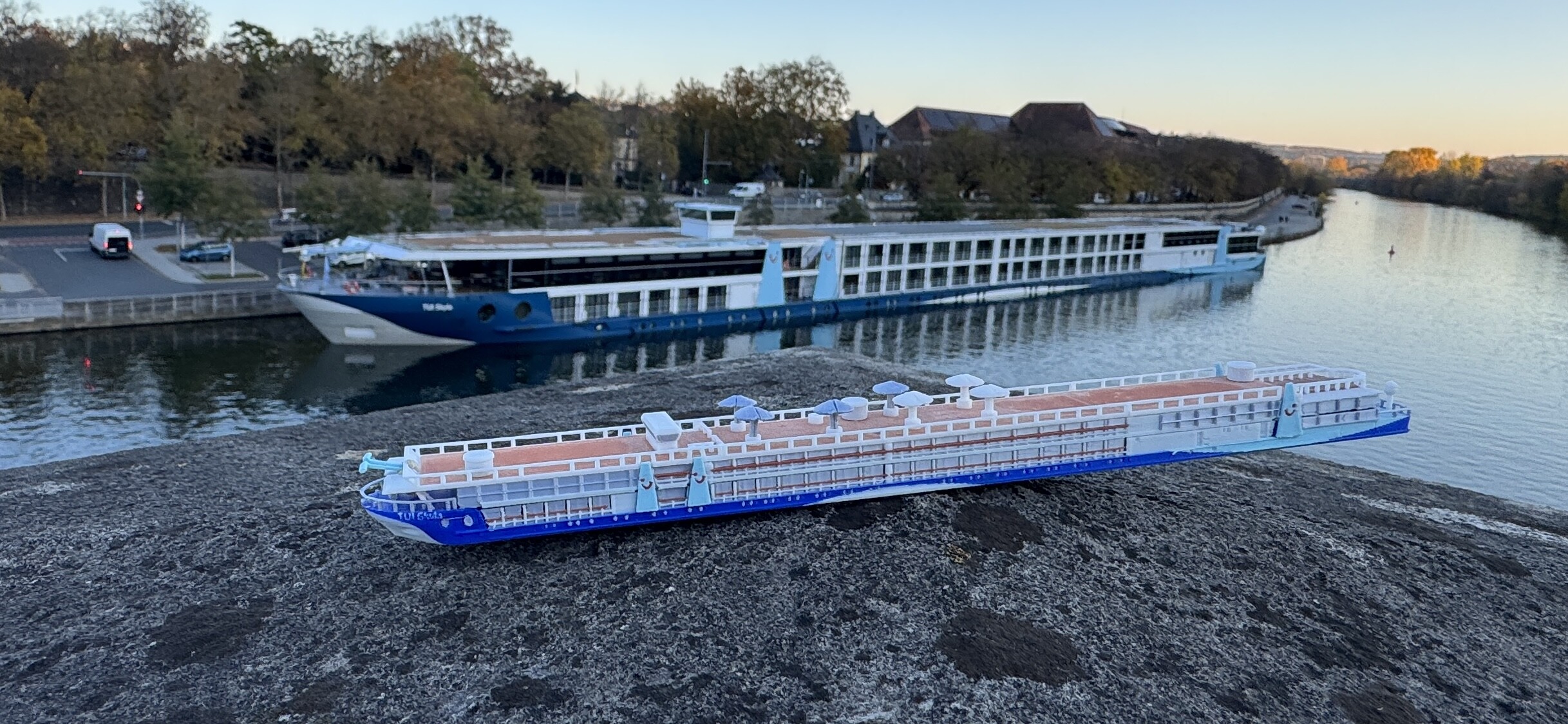
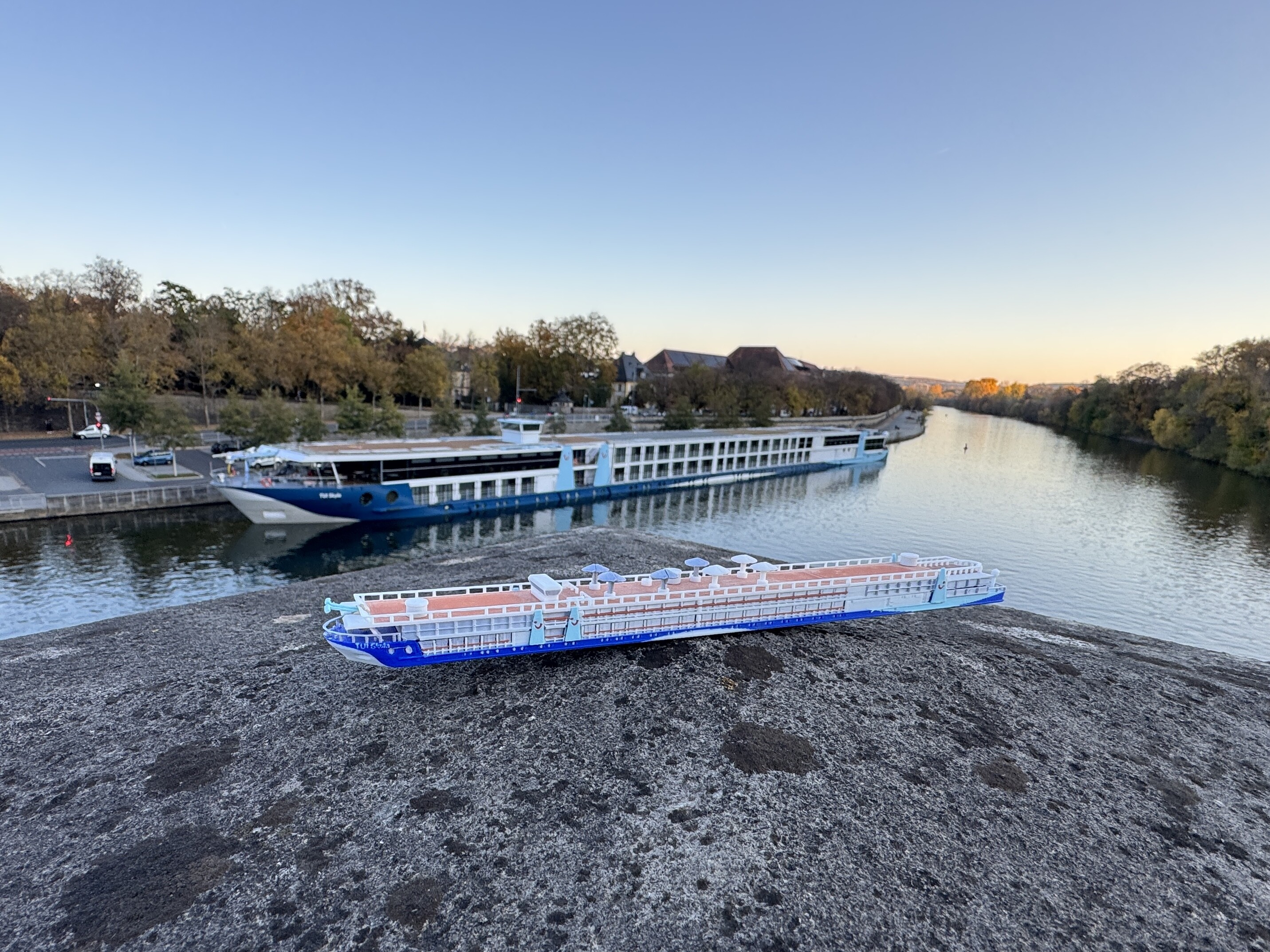
Very different design philosophy. This one is 12cm long and over 50 pieces because it was made to print without an AMS. (example: the side windows are 3 parts each, and there are 6 side windows plus another at the back; the headlamp grill is 4 parts etc)
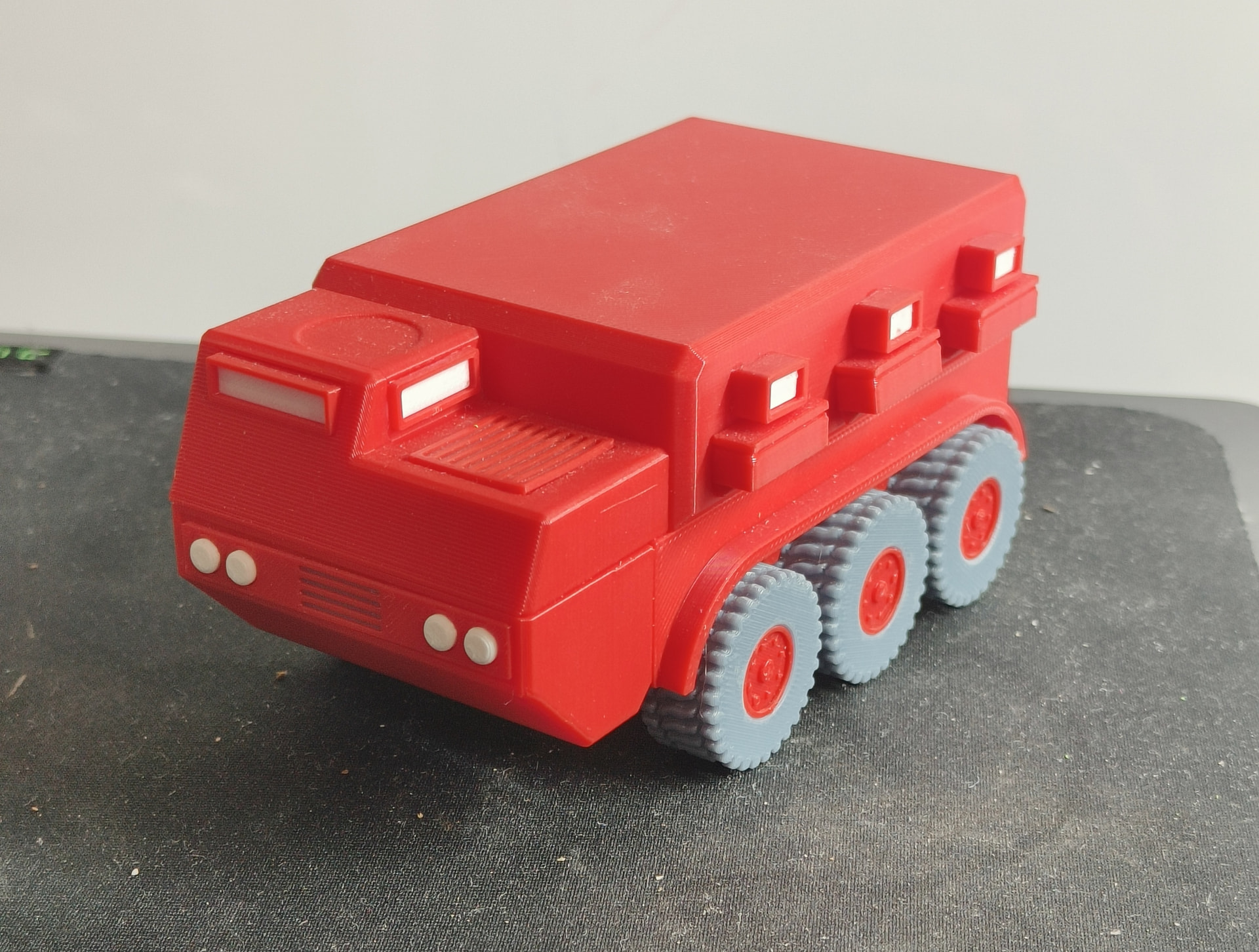
(It’s an imaginary armoured vehicle; one of my side projects is to make a parametric design program that can build these from english instructions. Then AI came along, but AI is not quite there yet. So now I don’t know if I should continue to work on the code or buy a real GPU and train an AI)
Just to be clear, this one is manually designed; my code is not that good 
I would go with the AI - it’s so easy getting Claude for example to make changes to existing code. I think precise English instructions will end up taking over from step files for model exchanges too. I’ve been experimenting with writing a fusion addin that exports the timeline in English instructions - so that the model can be refactored / reworked offline - or the timeline can be imported (via an AI) back into fusion or another modelling software.
I can run a 27B model locally, but training is difficult. I usually use Qwen. I noticed the other day Google released Gemma for local work. I don’t think Claude is available without a US cloud system.