As the title says, the printer reports Extruder motor overload during ironing 30mm 20% and only during this ironing step, noting is wrong visually, i see that it is working fine, but yet it stops and tells me confidently that there is something wrong? Anyone else have this issue?
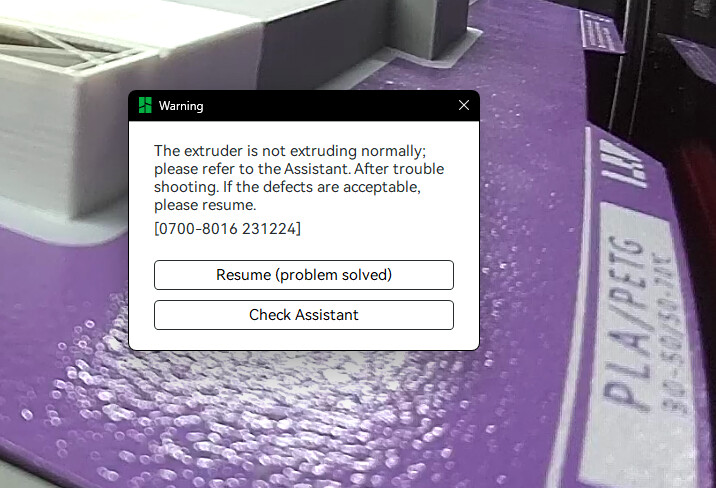
As for me - every error contains extruder word - means nozzle clogged.
In 100% of cases
Try turning down the ironing flow rate - if the extruder is trying to push more material through the nozzle than what’s coming out, it will see increased resistance and throw an error like that.
Go down to perhaps 5% to test that the issue is truly gone, and if it is then gradually increase until it reappears.
Plate implies PLA/PETG but you should specify the filaments you are using.
Based on my experience 30mm 20% flow should not be pushing extruder into overload under good circumstances.
Good circumstances, as in, 1. calibrated flow rates 2. periodically cold pulled (clean) nozzles. If the surface is already somewhat over-extruded, that could leave no room for ironing flows to go, hence the overload. Same if the nozzle has too much residue inside.
I’d suggest do a manual calibration of the flow rate first, which will help with ironed surface quality.

i think perhaps it may be a clogged/dirty nozzle? I tried to recalibrate and the nozzle clumping detection says that there is excessive force on the nozzle.
I will try to do another cold pull and see if that helps.