How difficult is the H2C to tram? I am a month in and I’m still having issues…
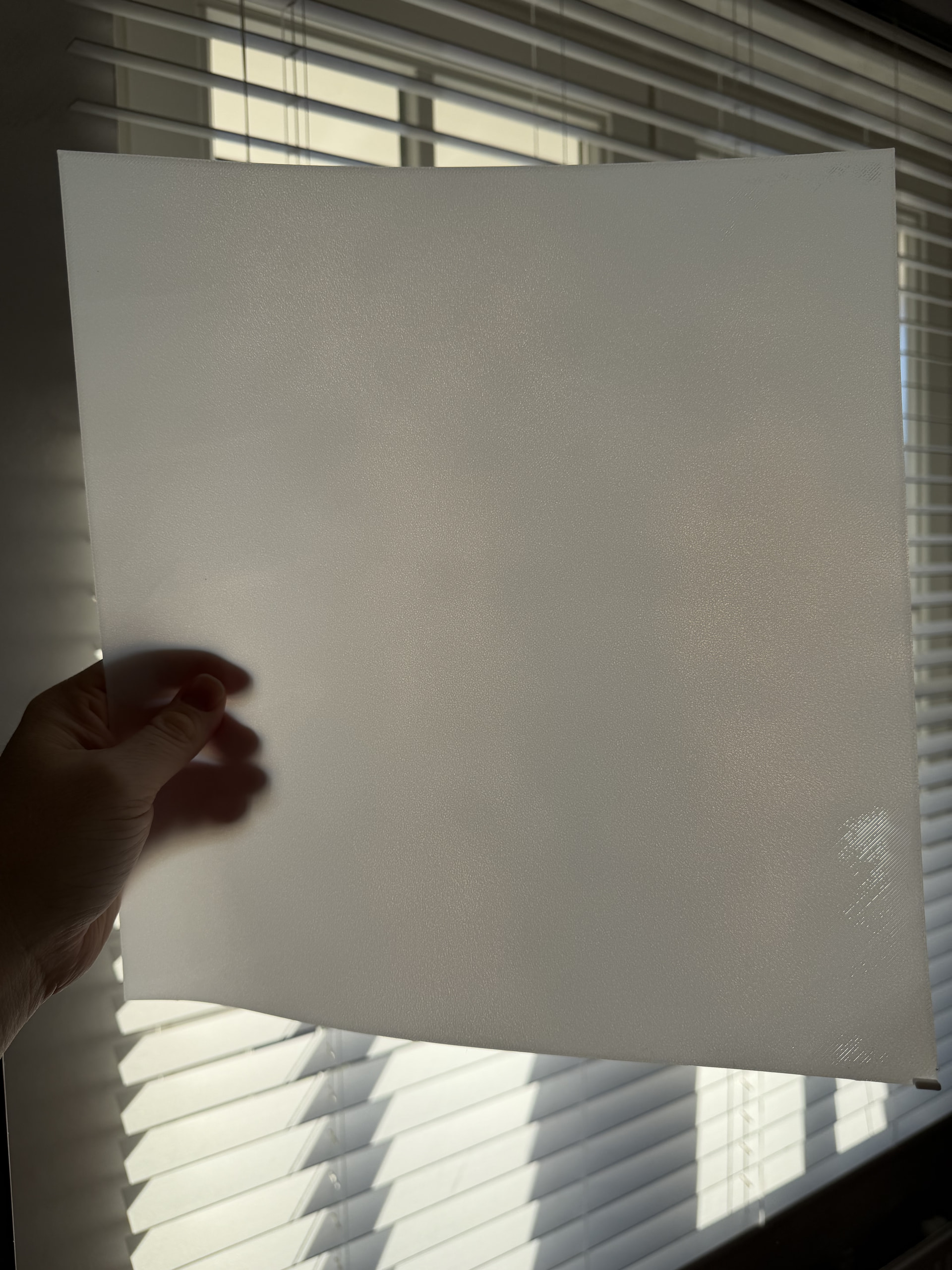
With a bit of flow-rate tweaking and loosening the front bed screws, the first layer came out pretty much great, in my opinion. The flow rate ended up being quite a bit higher than the default Bambu PLA profile though, going from 0.99 to 1.083. Thanks for the tip! I’ll try it out on a few other prints now and see how it goes.
Update: support asked me todo a full recalibration including Flow dynamics & Flow rate. The flow rate came out now 1.0291 and started to leaving some gaps on the right side…


Looks good! On my H2Cs I get good results bumping the default flow rate by .03 to .05 so .99 becomes 1.02 to 1.04 , depending on color in some cases.
To be honest, I also think a 9% flow increate is quite significant. But I can’t really compare it to other bambu printers. Everything below that showed some gaps in the first layer. I’ll rerun the manual flow calibration tomorrow in black so I can compare the results, and then I’ll print out a new sheet.
Maybe I can also play around with the initial layer flow ratio, or maybe something else is off.
Update: support asked me todo a full recalibration including Flow dynamics & Flow rate. The flow rate came out now 1.0291 and started to leaving some gaps on the right side
If you have a print a dial indicator holder like I do it’s fairly simple to tram the bed.
Some indicator holders require you to run a custom g-code but I was luck that my set up allows me to run the factory g-code.
Loosen 6(?) screws, run the code, adjust at each corner, and then tighten the 6 screws back up. That’s essentially hit.
Just note that Bambu themselves have this as a sort of last resort.
Before you start tramming the bed, make sure your plate is even. Bambu doesn’t guarantee it especially for textured plates and it does confuse the bed leveling algo from my experience.
Try turning the plate to the other side, and print the same test print to verify the result is not substantially better. Or use engineering/smooth plate for that.
When I was solving my bed evenness problem I questioned bambu support about this, and they went as far as to recommend using sandpaper to even out the plate which I considered absolutely insane and refused to do xD
I would have thought a plate would flatten out due to the magnetic forces involved. Or that any minor issues would be the exact thing that their leveling process would accommodate! How did you check your plate for issues?
I will flip the plate and try again, I’m tempted to just slice the top of the models off as all the failures are right about in the same location. I’ve only noticed a pattern of failure in the rear right side, maybe 1/3 of the plate has failed pretty consistently
It does flatten. It’s the grain that is uneven in height on the plate that may cause some significant height differences. At least significant for H2 series as those are so annoyingly sensitive to everything…
All I can tell you is this: I bought an engineering plate which has no grain, and the first layer was perfect. My stock plate was bad, and another textured plate I bought from bambu was significantly better.
Wild. It’s (of course) the one plate they give you and their QA on that seems to be less than stellar.
I’m in full agreement about sanding a build plate, there isn’t any way I would have to make it precise enough to matter. I’ll call and see if I can get it replaced. I didn’t spend that much on a printer that is giving me more failures than good prints in the two or 3 weeks I’ve had it.
Smart choice to return it! It is a waste of time to troubleshoot a device which prints worse out of the box than any of the cheapest of their printers.
After doing a full printer reset and manual calibration, I ended up with a K-factor of 0.24 and a flow rate of 1.0291–1.0295, which is much closer to your results.
I still see a few spots on the paper test mostly on the right side, but I think the other tests are looking better now. I’m not completely sure whether bed tramming could help resolve the remaining issue.
Nonetheless Bambu says this on their wiki about it "IMPORTANT**: It is very rare for the filament to require more than a 1.00 flow rate value in the Filament profile. **
If you have performed a calibration, and the flow rate is over this value, we strongly recommend cleaning the extruder and the hotend before performing the Flow Rate Calibration again. " Since its a new printer that scares me a bit
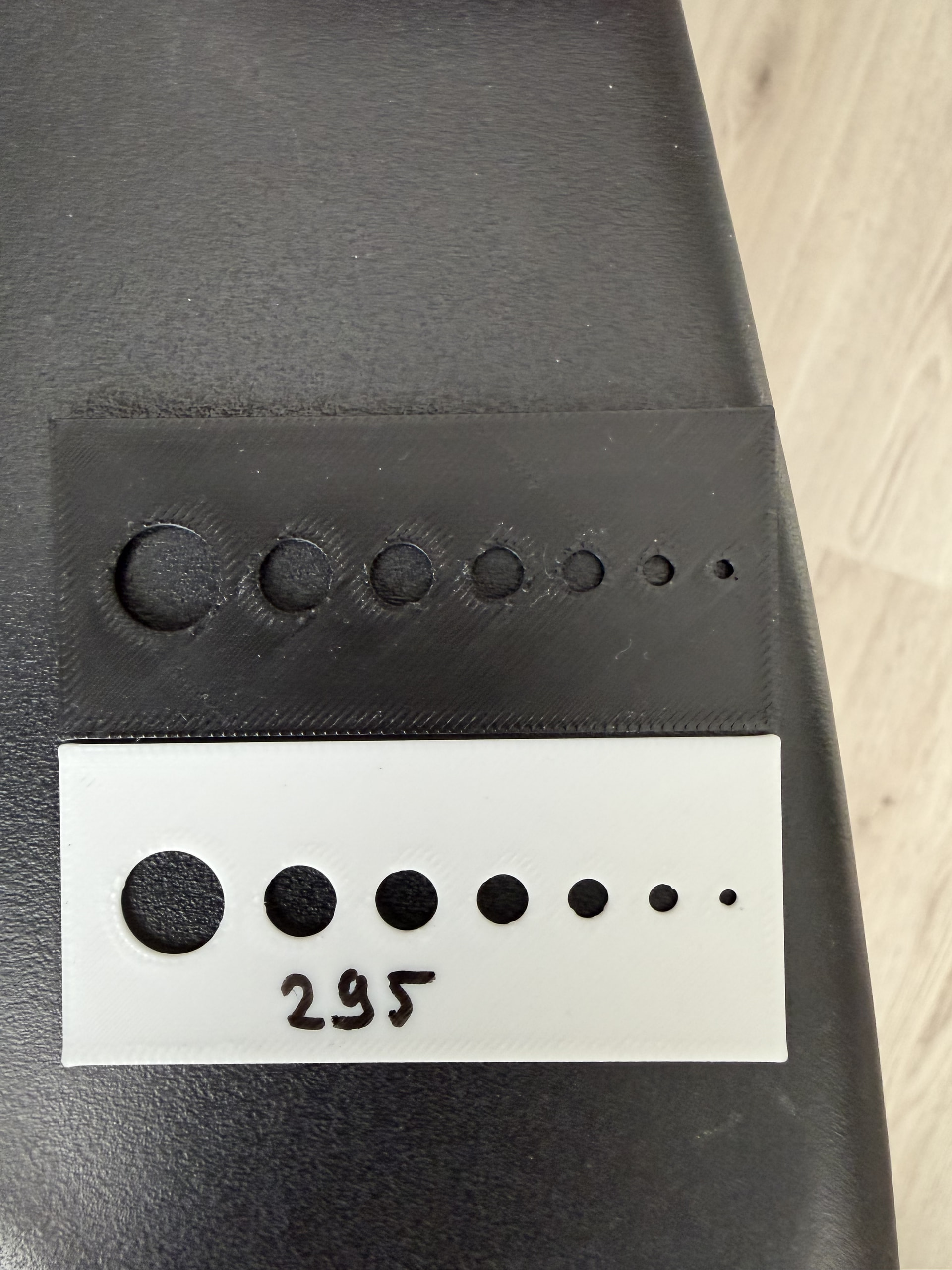
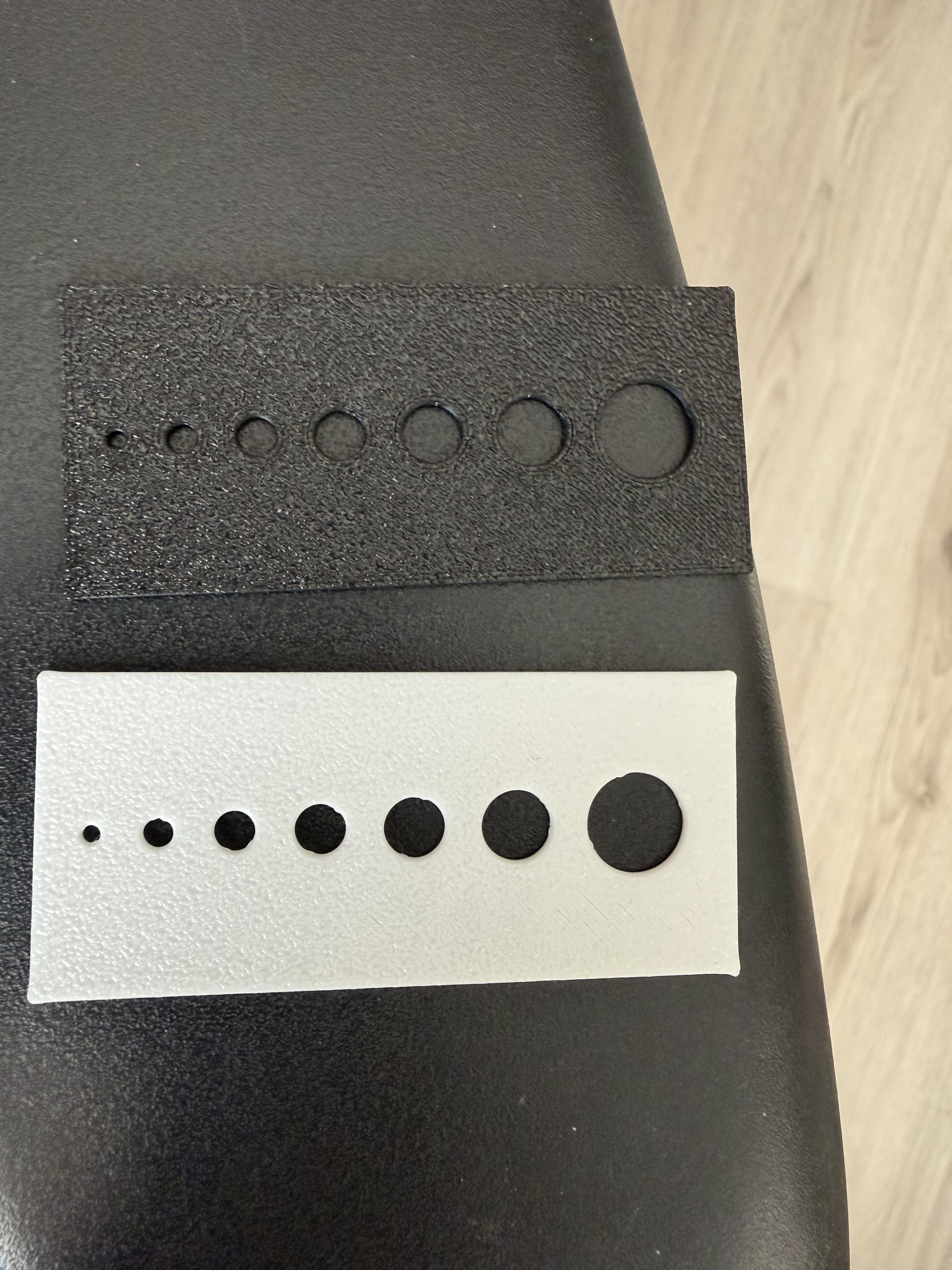
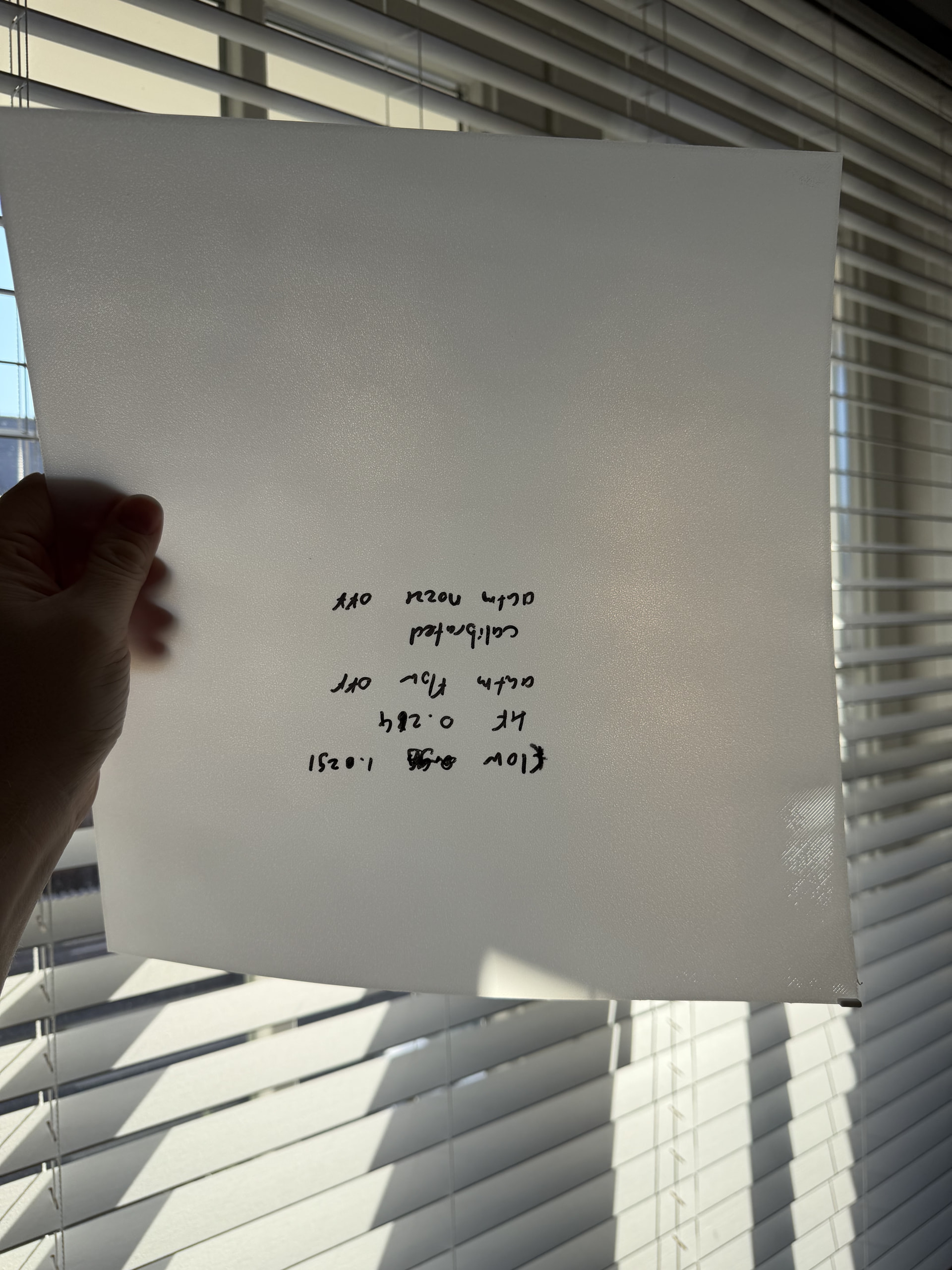
Your corners are bulged. This indicates pressure advance (K) is miscalibrated.
Hmm, thanks! That’s a bit weird. I ran the automatic calibration three times and got the same result each time. I’ll try a manual calibration later to see if that improves things.
In the case of the bulging, would you normally expect the K-factor to be higher or lower? Right now it is 0.024.
What I did was run the automatic flow calibration first and then calibrate the flow rate. Should I have done those in the opposite order? I remember that I read it somewhere on the wiki (first k-factor than flow).
It also seems like one side is bulging more than the other, although I’m not sure if I’m just imagining it. Does it look that way to you as well?
Are the default profiles generally this far off on the H series, or is this more of a general Bambu thing?
Thanks for your help!
I also have issues with the left extruder.
The odd part is that the printer worked fine for the first 4 weeks of ownership and it just started now.
I haven’t opened a ticket with Bambu yet, I will follow some of the test prints here and calibration first.
How is your beginning purge line with the left extruder?
The most I get are a few dots in the bed…
I will try to post a picture later, it does not let me do it now.