Have my H2S printer with a little over 2,000 hours of print time on it and it recently started having difficulty with printing just about anything. I’m getting issues with overhangs sagging and drooping, layer lines looking poor and other things. I have tried several different temperature towers, calibration cards and calibrating the filament as well. This issue seems to have started at random without any cause I can find. it can’t even print the bench without failing. I have several photos to show the issues. Any help and suggestions would be appreciated as Bambu support isn’t helping much at this time.
The symptoms sound like a cooling issue.
Have you checked if all your cooling fans still run properly?
Might be that one of the fans is failing.
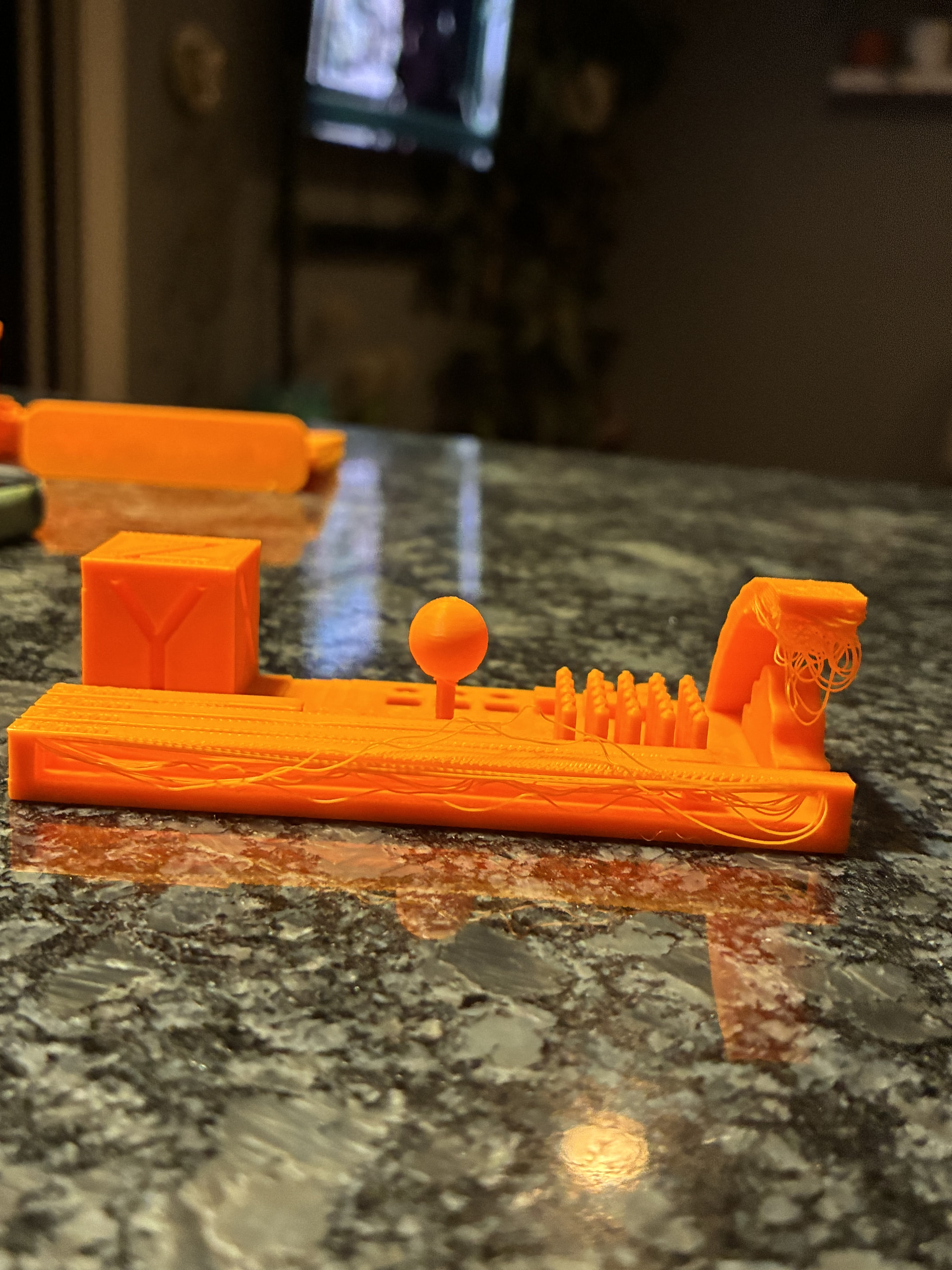
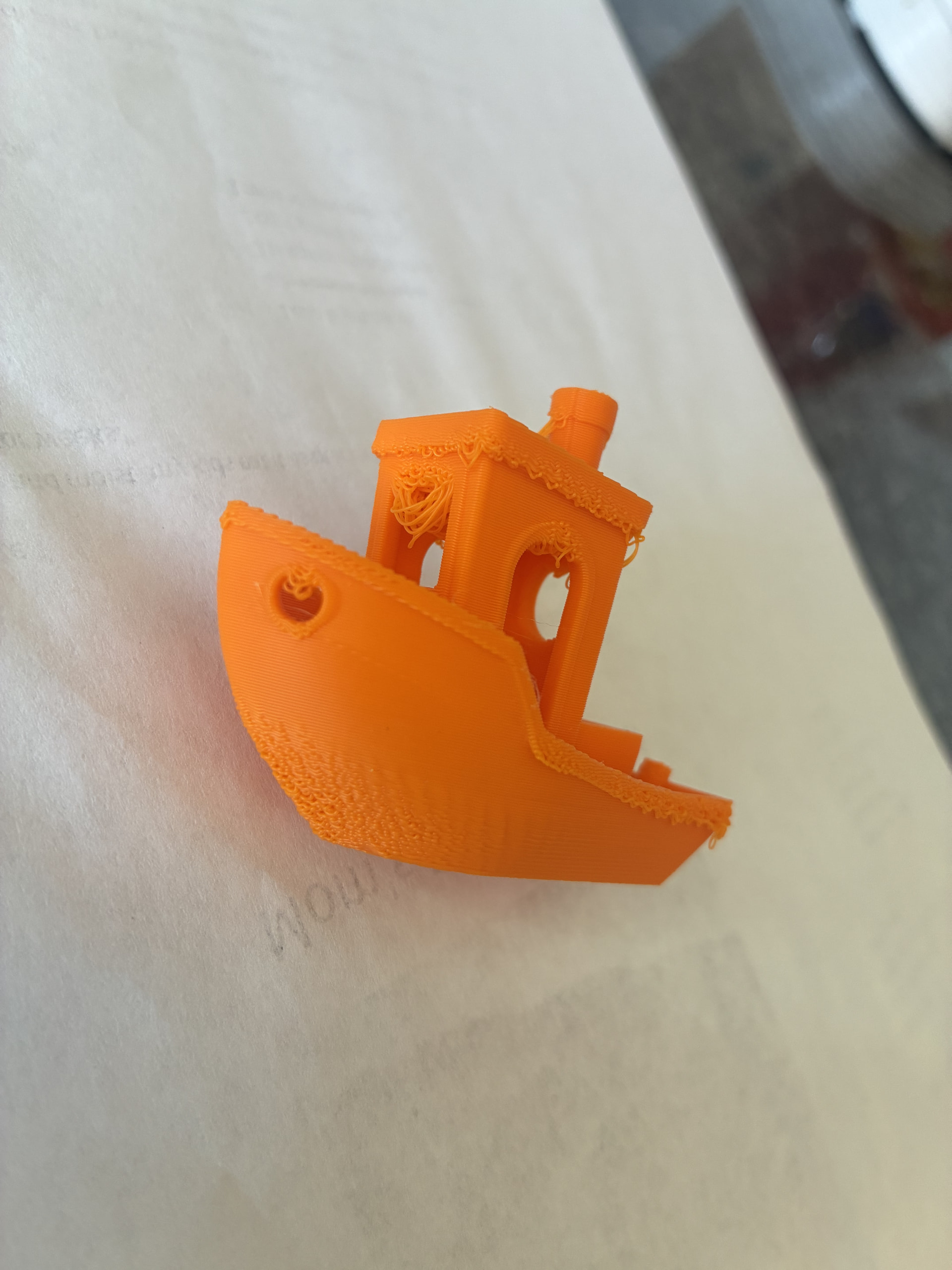
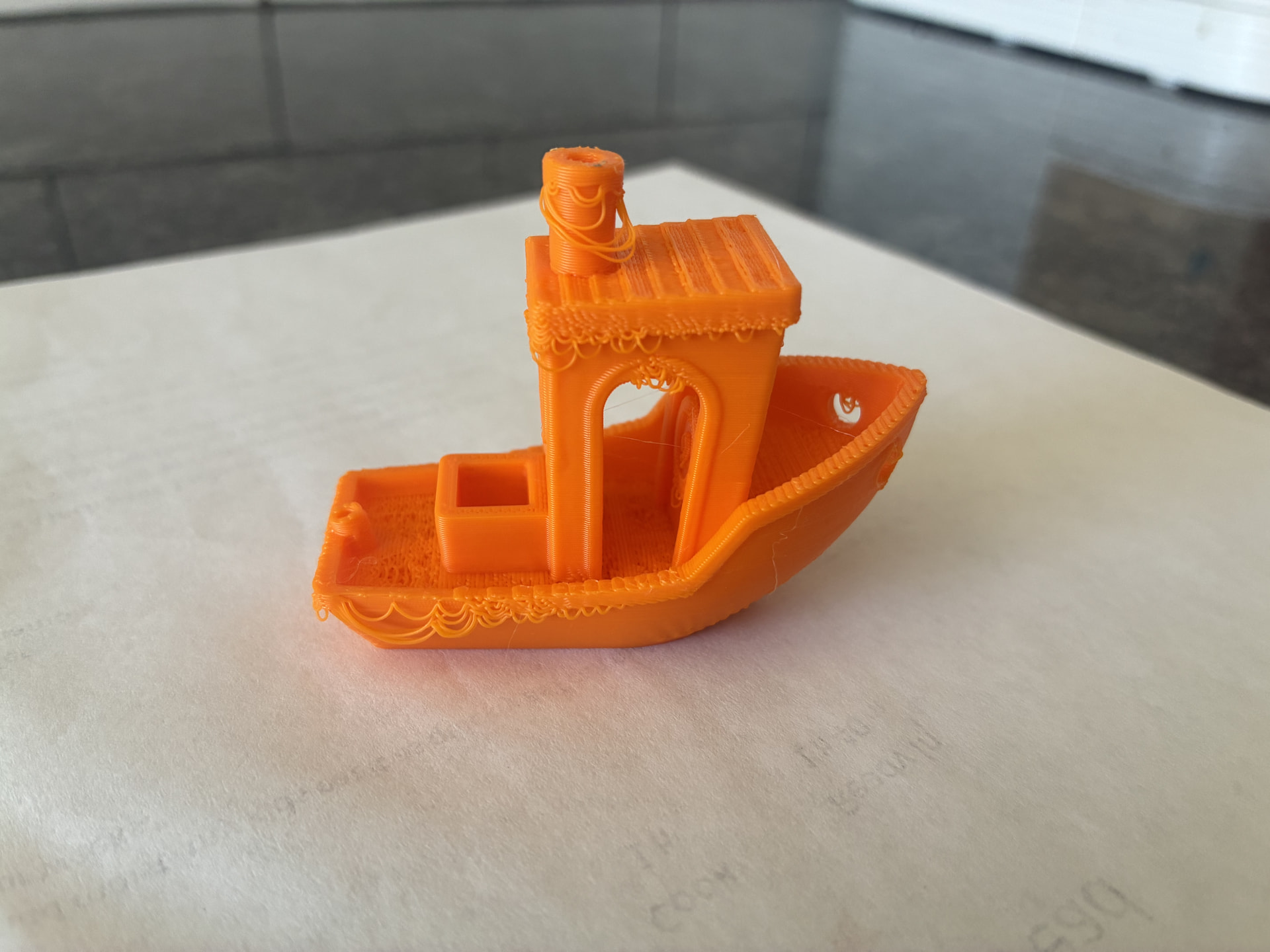


I have verified all the cooling fans are working and cleaned them out with some air to make sure there wasn’t anything obstructing them. when printing I have the settings selected to cool on overhangs and so forth. Have tried with other rolls of filament with the same results. All rolls I have tried have been dried as well in my AMS2.
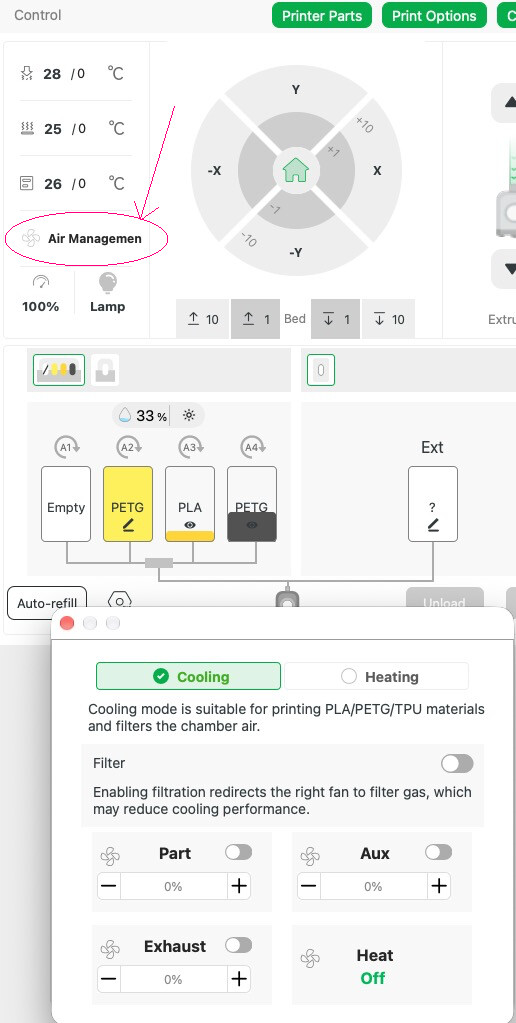
How did you verify your fans? Just for reference I just tested mine by clicking in Air Managment on the Device tab in Studio and activated each one while the printer was idle to confirm they are indeed spinning. Just throwing this out, like @Gerrit said, it looks like a cooling issue to me as well.
Just seeing if a fan is turning and moving air isn’t enough, that won’t identify a fan that’s dying and now runs at half the normal speed.
I checked at the printer it self on the touchscreen. I enabled each fan to verify it was spinning and air was moving. I then took the part cooling fan off and blew it out with some compressed air. All of the fans would turn on via the touch screen.
I can adjust the fan speed and the air speed changes with the amount of air I can feel with my hand. other than that how do I verify a fan is only working at half of its capacity?
Is your nozzle properly seated?
Sometimes a poorly seated nozzle doesn’t transfer the heat to the temperature sensor (small brass colored piece on the heating element). That might cause your nozzle to become hotter than measured.
The symptoms indicate lack of cooling or a seriously overheated nozzle.
There could also be failing hardware causing this.
nozzle is seated all the way. the retaining clip seats all the way. I tried a different filament of PLA tough white color with a different calibration card with an overhang, bridge and bench on it. the bridge section printed with a much better quality. Overhang started to sag out around 60ish degrees. The benchy still had the same odd spaghetti or sagging in places on the edges of the overhang areas. Not sure why the orange filament that was dried for near 24 hours in my AMS would be any different. I did a calibration with both in Bambu studio. Maybe its a hardware issue with the amount of hours I have on the machine?

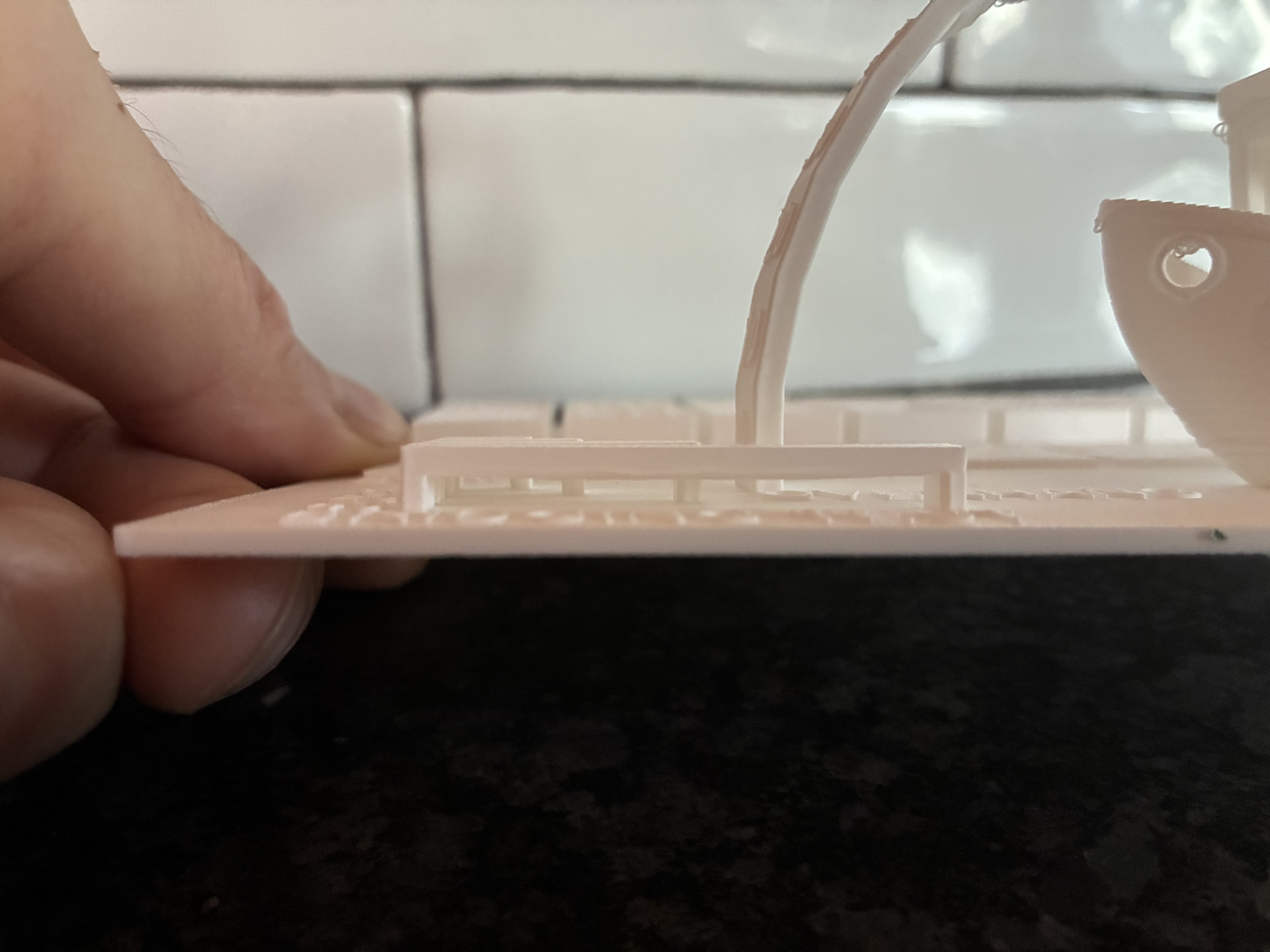

well I believe I sorted out the issue. I mistakenly put a .2 nozzle in when I thought I was swapping a .4 for a different .4. Since swapping back to the .4 nozzle it is printing as it should. thanks to everyone who threw in their .02 on this. It ended up just being a user error, aka me being an idiot. Live and learn
You have been printing with a maximum flow rate that was over 10 times that of a 0.2mm nozzle.
Surprises me that you didn’t get any extruder overload errors with those flow rates.
If have to keep in mind that the H2S doesn’t check the nozzle size automatically.
I have also been in that situation and I was pulling my hair out trying to work it out!
I am really surprised the H2S doesn’t check the nozzle during its minutes and minutes of pre-print set up time.