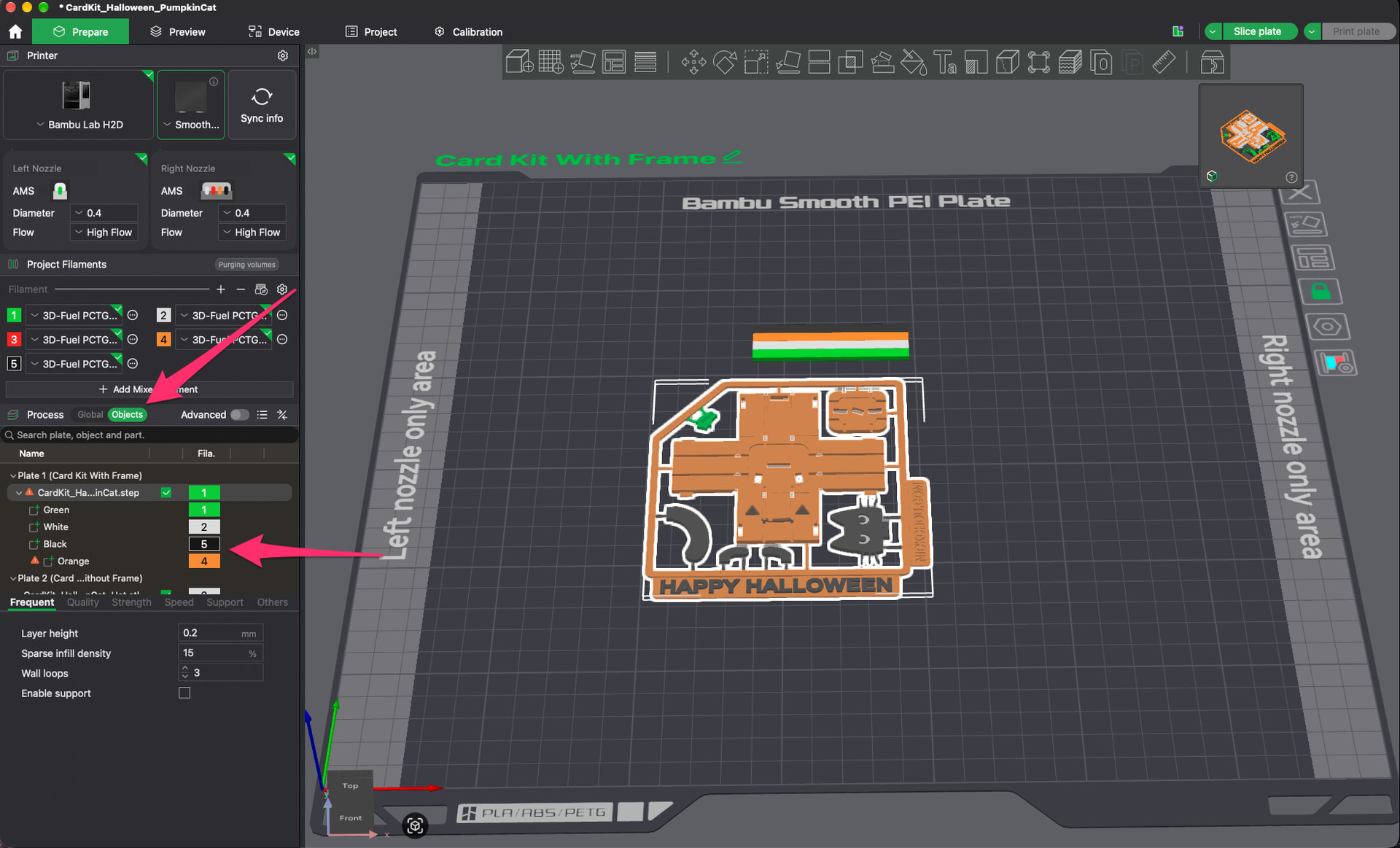
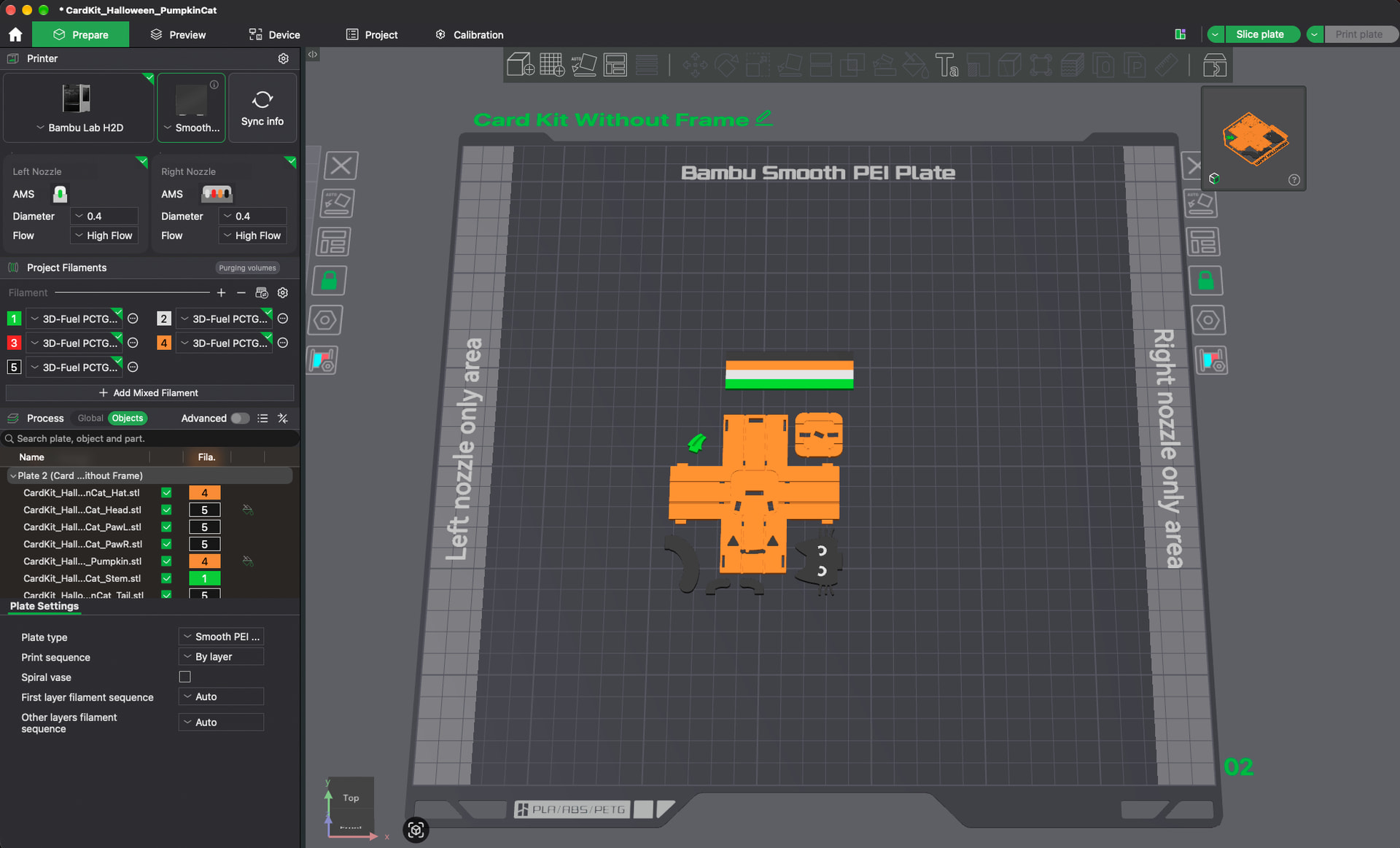
The cat tail, face, ears and pumpkin top are the pieces in question.
Neither my X1C nor my H2D will allow me to change filament(colour) for those pieces.
I have unlocked plate, syncronised with my printer, print by layer, moved those objects to another plate, checked by object to see if there are restrictions, did the 3mf to zip(to remove Auxilaries folder) trick.
Last thing I did was open another project and imported this one, still nothing.
Click on the object then select painting and “Erase all painting” then you can change the color using the object tree on the left. Since the pumpkin and cat heads eyes are not separated objects on the 2nd plate you will need to paint the eyes back in using painting and “fill”
There is no need to erase all the painting. Just select the object on the build plate, select the paint tool, fill, then connected same color. All you need to do then is change the black to whatever color you want it to be. Same for the white in the eyes if you need to change that as well.