Well made for a interesting test case where he had value in owning the plate and calibrating it. For more than a few people i guess this will result in getting it ‘just in case’ and that makes sense to me.
When I bought my first printer I had no clue what I was doing so bought the full Combo with Laser and the encoder as well, figured it would be useful with the laser and such, but found it does correct little imperfections over time. I do it at least once a month, only takes a few minutes and every time the calibration result shows skew. When printing letters at 1mm in height, every little bit matters. I am running a job now printing 21 4 color keychains with .2mm nozzles that have tiny letters on them. Takes 26 hours to print and uses the entire bed. I will find out tonight if it matters since I have not calibrated it this month.
1 Like
The vision encoder can only compensate for errors on the X and Y axis. It won’t help for errors in height.

You stated “1mm in height.”
BTW, that’s nice detailed lettering on the smaller letters. I’m going to guess it’s a .2 nozzle. I don’t think it would be possible to print that with a .4.
Well, they are 1 mm tall, so height. It is a .2, .4 looks like snizzlechizzle. It looks even better when printed on a smooth plate like what is going on right now. Printing personalized keychains for the hockey team. These prints will go a LOT faster on a C, since it just has to purge each color instead of what its doing now.
I have just printed the first part after:
bed clean
vison encoder
high precision nozzle offset (PEI plate)
launching print with nozzle offset OFF (no auto) (glacier plate)
I never had so good top layers, I laughed hysterically 
So for now the blasting difference is top layer quality. Printed with default general profile.
further testing soon but I am absolutely gnawing on the 2K hours of print without it.
1 Like
I’m getting same error fixed picture one after the other. So it only says fixed something but next calibration shows same error fixing.
It’s good to share this seems normal. Because on the wiki page there is a good explanation as;
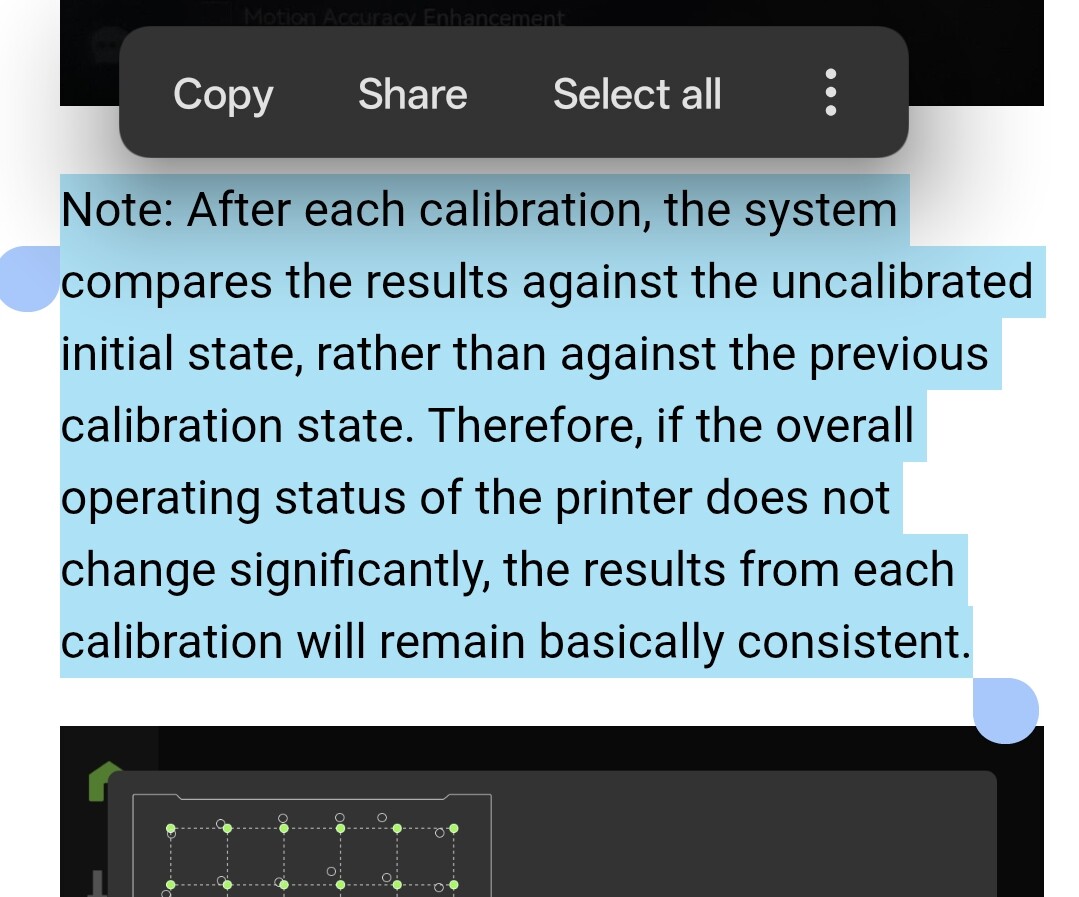
“After each calibration, the system compares the results against the uncalibrated initial state, rather than against the previous calibration state. Therefore, if the overall operating status of the printer does not change significantly, the results from each calibration will remain basically consistent.”
I believe that explanation should be indicated on the result screen too.
2 Likes
Just because you don’t understand how it works doesn’t mean that it’s fraud.
Although, IMO. VE is not the mandatory tool, unless you require a crazy tight X-Y tolerance (because Z tolerance on BL machines usually quite meh). However, the good engineering practice is that you must account for a wider tolerance due to many factors, including kinematic tolerance (which is resolved by VE) and material tolerance (due to shrinking or creeping).
2 Likes
ı changed my comment, it was a misunderstood.
Thanks for sharing.
3 Likes