Knocking noise during diagonal moves on H2C

My H2C started making an audible knocking noise when moving front/right to back/left diagonal. It doesn’t happen on the other diagonal moves. It happens when the toolhead changes direction going back to the opposite corner. I can’t tell if the it’s coming from the toolhead or one of the gantry corners. Put my ear close to all those points, it all sounds the same.

I opened a ticket with Bambu but they are having me check things that are obviously not it (check if the belt is hitting a zip tie).

I’ve looked around for anything loose but since I am not sure where the knocking is coming from, I am just poking things at random.

I’ve already re-tightened the belts multiple times.

Does anyone have any ideas of what could be going on or what I should check?

It’s not the PTFE or the chain clip hitting the led?

I am pretty sure that it isn’t. This is more of a mechanical knock. I can craft custom gcode to isolate the motors and see if I can reproduce it. If I can, I’ll try to post videos.

Can you recreate the noise by moving the head around manually? If yes, it may be easier to find the exact spot/moment of the noise that way.

A “mechanic’s” stethoscope can very handy for finding noise source… it’s a stethoscope with a rod as the “sensor” instead of a typical doctor’s cup thing. But, a long screwdriver (or similar) can work almost as well… press the driver tip on areas to examine and hold the handle end to your ear, both as tightly as possible/comfortable. Grip the driver itself with minimal force/area to maximize sound transmission.

-Max

I’ve tried to reproduce moving the toolhead manually but I can’t. It seems to be dependent on movement/acceleration speeds.

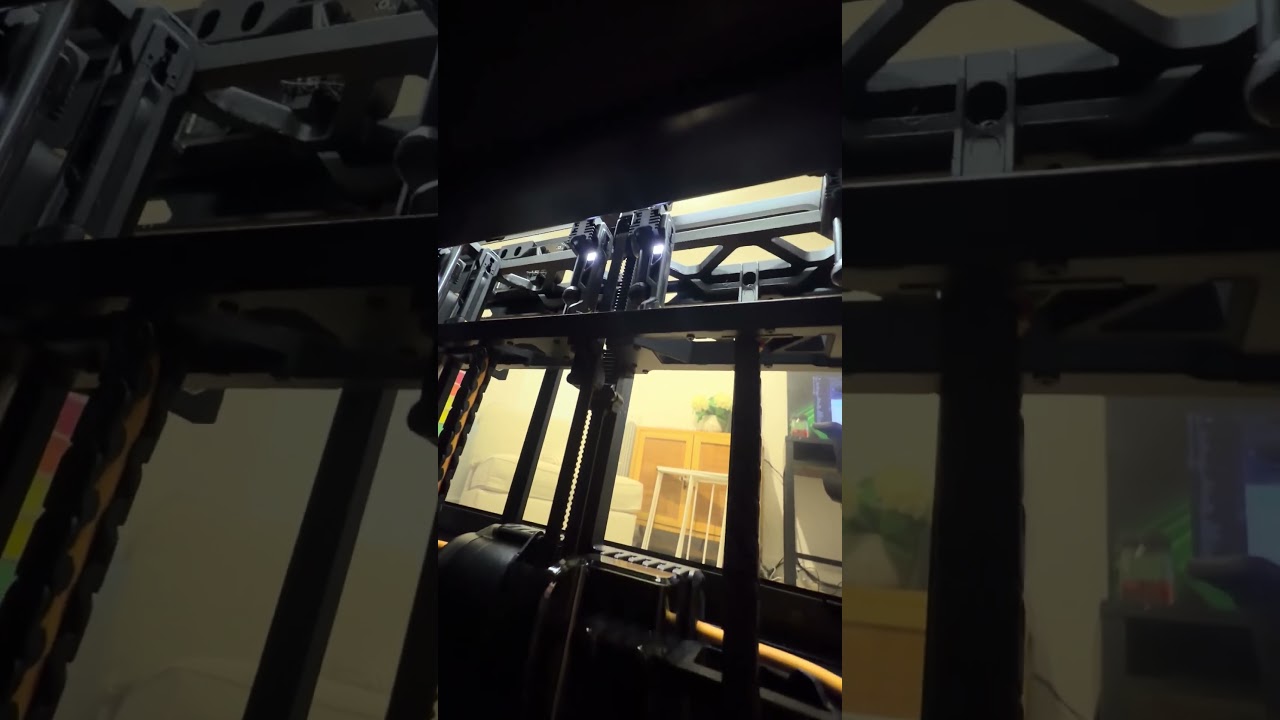
Here is a short video of the knocking. It seems to be loudest toward the bottom of the printer, which is odd since the only motion is on X/Y

That knock at the end of each move is what I am talking about. It is pretty load and it only happens on one of the diagonal.

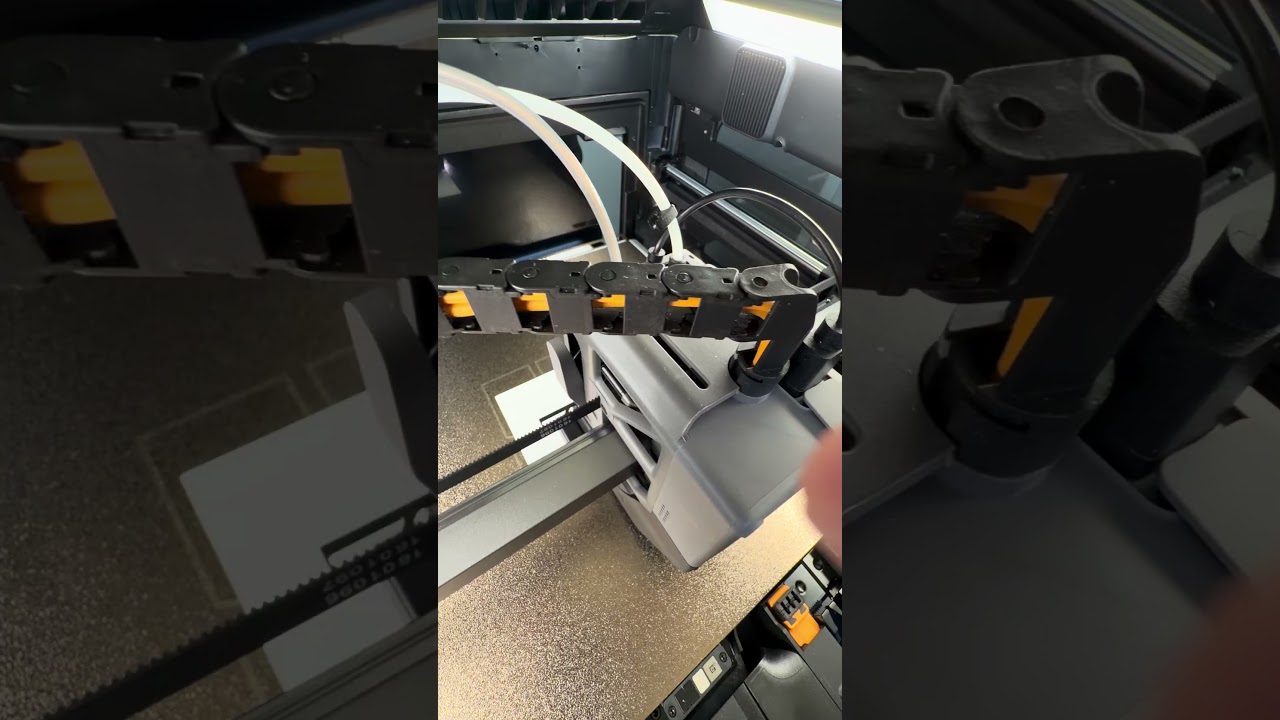
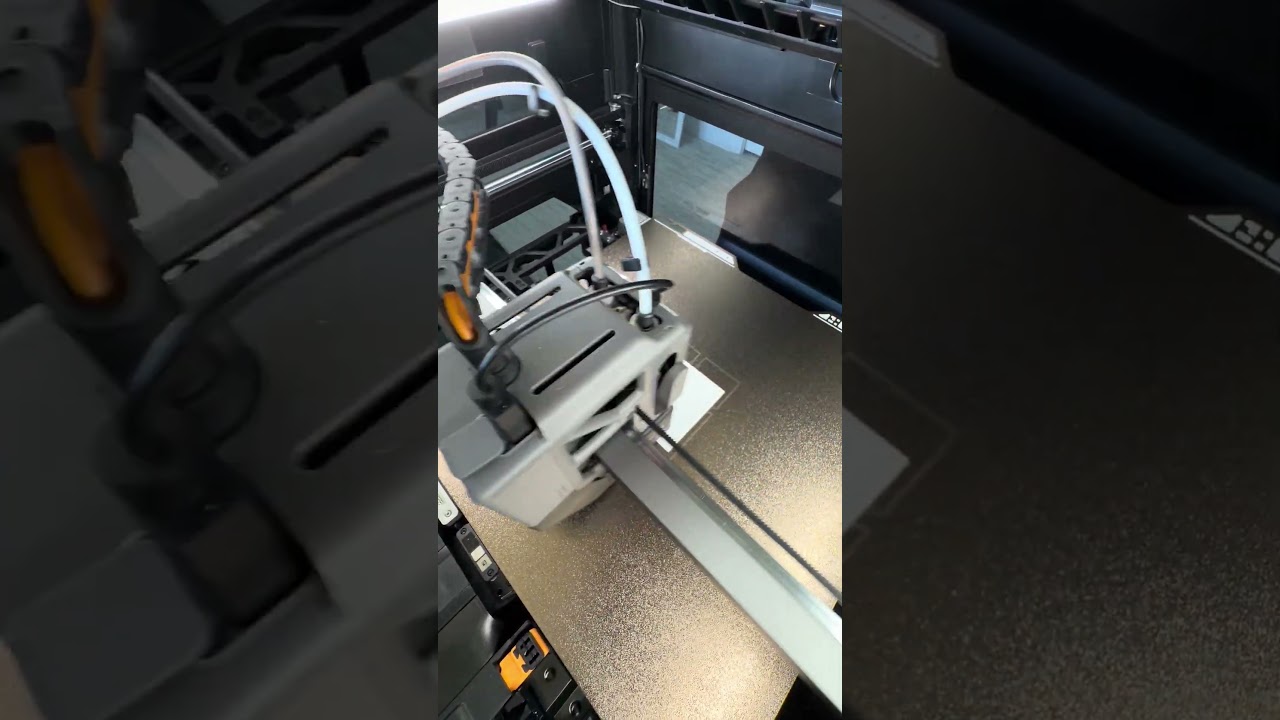
I captured two video that clearly show the knocking:

You can clearly hear the knocking in the first video but not in the second.

I also exported the gcode of the print from the videos, isolated the section where the print is knocking. I put a simple G28 at the begining and “repringted”. The knocking did not happen.

You might want to check your belt tension, but also the rear A or B stepper motor.
Specifically the one that is moving in the 1st movie.

I’ve re-tensioned the belts multiple times. If anything, it might have made it a little worse. I will check the motors (Bambu is asking me to do the same). However, I am skeptical that it is a motor because I ran a test without actually printing.

I created a short print of a thin cube (1mm thick) and printed it to confirm that it reproduces the knocking:

Cube_PETG_11m51s.gcode.3mf (129.5 KB)

I then isolated the layer that reproduces the knocking and extracted it to a new gcode file with just that layer and all extrusions removed:

SquareTest.gcode.3mf (20.4 KB)

(all the files above are plain GCode. I had to renamed me to .3mf because I can’t upload GCode)

The knocking happens with the actual print and it doesn’t happen with the second file.

May be, there is something that is happening during the printer start gcode that is causing the issue.

Seems like a combination of multiple factors is causing this to happen.

It seems the slight forces created while printing are influencing the behavior.

Can you feel any play on certain elements of the motion system?

Are the motors and the pulleys still firmly mounted?

There might be a semi-loose screw somewhere.

If none of the above is the case, I am slowly getting lost on what might be causing this exactly.

I can check again but it didn’t seem like anything is loose.

What I can’t explain is the difference between the actual print gcode and the custom gcode. As far as the motion is concerned, it is the exact same command, including speed and acceleration, as the print gcode, expect I removed the E parameter. The only real difference is the start gcode.

I am not familiar enough with Bambu’s start gcode to be able to trim it even further.

The start gcode does some specific things like activating the bed leveling, setting cooling options, etc.

The activation of the bed mesh might be a difference. That could account for a difference in height as the compensation might be reduced at a certain height.

Also the PA does some retraction kind of motion at the end of fast linear motions.

So the extruder motor could have some backlash on the gears, but it doesn’t fit the particular layers where it occurs. Unless the motion on that layer is very specific.

I didn’t dig into the files yet, as I am on my phone.

Are you referring to the “thump” at each change of direction?

It’s probably the video/sound, but seems I can hear the noise in both videos, it’s just at a lower audible frequency in the 2nd. Also there’s more background/other noise in the 2nd, so that could be a difference (either perceptually or recording device compensating, eg. noise cancellation/levels).

Really should be easier to identify with a stethoscope or other “conductive rod” technique (obviously being careful especially on the moving head).

On the g-code test… did you run the 2nd (edited) version as-is? No startup routines or anything? I can see in the diff where you removed all the extrusion commands for a layer, so that makes sense. But confused about the lack of startup.

I’m having trouble picturing how the extruder itself could make such a heavy thump (if that’s even the sound in question). Sounds like it is reverberating through the printer body. But again could be video artifacts. If indeed lack of extrusion makes the noise go away, I’d be putting the stethoscope on the print head first.

Sounds a bit like a loose bearing/shaft somewhere, which wobbles/shifts a little at change of direction.

Have you checked that the Z axis threaded rods are properly seated at the top? They’re not actually attached to anything up there, just float around, and can get knocked out of position (during cleaning for example).

-Max

Yes, the sound can be heard in the second video but that seems like a normal sound of the motion changing direction. However, in the first video that thump is much louder.

I can put all of the startup gcode back and see if it reproduces. If it does, make I can start removing things one by one to see when it start. The main issue with that is that I am not familiar with the gcode commands and don’t know how to remove whole sections - the whole bed leveling or the whole filament purging, etc.

I played around a bit and I found out that the knocking seems to be happening only on top surfaces. It’s intensity changes with filament type so I am guessing it’s dependent on filament profile.

I can’t think of what could be the cause, however.

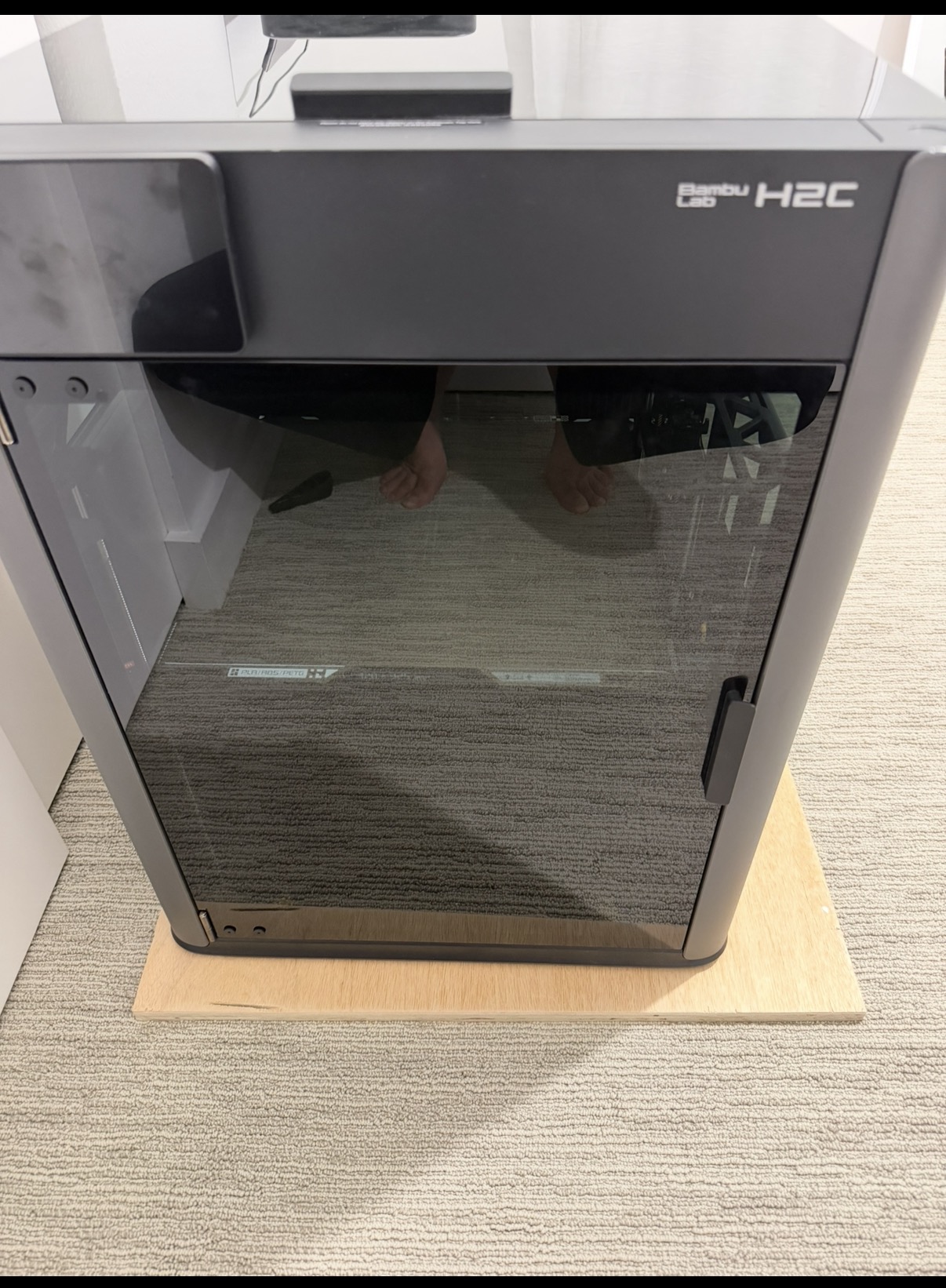
Can you post a picture of the table your H2C is on, please.

Right now, it’s actually sitting on the floor with a piece of plywood underneath it.

@voidtrance well if it knocks on the floor, my theory is dis-proven. Thanks for the input.

May be, my previous message wasn’t clear.

what I meant was that the knocking only happens when the printer is printing the top surface. It also happens in both diagonals, not just one like I originally thought.

it seems to be louder PETG than PLA and I don’t think I can hear it with ABS. I just don’t remember ever hearing it before and the printer is right behind me in the office.

The most obvious difference on a top layer would be speed… typically lower (by default) than solid infill layers underneath. Plus the movement of course, vs. the walls. The flow could also be adjusted separately for top layer, but isn’t by default.

The filament profiles can limit the overall maximum speed (max. volumetric flow), for all features (walls, top, etc), but the preferred per-feature speeds are determined by the process settings.

If you set the internal solid infill speed to match the top layer speed, does it knock on those layers also?
(Wondering if you can dial a speed range at which this happens, perhaps irrespective of filament type.)

Anyway that would just establish a “resonant” frequency, not the underlying cause. Personally I’d go through and look for anything loose or could otherwise move to cause the extra noise (hinges, lid, panels, rods, tubing in the back… anything). Several times if I have to. But if you’ve exhausted that inspection route, then I’m at a loss.

Also, the printer definitely does make different sounds based on what/how it is printing… those diagonals tend to have more of a “chugging” sound on mine when it switches direction, for example, which I’ve noticed. Not to say nothing is wrong here, but it can be hard to judge, for sure.

Have you moved the printer to a new surface since you remember it sounding less loud? It may be dancing in a different way on the floor vs. something more flexible like a cabinet or table top.

As another experiment you could edit the printer preset and lower the X & Y “jerk” limits, which should make those direction changes smoother (might need advanced mode enabled in Studio to see those ,not sure).

-Max