Hi everyone,
I have a P2S (with AMS 2 Pro, eSUN PLA Matte) and got a filament jam during a filament change (HMS 0700-8003: filament could not be pulled out of the extruder). I already had the same problem once before and fixed it by pulling a broken piece out of the filament sensor. A few hours later it happened again, and this time I can’t get the filament out at all.
What the pictures show:
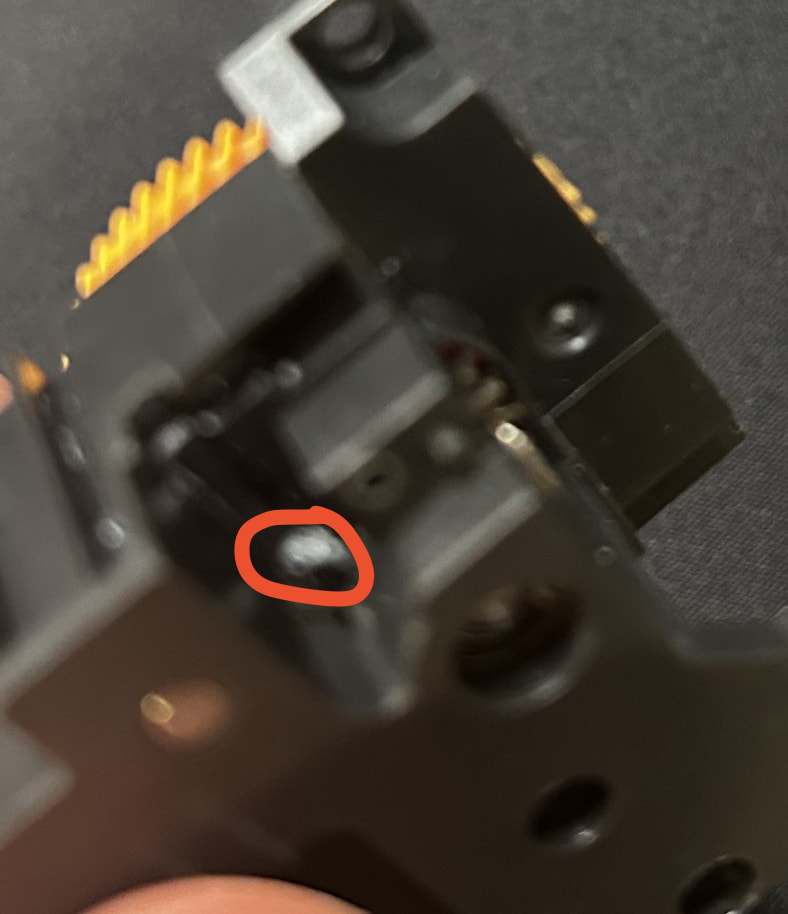
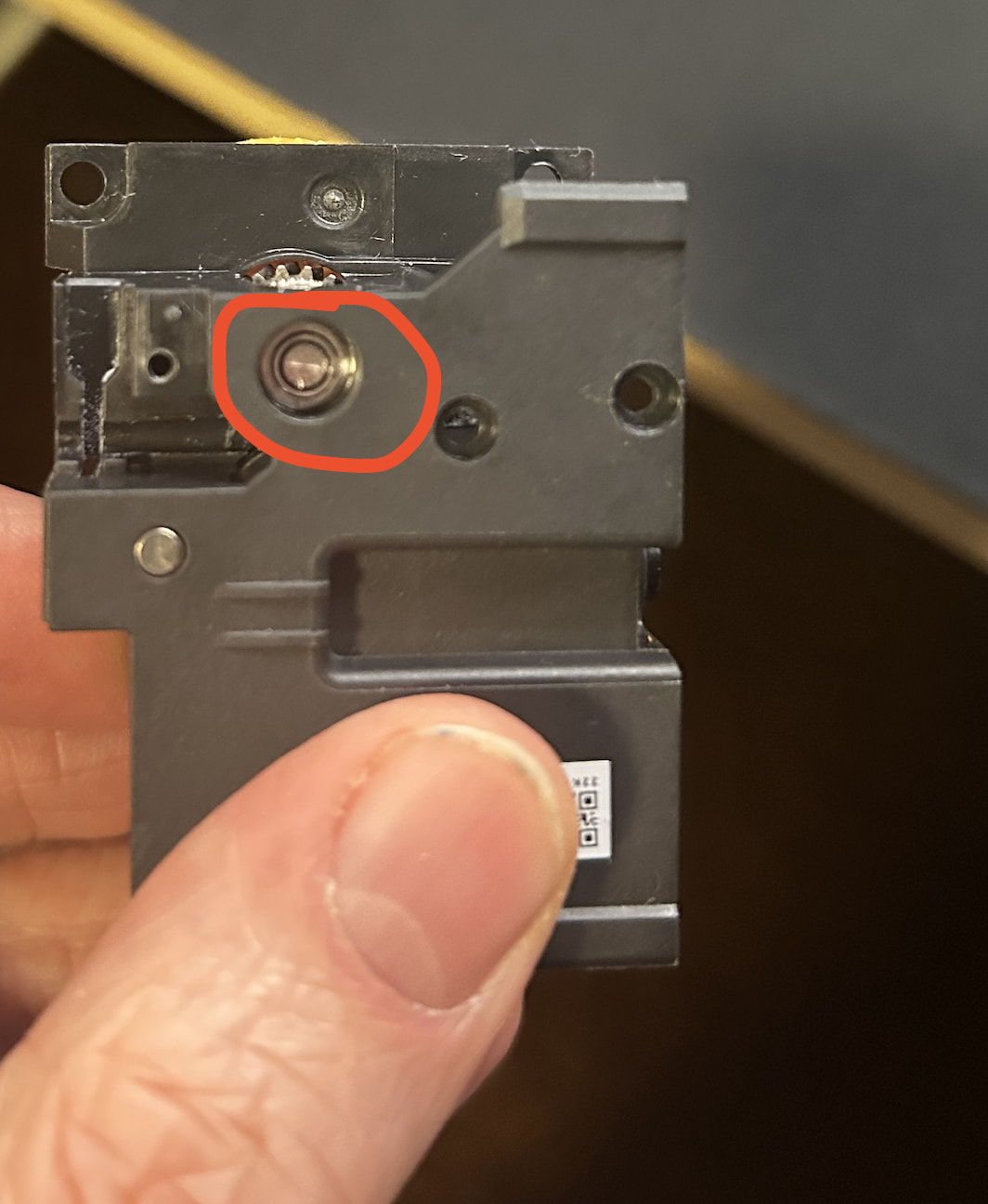
- Front of the extruder unit – filament is visible in the marked spot.
- Back side – only a small piece of filament sticks out.
- View from the top – the marked spot shows the filament piece.
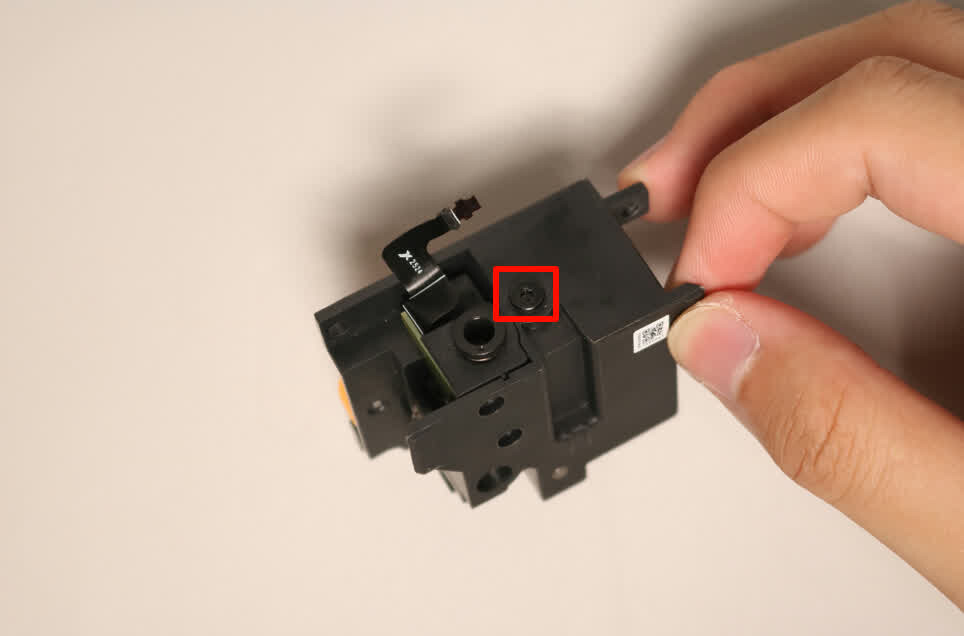
- View from the rear/bottom – I read here in the forum that you can push the filament through from this side, but it doesn’t move at all. The orange gear is completely locked and won’t turn in either direction.
What I’ve tried:
- Pulling and pushing with pliers / a thin hex key
- Gently rocking the orange gear back and forth while pulling
Questions:
- How do you get a piece of filament out of the drive gears when the orange gear is fully locked? Is there a way to release the gear tension / open the unit further without breaking anything?
- Any idea what causes this to happen twice in a row? Could it be the filament cutter, brittle matte PLA, or something I did wrong when reassembling the first time?