Same overload error on both sides with the same nozzle?
Yes, and both sides without error with the other nozzle.
I just wanted to chime in and say I had a very similar issue with the 0.2 mm nozzle on my Bambu Lab H2D. When I was using an external filament holder (not the AMS), I kept getting “extruder overloaded” errors every few minutes, even though everything seemed to be loaded correctly.
However, as soon as I switched to using the AMS – which actively feeds the filament – the problem completely disappeared. The print ran smoothly from start to finish with no errors at all.
So it really seems like the 0.2 mm nozzle is much more sensitive to any resistance or friction in the filament path. The external holder must have added just enough drag to cause trouble. With the AMS assisting the feed, the extruder doesn’t have to fight as much.
You’re definitely not alone in seeing this kind of behavior. Might be worth trying the AMS if you’re not already using it!
I also wanted to chime in to add that I have used the 0.2mm nozzles a few times on both the previous firmware and the recently released version. I did not experience any issues except for a long purge cycle with the older firmware. Printing has been flawless and I have never received an error message for the extruder. Only normal PLA was tested with these 0.2 nozzles.
I was concerned after reading some people having issues with these nozzles but to my surprise I have yet to run into a single issue with my H2D, aside from user error which resulted in one failed print.
I get random issues and errors with 0.2 nozzles. The overloaded problem, it purges too much and one or two other things that I didn’t see on my X1C. It’s a bit touch and go at the moment. I’m running the latest firmware and it still isn’t perfect so I’m hoping they push out updated firmware regularly to address these problems.
I printed a few objects with the my 0.2mm nozzle and they came out great at 0.1mm. I then tried 0.08mm and the nozzle build up was insane and I got extruder overload after about 2 hours. I cleaned everything up and tried again, same issue. Went back to 0.1mm and it ran fine.
Where do you get any nozzle that isn’t the HF 0.4? I don’t see additional nozzle sizes anywhere on the BL website. 
You have to look at non high flow(standard) hotend (nozzles).
Awesome thank you very much!
With an older firmware I had lots of issues with 0.2mm but with current betas everything works like charm.
I experienced the same overload error issue with the 0.2 mm nozzles on my H2D when using the 0.8 mm setting. I tried everything I could think of but nothing worked. Then I changed to the 0.10 setting and it worked perfectly!
It’s a bummer not to be able to use the 0.8 mm setting with the 0.2 mm nozzle but I’m going with this solution until Bambu corrects this issue.
What firmware were you on when you printed these? I’m asking only because you posted after the new beta has been released.
I’m thinking about trying it with the new 01.01.03.00 BETA as they mentioned some changes to 0.2mm printing. It’s a pretty vague description though.
Beta 01.01.03.00 Release Notes
4. Optimized print quality with the 0.2mm nozzle
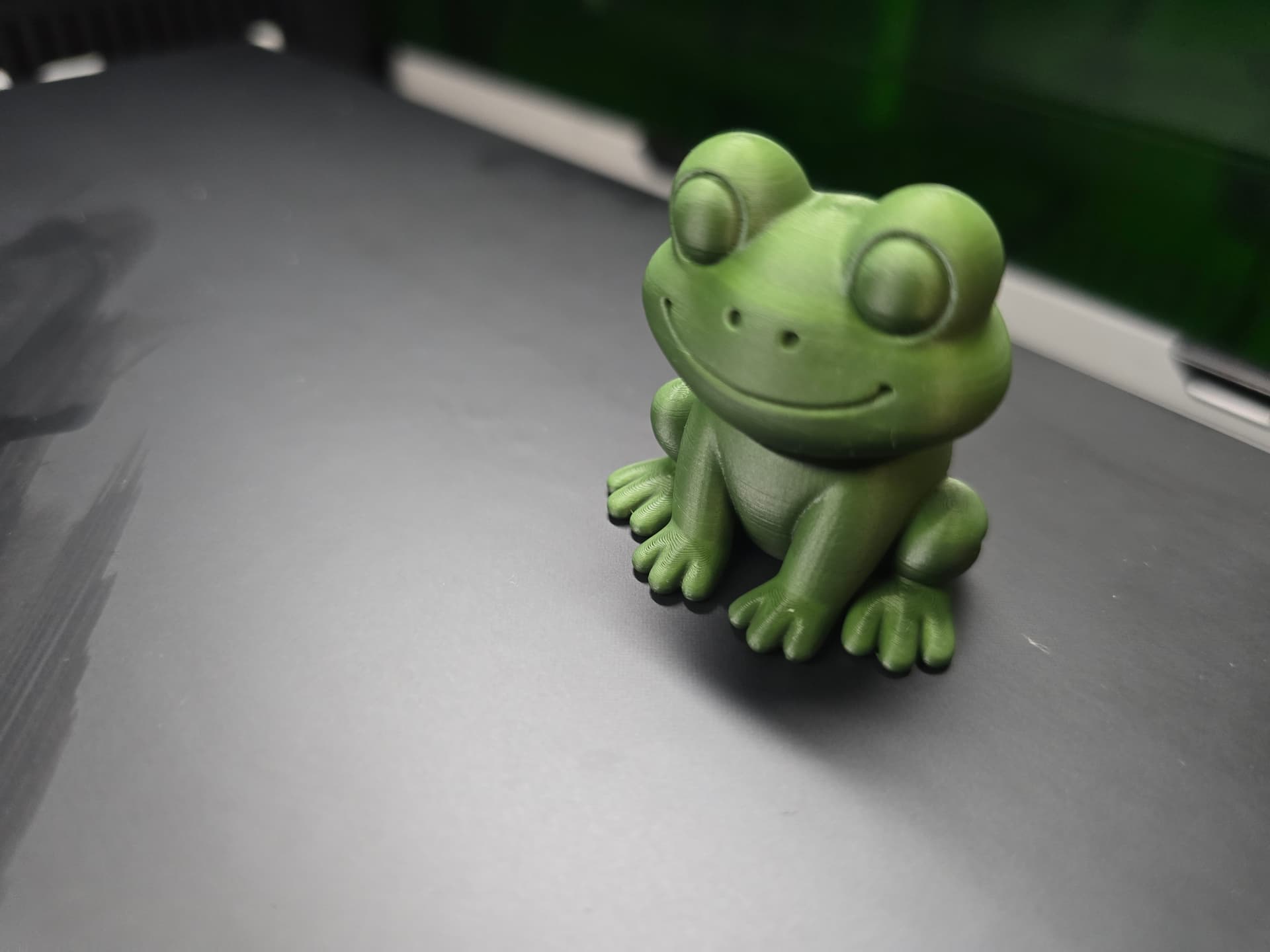
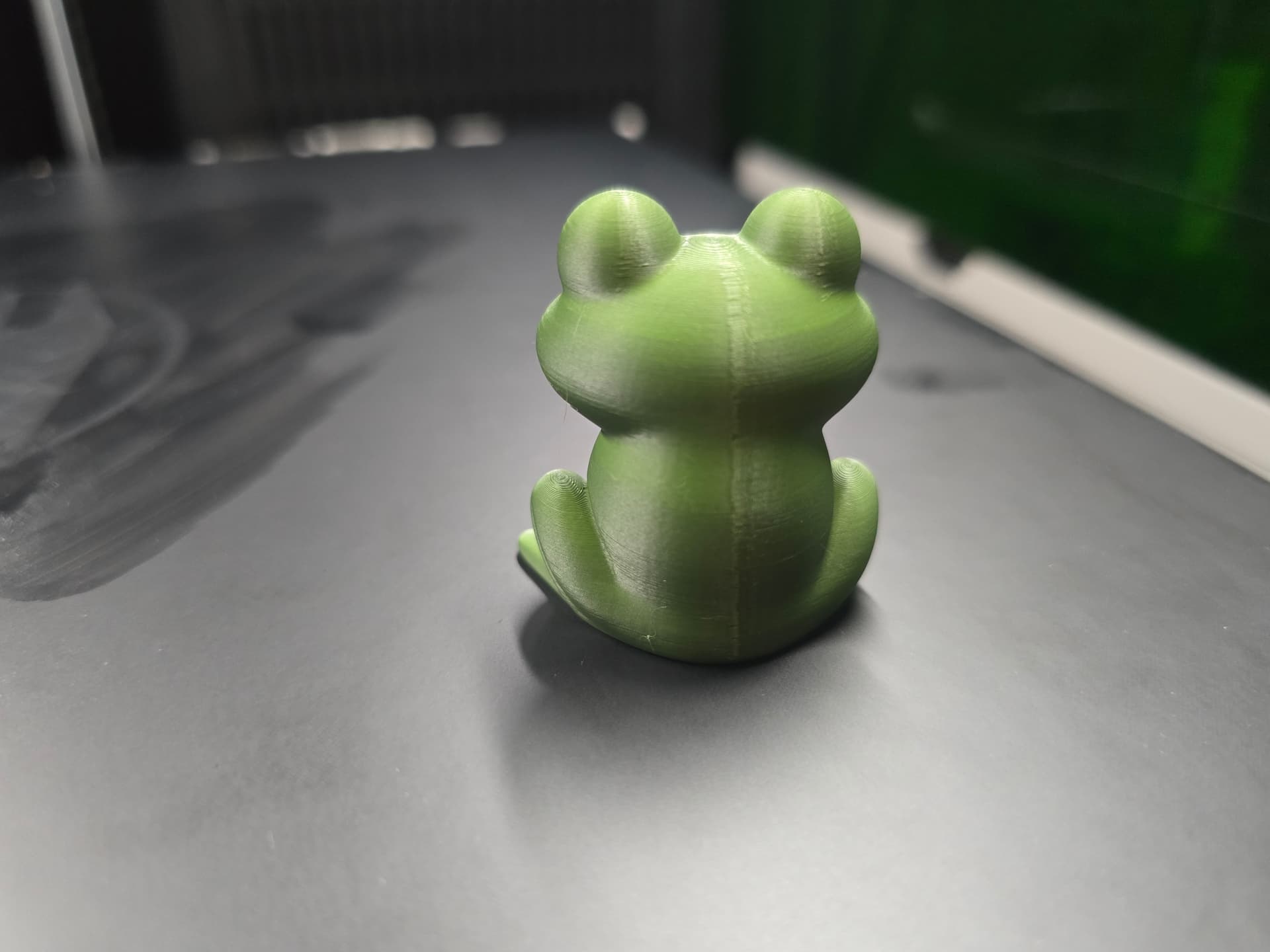
I just did this as a test print, I didn’t want to print anything too long and have it fail. So my kids get a extra little toy.
0.2mm nozzle, 0.08mm Layer height, Arachne, PETG HF, Precise wall.
H2D .01.01.03.00 Beta
BS 2.1.0.59
Latest PETG HF filament profile as of 5-4-25
Print Time: 2h10m, 500 layers
I am super impressed with this print. When you’re not zoomed in under shadowy light, in person it looks flawless. I had only a couple Whispers of fine stringing. And the nozzle is clean. Last time trying 0.08 layers my nozzle was a giant blob and the print failed due to extruder overload.
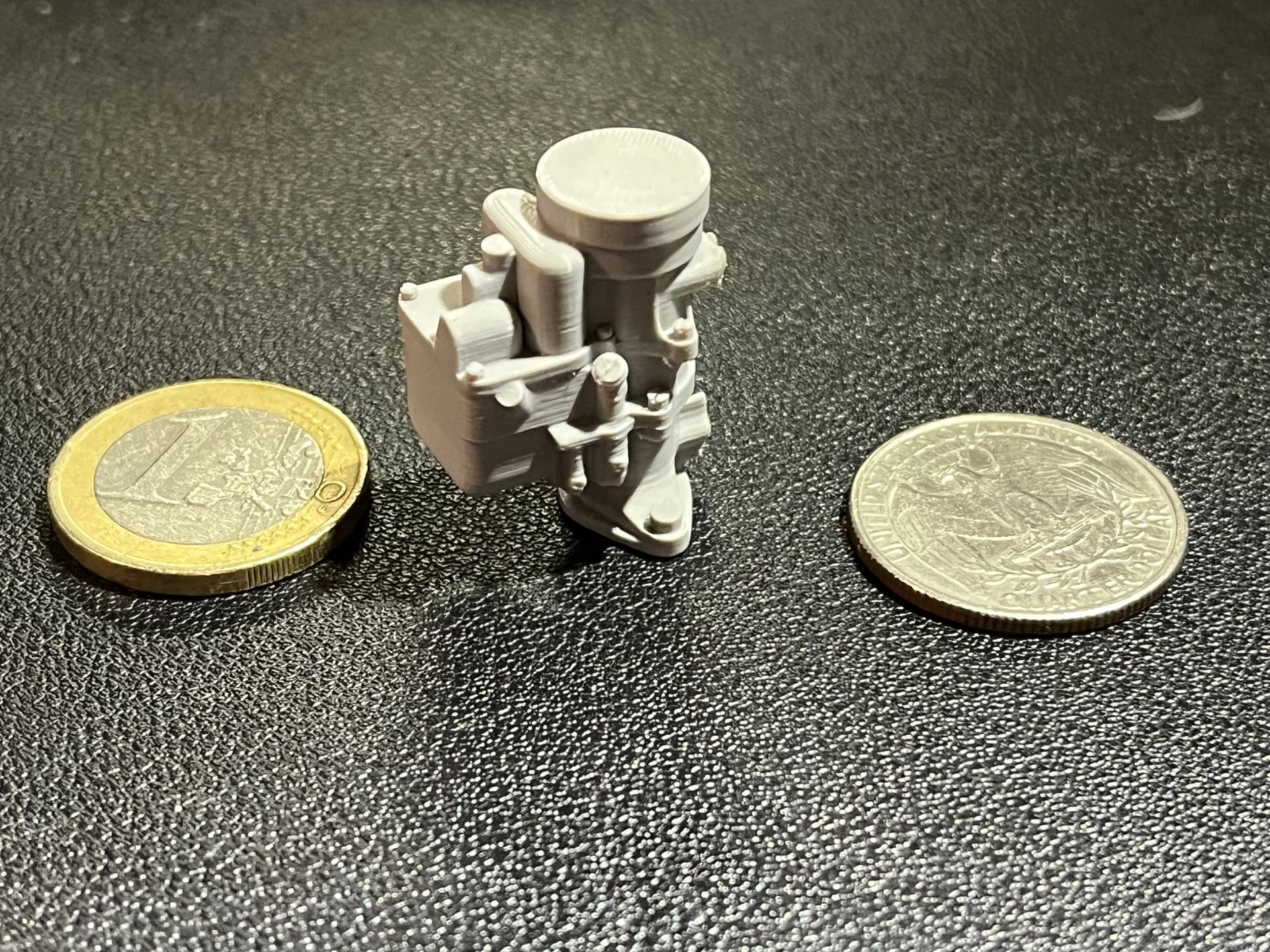
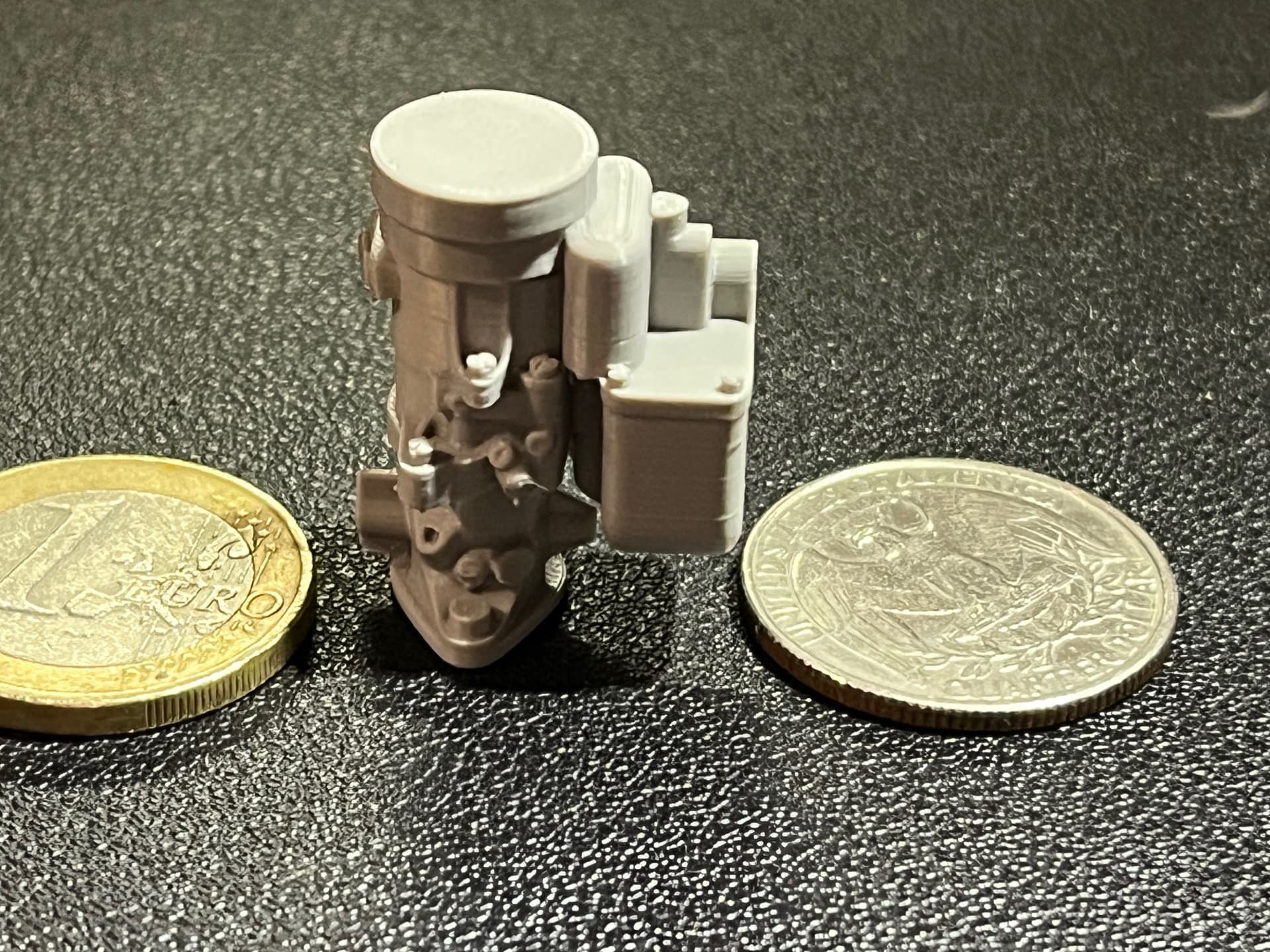
I did some test prints as well. First time I use my 0.2 nozzle (brand new) and left or right on black Bambu PLA basic did not work whatever layer height I used (underextrusion, extruder clicking, automatic extra purge for low flow I suppose every ~2 layers, some air printing, a mess!) until I switched filament to grey (same PLA basic, same default profile, same AMS, fully dried both filaments). On both nozlles, result was now perfect (well, at least for such a small model with intricate details). Below is the result at 0.08mm layer height. Do not trust your filament or perform a full calibration before you throw your 0.2 nozzle into the garbage can (which I almost did or store them indefinitely and keep on using 0.4 nozzle…).
PS: this is a Carter carburator from a Willys Jeep “go devil” engine at 1/6 scale. On my complete model I had done it with resin printing but I wanted to see how it would turn out with FDM, very happy 
Nice print you made.
I still can’t find how to print because my H2D printer can only choose 0.4mm, 0.6mm, 0.8mm nozzles.
How do you did that then?
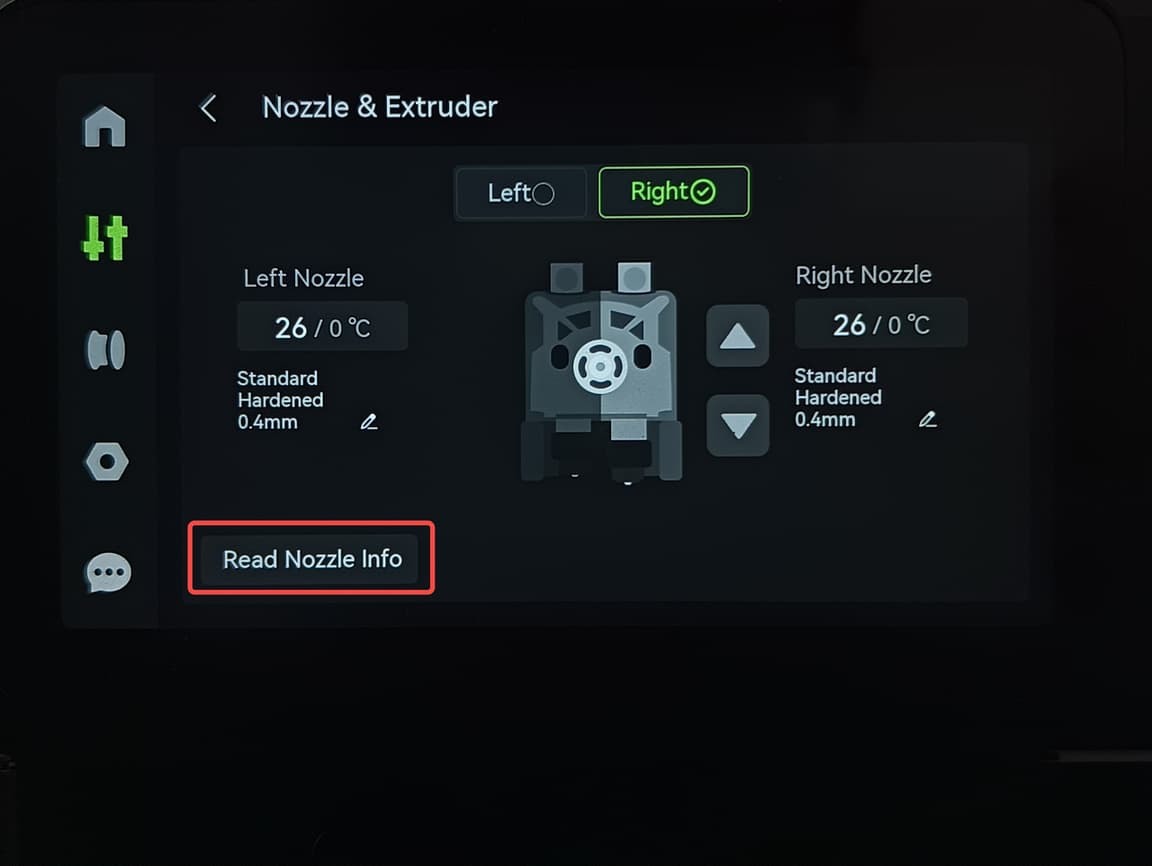
Thank you for answering. Had a bit busy.
Because i couldn’t choose the 0.2mm nozzle setup, i didn’t tested it, was afraid to damage my H2D.
Because i read some problems with the 0.2mm nozzle that’s why i posted on this topic.
I installed the 0.2mm nozzles and tried to print something with thin lines.
I had a chat with chat gtp and he made me a profile tot print with slower and safer settings.
The 0.2mm nozzles only comes in stainless steel standard flow variety. You need to choose “standard” and “stainless” before you see the 0.2mm nozzle in the list. But as PrinterMcgee suggested, you can just use the auto detect function.
I have the same issue. Tried two and both get the ‘extrusion motor is overloaded’ and this is with PLA Basic. Waste of money.
Is this with the provided Bambu profiles? 0.2 nozzles can’t push a lot of filament through quickly so printing fast usually results in overload errors. I’ve found it’s easy to push 0.2 nozzles too far and get failures. Backing off speeds, line widths and MVS usually resolves most issues.