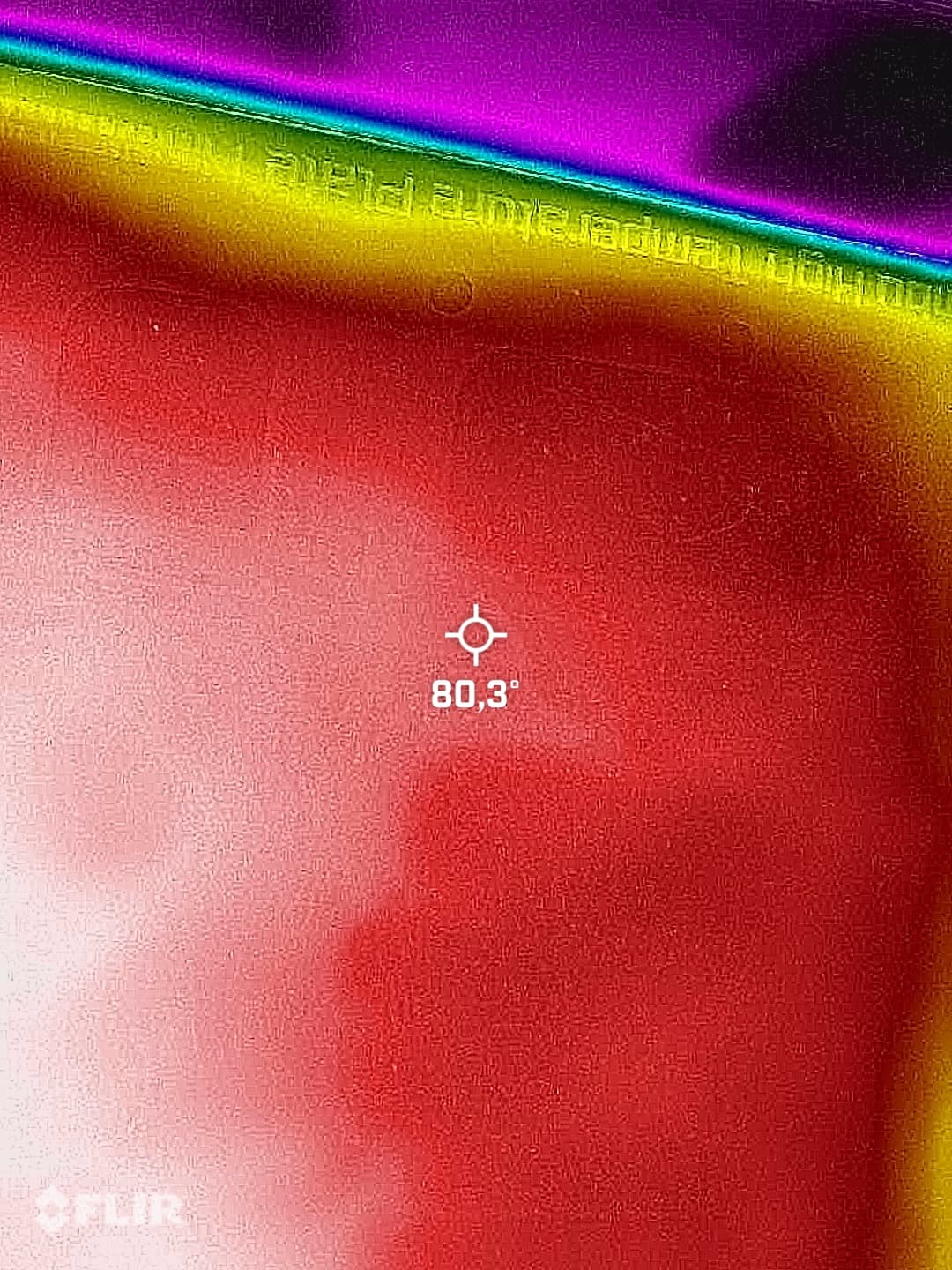
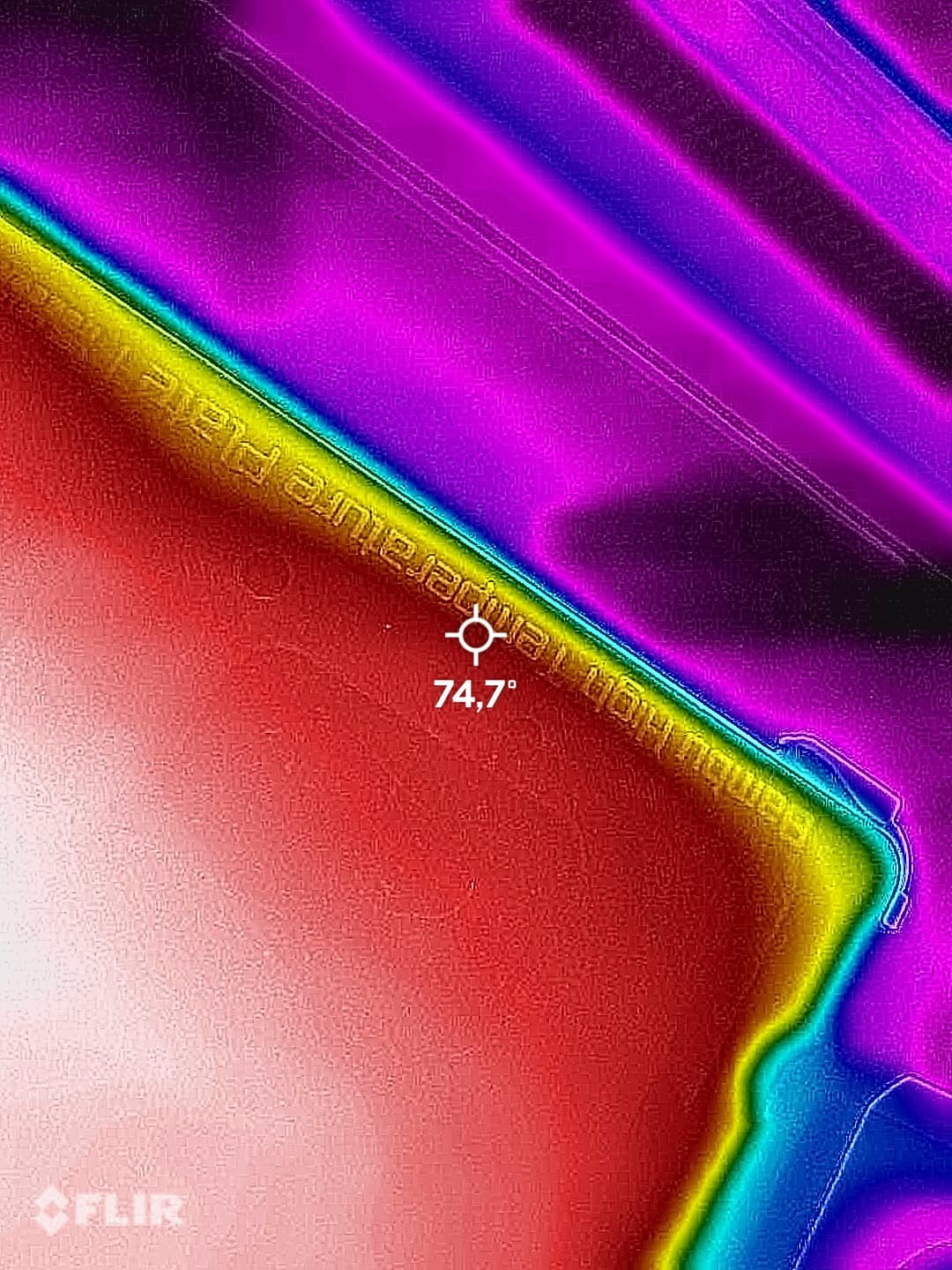
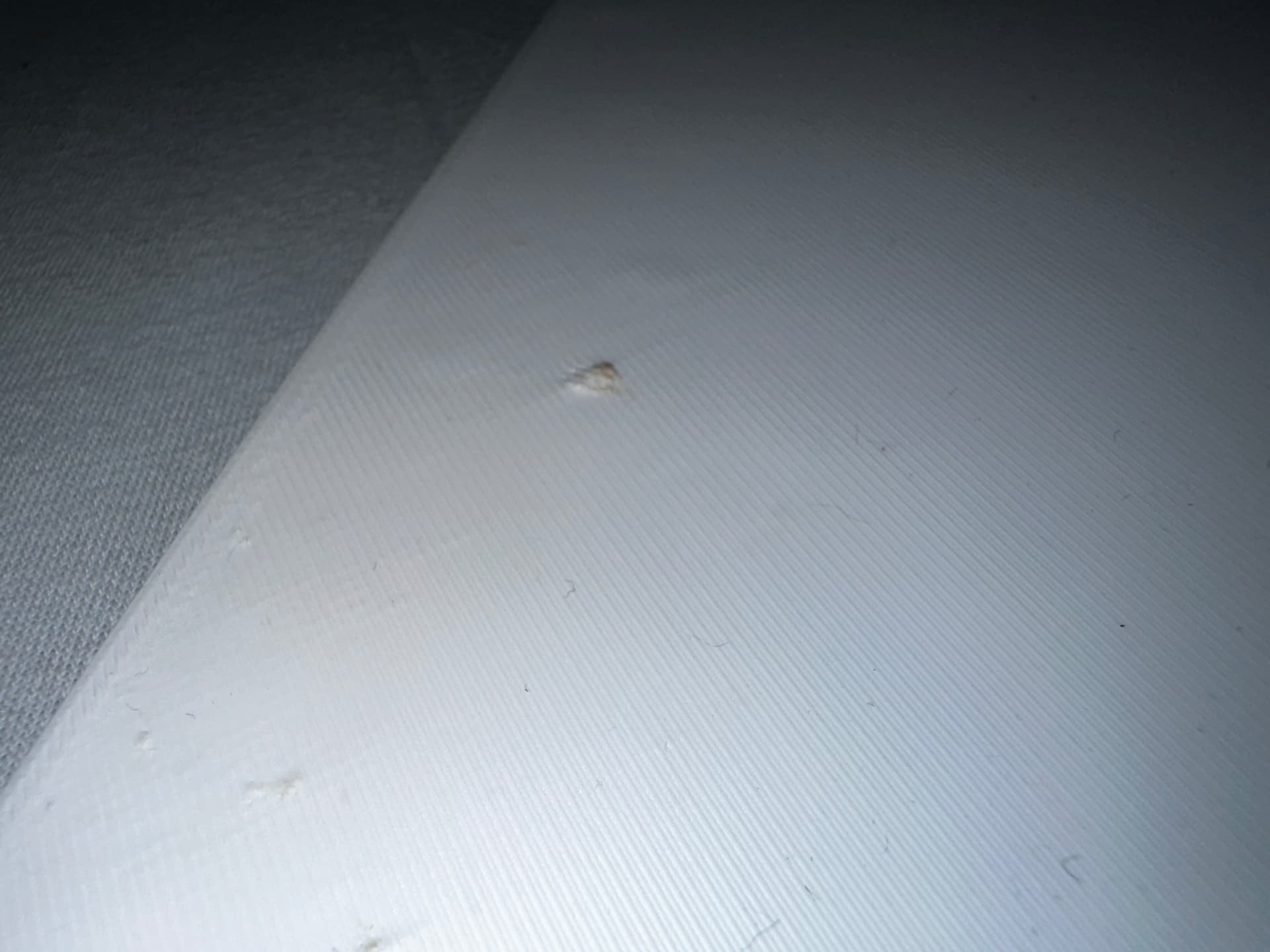
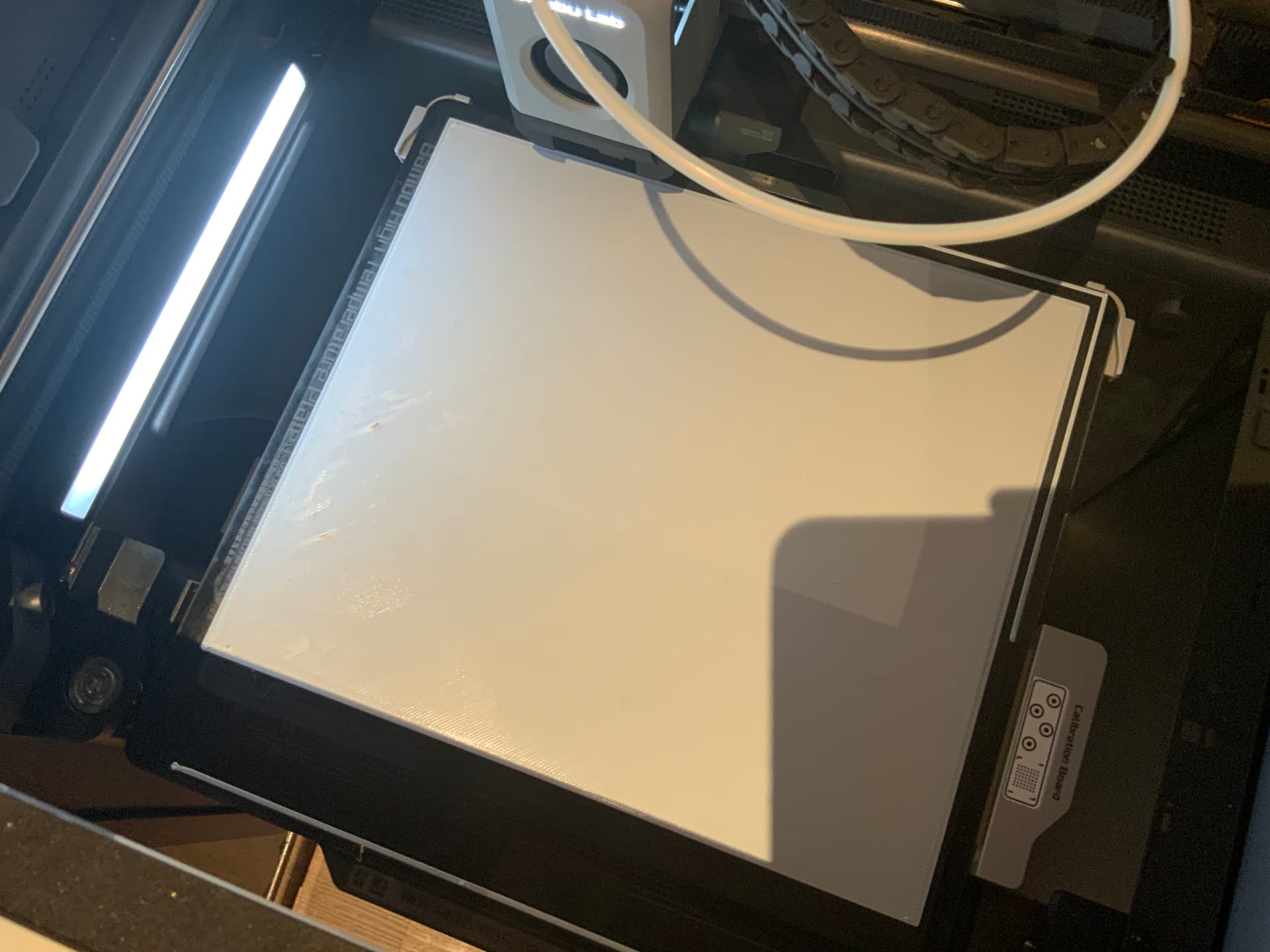
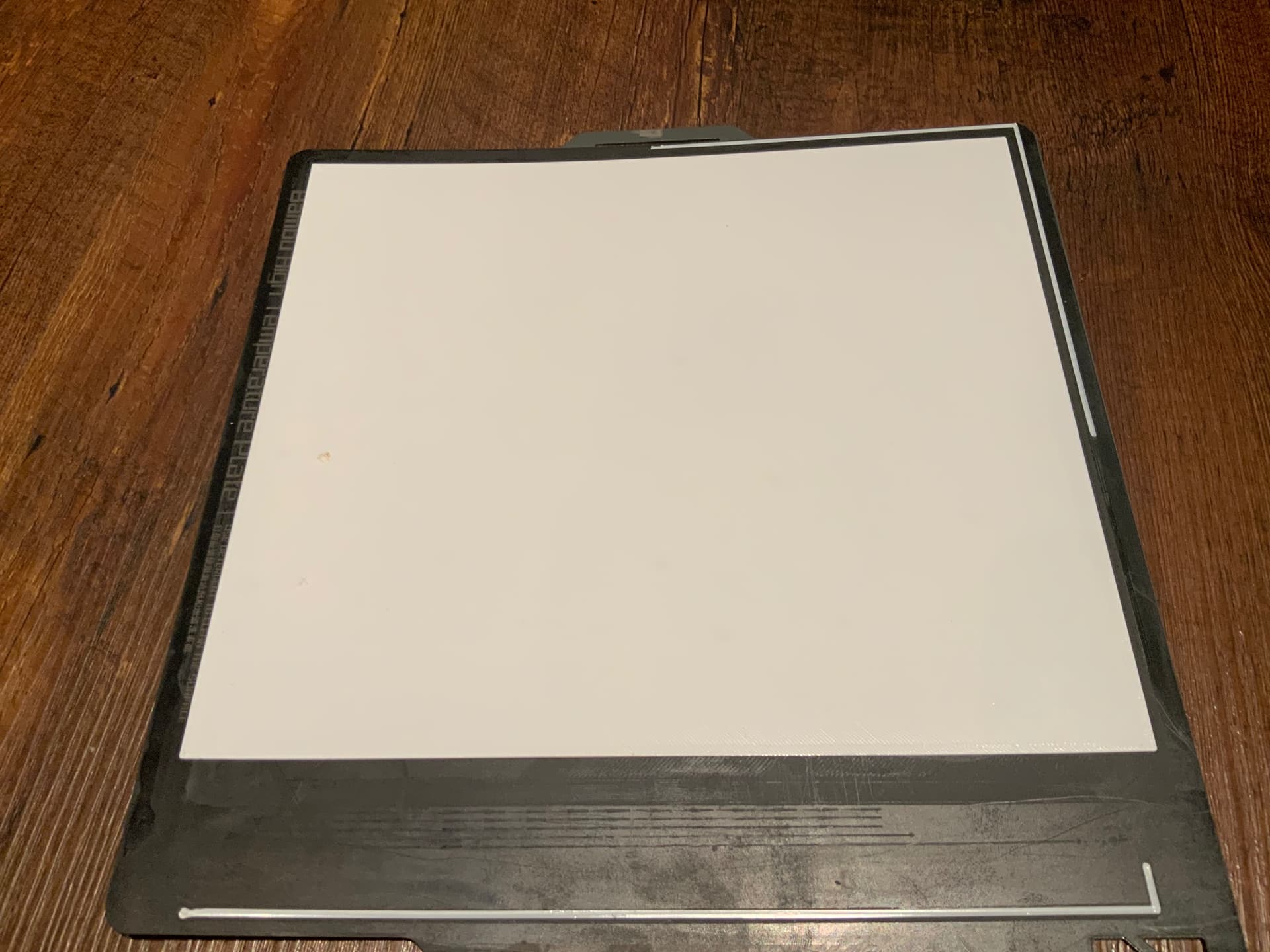
Already did. Is consistent
90°C was tried but did not help. But I will try it again with 90°C with the new calibration.
Printing with PLA is not causing any problems.
Update will come as soon as I did further testing.
Already did. Is consistent
90°C was tried but did not help. But I will try it again with 90°C with the new calibration.
Printing with PLA is not causing any problems.
Update will come as soon as I did further testing.
What kind of temp does thermal camera show on the surface when you set it to 90 C?
What is the ambient temp in the room where you print? And is it well ventilated?
For me, print would warp and lift up from the bed whenever there is too much cooling. So you should look into it from that point of view - how you can reduce cooling, reduce airflow in that area and how to keep temps high enough so that the print stick.
Just recently I had a case when even PLA warped and lifted up from the bed. It was because I started printing in a very cold room (morning) and there was just too much cold air and print model was big. I reduced AUX fan, split print into more parts and reoriented it and then it was fine.
Well, you have lots of help on the other factors, but I’d like to point out some things not intuitive about drying.

Why? Several reasons, but without writing a longer novel, one is:
During the extrusion in manufacturing, it goes through multiple reducing nozzles down to 1.75mm. It needs to be quickly cooled, so many companies run it though a water cooling process to set it!
They’re sure not going to bake it for hours to dry it, they just reel it and bag it.
 )
)
However - on the AMS - Every time you open it you let in fresh air. It takes hours before the desiccant can drive the humidity down. Again, it can’t dry the filament. Period.
Final thought - You can screw around trying different settings, speeds, whatever, but if you have not dried the filament it’s all useless motion except to learn the settings! PETG and others are known to be particularly hydroscopic (moisture loving) and print crappy when damp.
You want to print right? Dry the damn filament 1st!! 
Said with love. LOL
Many people dry every new roll then store it properly to avoid issues.
/End Rant
Take a couple mins and read that article, K?
Cheers!
@ThanksForAsking Thanks for all the explaining about moisture and filament. I was aware that desiccant does not help if the filament has already absorbed moisture.
I may try drying but wanna add, that when the first layer is done, the print can continue and is flawless. And while calibrating printing was done with speeds up to 80mm/s with no problems in upper layers. Also these layer don’t show signs of wet filament so that is very unlikely. But I will give it a try to be sure cause I wanna elininate all possible causes for this problem to pin down the cause, so that other in the future know what to do.
I did read the whole article 
@djeZo888 First layer has absolutely no cooling enabled. All other layer work well or at least just need fine tuning. But thanks for the hint.
It is also important what kind of cooling you have for other layers, not only first. Because cooling affects whole print, not only top layers. I am just going through warping issues with Spectrum PETG HT100, which is a bit different PETG that likes to warp, especially if the print is larger.
What helped me so far was using Wham Bam plate.
Now I am experimenting with various settings for cooling.
On one hand you need cooling for overhangs and on another, too much cooling can cause print to warp. So, a balance needs to be found.
So hello again guys.
An update after some testing:
Did that now.
I did some more calibration with the flow rate and set the first layer speed to 20mm/s.
The result is way better now.
For anyone interested:
PolyLite PETG:
Flow Ration: 0,9502, Temp is 255°C and Bed 70°C