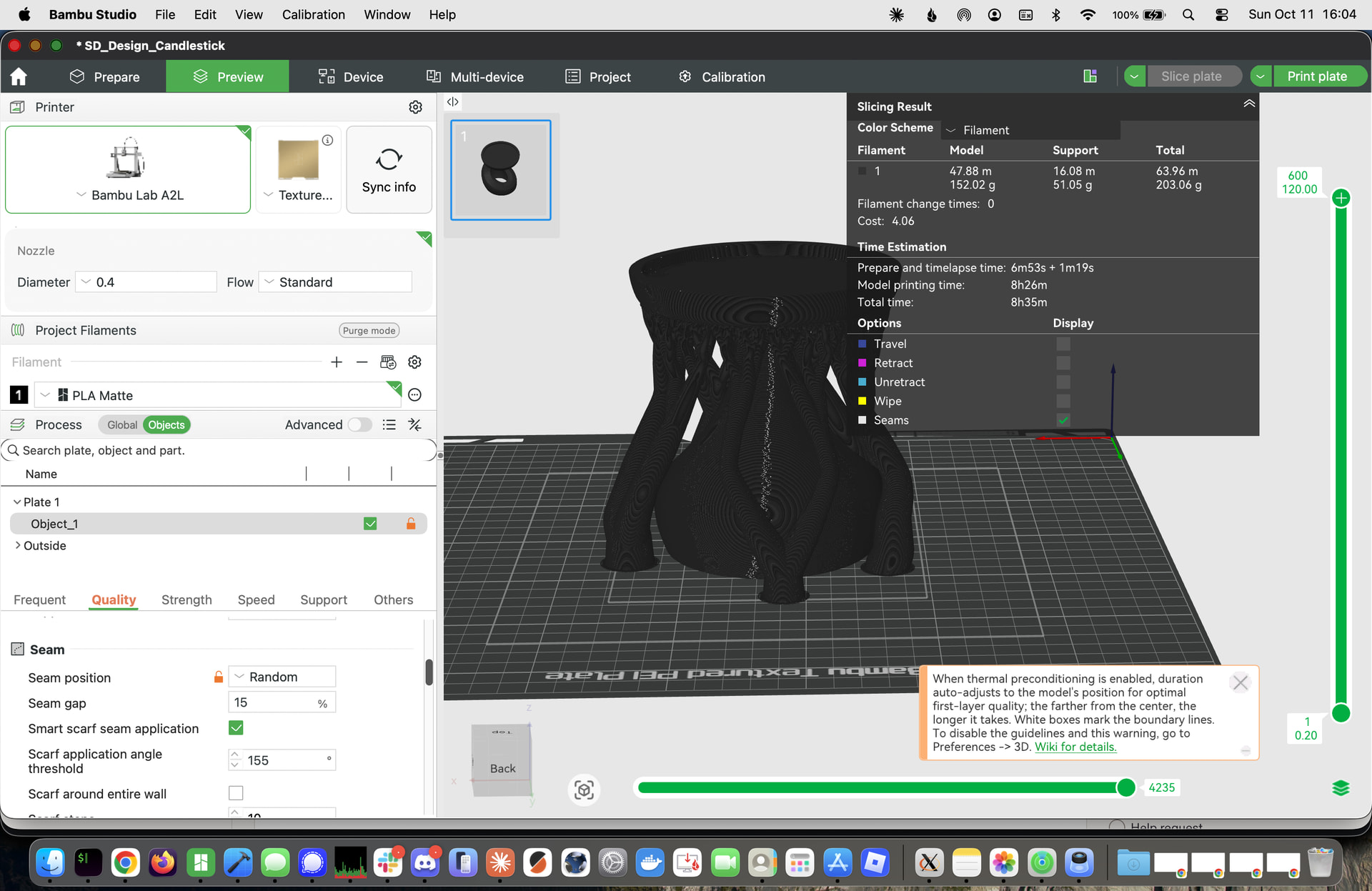
If you look at the screenshot below (MacOS Tahoe), when I asked for random seam placement the placement was definitely not random. It created a very visible and ugly scar up the side of my print.
Is this a part you designed yourself?
If not, check to make sure the creater of the .3mf file didn’t include a Seam paint, which will force the seams into that location.
Go back to the Prepare tab, and click on the icon with the squiggly line across the front face. If there is a seam line painted, you can erase it, and try slicing again.
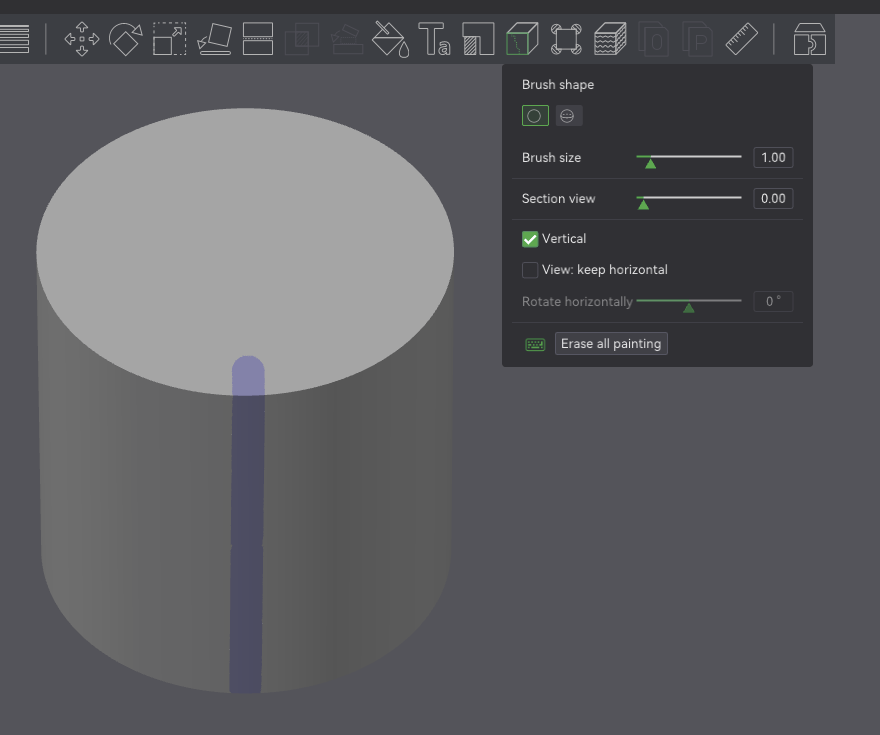
You’ll end up with that exact thing if you don’t remove the seam paint:
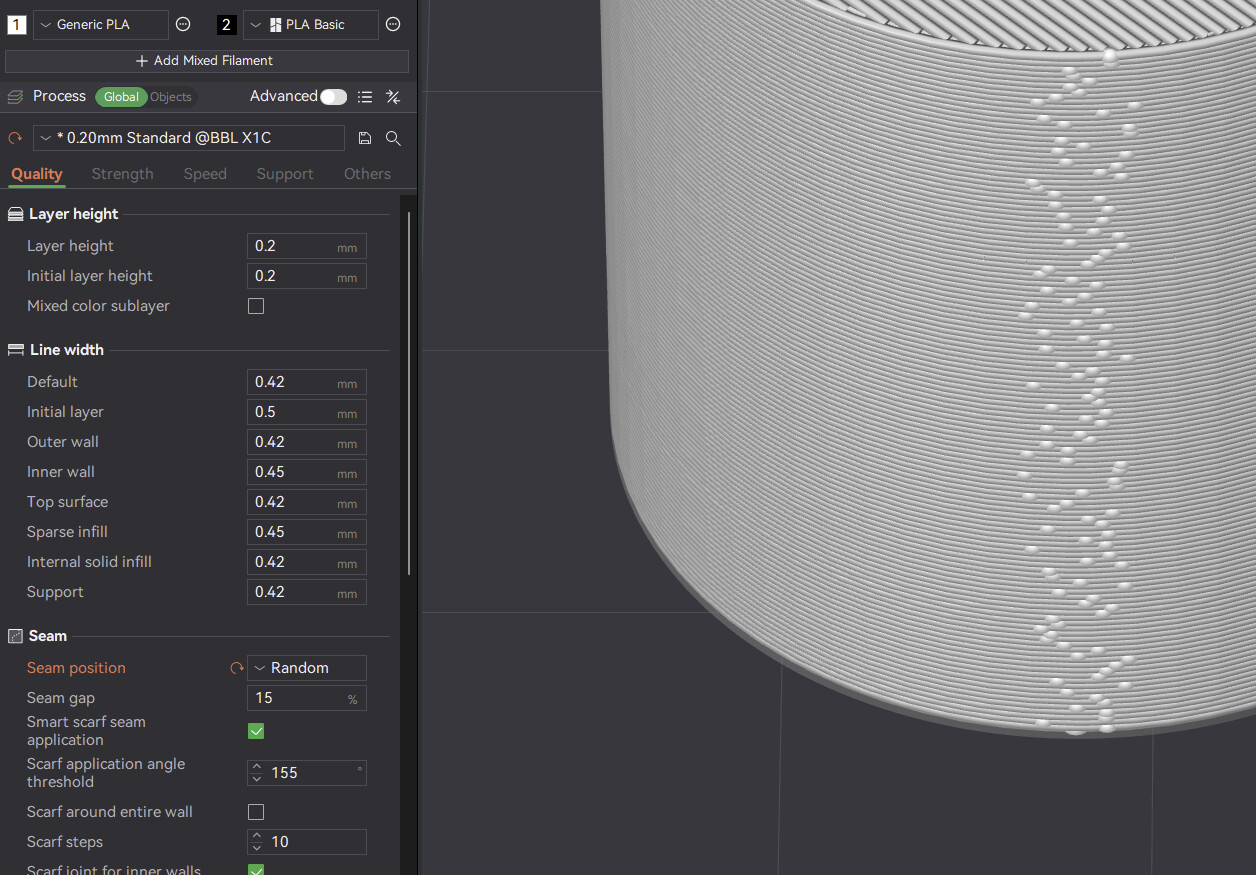
For comparison, after erasing the seam paint:
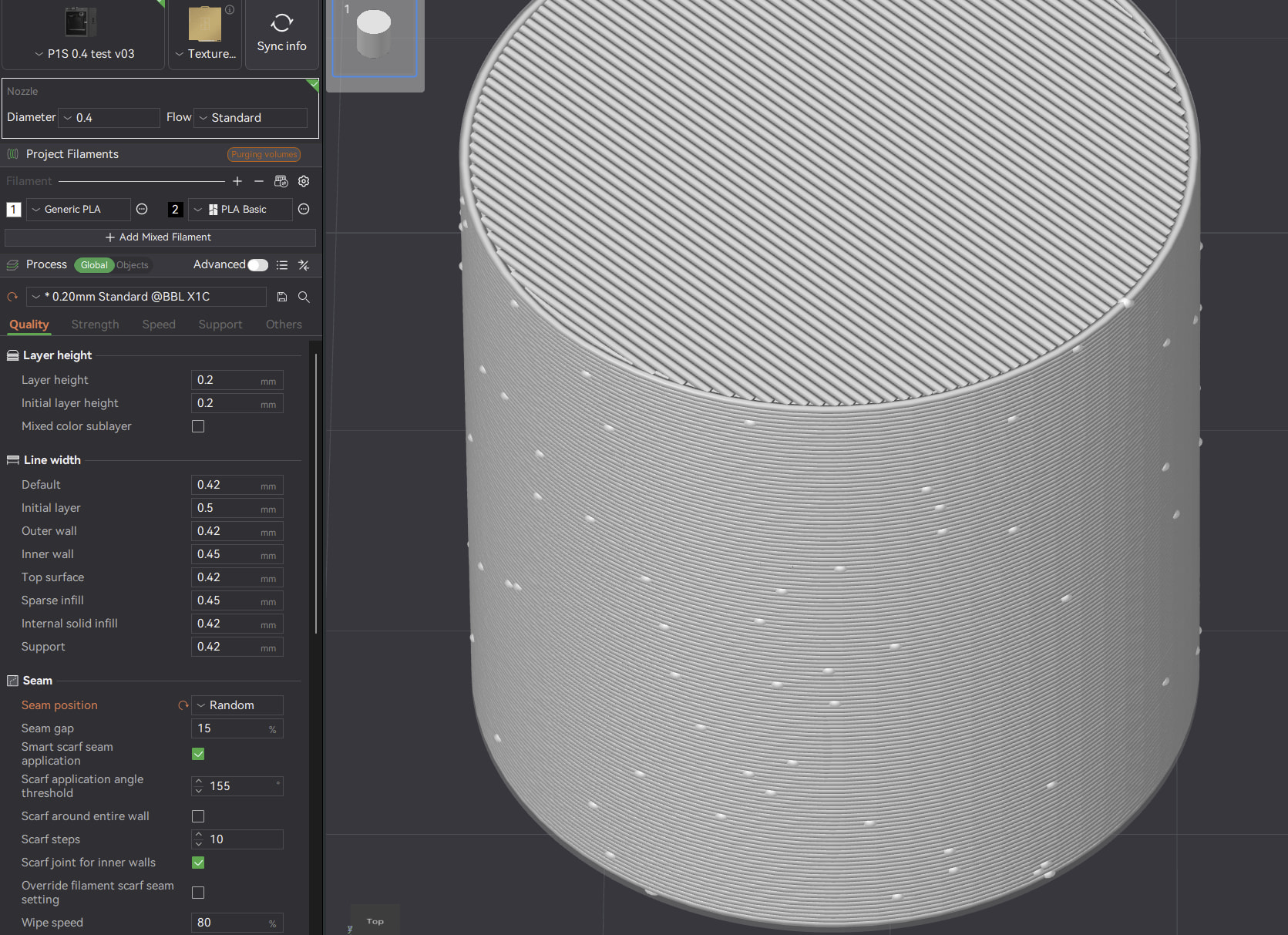
Yep, delete-all in the seam painting screen on the object, and reslice.
I would try painting the seam in a different place, and maybe experiment with the scarf seam settings.
Random seams are their own kind of ugly. I use them with fuzzy skin, or on a rolling surface where a normal seam would cause a bump and appearance doesn’t matter.
There was a painted seam. Removing that fixed the problem. Thanks for the pointer in the right direction.