Hi everyone,
I’m printing decorative vases in spiral vase mode and I’m stuck between two problems. Hoping someone understands what Smooth Spiral is doing under the hood.
Setup
- Printer: Bambu Lab P2S, 0.8 mm nozzle (Standard flow)
- Filament: PLA Matte Elegoo
- Bambu Studio

- Process: 0.24 mm Balanced Quality @BBL P2S 0.8 nozzle (also tried 0.40 mm Standard)
- Model: ~246 x 209 mm vase with radial grooves/ribs; mesh has >1M triangles (Studio shows the “simplify model” warning)
Problem 1 – Spiral Vase only
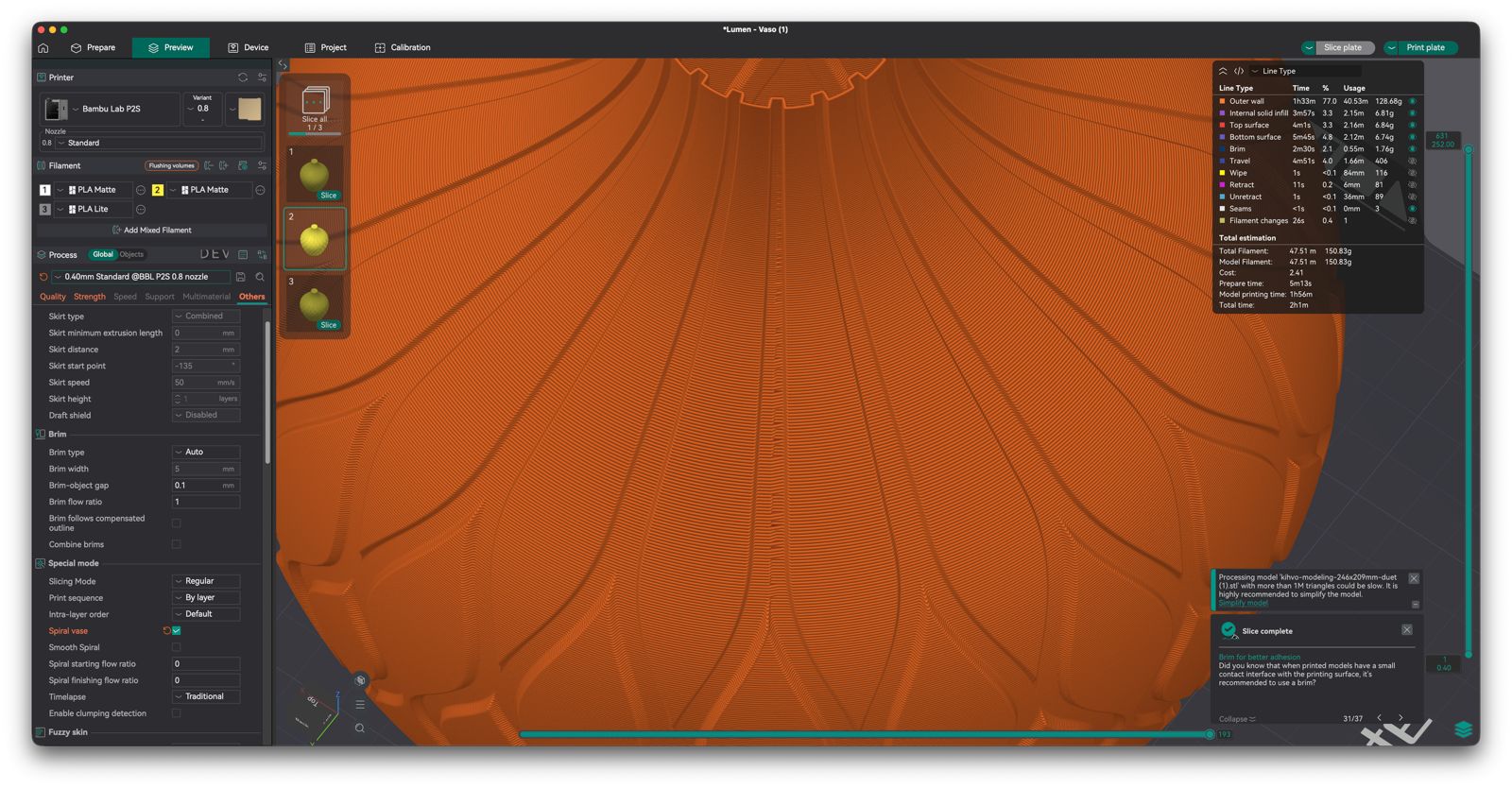
A vertical “scar” appears at the point where each loop ends and the next one starts. It lines up on every layer and is worst on the curved/sloped areas (base and shoulder). Screenshot 1.
Problem 2 – Spiral Vase + Smooth Spiral
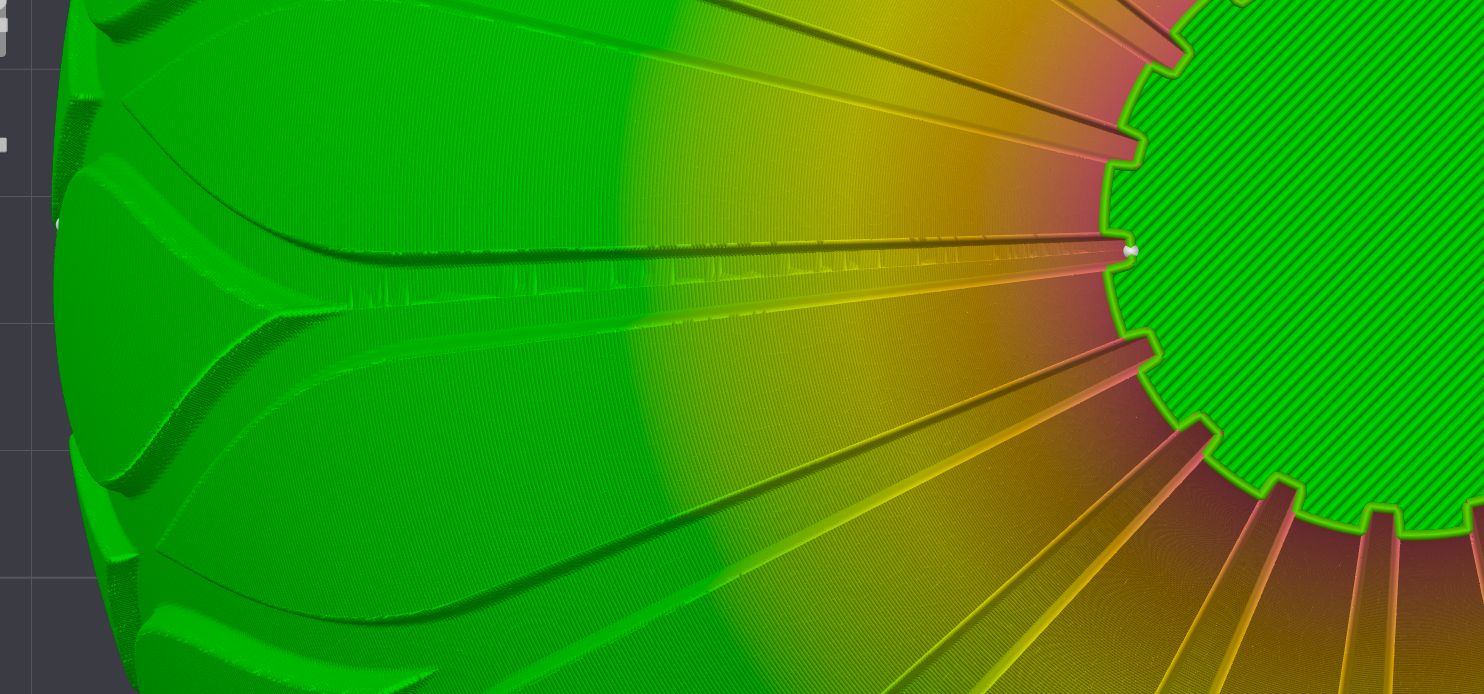
The scar is gone, but now I get jagged/zig-zag artifacts along one groove – exactly the groove where the spiral start point (white dot in preview) sits. Screenshots 2 and 3.
Settings: Smooth Spiral ON, Max XY Smoothing = 5000%.
My understanding / hypothesis
- Without smoothing, the scar is the XY jump between layer N’s contour and layer N+1’s contour at the start point.
- Smooth Spiral pulls each point toward the nearest point on the next layer. Inside a narrow groove the “nearest point” may be on the opposite groove wall, so the path gets dragged back and forth.
- With Max XY Smoothing at 5000% (≈40 mm on a 0.8 nozzle) nothing limits those pulls.
Questions
- Is this the correct explanation of how Smooth Spiral works in Bambu Studio?
- What Max XY Smoothing value do you use for vases with grooves/ribs? I plan to test 100 / 200 / 300%.
- Does seam painting / seam position control where the spiral starts in vase mode? I want to move the start onto a smooth convex area instead of a groove.
- Can a very high-poly mesh (>1M triangles) make the smoothing unstable?
- Any other settings that affect this (timelapse, Z-hop on layer change, layer height)?
Thanks!