In my opinion many are downloading STL file because of ignorance. They do what they have been trained to by other old timers.
Many 3mf files are not generally good. Works fine on the originators printer, weather, calibration, … Not saying there are not some that need specific settings.
STL files can be fine. But they need to be massive to be high res. All depends on geometry. Many other formats are much cleaner geometry. STEP seams to be the popular one now. It is my impression that slicers base code is for faceted file. It has been a long time since I opened the hood of slicers. Yes they import non-faceted. But can they export. Maybe they can now. The import converts it to facets. Once you go there you can’t come back. The computer can’t tell if the hexagon is supposed to be a circle or a hex. There are conversion guesses that work sometimes for some models.
Well spoken! Couldn’t agree more with the last paragraph. I believe we all need to learn as much as possible about all facets of 3d pri ting, this being one. As an educator, who teaches parametric modeling, I try and expose my students to .3mf, STL and STEP exports. Explaining the benefits and drawbacks. Most of my kids are now getting or have 3d printers at home and I want them to have a great experience.
Several slicers use 3mf format. But those that are still using those slicers are just examples of “STICK IN THE MUD” that don’t want to change. If it is not broke, don’t fix. Just do what you have done.
There is a risk of some form of trogon hoarse. Even if it is unrealized.
There are so many ways of optimizing a trip. Least energy, fastest, fewest turns, least elevation change… With printing: strongest, fastest, best finish… Many complain that it is weak when they have made a change they didn’t know its ramifications. Calling it a MODEL problem.
I have no hard data to back this up, but most that are 3d printing don’t know enough to change the profile, but they think they do.
It is just as easy to download the 3mf file, then load your profile. As find the STL and open with your profile.
Being accepted in the slicer does not mean it will work with another printer. 3mf is an universal type of file but Bambu uses their own coding in the metadata and it errors out with other slicers that accept the universal type of 3mf and the default coding (those slicers are the correct ones). To blame anyone, we would have to blame Bambu and not the remaining users that are not “glued” to the Bambu ecosystem. I use 3mf, but if i make it compatible with all my printers
So yeah, better to stick in the mud than having the mud sticked to you… i guess.
But i also explained this before too.
Bambu’s 3mf is not fully compatible across different slicers. There are differentr versions of 3mf and each slicer supports a subset of them.
For full transparency, since no one has mentioned it yet.
You always have the option to save as a Generic 3mf which will work in almost all modern slicers.
If I want to print something on my CoreOne and Prusa slicer is not liking the 3mf from MW, the solution is always to open the 3mf in Studio, save as a generic, then throw it over to Prusa Slicer.
How do I 3d print things from maker world from my iPhone into Bambu studio I’ve tried searching things up and watching videos but I still don’t get it
Welcome to the community
First, to print from Handy, you will need a Bambu Labs printer and it needs to be connected to the internet.
Inside of handy…
Me > learning > software > handy
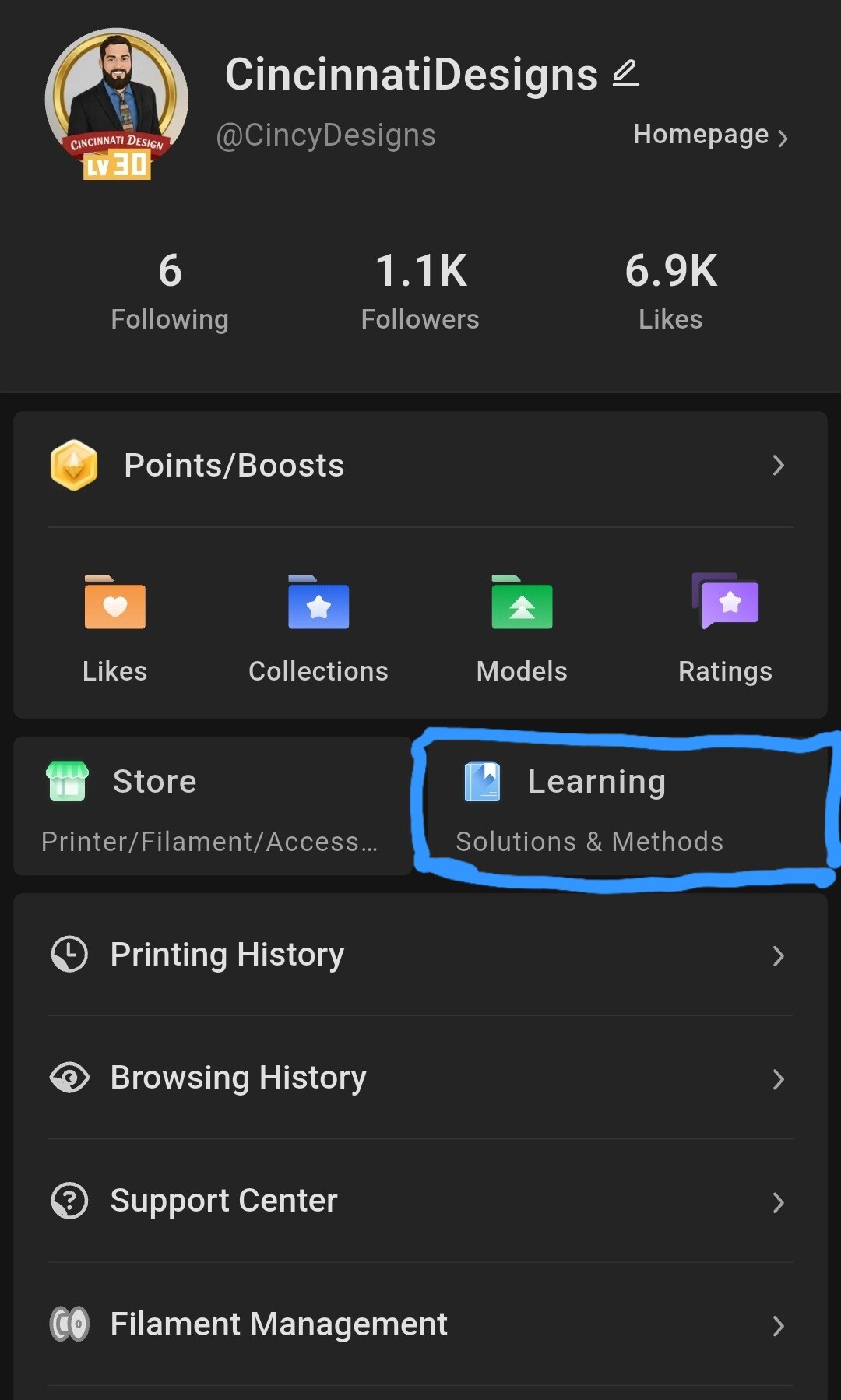
You can find pretty much all you need there
I have not looked into the “official” spec for 3MF. One of the great things about 3MF is it can handle other things. With that in mind, I am guessing that Bambu is not misusing the format. Only that there is an incompatibility to some other slicers.
Even if it is a “misuse” That might be an evolution to the standard. So far I have not had a problem switching slicers. But I use BS more. Better to use the same, so I know the work arounds. I don’t need to use the latest wizbang slicer.
*.STL files have their value, but TOTALLY agree with the STEP file comment! So much more useful to me as a solid, than a gazillion meshed triangles.
For me, it’s when I want to modify something. I only use OpenSCAD, and a STEP file is of no use to me at all. If the STL I get from the 3MF has segments that are too few on a curved surface, it’s easy enough to fix, and when I am done with it, I will export the STL with a segment value that will make it indistinguishable from a STEP file when printed.
still pretty new to 3d printing, but when im starting a project i cant find already built, i like to get the majority out of the way by modifying a stl thats mostly there. all the other formats have things that end up telling me i cant do something, and i never understand why. im slowly gaining that knowledge from these projects where im modifying others work. between the 3mf files ive gotten that had errors that i had to try to fix before they would print correctly and the errors im finding when im creating my own stuff from scratch, i really like a file that simply represents a solid model.
im now using Boolean meshing to get through the latest files ive done. it has bitten me in the rear doing this a few times, but i dont want things to be moving around. i want a solid object to make my next modification too.
everyone keeps telling me to use blender or something else, more suited to it, but i dont have time or enough understanding of the subject for blender to not be a huge waste of time. tried it a few times, and when it took me four hours to do what 15min in a slicer could accomplish…
so stl’s are my favored flavor for the moment.