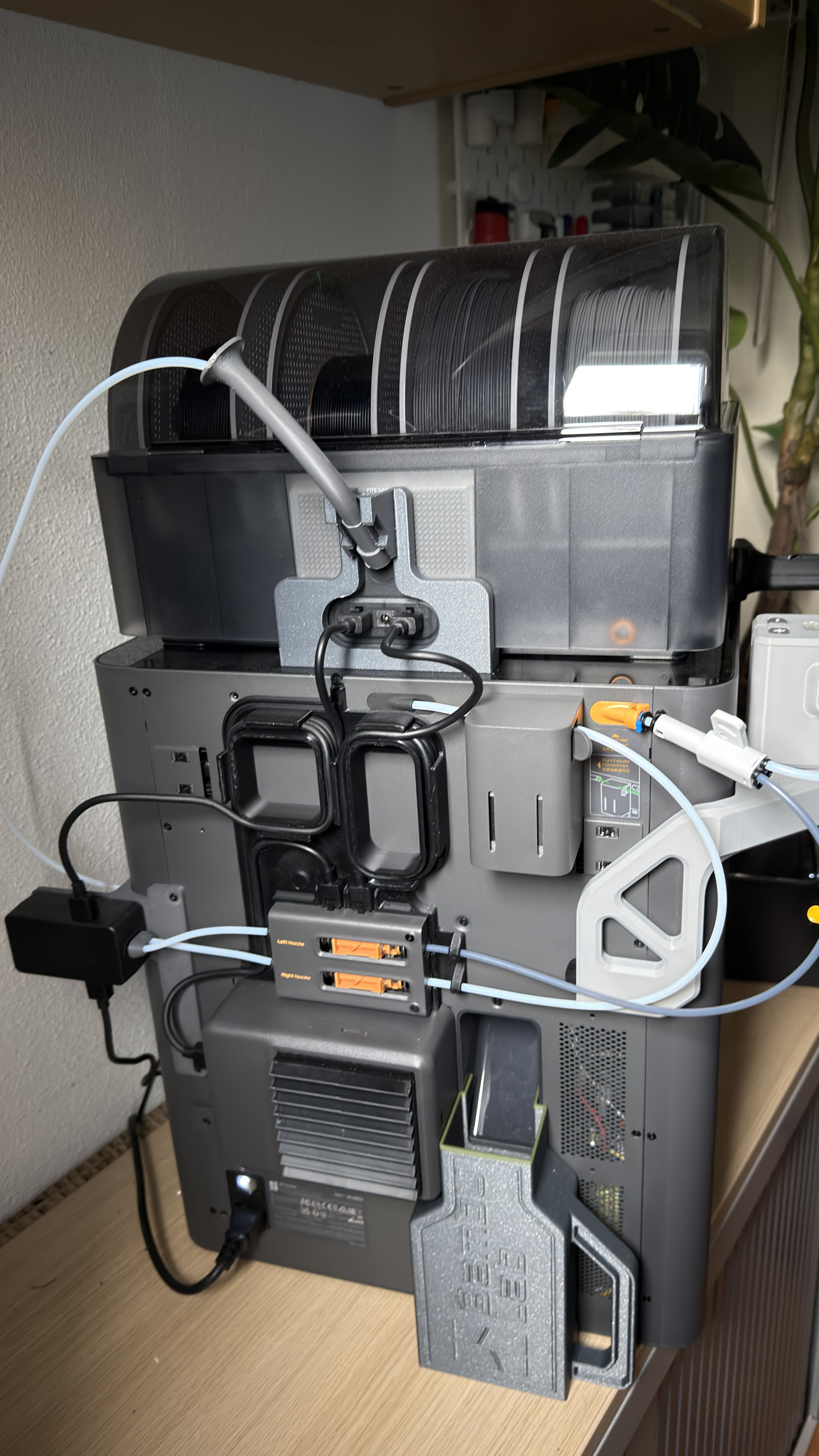
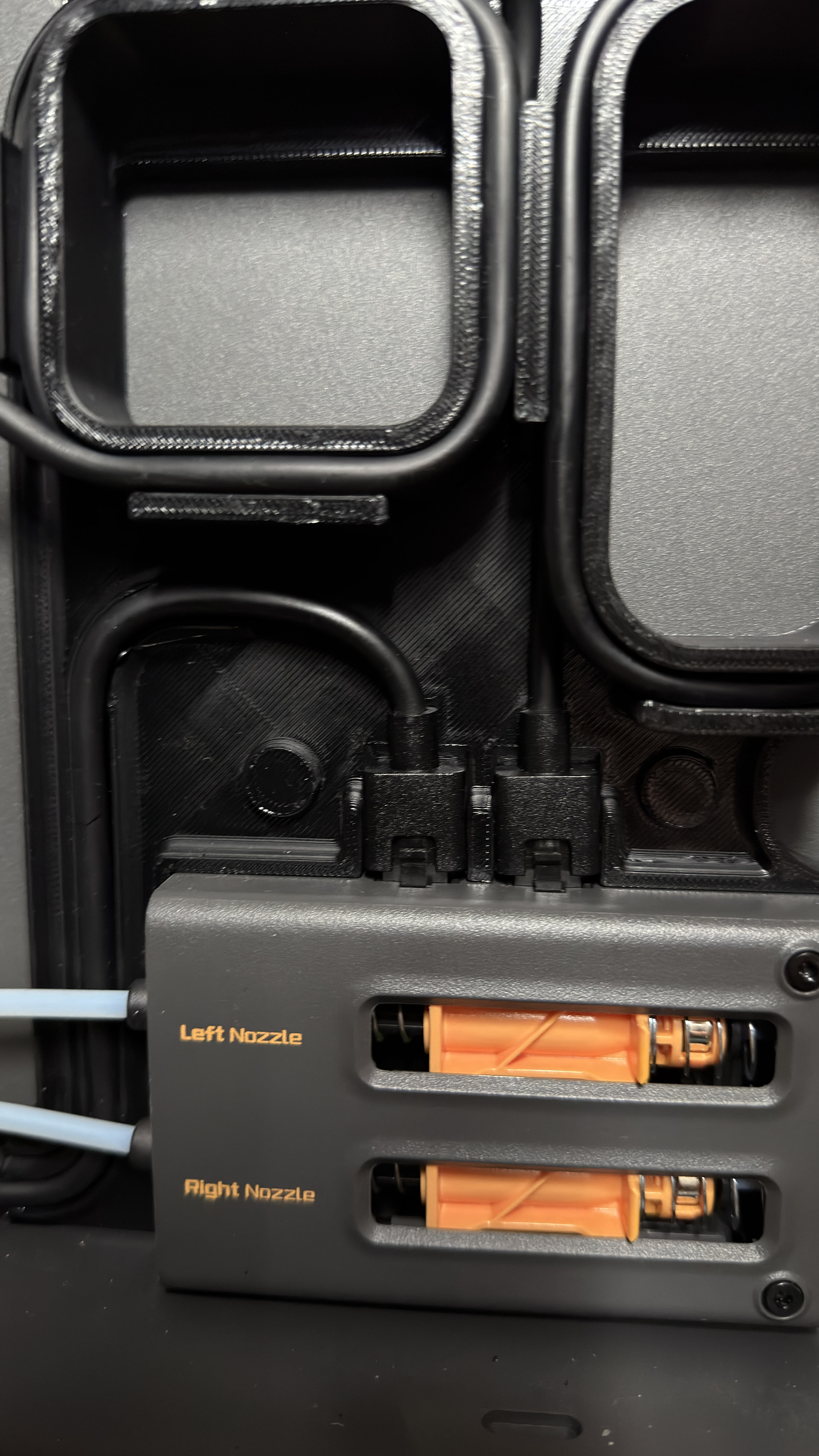
My X2D is increasingly like a Christmas tree. It began with a bare X2D and AMS2 that printed well, and the desire for an AMS HT expanded it into a fine trio. I then learned that a filament track switcher is advisable, and honestly it is a valuable addition. Last but not least, I purchased and installed a TPU assist feeder, but then the following issues emerged.
After installing everything, I had to attach the cable using the small conversion kit. Now comes my problem: I dislike loose cables, and with all the attachments the X2D has gained, it is a frustrating mess. The printer works fine, but the design of the add-ons is quite poor in my view. I used to be proud to display my X1C with AMS in one clean arrangement. Today, half my printer desk is taken up by hoses and PTFE tubes emerging from the side.
For tidiness, I printed a cable management add-on that works well, but the drawback is that the small extension now spoils the enjoyment because it is too long. Also, to use the TPU Feed Assistant I must manually unplug the cable, which is mounted on the back.
So my question to this dear community: does anyone have a setup like mine and found a solution, or better, is it possible to use another cable?
Please do not read this as a list of complaints; I love the printer, though it is a bit messy, no?
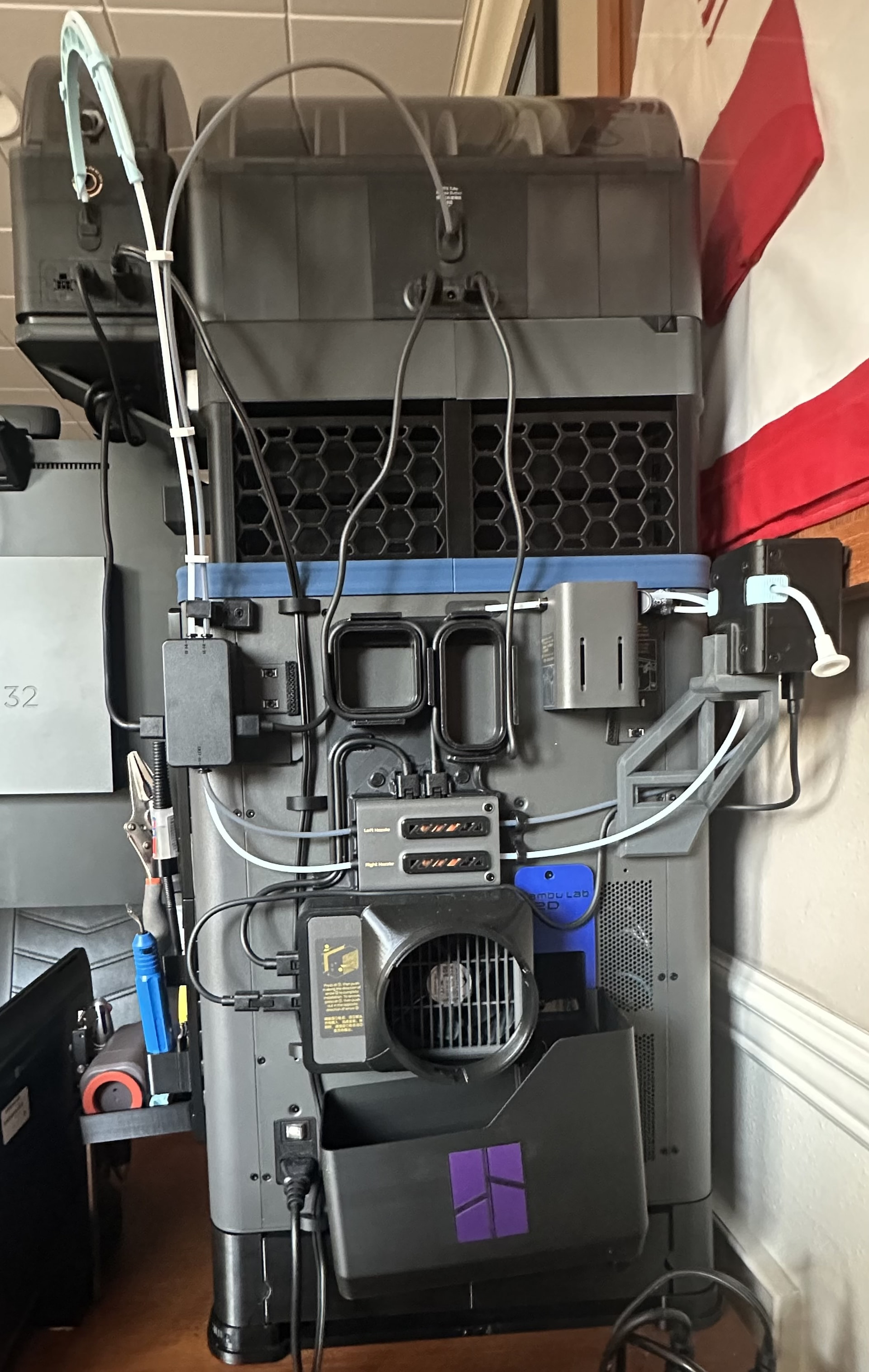
Your setup is remarkably similar to mine. You do not show the AMS HT, but I assume it is at the end of the cable that is hanging from the bottom of your FTS. It sounds like you normally have a constraint getting to the back of the printer. I assume it is up against a wall most of the time. The back of my printer is easily accessible so, when I need to print TPU, I have no issues when needing to unplug the cable. My constraint is on the sides. The printer just fits on my desk into a space the width of the printer. That is why you see I had to raise the AMS to be able to fit the HT into the system. So I have long PTFE tubes going into the FTS. But this has not resulted in any feeding issues even when using CF filaments or TPU for AMS.
The complexity of the X2D with the Bowden second nozzle makes this a messier back to begin with compared to a X1C/P1S. Then add in FTS and TPU Assist and there are tubes and cables running everywhere. There is not much you can do above and beyond what you have already done to tidy things up. If your concern is stuff sticking off the side, then there are other TPS and TPU assist brackets to bring those components behind the printer instead of to the side of the printer. Note that if you do that with the TPU Assist then it will add depth to your printer setup.
Thanks coming back this quick. Looking at your setup I immediately saw my “mistake” Following your power cable of the TPS I noticed it’s connected to the lower plug insert of the blower. I tried to insert it in the right buffer plug insert.
The cables from the FTS go into the AMS HT and the AMS 2 Pro. The fan has the cable from the filament buffer and from the TPU Assist (using the 4-pin to 6-pin adapter). The other filament buffer cable connects to the AMS 2 Pro.
When I want to print TPU, I just unplug the cable going into the AMS 2 Pro (the one from the FTS). This disconnects the FTS and the AMS HT from the printer. I use the AMS HT as a manual TPU spool holder and feed the TPU filament out the aux feed hole on the back. Hope that makes sense.
Not really. I am not using the ams Ht for TPU spool. I have Spool attached to the ams on the other side of the printer. So my idea now is to connect the cable from the Feed assistant to the free socket in the blower.Right?
That is what I did. The TPU Assist is a 4 plug. So the connection only provides power (i.e. no data and it is not recognized by the printer) and requires a 4-pin to 6-pin adapter. Since it is power only, it really does not matter where you plug it in. Anywhere you have an open socket and the cord can reach will do.