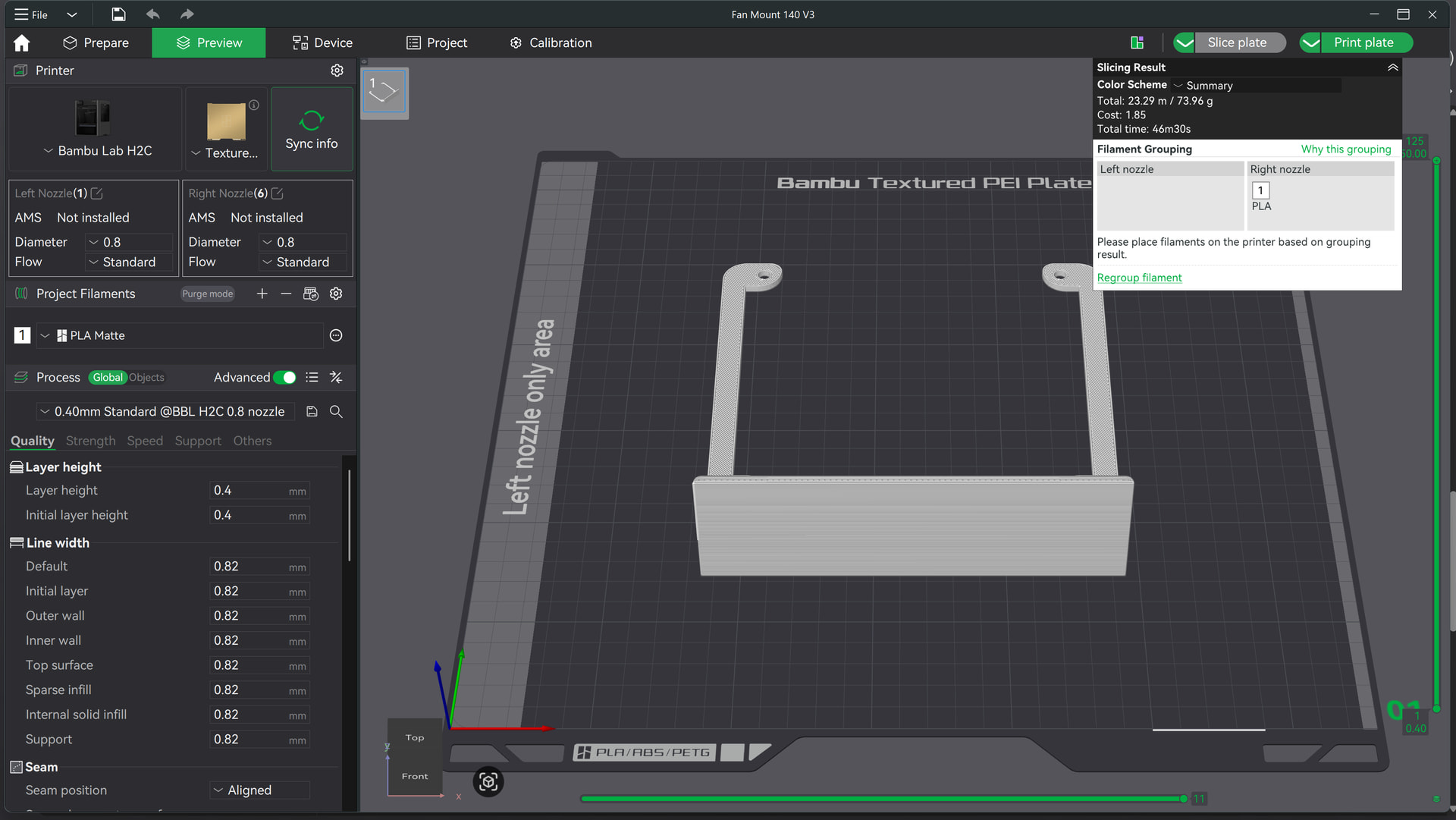
I’ve recently purchased a 0.8mm nozzle for my H2C to speed up prints . however I’m finding the 0.8mm nozzle takes considerably more time than the 0.6 mm nozzle.
Im printing Petg-CF (single colour no supports) with a layer height of 0.4mm all default BL settings the print will take 4hr 16min
The exactly same print and settings using 0.6mm nozzle and a layer height of 0.3mm takes 3hrs 47min……..
I don’t understand why this is so …..is this a bug in the system .Im using the Beta version. Based on this it was a waste of time getting the 0.8mm nozzle . any thoughts
This info may be inaccurate or incorrect - read further for additional info.
[Hi @Webstermark, this is the expected result from the 0.8mm nozzle, the reason is the amount of material that needs to heat and cool is such that it slows down most of the prints substantially. The hotend simply cannot keep up with double the material (coming from the standard 0.4mm) going through it, and it’s often discussed as a hardware limitation. There has to be some sacrifice to accommodate these various nozzle sizes, and in this case, printing time take a hit.]
In addition to that, I have also heard (I personally haven’t had any 0.8mm) that the profiles for those aren’t as dialed in as for the other nozzle sizes, so there is a chance that that can be improved somewhat.
Hi, use this control to find exactly how your process profile differs. Just saying “using the same defaults” isn’t so, those items on your list are just named the same
Additionally, the cooling per layer time is often the bottleneck at 0.8 total print speed so look at how you have that configured and if it makes sense.
I’ve only used the single 0.8mm nozzle I own two times, and in both times of use, changing nothing else but going from the 0.4mm to the 0.8mm increased both prints by 15-20%. I didn’t change or customize the profiles to attempt in making it quicker, I just don’t use the 0.8mm nozzle enough to justify the time sink. Evidently there is room for improvement through the profiles, give it a try.
I’m really wondering what was set up wrong on your end, because when I switch from nozzle 0.4 to nozzle 08, there’s a huge time save - without anything else being adjusted in the profile, just a nozzle change.
I mean, it must seem strange to you as you’re writing and posting this - that a 0.8 nozzle is suddenly slower than a 0.4 nozzle. Sure, there are limitations; a 0.8 isn’t a miracle, but an increase in time?
Umm, no? Sure, there are always exceptions and limitations, but this sweeping statement? No… I’m going to put it this a little bluntly: Pictures and a 3MF file, or it didn’t happen. I’d be happy to be corrected if I’m wrong.
Maybe it had more to do with what OP was saying?
Ultimately, the important thing is whether the model allows for a larger layer height. If you’re only printing at millimetre-range heights, the time grain will not be noticeable. Large nozzles require large objects to achieve a time advantage.
My experience was 2-3 years ago, so things have obviously changed. I don’t have pictures, but a quick Google search resulted in various community posts about this exact situation, especially going back a couple years.
In retrospect I should have mentioned that on my first reply, and that’s on me. However, and to be fair, it did happen to me, which is why I haven’t used the 0.8mm nozzle since then. I will do more reading and give it a try this week, I do have some larger prints that could benefit from the 0.8mm nozzle, so I’ll give it a try.
For anyone that’s interested I got this reply from Bambu support. I wish I’d known this before I purchased them ….everydays a school day you live and learn
2026-07-20 10:22:22
Dear Bambu Lab Customer,
Hello, and thank you for your feedback.
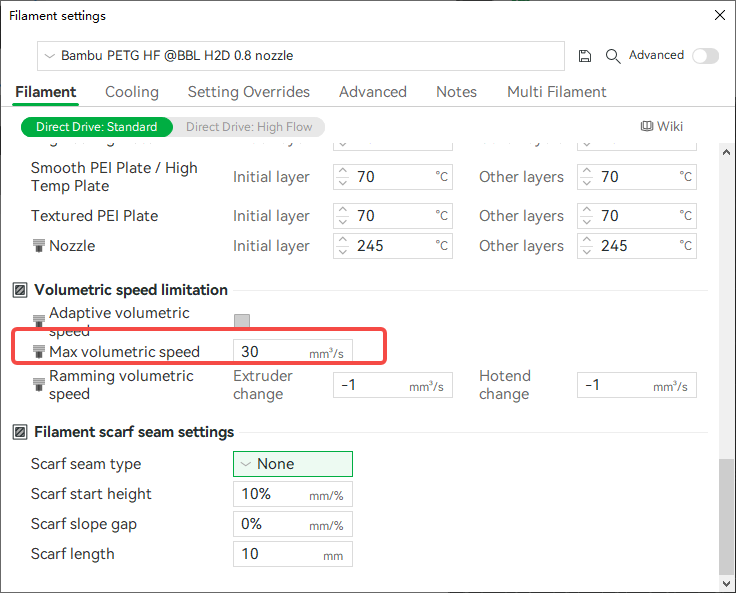
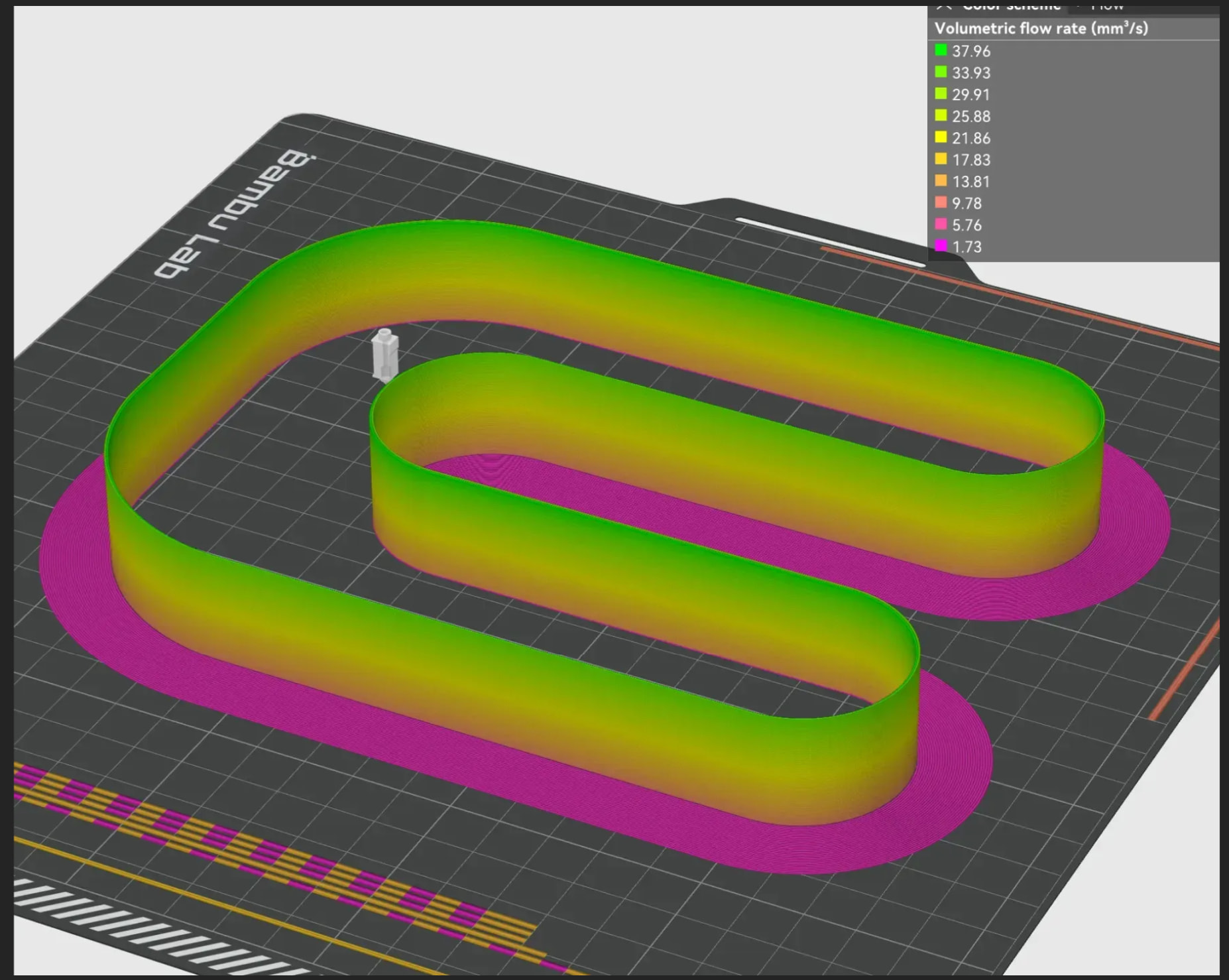
We’d like to offer a brief explanation regarding the relationship between nozzle size and printing speed. In practice, a larger nozzle isn’t necessarily faster, because it’s also limited by the filament’s maximum volumetric speed. This is a property of the filament itself, and it works somewhat like a “bottleneck effect” — the overall flow rate tends to be determined by the weakest link.
More specifically: while a 0.8 mm nozzle has a larger diameter and a higher theoretical output capacity, it’s constrained by the filament’s flow performance, so during printing you may actually need to slow down a bit to ensure the melt flow can keep up. As a result, the actual speed can end up being slower.
A 0.6 mm nozzle, on the other hand, doesn’t require reducing the speed as much to wait for the flow to catch up, so in practice it can actually turn out to be a little faster.
We hope this explanation is helpful. Thank you for your support and understanding. If you have any further questions, please feel free to contact us at any time.
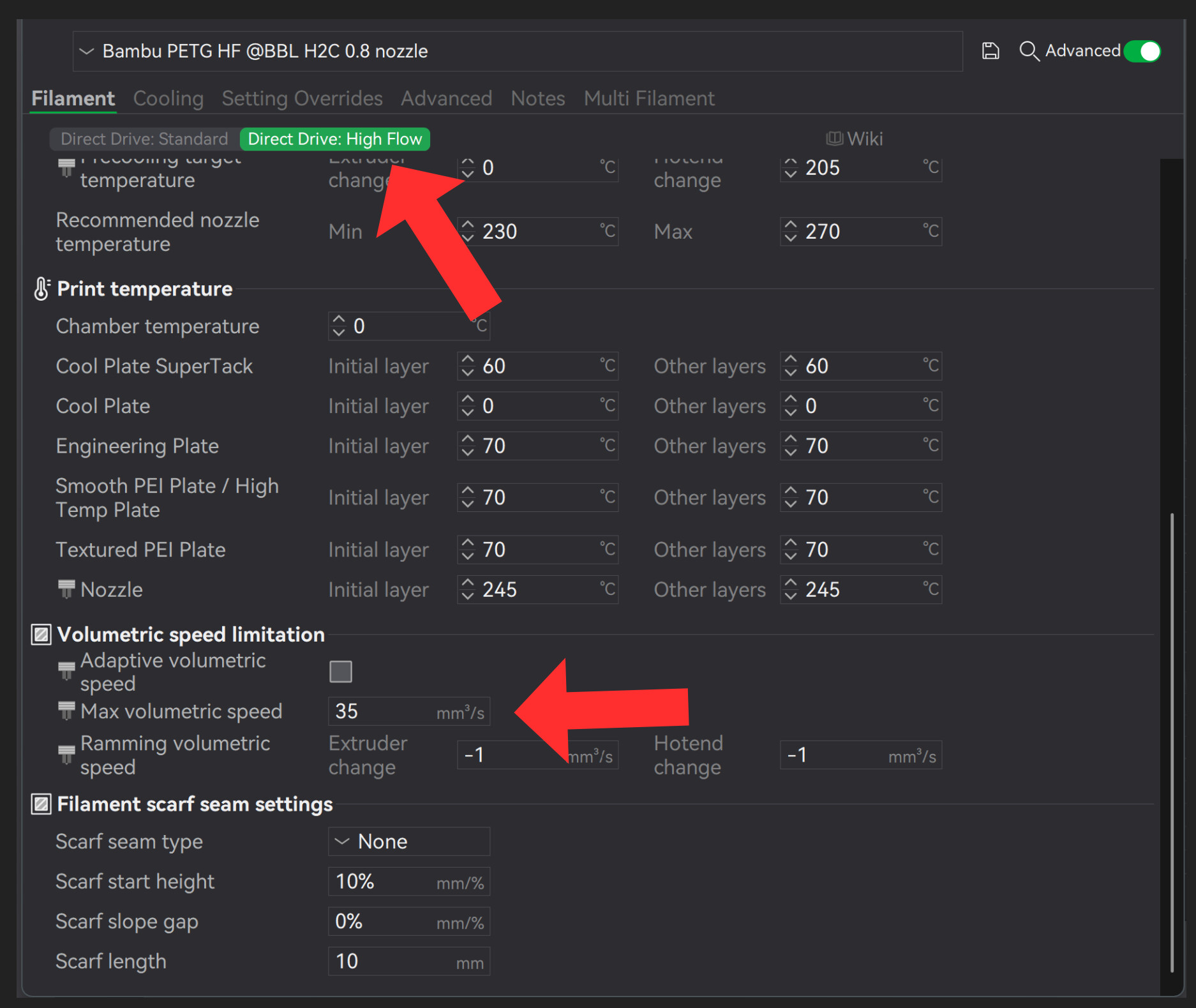
If you want to push the printer to its limits and achieve maximum flow rate, you’ll need to switch to HF / High Flow filament - and High Flow nozzle (depending on the printer type!)
Then select the following in your profile: Direct Drive: High Flow
Exactly - if you want to reach the absolute limit, you’ll need HF filament. Also keep in mind that the numbers entered into the profiles by Bambu are there to ensure that the print always succeeds; there’s usually still some headroom.
Hi @Webstermark, thank s for posting their reply, hopefully it’ll assist others in the future.
What are your thoughts on this reply from Bambu? Are you settling for their answer and continuing with the longer prints or do you think there’s room for improvement by tweaking the various settings for printing on 0.8mm?
I suppose the filament itself as well as the printer settings could play a part on the speeds, and my original reply while not the most accurate, it wasn’t far off from what Bambu is saying here.
The more I dig into this discrepancy of printing time with the 0.8mm nozzle, the more I believe tweaking the settings may very well result in faster prints, but each print is different, and might not have the same benefit on the print quality. I’ll have to test.




 you live and learn