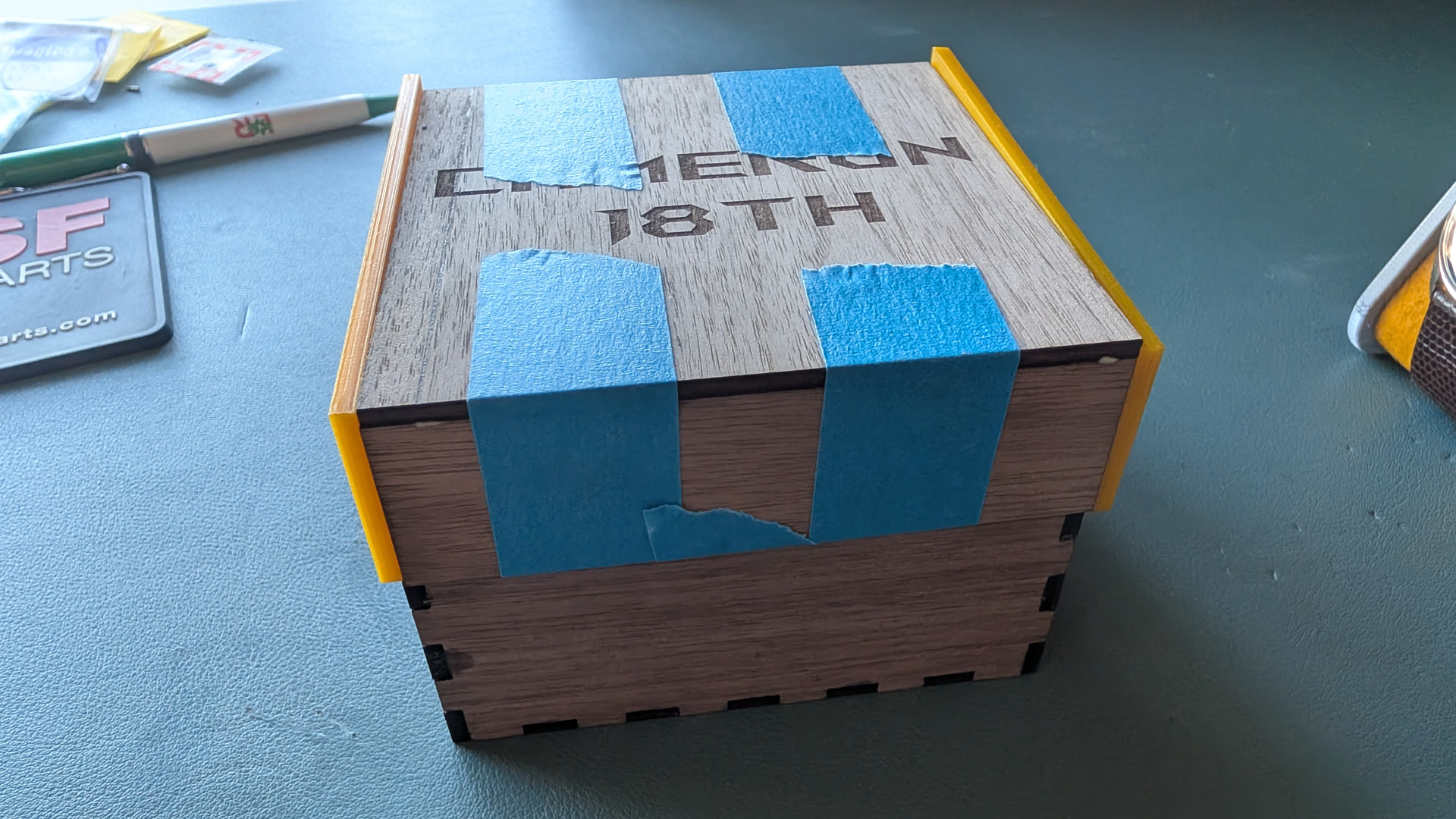
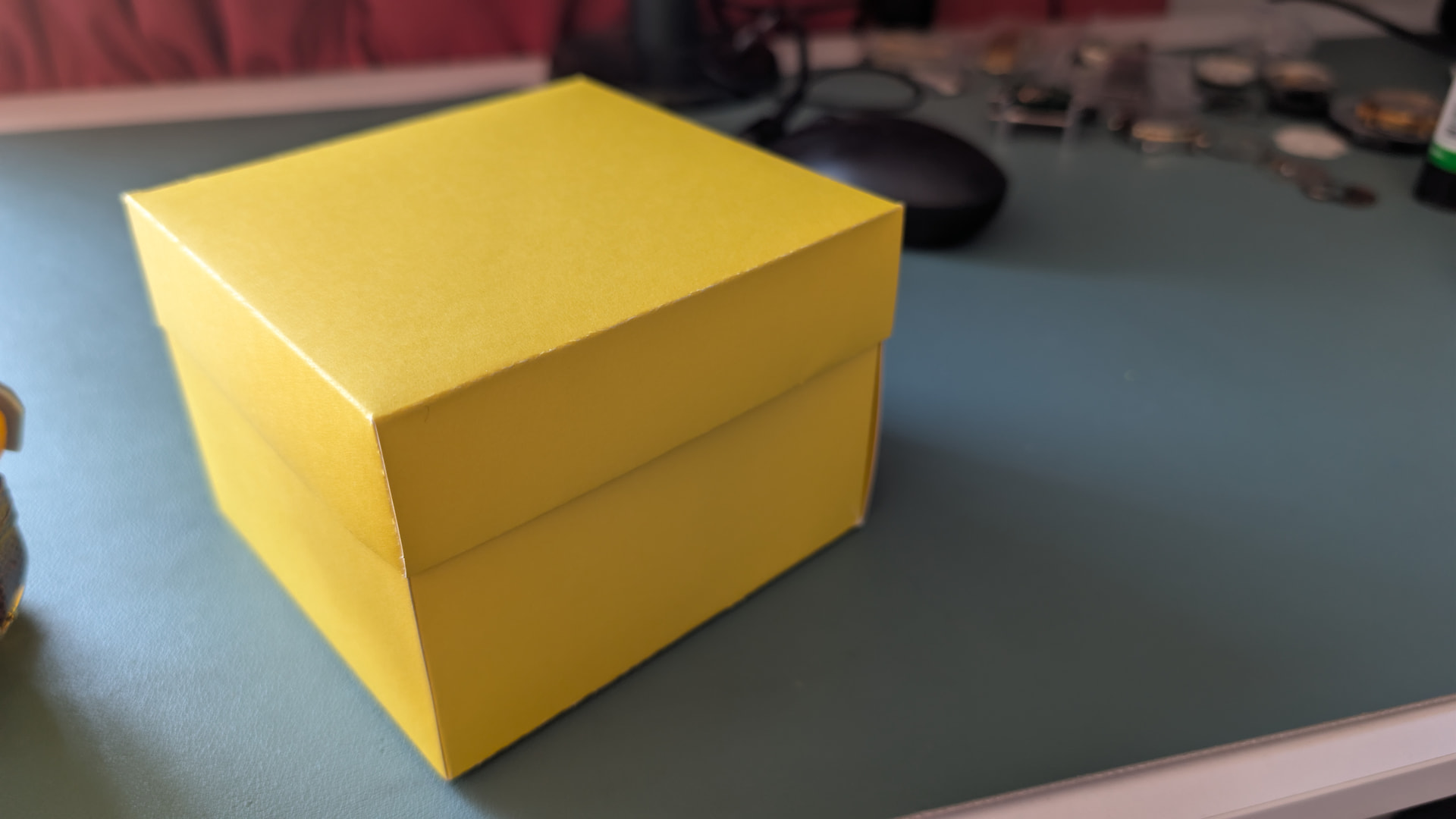
Picked up the 10W laser module and have some completed some very brief testing on both units.
As expected you need to complete the standard calibration process on 1st fit for the 10W and then it’s just the usual calibration that needs to be completed whenever you fit a laser/cutter etc.
I re-used my 40W test card from 1st fit and the line width on the 10W version is definitely narrower.
Image quality wise it was default settings for both and the 10W is not as defined as the 40W but suspect this is due to power settings.
Going to give the same test a go on some white card stock to see how it comes out but there is clearly a line width difference between the 2 lasers which would result in more fine detail when etching using the 10W laser.
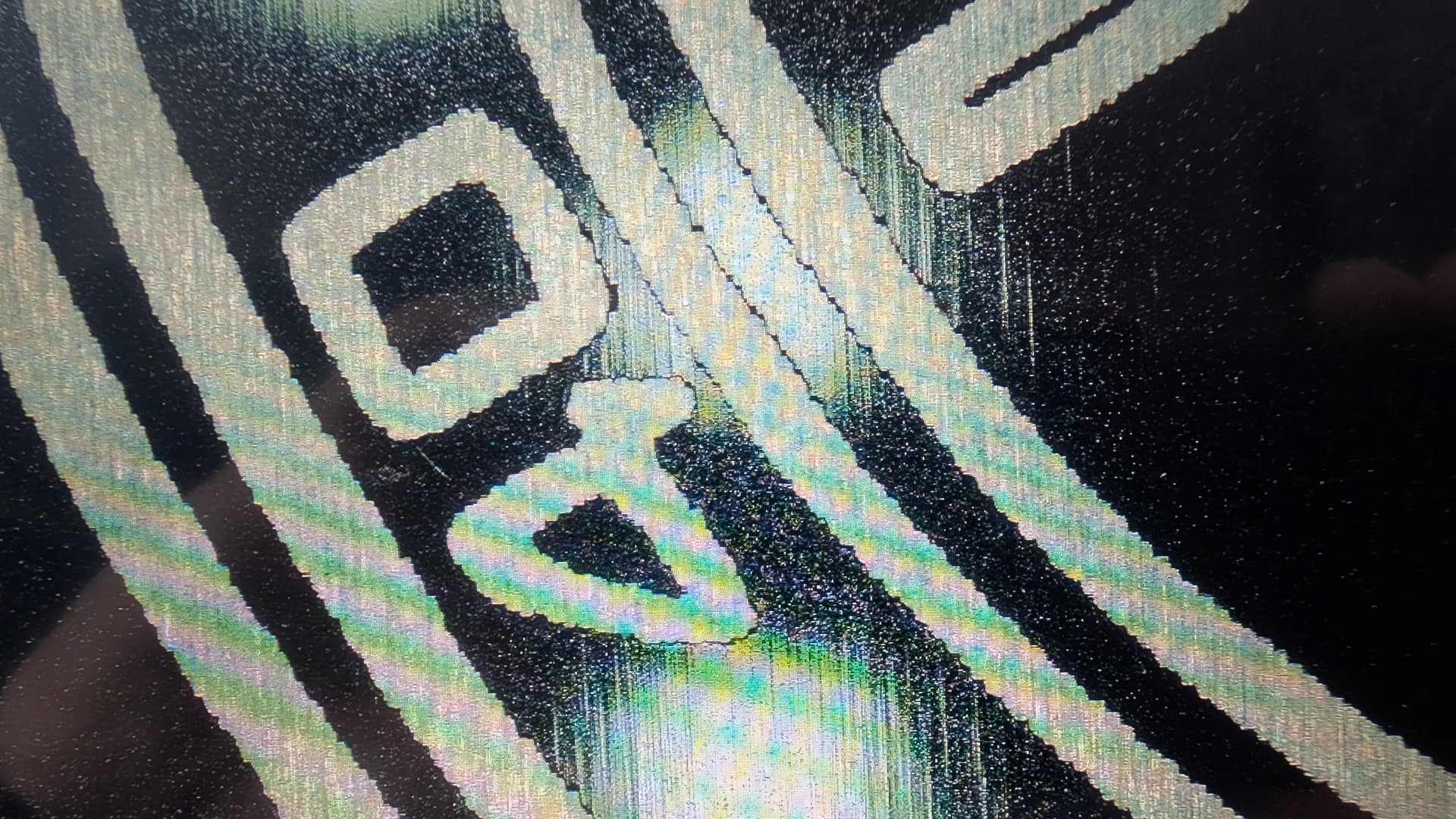
Comparison on white card stock, business card using 10W only and a series of microscope images of each type of laser and the dual pass.
The 2 pass 10W despite having the 2nd pass does have cleaner lines compared to the 40W, it’s set to 90% power output by default and I could tweak the power output or speed to achieve the same result as 2 passes.
Business card was all stock settings only using the 10W laser, zoomed in shot is from a digital microscope. When scrolling through the larger images it is in the following sequence: 40W, 10W single pass and 10W dual pass.
Will do some more experiments with some cleaner images and try some black acrylic as that really shows the etching lines and should highlight the resolution difference between the 2 lasers.
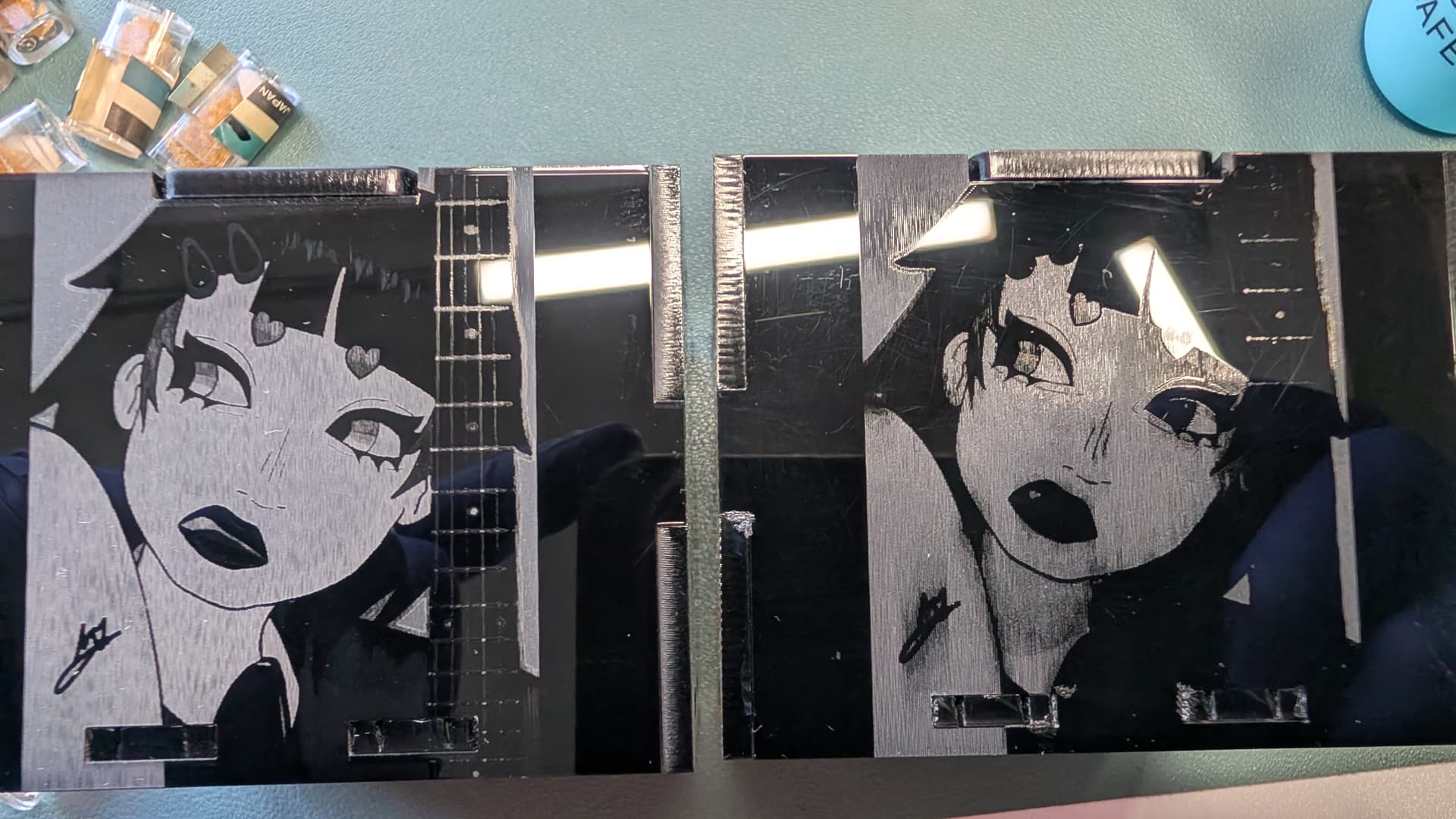
Update as I used some black acrylic and the difference between the 2 is very noticeable. The 40w has crushed a lot of detail on both etched images, the hair grips are gone and the guitar neck has lost a lot of detail, zoomed in shots are from a microscope.
Same with the image and text on the bottom of the box, some of the detail is crushed.
Used the 10W for the whole job, it’s not done as good a job at cutting as the 40W, couple of distortions in the plastic where its got hot on the edges during cutting which were not there on the 40W.
I guess the issue with lasering images onto wood is there will be a bit of burn which makes the image larger - so the difference is less noticable.
On metals and acrylic you can really see where the 10w is a much more suitable tool.
Just need to work out how to get it all done including the laser swaps without having an alignment faff!
It’s a bit of art my niece did and I’ve yonked it to use on a watch box after refurbishing one for her 18th birthday.
Vielen Dank für die Test´s mit den unterschiedlichen Lasermodulen. Deine Mühen weiß ich sehr zu schätzen und sie haben mir sehr geholfen, bei meiner Kaufentscheidung.
10W vs 40W Laser on the H2D: Spot Size & Effective DPI Explained
A lot of confusion on this topic comes from conflating image DPI with physical resolution. Here’s the breakdown.
1. Spot size (official specs)
Module
Spot size (X × Y)
10W
0.03 × 0.14 mm
40W
0.14 × 0.20 mm
Both spots are elliptical, not round — this matters for the next step.
2. Effective resolution ≠ naive DPI math
Resolution is capped by the larger axis of the ellipse, since that’s your true limiting factor for adjacent-line separation.
10W: limited by 0.14mm axis → up to ~847 DPI
40W: limited by the 0.20mm axis → ~127 DPI effective (not ~181 DPI, which is what you’d get if you (wrongly) used the smaller 0.14mm axis)
Practical takeaway for a 200×200mm engrave on the 40W: ~1000×1000px is the realistic ceiling for useful image detail. Feeding it a much higher-res source won’t add real information — Bambu Suite resamples internally regardless of the file’s DPI metadata.
3. The Gaussian beam caveat
Even these spot sizes overstate usable resolution a bit, because laser diode output follows a Gaussian energy profile — only the beam’s center carries enough energy density to actually mark the material. The edges of the “nominal” spot are often below the marking threshold. This is why Scanning Interval often needs to be tighter than the nominal spot size suggests to avoid gaps.
Concretely, on the 40W I had to use Scanning Interval = 0.05mm to eliminate horizontal striping — 0.1mm left visible banding despite being “within” the nominal 0.20mm spot.
4. Speed trade-off
Module
Max speed
10W
400 mm/s
40W
1000 mm/s
Summary
10W = higher effective resolution, better for fine detail/small engravings, slower.
40W = faster, more power for depth/contrast/materials, but coarser effective resolution — plan your source image accordingly (~1000px/side for a 200mm job, not more).
Interesting summary. One thing that’s often overlooked when discussing this topic is:
How many DPI do you need? More precisely, it depends on the distance from which the image or object is viewed.
If you hold your nose right up against the engraving, then a DPI of over 500 can definitely come in handy. However, most people will hold an engraving, or object, in their hand and look at it, in which case a DPI of around 100 is more than enough.
Here’s a very rough estimate – and I mean really rough! For a letter-sized image held in your hand, 100 DPI. For a viewing distance greater than one metre, you can go as low as 50 DPI.
That’s why DPI is actually only 50% of the consideration in the case of engraving: Does one hold it at a distance of one meter or less - or even more?
I’m agree with you tooo. But when you use a microscope to show the différences it’s good to set your laser perfectly at 100% of it’s capabilites.
We shouldn’t see gap between lines on both 10w or 40w with the right step that fits your laser .
Which was to show the difference between the 2 laser options in real World use cases.
I used a microscope because you can clearly see the differences between the 2 using it which helps folks make an informed decision.
I even mentioned the speed difference between the 2 that AI dredged up.
The detail comparison on one of the shots clearly shows the lack of detail between the 2 lasers which is was very visible on the final item - the guitar neck frets being obvious.
what is everyone actually using their lasers for.. Part of me wants to get this upgrade.. but I’m not sure I would use it for anything flat.. I just cant think of what I would really use it for other than saying I have it.. I would love to see some projects people have used it for that isnt a sponsor paid ad
Both lasers although using the 10w as I want the finer detail.
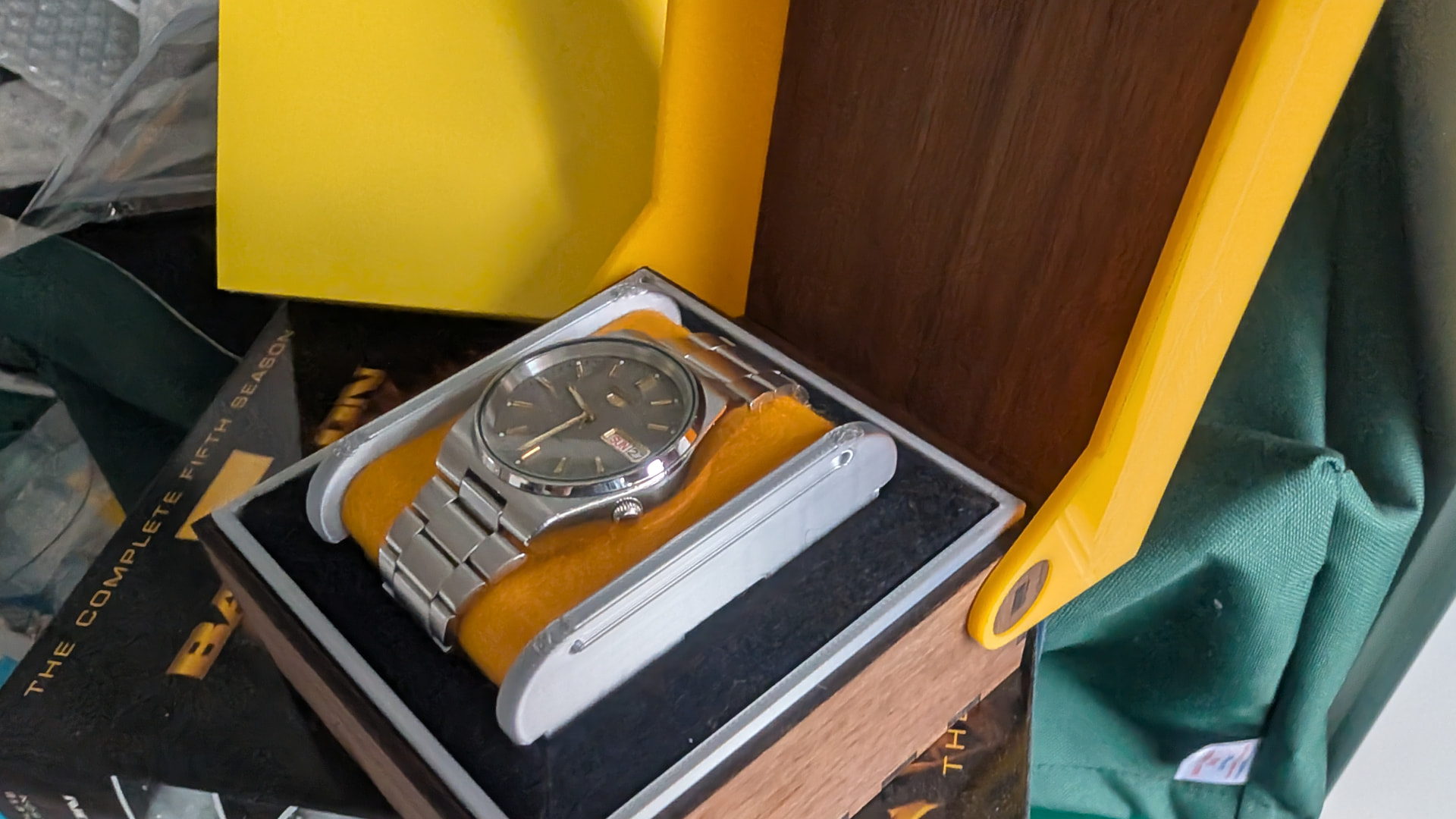
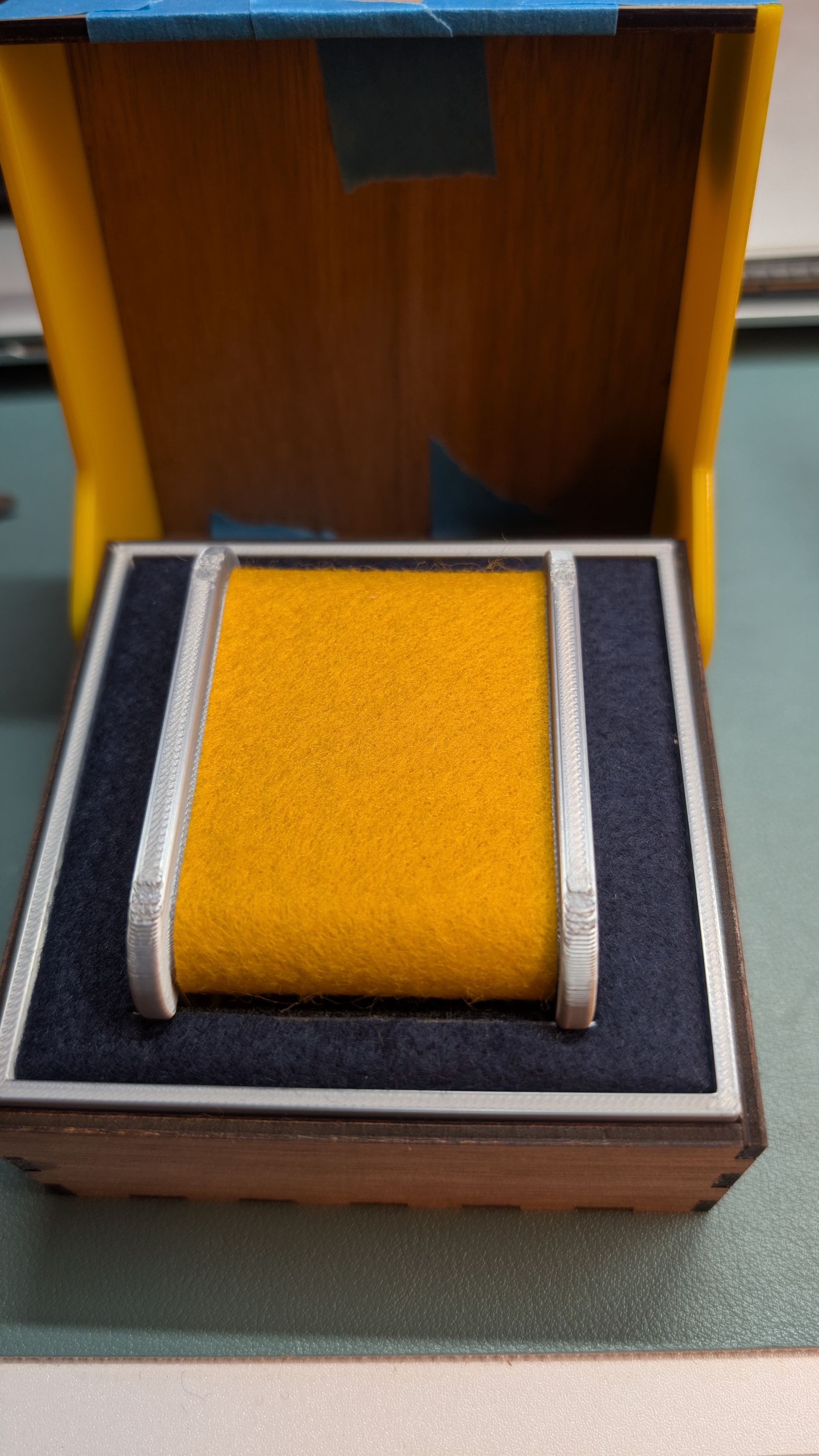
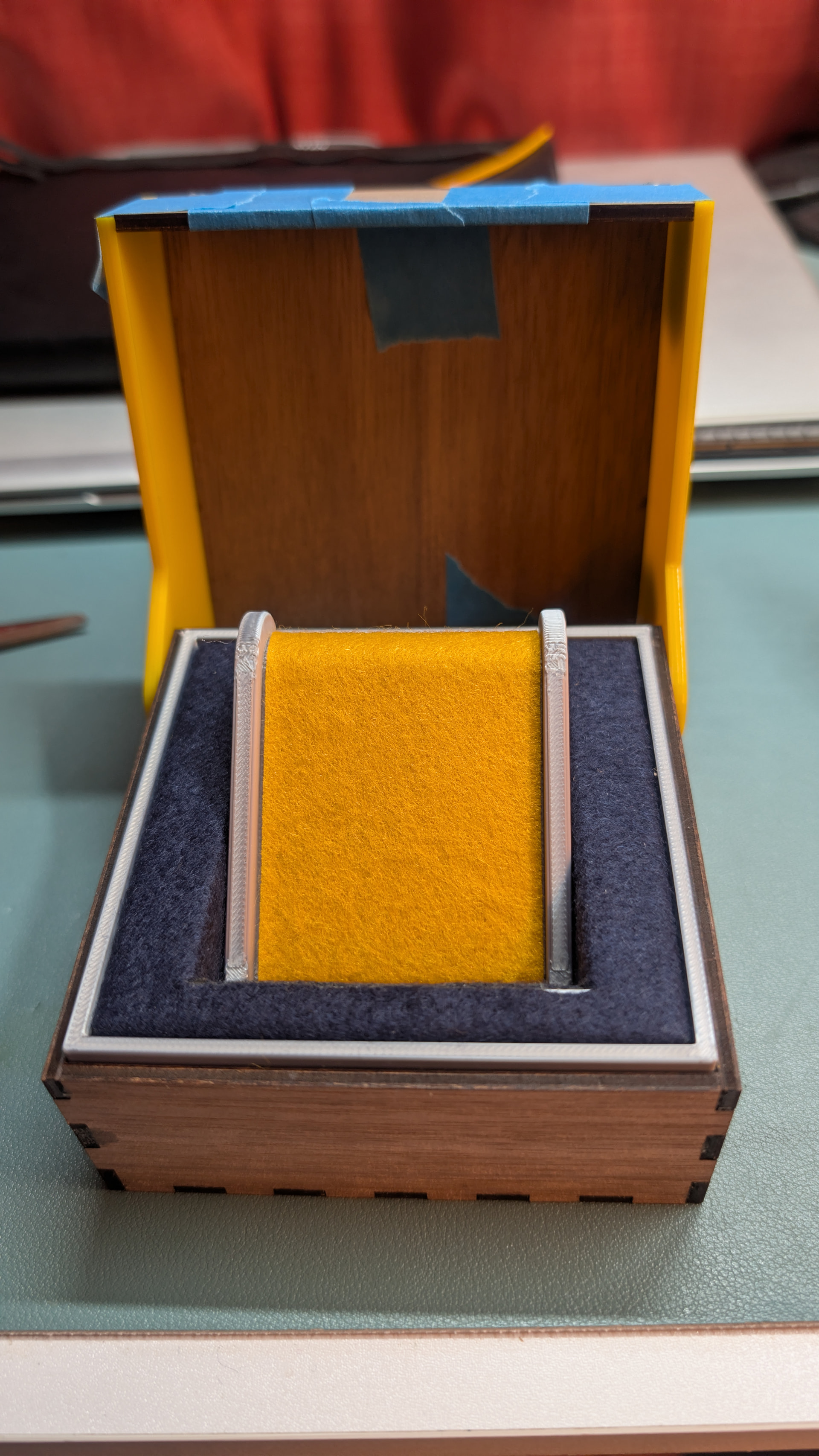
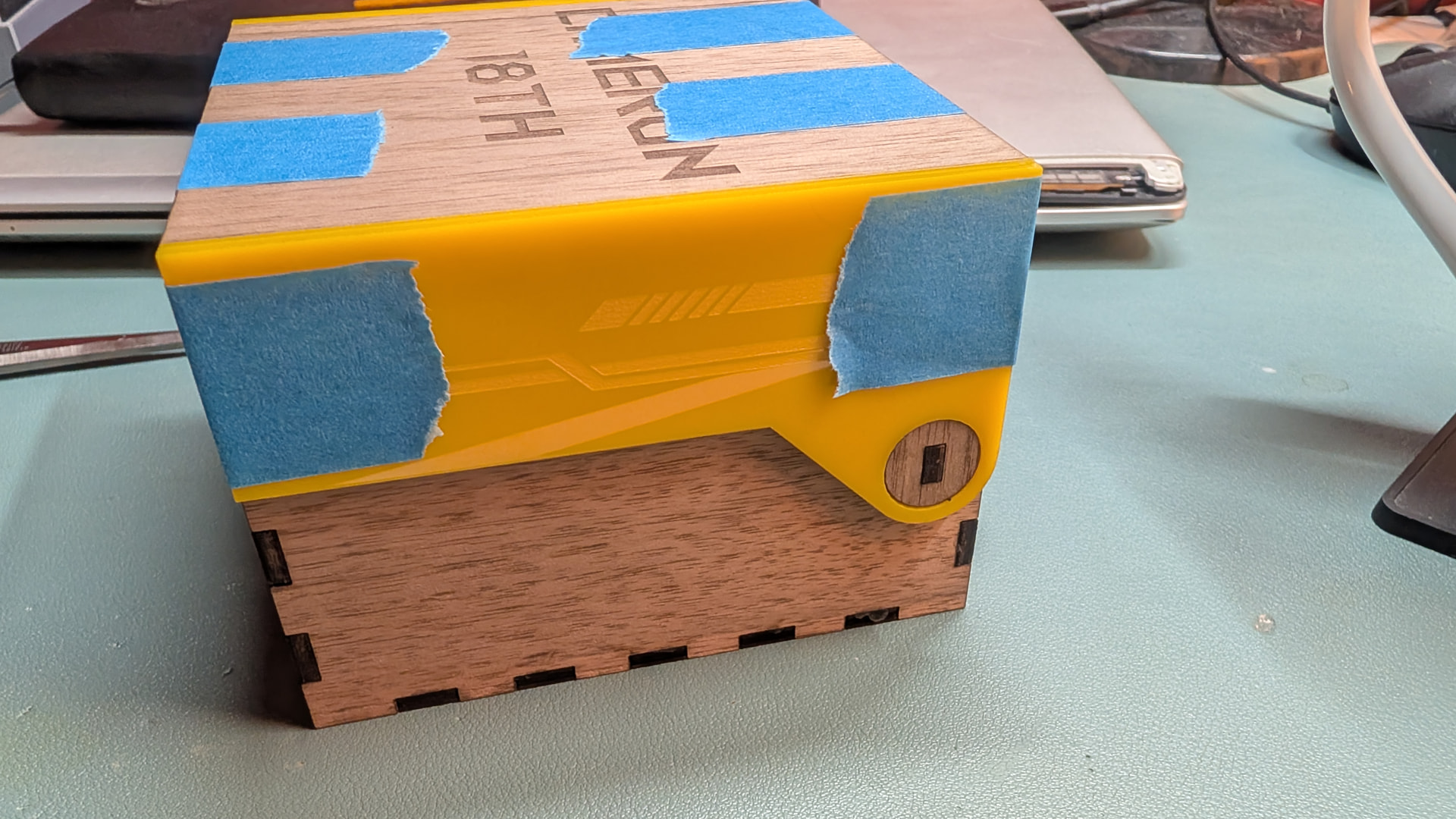
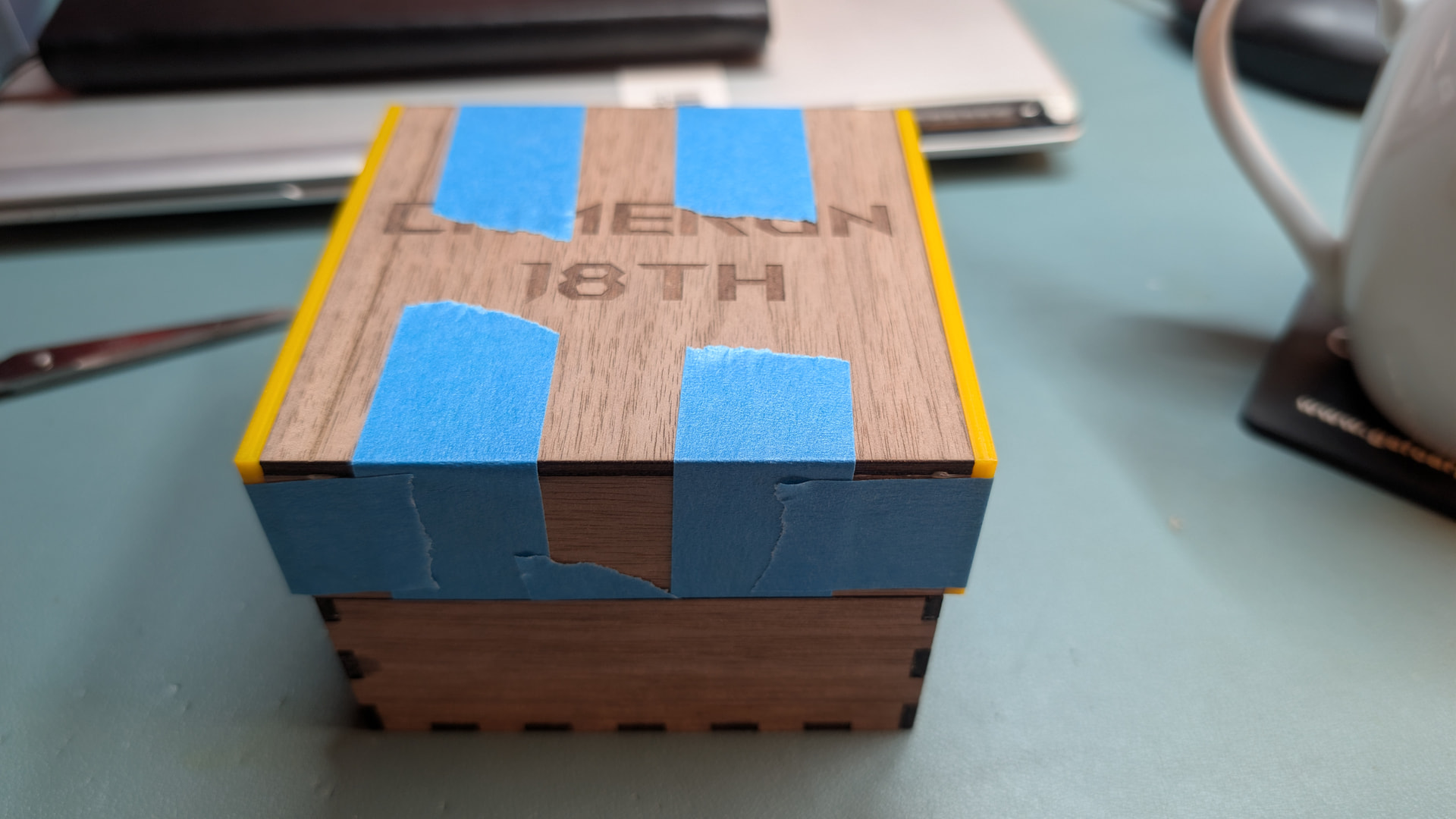
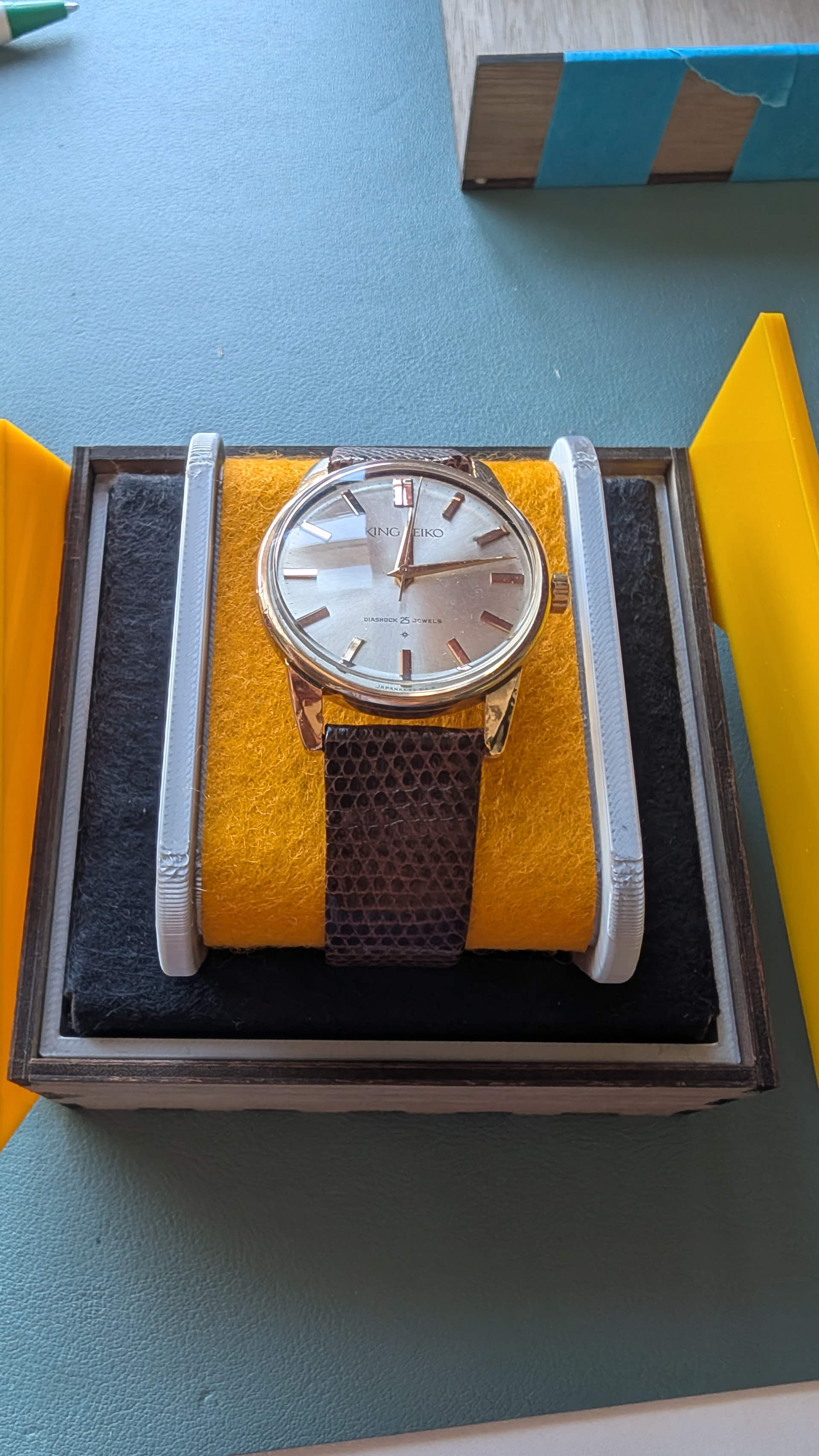
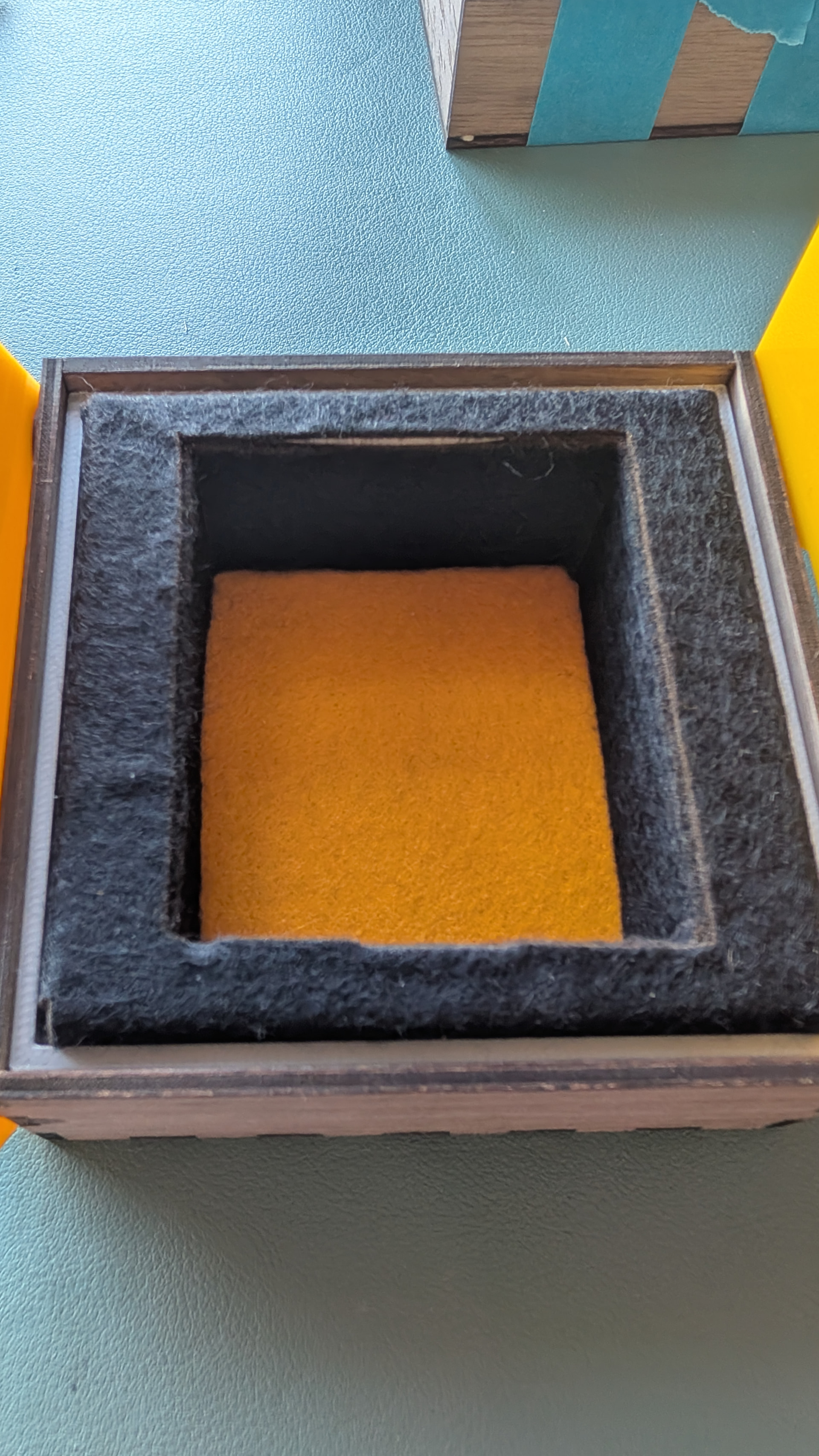
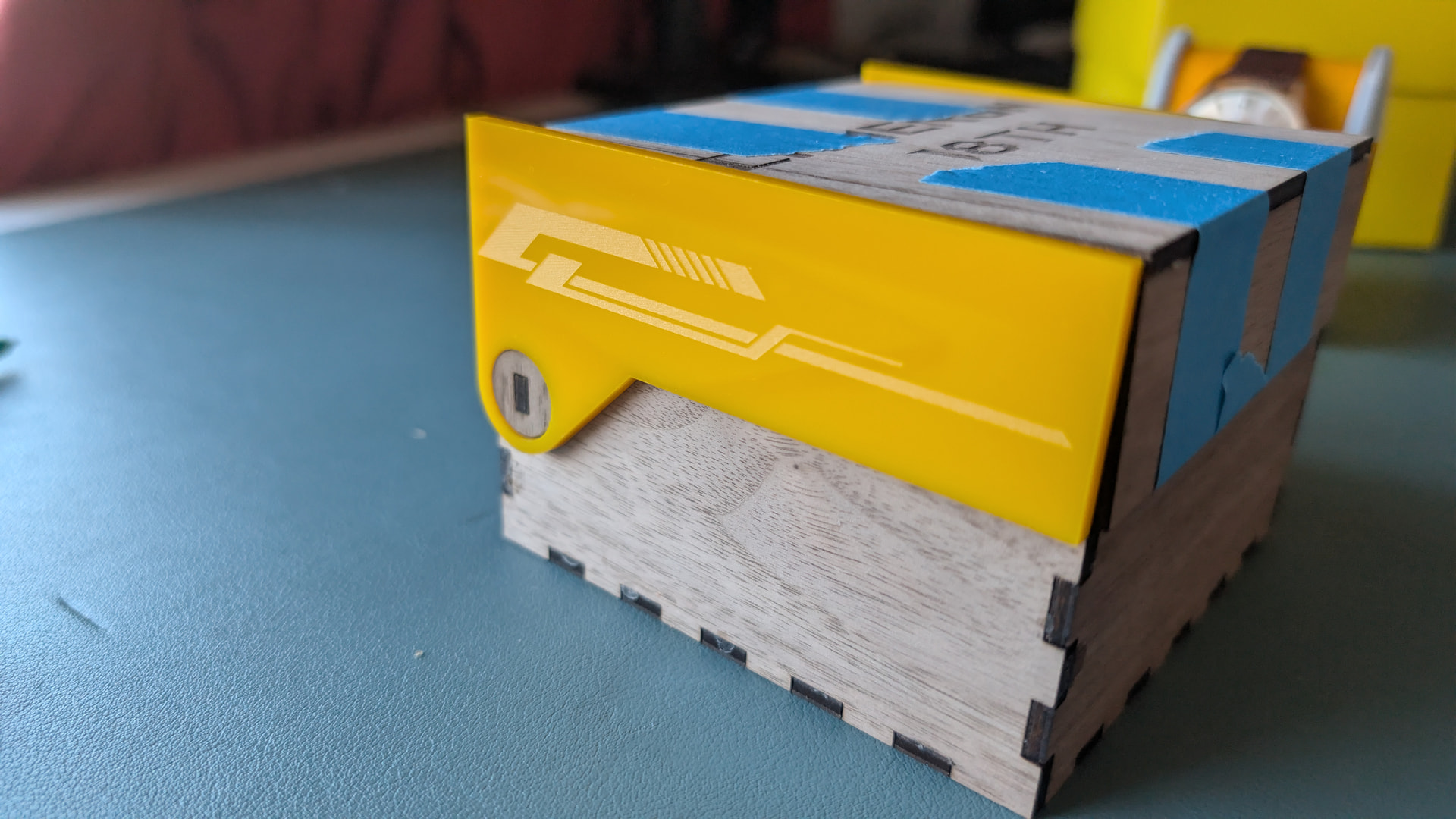
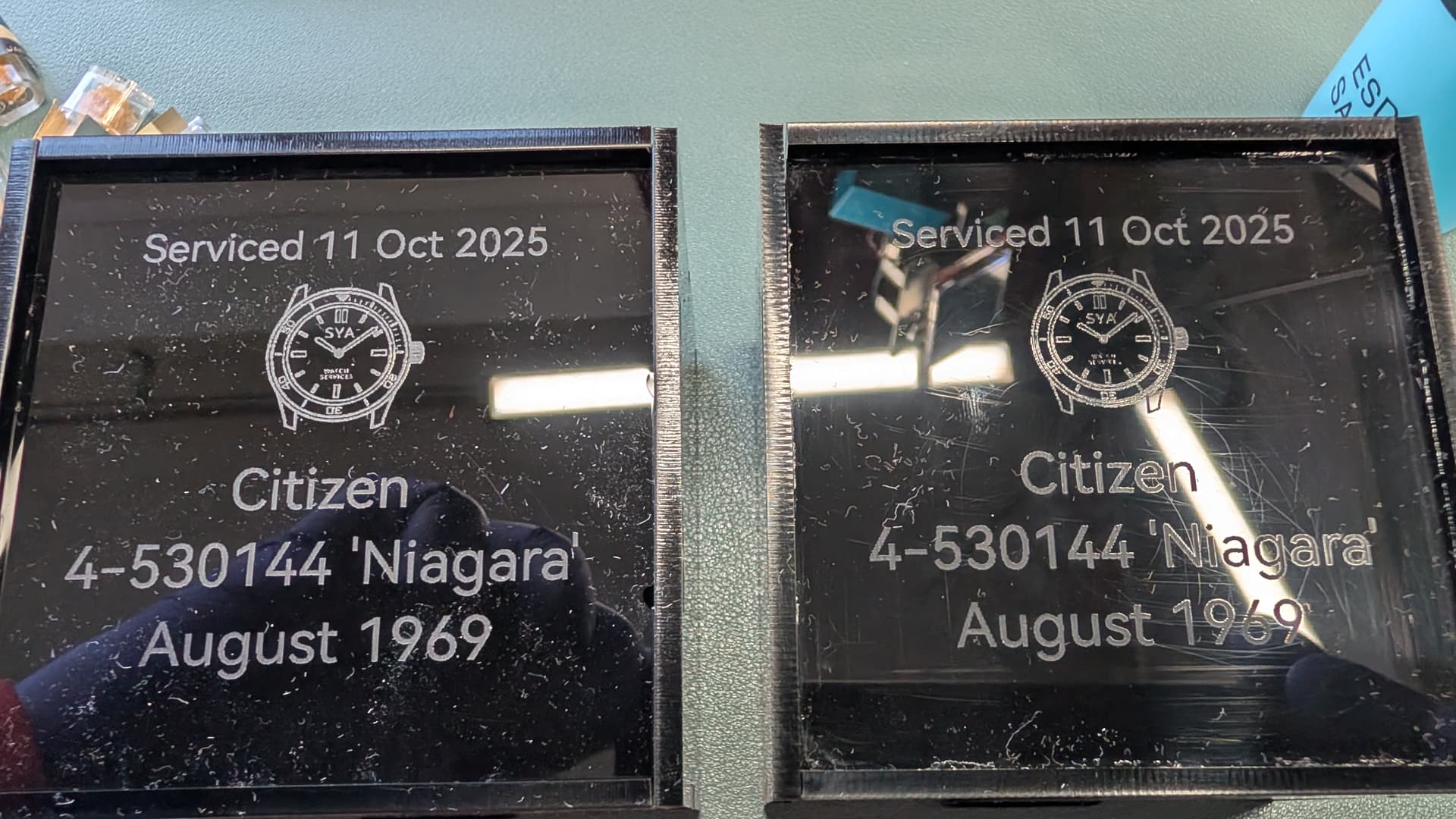
Custom watch box with inserts using multiple materials, the insert is a 3 part 3D print, cloth covering is laser cut and the box is from a parametric model online scaled to suit.
Also use the drag cutter to make an outer cardboard box for all of it.
Photos of the evolution of the design and adjustments to get it all to fit.
Need to improve my process when applying glue to the box but its doing what I want it to on the whole.
Biggest pain was the cloth that covers the insert (not the watch/strap puck) as trying to prevent obvious cutting/gaps - ended up with 4 separate pieces which makes it a bit fiddly when assembling but the overall look is much cleaner.






 .and for this sort of subject it’s good the mecanical / mathematical point of view of the ai…