28 successful print profile prints but still no ratings – normal?

Hi everyone,

I’m new to the forum, so please forgive me if this has already been discussed before.

I recently added several print profiles to one of my MakerWorld models. The profiles have already accumulated 28 successful prints in total, but so far I haven’t received a single profile rating or any other feedback.

I’m curious about the experience of other creators:

  • Is this normal?
  • How many successful profile prints did it take before you received your first rating?
  • Do you actively ask users for profile feedback?

I’m genuinely interested in improving the profiles and understanding how they perform across different printers and materials. For reference, the model itself currently has 66 successful prints, and about 28 of them were made using my print profiles.

Thanks for your insights!

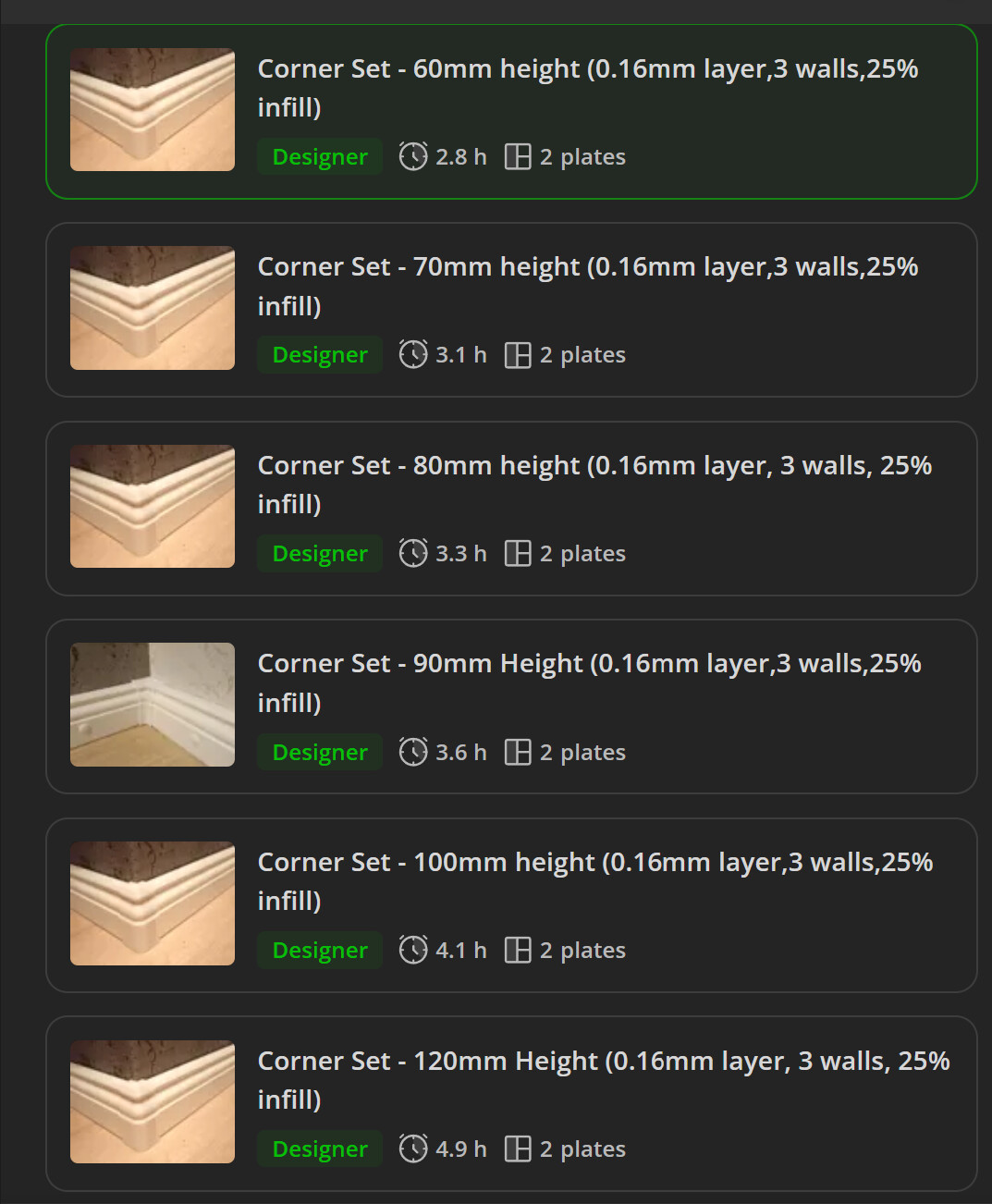
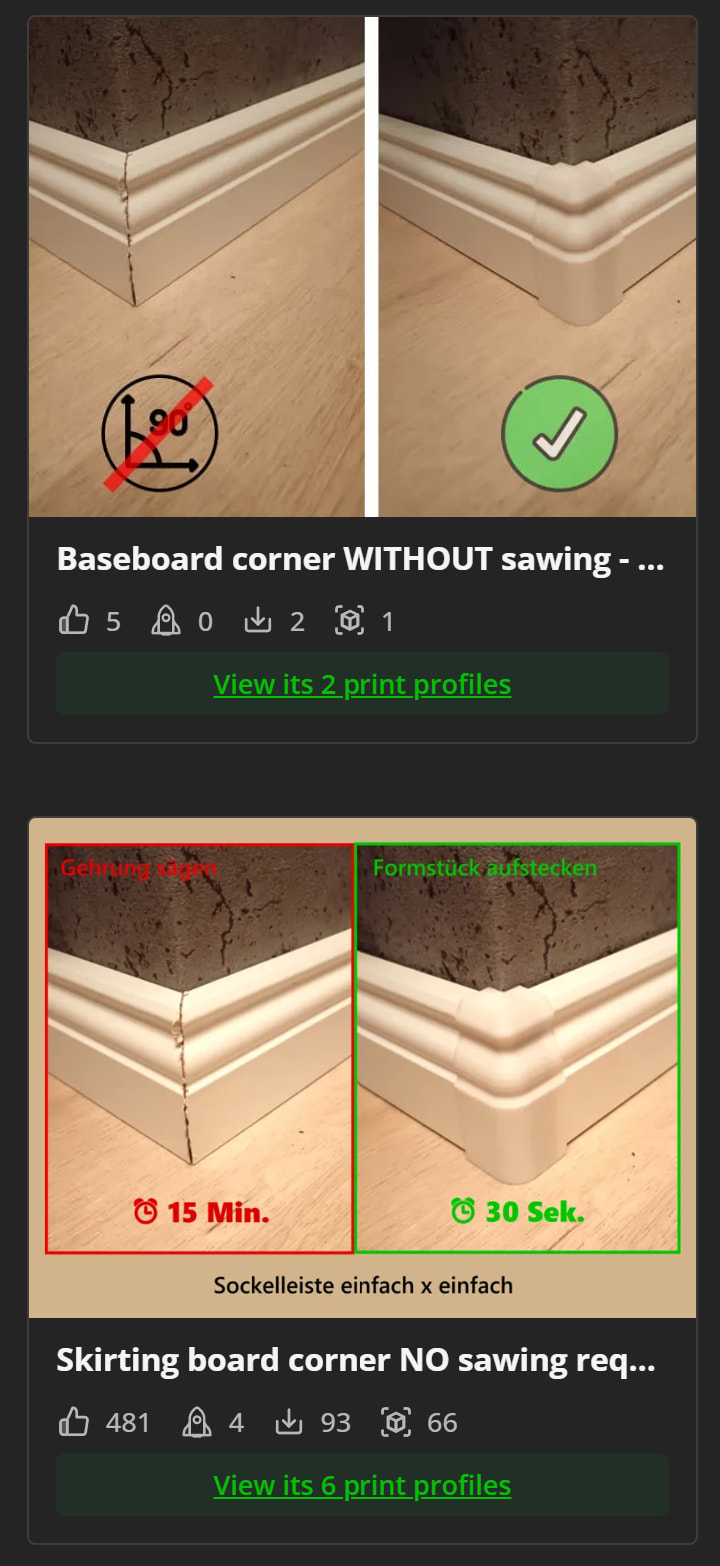
This is the model I’m referring to:

Welcome to the forum

Don’t worry, it took me a long time to receive my first rating. (Every 30-50 prints I get 1 review)

I don’t necessarily ask users for feedback, but that is up to you.

It probably also depends on what models you’re uploading, some categories will absolutely see more feedback than others.

In your case, this is a very specific niche, I’m not sure people are going to get quite as excited about a piece of baseboard nosing versus some other, more fun items.

I don’t know what’s fun in Germany, apologies if baseboard improvement is actually a joyous endeavor.

Thanks for the welcome and for sharing your experience!

That’s good to know. Sounds like this is pretty normal and I just need to be patient. :grinning_face_with_smiling_eyes:

Thanks, that’s probably right. :grinning_face_with_smiling_eyes:

Baseboard improvements may not be the most exciting category on MakerWorld, but i hope they solve a very specific problem for some users.

Thanks for your perspective!

I also started like you, thinking every print would have its review, but I’ve learned that simply knowing that it prints fine is enough. :slightly_smiling_face:

You’ve definitely created a big problem without realising it. Ratings always refer to the print profile rather than the actual 3D model. What did you do? You spammed the print profile.

I don’t mean to be harsh, but let’s be honest. Even if you receive a rating, it only applies to one print profile, which is extremely disadvantageous as all your print profiles would need to achieve at least four stars.

I don’t remember the exact numbers, but I think you need at least approximately 10 ratings of 4 stars or more. Since you have lots of print profiles, that would be 60 ratings of 4 stars or more.

So you artificially set the bar from 10 to 60.


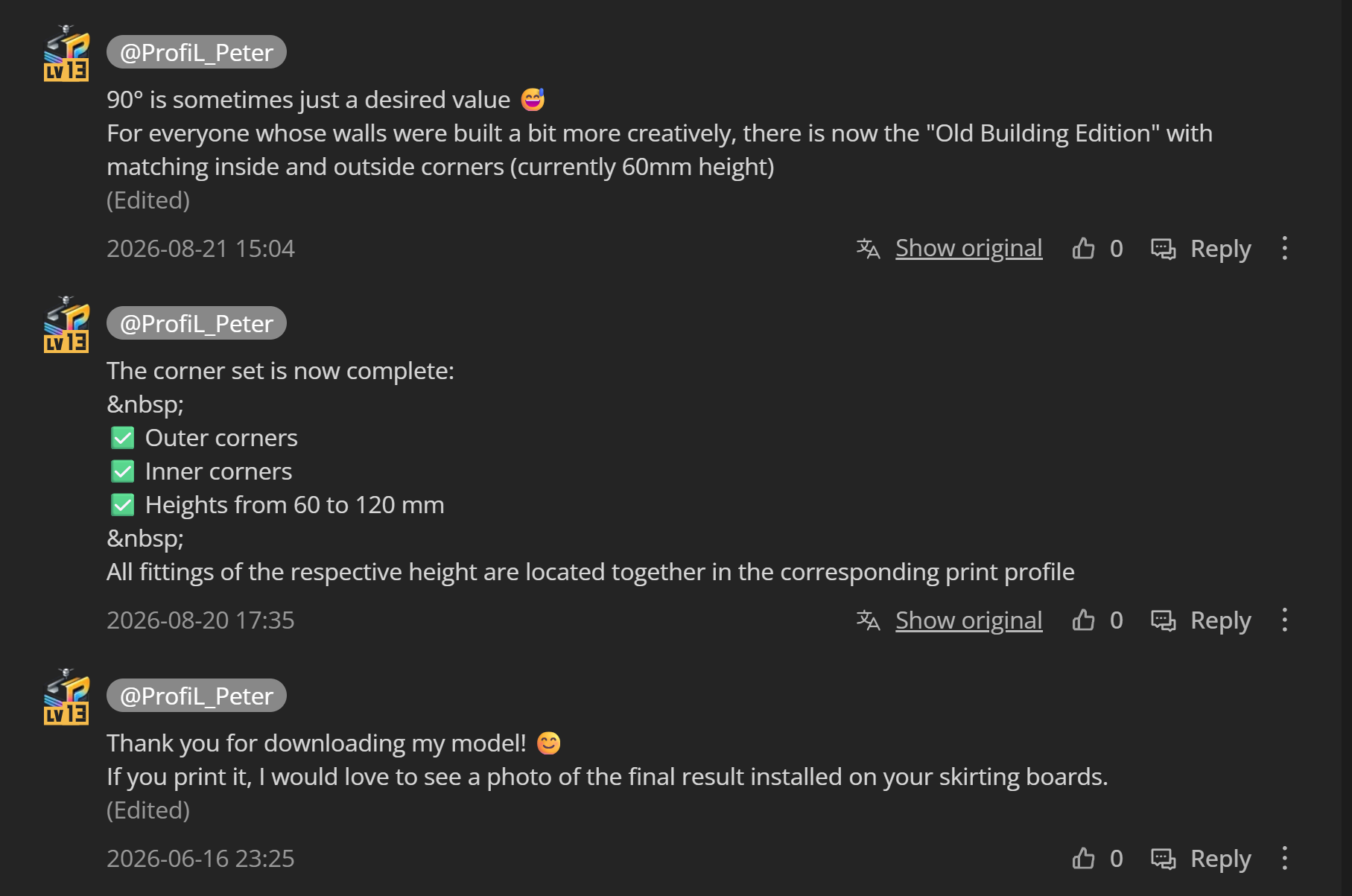
…and I also find it strange that you’re spamming the comments section with messages to yourself. Just let the users use that section - you’re taking away their visibility. So that’s exactly what you want: interaction.


As I said, none of these are the root cause, but every little thing is perceived as an obstacle or disruption that can contribute to the problem. That said, as I mentioned, I don’t take it personally.

It all seems a little over-the-top - tone it down a bit and come across as more natural. :+1:


By the way, upload your text in English. Otherwise, it just confuses the AI or search engines and makes it harder for people to find you. The AI isn’t exactly an expert in German.


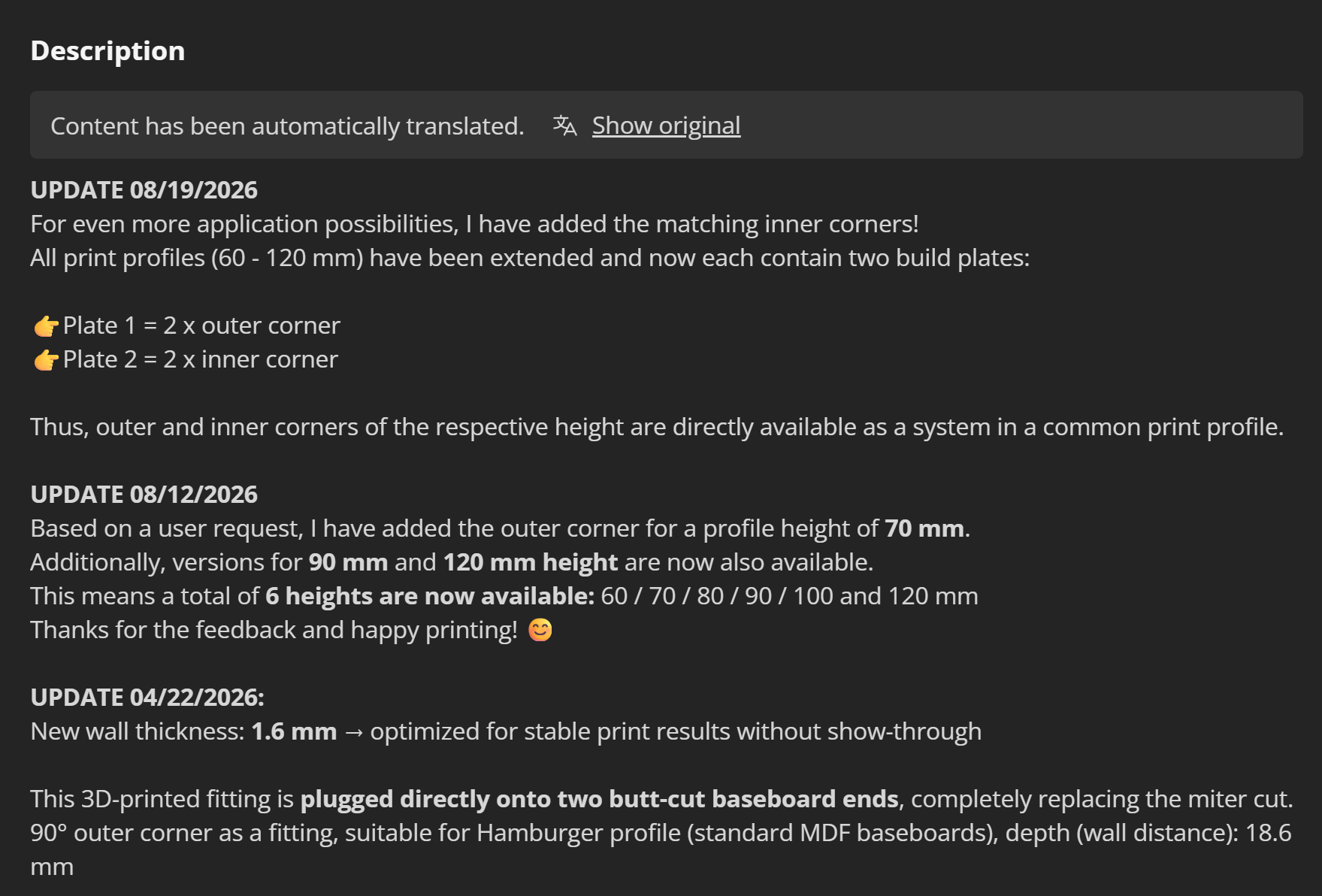
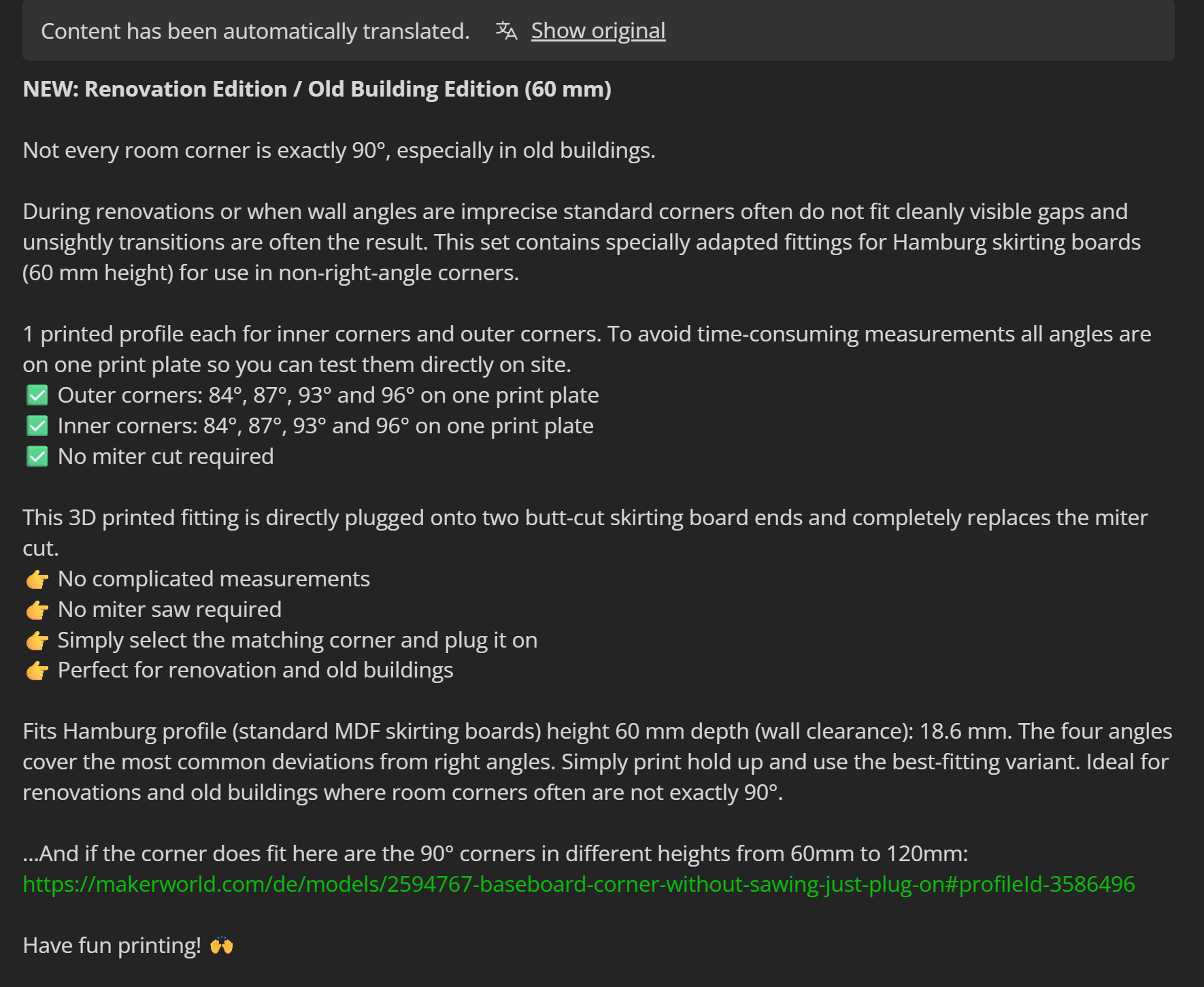
And your color scheme doesn’t work at all when MakerWorld is in dark mode - like I use it, for example - the text just disappears.

Source: Baseboard corner WITHOUT sawing - Old Building Edition - Free 3D Print Model - MakerWorld


And why is that actually listed twice…


Like I said, this might sound harsh, but it’s just to help you. It’s just my first impression, and it’s confusing. If you tweak it, it’ll work out. :grin: :+1:

Thank you very much for your detailed and honest feedback! :blush:

I really appreciate the time you took to look through the model and point out these things.

My intention behind creating multiple print profiles was actually to make things easier and more organized for users. I created a separate profile for each skirting board height so people wouldn’t have to search through a long list of variations. Looking at it from your perspective, that may not have been the smartest approach after all.

I hadn’t really considered that multiple profiles could effectively split potential ratings between them.

As for the comments, my intention was simply to keep users informed about updates, new sizes and the addition of the inside corners. But I can understand your point about keeping things simpler and letting user interactions remain more visible.The dark mode issue is something I completely overlooked, so thank you for pointing that out as well.

You’ve given me quite a few things to think about and probably a few things to improve.

Thanks again for taking the time to help! :waving_hand:

There’s a glitch where sometimes the CSS will give text a black background. There’s some sort of combo of formatting that triggers it but I don’t know what that might be as I haven’t looked into it too hard. The only text colour we can change to is red. So in OP’s case, this one isn’t their fault.

Thanks again for the honest feedback.

I took your comments on board and have already done a bit of cleanup on the model page and in the comments section to make things less cluttered. The print profile point also gave me something to think about.

I appreciate you taking the time to have a look and share your first impression.

Thanks for mentioning it.

I usually use MakerWorld in light mode, so I hadn’t noticed that issue. I’ll keep the formatting simpler going forward.

Thanks!

Strangely enough, though, I actually only see this problem with certain models from him.

No problem:


His second model - problem:


Specifically, whenever color information has been specified:


However, to the best of my knowledge, this information is not included in the CSS. That’s not a glitch; it was defined that way.

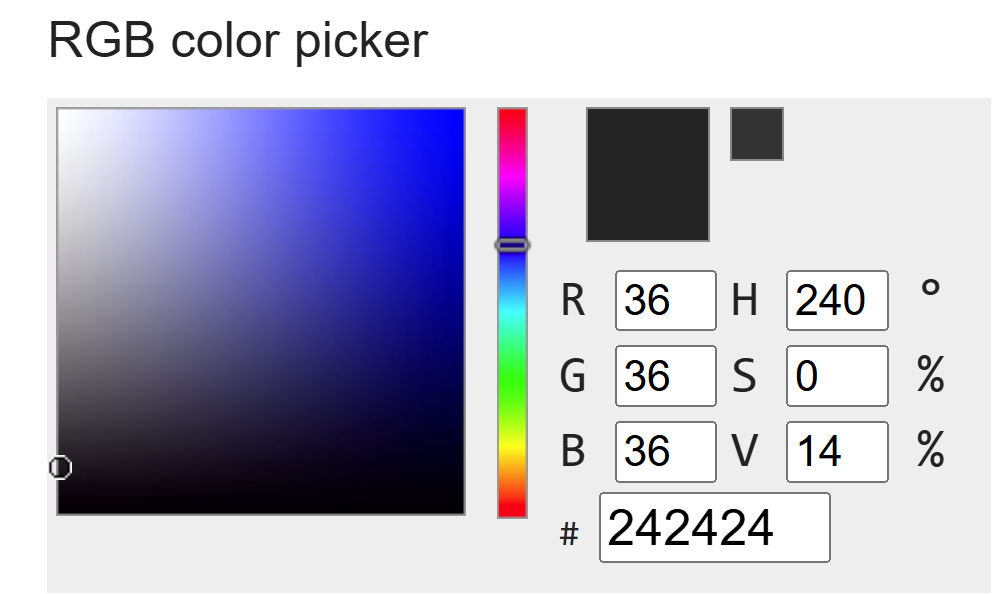
RGB 36 36 36 is almost black:

Text without color information is displayed normally:


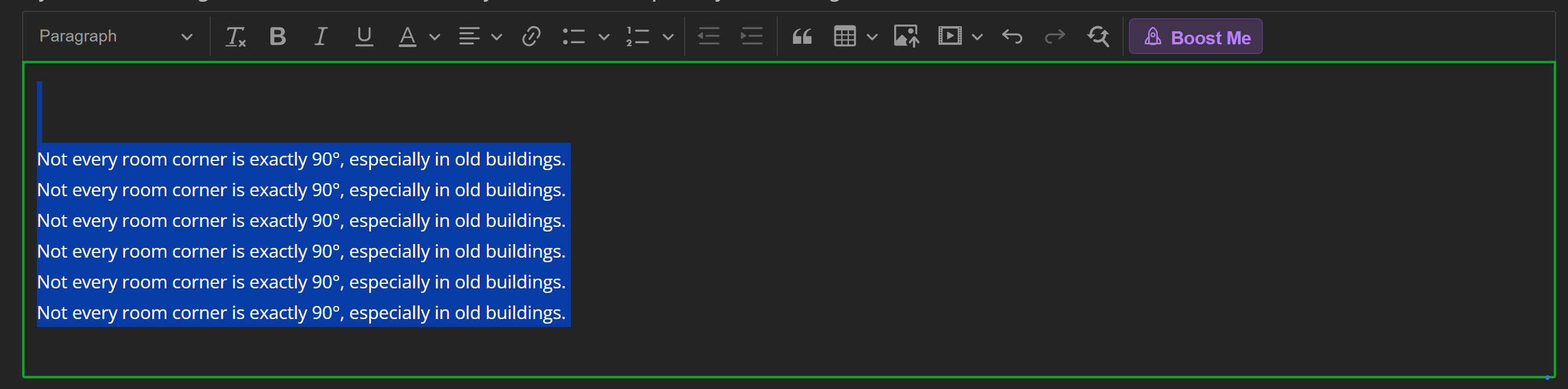
That’s not right, or? I just tested it myself… The field is completely filled with text by myself in 36 36 36 - Please correct me if I’m mistaken.


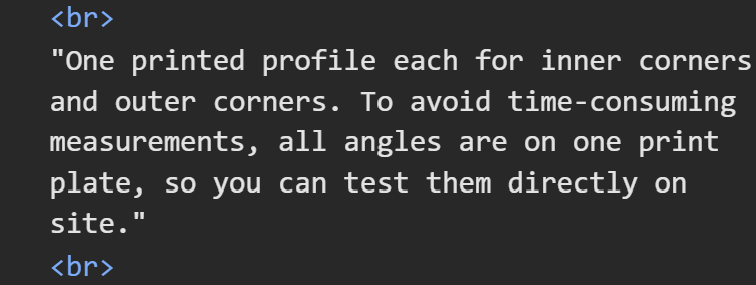
Please correct me if I’m wrong, though… Here’s an example from another user: He used yet another shade of black.

Thanks for taking the time to investigate this in more detail.

To be honest, I wasn’t aware that any custom text color had been applied. I mainly used the built-in formatting options provided by MakerWorld.

I’ll go through my model descriptions and remove any unnecessary formatting to make sure they remain readable in both light and dark mode.

Thanks for pointing this out!

Fascinating. I’ve had this happen on my models before but never knew why. Perhaps it has something to do with cutting and pasting it from another program or page that brings along formatting with it?

I’m on mobile right now so I can’t check the text editing window. I’ve only ever seen “red” as an option in the text colour flyout. Is there another button you’re pressing?

That’s exactly what happens when you don’t copy just the plain text, but include the color information as well:

STRG + V = Copy text, including color and font information

STRG + SHIFT + V = Copy only the text

Alternatively, you can just quickly copy it into the good old Windows Editor. This also deletes all information except for the text.

Thanks to both of you for the detailed feedback! :blush:

You pointed out several things I hadn’t considered, especially the dark mode issue.

I’ve already cleaned up the description a bit and corrected the text/background colors to improve readability.

Thanks again for taking the time to look into it and share your thoughts!

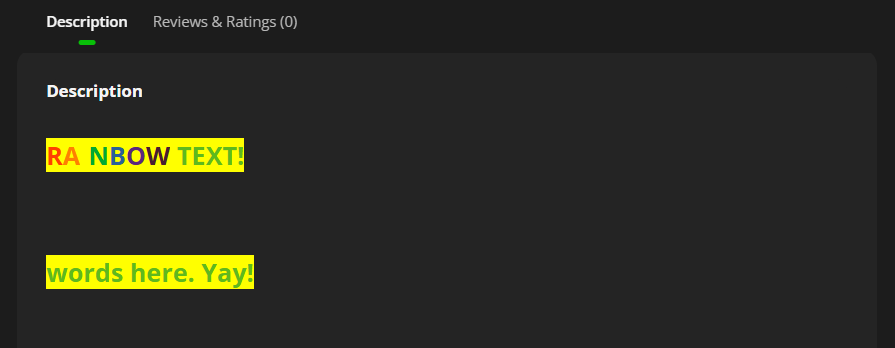
I hope this is readable…

“Here’s a great description of my 3D model in lots of different colors for testing.”

Ahhhh…that’s cool. I still think it’s an unintended thing. Perhaps not a glitch per se but more of a quirk that isn’t immediately obvious to the average user. If it was, there would be a button in the toolbar to let you specify the colour other than red. I used to occasionally use OpenOffice to write my copy in which is perhaps why I noticed the problem in my own models. I can tell you for sure that if I had noticed it coming in as black background like that I would’ve changed it.

Nowadays I use notepad++ which doesn’t have formatting attached to it.

I still stand by that OP’s black text wasn’t his fault. Who’d think that copying in text from another program would have the unintended consequence of having black text with a black background but only on the dark theme?

Anyways, thanks to you I know why it happens now and can either be extra careful about pasting as plain text…or exploiting…uh…abusing… er…using it responsibly to expand the formatting options :upside_down_face:

Wow, that was fast - now it’s displaying correctly :grin: :+1:


That happens more often than you probably think. That’s why I always copy the text into a text editor - that way I can be sure all the color information has been removed. But yeah, MakerWorld could actually do that too, but they just don’t…

… or just use CTRL + SHIFT + V …

Or right-click → paste as plain text.

So I’ve been trying it myself. Interestingly, it didn’t copy the obnoxious 300 pt text size. I also published it as a private model to see if it gets stripped out (it doesn’t).

There’s potential for abuse. I’m not sure what abuse other than your user’s eyes and one’s own personal credibility, but also, I’m pretty sure MW didn’t intend this to happen. Or they knew it could happen and are just very quiet about it.

Moral of the story: always check both light and dark themes to make sure it displays as you wanted it to. Or use…you know…what RetroSharky said.