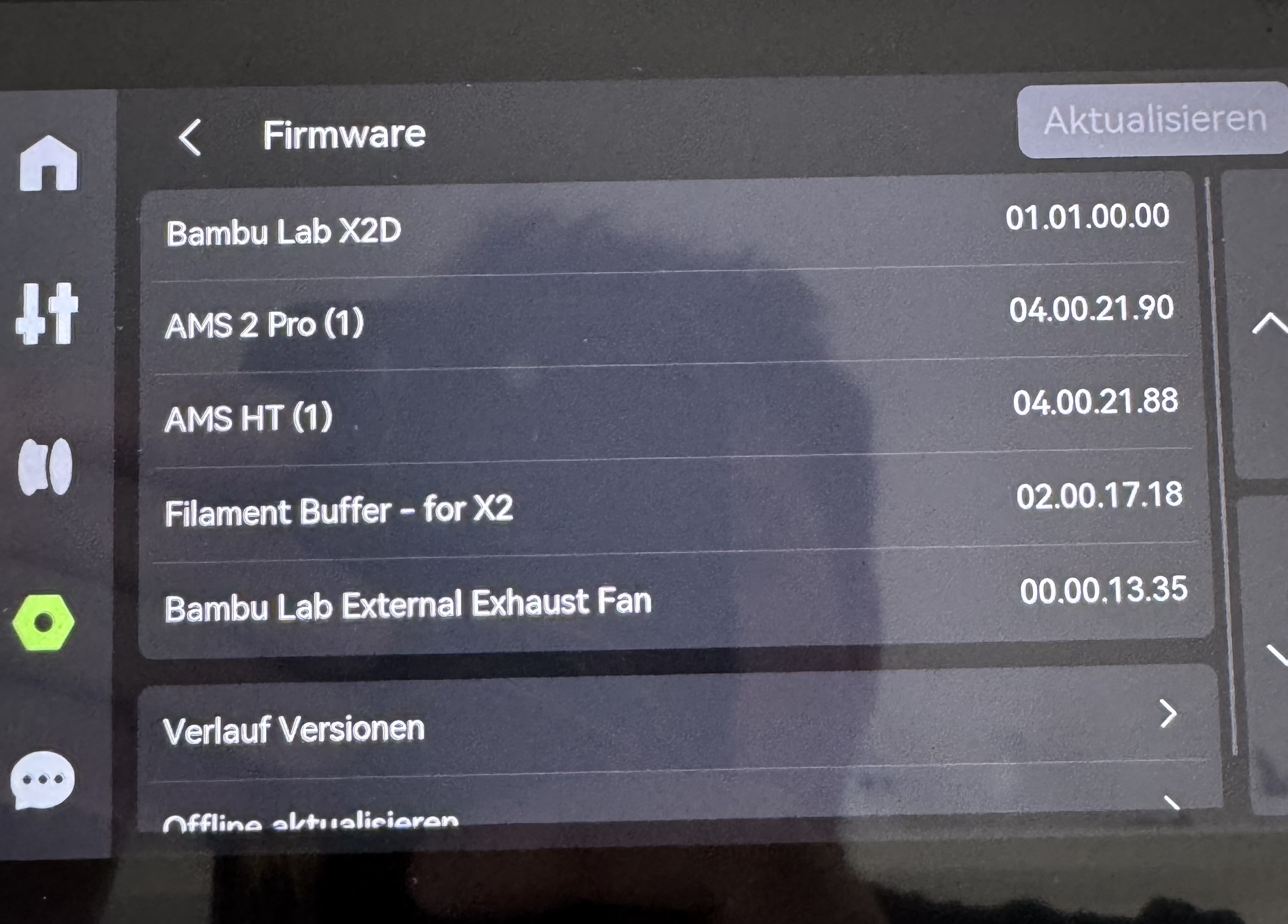
Updated the firmware on both of the external fans by connecting only one of them (everything is fine then)
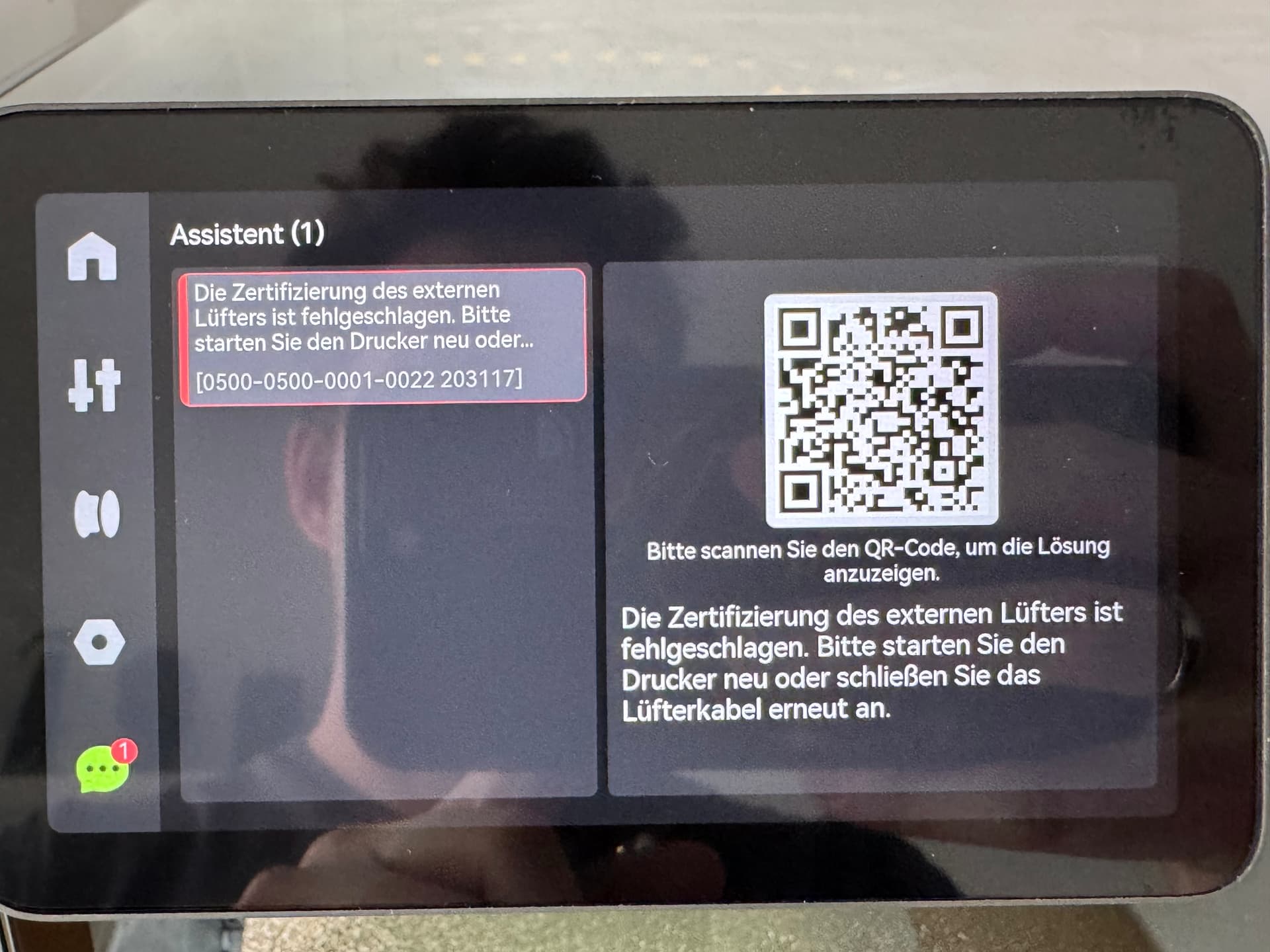
As soon as you connect a second external fan, no matter the 6pin ports i use, i soon get an error (shown in the picture)
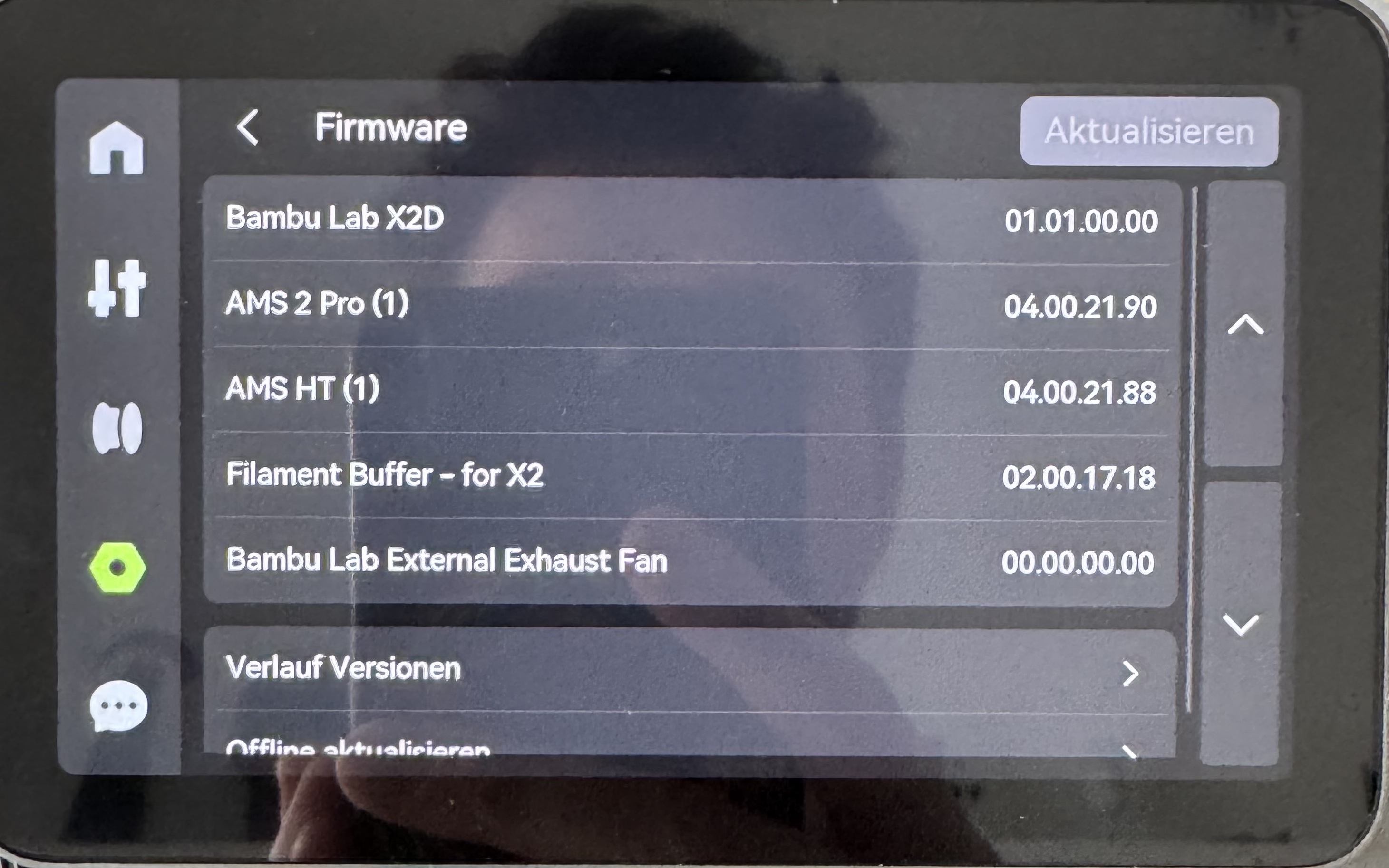
In the menu he is showing the firmware/serialnumber with the right numbers, the next second he only shows 00.00.00 for the version/SN and switching back and forth. Looks like it he cant handle 2 external fans at this moment/firmware version.
Would love to be able to use my second external fan with my new X2D, mounted it on the optional mounting point.
It sees fan/s but dosent show or can read the firmware (neither the serialnumber → nor the certificate) of both of the fans and i guess therefore very soon showing “0500-0500-0001-0022 203117”.
Everything working fine, even the fans, its just the constant erros message that anoyed me so much, i disconnected the second fan
____________________
Personal backround:
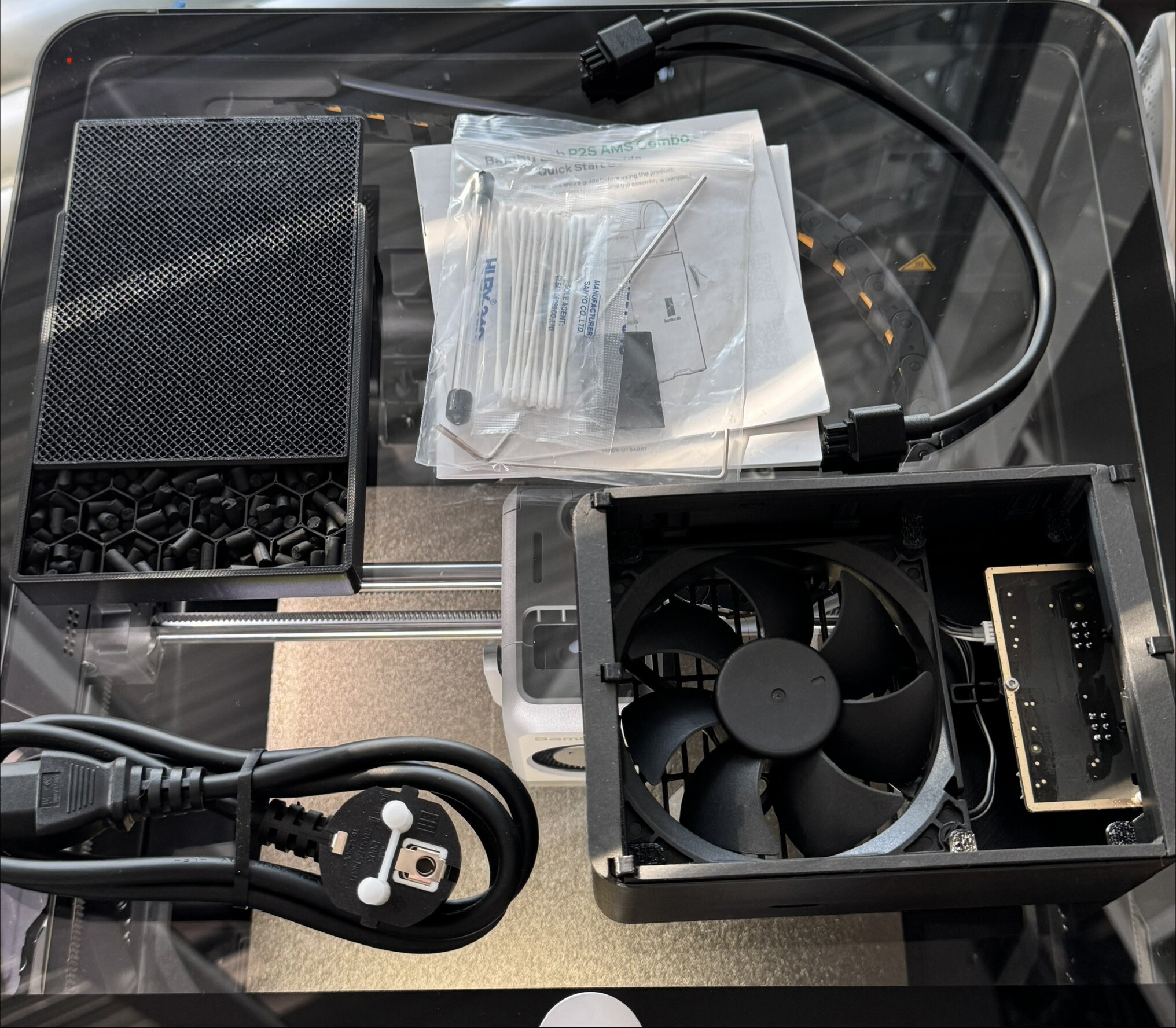
Only 1 month ago i bought the P2S and for that printer i bought and made the external fan, printed it with PETG in good quality, even printed the filter and bought actived filter material… X2D came, sold the P2S without the AMS 2 Pro and the Fan/Filter.
Now running X2D with 1x AMS 2 Pro for primary nozzle and for second nozzle running a AMS HT. No matter how i connect the second fan, even without any AMS, jus fans, order of the 6 pins, nothing changes the outcome, soon the error appears as soons as second fan is added in the system.
As far as I am aware, you can only use a single fan at once. The exhaust fan is best used as a way to extract the chamber air and expel it through the tube outside.
At the moment, there is no plan to support two fans at the same time.
Actually, I don’t know how the external network for AMS etc. works. But I suspect that all external fans share the same network address, and that would cause confusion when querying it.
I mean, it already works, both fans are working fine in my short tests, but that 0500 error massage the hole time active because of it…. and cant image why Bambulab would not like to see more of the exhaust kits and PETG/ABS/ASA/etc sold because of it being possible.
So AFAICT the reason for the error is due to the duplicated replies from the two fan controller boards on the message bus confusing the firmware.
When the printer wants to enable the fan, it sends a message on the bus to turn the fan on to a specific “address” (which the fan controller board knows to be its address), and the controller board sends an acknowledgement message back. I haven’t hooked into the bus protocol yet to diagnose, but I assume things like fan speed, or “fan is stopped” messages are similarly sent to the printer on the bus by the controller board.
When two exhaust fan kits are connected, then both fan controller boards send replies, and the printer firmware trips over that.
My use case is that I want to use a second fan inline in some ducting, and run the fans at low RPM in heating mode to ensure slight negative pressure inside the chamber at all times (without extracting too much heat from the printer). This also helps the “primary” exhaust fan since ducting always creates some amount of back pressure.
Could you please raise this with engineering and ask them if it would be possible to change the firmware so that duplicate exhaust fan controller board replies on the bus are discarded? That would probably already be enough to get rid of the error messages and ensure both fans always respond to printer instructions in sync (it’s not possible to address the fans individually, but that’s not necessary).
Ideally, of course, a big discrepancy in fan RPMs between two replies, or any message with a “fan is stopped” error etc., would still be handled by the firmware, to ensure that either fan misbehaving or getting blocked would raise an error, but for a first iteration, just allowing multiple fans this way would really be a great improvement.
Yup that’s gotta be the reason, it gets confused by the duplicated replies from the two fan controller boards, since they both respond to the bus messages from the printer (which is the bus master device).
This can probably be hacked together by having an Arduino sitting in front of the second controller board with two RS485 controller chips that relays bus messages in both directions, and make it discard any replies from the second controller board, but the protocol isn’t documented, and RS485 is a bit annoying to deal with, so I haven’t tried it yet.
Depending on what ICs are being used for the RS485 interface on the exhaust fan controller board, it might also be possible to simply cut the two pins that are used to set the transceiver chip into high mode, so that the writes from the exhaust fan board microcontroller never actually make it onto the bus, but I haven’t been able to identify the RS485 chip type yet - the chip surface is a bit smudged on my controller board, so I can’t really read the markings on the chip properly.