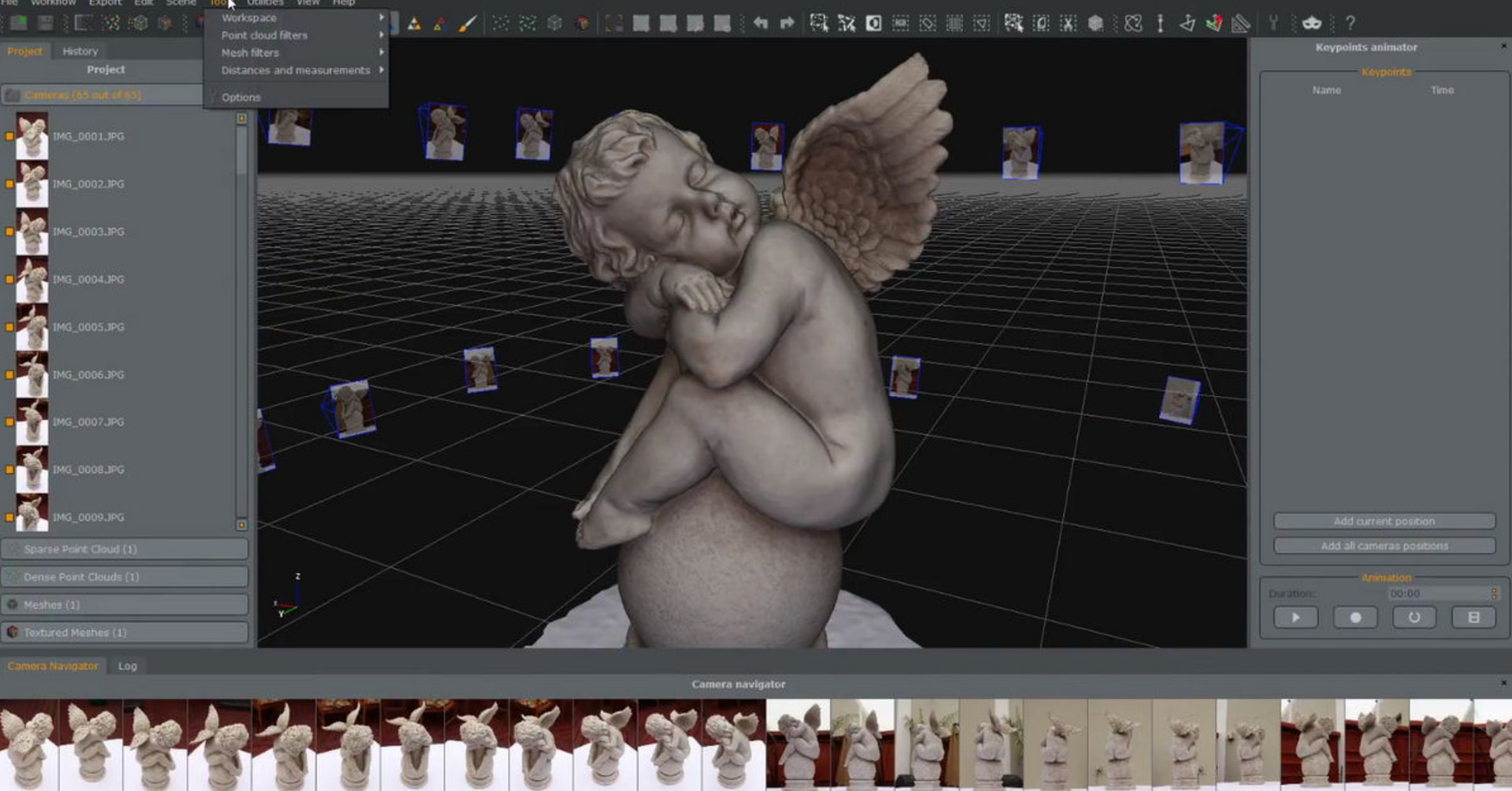
I’ve already scanned quite a few 3D objects, and there are three approaches you can take if you want to perfect something:
Method #1
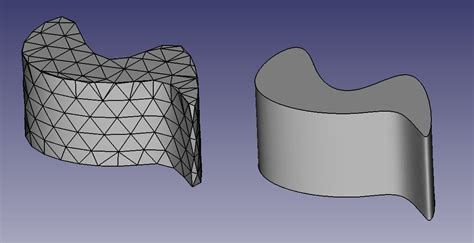
Just scan: You’ll get a point cloud which you can convert into an STL file. This almost always fails because there are invisible gaps, which means a lot of post-processing in Blender, and the result is often not to scale. It works, but be prepared for a lot of work. There are professional-grade devices that do this better than consumer-market ones.
I’d only recommend this if you have top-of-the-line professional equipment.
A high level of skill in Blender is required.
Method #2
The middle ground: Use a budget scanner and don’t worry about accuracy – you’ll still generate a point cloud that can be converted to STL. This is more useful as a blueprint for importing into a CAD program to create a sketch. Use real measuring tools, such as callipers, to take precise measurements. This method is faster than the first one described and is ideal for complex geometries.
Method #3
Drawing it directly in CAD is often the fastest option because it saves you from the extremely time-consuming rework involved in Method 1. However, you won’t have a blueprint to help you spot obvious errors, as you would in step two.
However, there is a way to create a blueprint: Take a photo with a ruler on all sides and import it into CAD to scale. Since you photographed the ruler, you can get the dimensions almost 99% accurate.
Summary
In any case, you should stop thinking that a scanner saves you time and provides accurate results: A scanner always requires some follow-up work.
By the way, Methods 2 and 3, which I described, can be done with any mobile phone; no additional scanner is needed. If you only want to make rubber hoses and nylon tubes, the key question is whether it’s even worth investing so much money and time into method one.