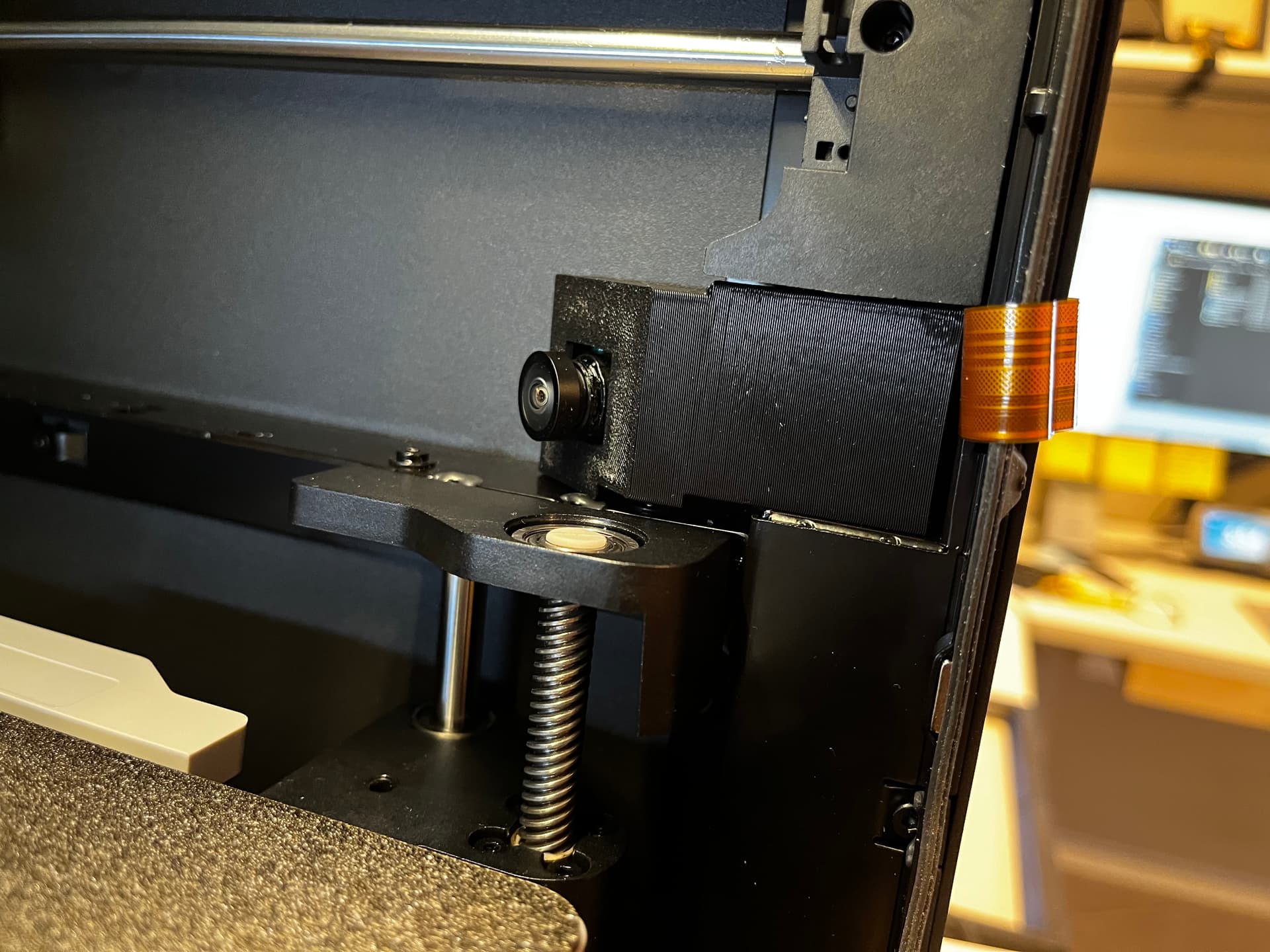
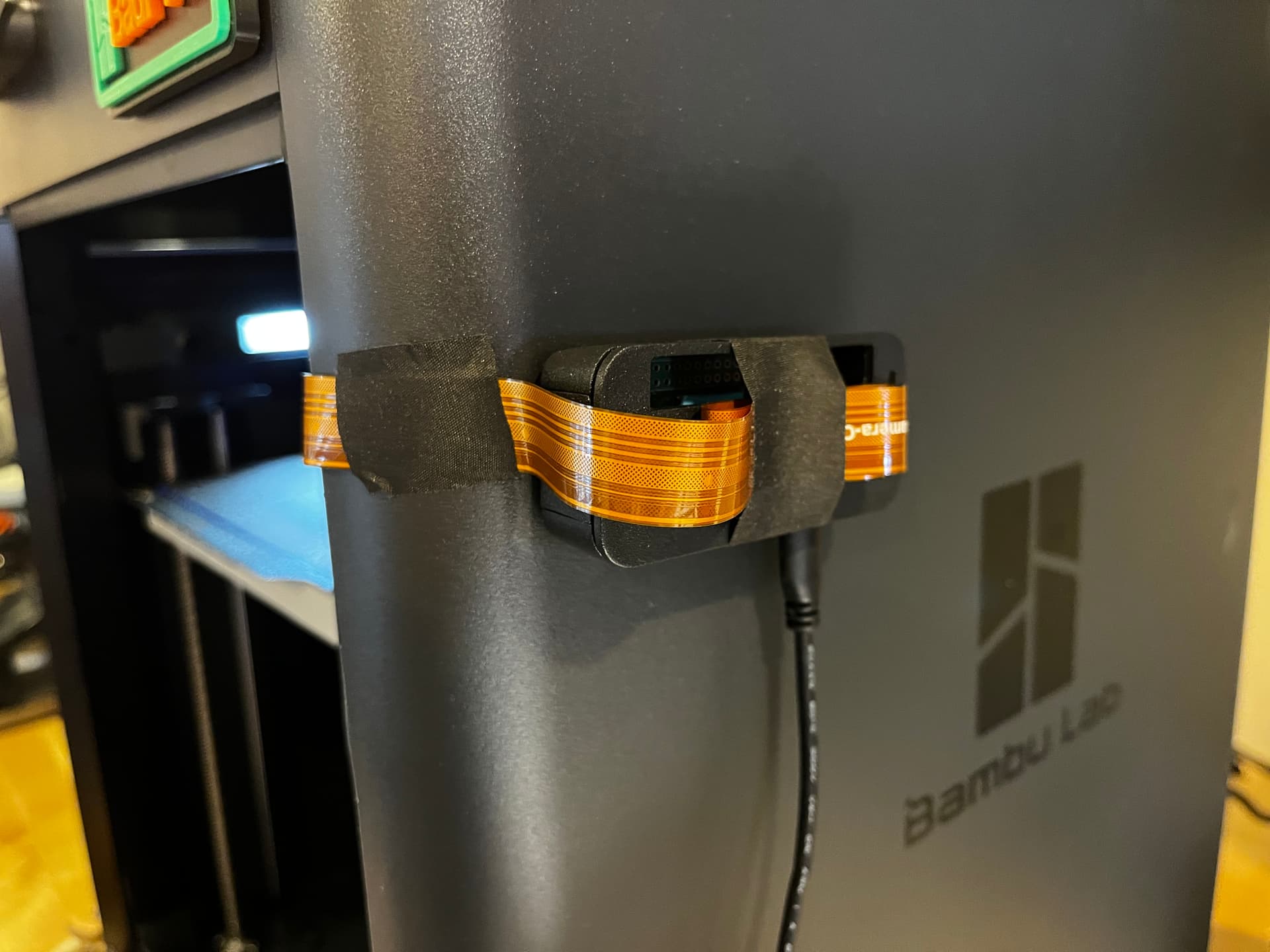
I’ve experimented with mounting a few different RPI cameras in the front corner across from the stock camera. While I love having the option of higher FPS, i.e. actual video, I haven’t found a camera module I like for the job.
I don’t like the ever-changing auto-focus on the RPI Cam Module V3, and the fixed focus modules I’ve tried (various OP5467s) don’t have the appropriate DOF to keep the bed in focus. Admittedly I don’t know much about camera specs so I don’t know what exactly I should be looking for.
Have any of you found a good 3rd party module to mount internally?
I’ve tinkered with a few RPI camera modules myself for similar projects. Finding the right balance between focus and image quality can be tricky. Have you looked into the arducam modules? They offer a range of options with different lenses that might suit your needs better than the stock or other third party modules. Worth checking out!
I use Blink for outdoor, so have an indoor on my printer
but have used Wyze as well. Either will give you a good view for monitoring and each have mounts available.
Haven’t used an RPI cam since Octopi, can’t comment on anything down that road.
I’m using this from Arducam: Arducam 8MP IMX219 175 Degree Ultra Wide Angle for Raspberry Pi Camera Module, Compatible with Raspberry Pi 5, 4 Model B, Pi 3/3B+, and Pi Zero 2W, and running it on a Pi Zero 2W. I’m still tweaking the settings, e.g. focus, brightness, etc. but so far happy with it.
I’ve tried other Arducam cameras, but the focal length and lack of focus made them less than useful.
I have it integrated into a Home Assistant dashboard, but it also accessible by IP address, so as long a I’m home, I can access it on my phone, iPad, or any computer with a browser.
Thanks for sharing, a few questions if you don’t mind!
Do you find it better to use fixed focus in general? My experience with autofocus with various RPi cam modules has been bad thus far.
Where are you mounting the camera?
Are you running anything other than just a basic raspbian os for this? Any services particularly for sharing the cam?
What HA integration allows you to add the feed from the camera to your dashboard? This is exactly what I want as I’m not really interested in fancy AI detection, just want to be able to check in on the prints, especially the first couple of layers.
I’ve found that fixed focus works better, especially with the camera I’m using. The focus is adjustable manually, so you can easily control the focus (which seems necessary in such a tight space.)
I remixed another mount to place it in the right front corner of the P1S. Overhead lighting is necessary, which is a work in progress. I’ve printed an LED riser, found here, waiting for the LED to arrive. Printables, but am using a different LED shield for it found here: LED Blocker for BLLED Riser Remixed by cheshire - MakerWorld