This is just a heads up for anyone trying to do this like me
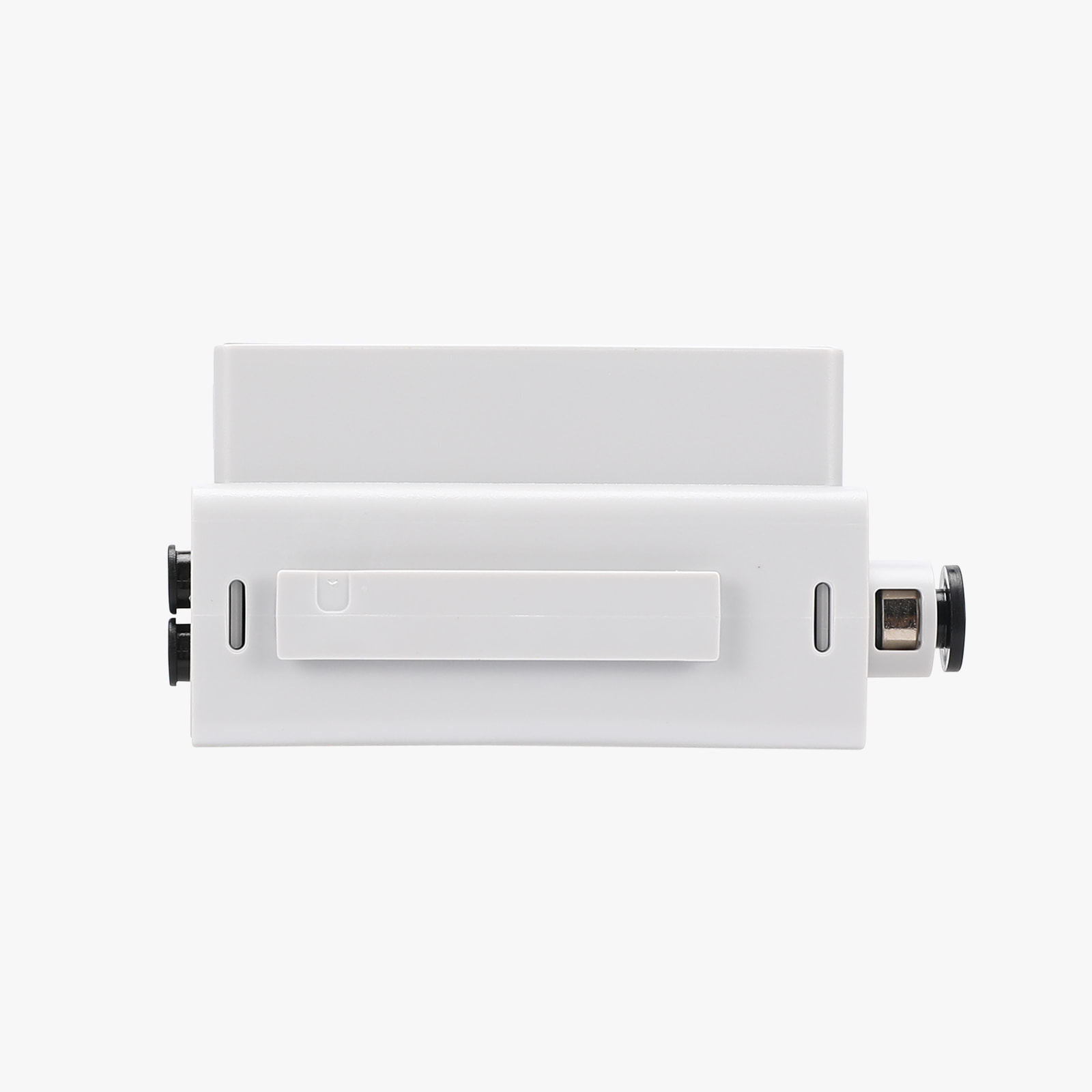
So I bought an A1 MINI, and I bought “FOUR” Bambu Lab AMS HT’s
Did you know that you cannot hook four HT’s to the A1 MINI like Bambu says you can?
I have been playing around for 4 days trying to get the 4th AMS HT recognized by the A1 MINI, and it just can’t be done…
#1 I tried different positions in the Chain of HT’s
#2 I tried different Bus cable configurations of the chain on the HT’s
#3 I tried resetting back to AMS LITE, then rebooting and back again
#4 I tried resetting the order (ID’s) of the HT’s
When 1, 2, or 3 HT’s are connected, they work just fine
But when you hook up a 4th AMS HT to the bus chain, the 4th one won’t work no matter when in the chain it is
After much research, I found that on the A1 Mini, because of its small power supply
When you chain 4 AMS HT units together, the voltage drop across those long bus cables causes the logic boards in the 3rd and 4th units to brown out or fail to send their ID tokens back to the printer
Thus making it impossible to hook up more than 3 AMS HT’s or AMS 2 PRO’s
Again, I just thought I would try to save someone a headache like mine
Regards, Rick