A1 printer on 01.07.02.00 firmware
AMS Lite Flashing 4 red LEDs
I have had this printer since ~Xmas 2024 and have printed probably hundreds of things in that time, without any real issue.
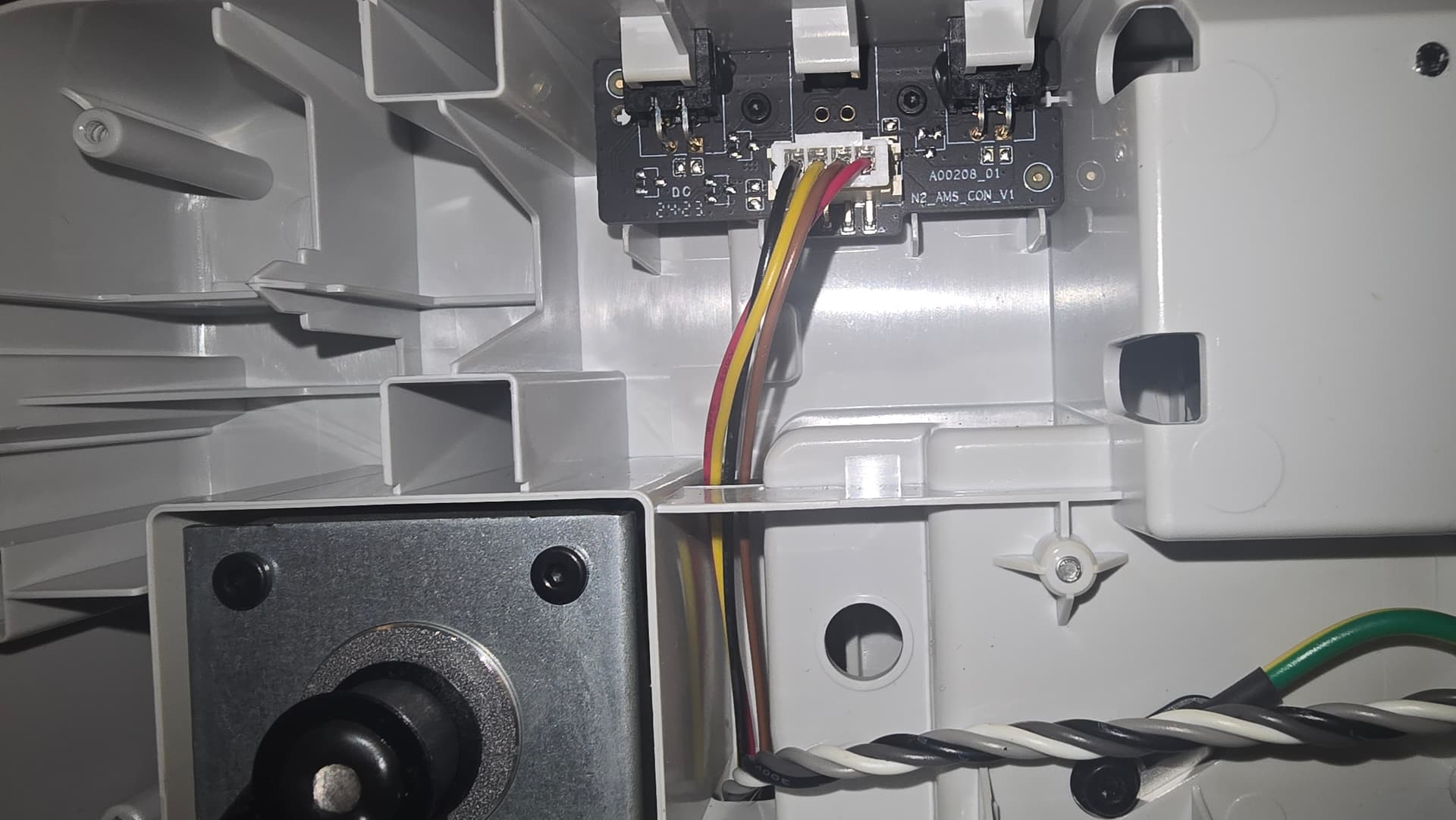
However, about 2 weeks ago, I had just completed a print and was going to start a new one. I get to the point where I am going to send the print to the printer, and it fails. I noticed the LEDs on my AMS lite had begun flashing all 4 red. In doing the basic troubleshooting, I’d gone to reseat the AMS cable and found the plastic sheathes covering the pins on the cable had been damaged, and the pins were bent. I gently bent them back into place (using the plastic sheath bit that was still in place so as to not actually touch the pins) and tried to reseat them gently. No dice, so I purchase a new cable from Bambu and swapped it out yesterday using the tutorial here. Easy enough to do, and I reassembled the AMS without much fuss. Plugged it back into the printer and powered on. AMS lights up Spool 1, 2, 3, 4, then solid white on all 4 spools. I think I’m home free and then after about 5 seconds, I get the red flashing on all 4 spools. Video of the lights immediately after power on hosted over here.
I’ve already taken the AMS board out of the base of the printer, made sure there were no damaged pins and put it back in.
Rebooted countless times. Even dropped down to firmware 01.03.00.00 to see if that made any difference. The issue persists, and I am losing my mind trying to figure out what the issue is, as I really don’t want to keep buying parts or just straight up replace it.
I haven’t tested with an actual print just yet, but it appear the printer will function fine using the external spool, so I am leaning towards something with the AMS itself. Anyone have any ideas?
Do you have the Ams in the correct port ? there are two , do you have the correct ams firmware installed ? ( not the ams pro firmware ?) there are two,
I just picked up a multimeter today, and surprisingly enough, the resistances I measured were all spot on to what you’d expect to see from the unit if it was fully functional.
Yep. I still have my manual, but I have already done all this. And the wiki confirms what I already knew; it does not matter which AMS port is used, as there are two of them.
Plug the AMS lite 4-pin connector into the port on the A1 mini. (either one)
Based on the response to my support ticket, the AMS Mainboard is likely at fault.