Do you have a smooth plate to test with?
The divots in a textured plate are nearly the height of the layer height on default 0.20 nozzle’s layer height of 0.10. I print 0.2 on smooth plates or something like a frostbite satin plate.
Do you have a smooth plate to test with?
The divots in a textured plate are nearly the height of the layer height on default 0.20 nozzle’s layer height of 0.10. I print 0.2 on smooth plates or something like a frostbite satin plate.
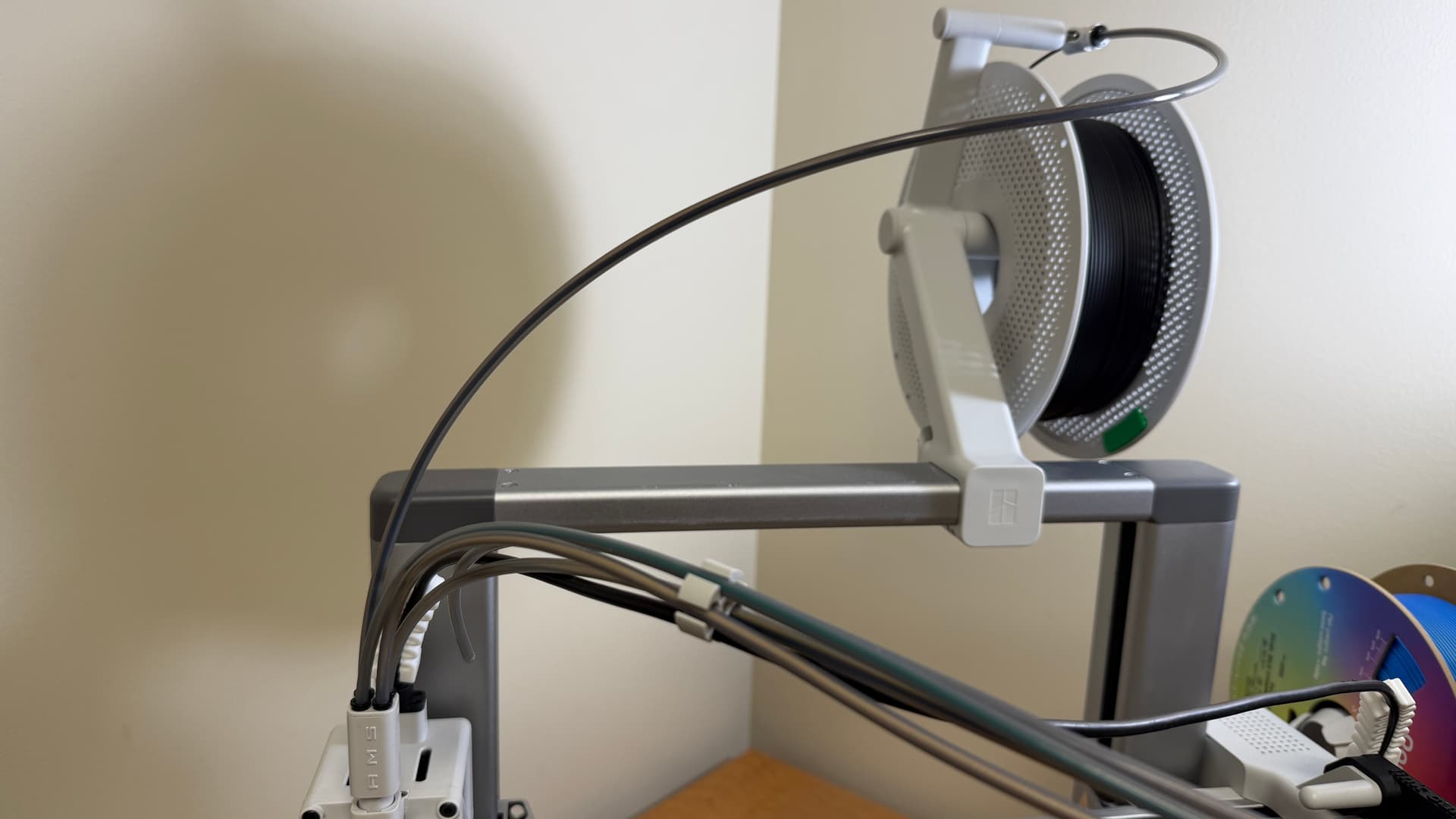
Got a chance to try a different approach this weekend. Turns out. If I bypass using the AMS and route filament directly into one of the spots in the 4-way splitter, choosing external in print settings, there is absolutely NO Issue. So not an issue with extruder pursae, just odd that the AMS causes an issue with .2 nozzles? I verified there was plenty of slack when using AMS and two different positions and it caused an issue. If I bypass the AMS entirely, using the same formerly failing filament, no issues on multiple test runs.
change the g-code:
;===== for Textured PEI Plate , lower the nozzle as the nozzle was touching topmost of the texture when homing ==
;curr_bed_type={curr_bed_type}
{if curr_bed_type==“Textured PEI Plate”}
G29.1 Z{0.03} ; for Textured PEI Plate
{endif}
;===== for Supertack Plate, adjust nozzle offset ==
{if curr_bed_type==“Supertack Plate”}
G29.1 Z{0.03} ; for Supertack Plate
{endif}
Change the offset from -0.02 to, for example, 0.03