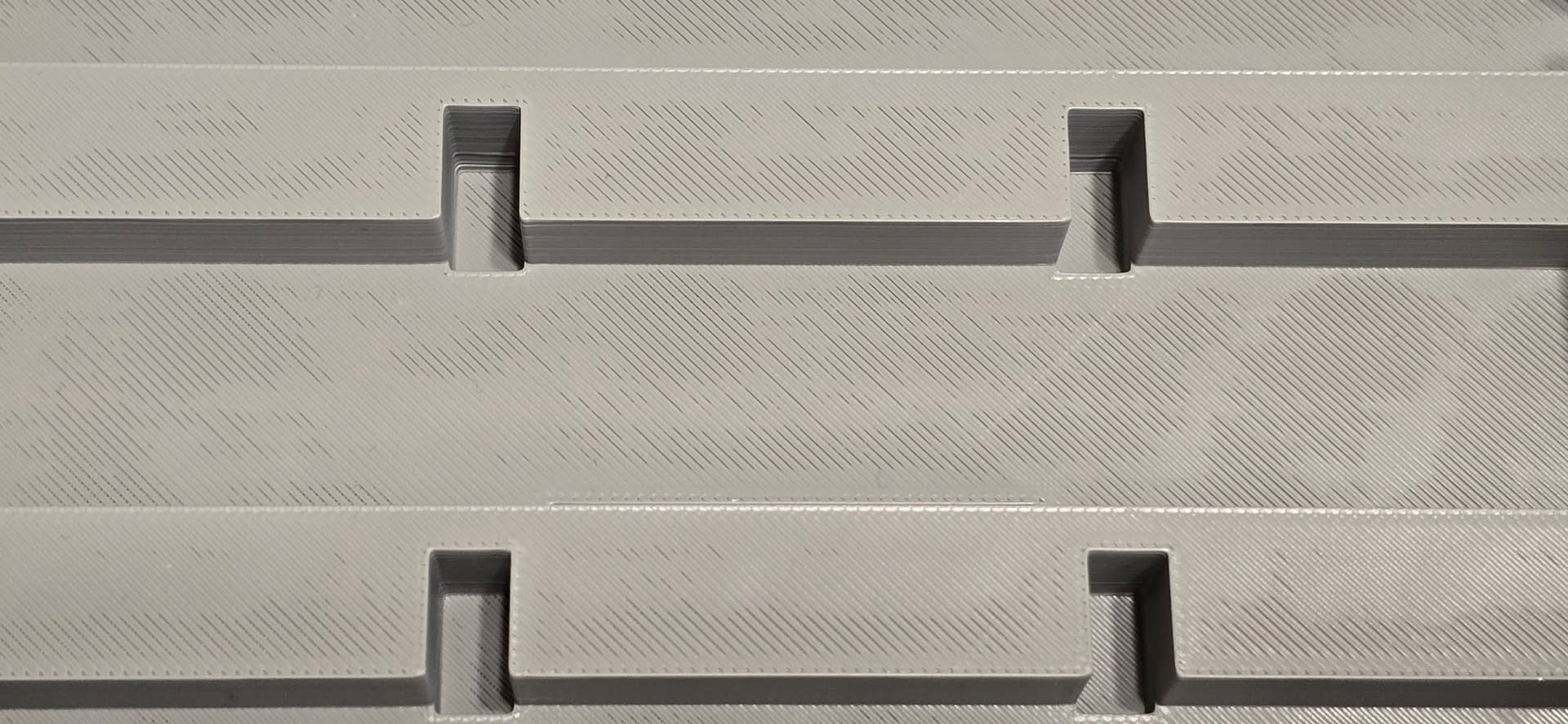
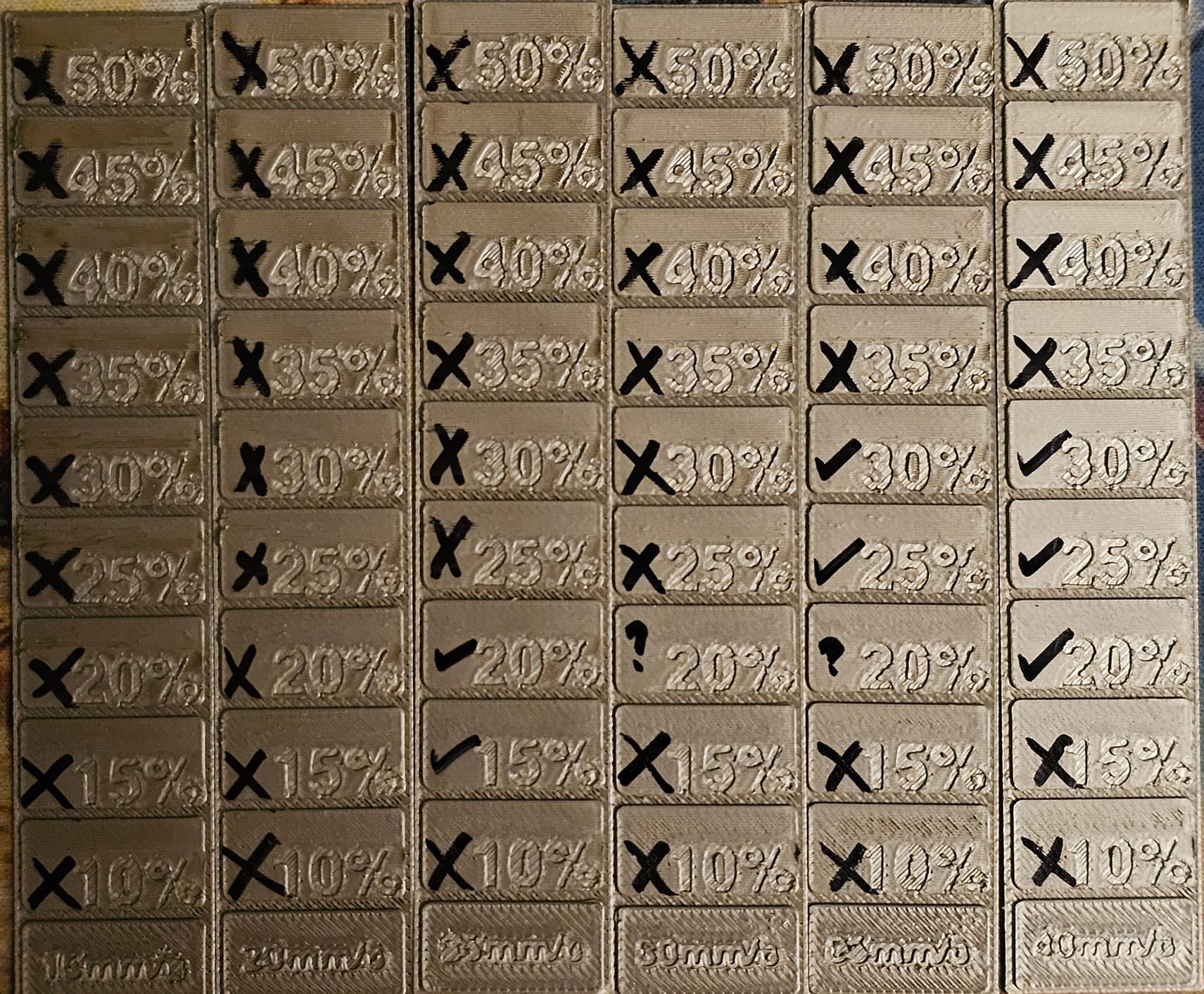
Sorry if this is covered in another thread - I looked and couldn’t find anything that looked applicable.
I turned on ironing for a model with a several fairly large flat top surfaces to try to get a better looking object, as I was seeing quite a bit of the rectilinear detail of the top layer. Any idea of what is going on or what I could change to get better results. Everything is being done with the default Bambu filament profiles. There are 5 top shell layers, 10% Adaptive Cubic Infill and Painted Brim, and ironing turned on, but otherwise 0.2mm Standard Bambu profile.
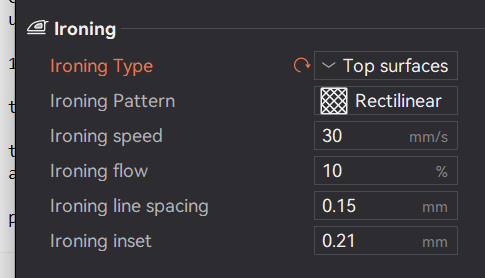
Here is the ironing setting:
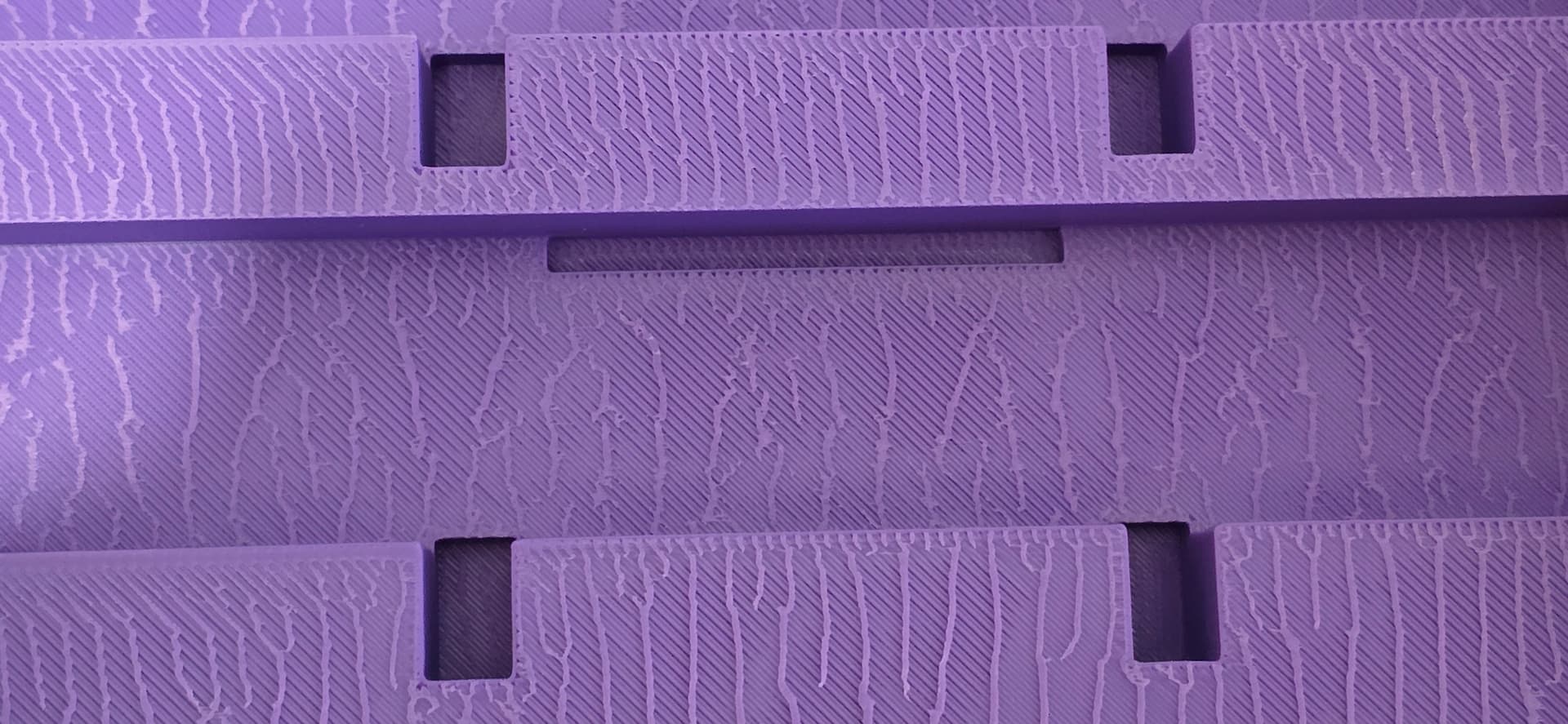
Here are the results (Bambu Basic PLA Purple):
This is what it looked like without ironing (Bambu Basic PLA Grey):