My A1 is really driving me nuts. Some models will print too close to the bed, or the previous layer. I can hear it grinding against the printed parts that are already on the bed. What can I do here? Some models come out fine, or start fine, but then it happens on higher levels. I’ve recalibrated, replaced the hotend. Ideas?
Better to provide all details, plate type, ABL used, nozzle, line? Infill scraping? Material.
Please provide all details, ideally a video with nozzle grinding.
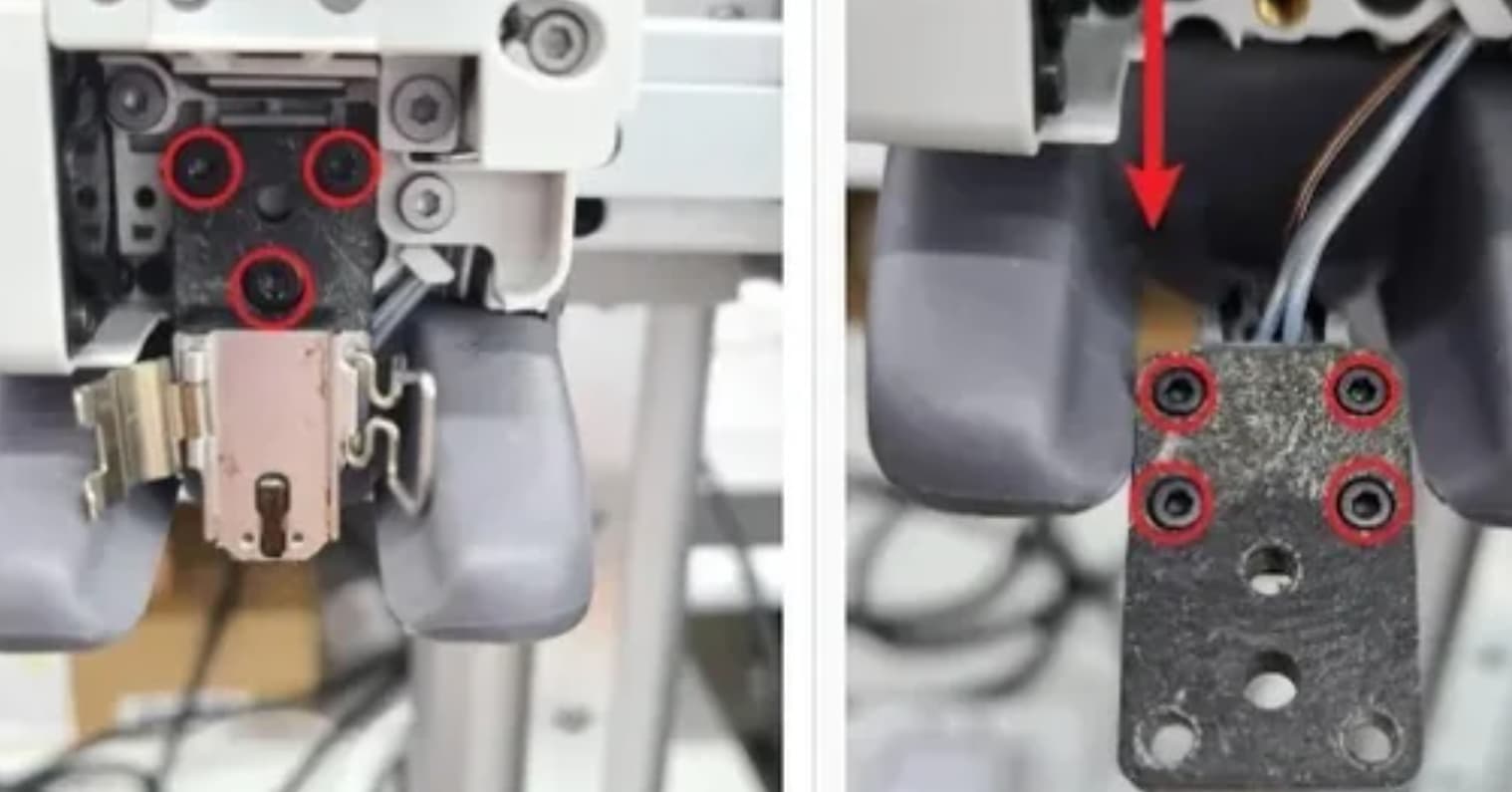
Thanks sorry yes it’s been so frustrating for me to get this suddenly. Using the standard textured plate, high speed red pla from filaments.ca. I recalibrated I’ve reset the machine it’s driving me nuts. It won’t let me post the video let me see if I can convert it

Video attempt, can you hear the sound?
The screws are all tight. It printed a benchy just perfectly. What am I missing?
Clean and regrease your z rods, especially down at their bottom where the carriage rests at z=0. Ensure there’s no crud on the bottom side of your plate that could foul autocalibration. Check those loose toolhead screws as mentioned. Reseat the nozzle. Move your bed a half mm to the left if there are pits in it from thousands of taps on the same leveling spots.
Eventually you’ll find the thing fouling the autocalibration.
I took it all apart, put it back together twice, recalibrated, and so far so good! Thanks for the tips!
Thanks for the advice! this was my problem. I’ve even had one of the for small screws actually fall out and go missing! Does anyone know where you can get spares?
You don’t know how much this is help me bro. THANK YOU!!!