Is there any way to add fractions to text I am putting on a model? Right now I go through the laborious task of having 3 separate text items - for instance, 1, 2, and a divider line. I line them up, export them and then re-import as an stl. Should I be using a different program to generate fractions, then import them in as needed? Thanks
The straight answer; no, there is no simple keystroke method to insert subscript and superscript characters in the slicer.
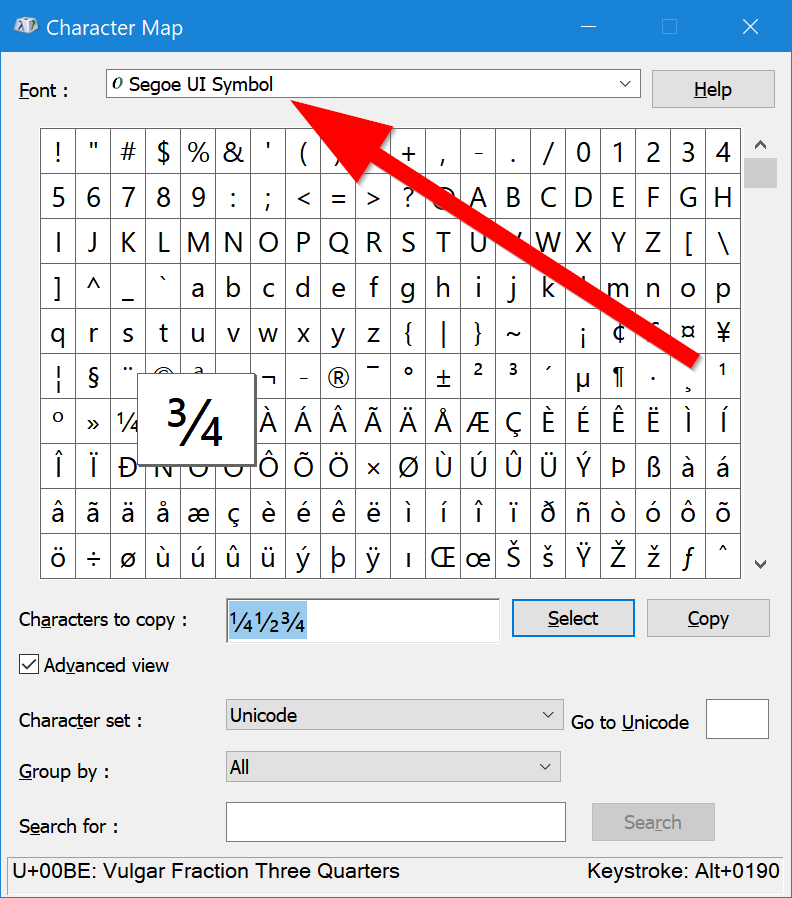
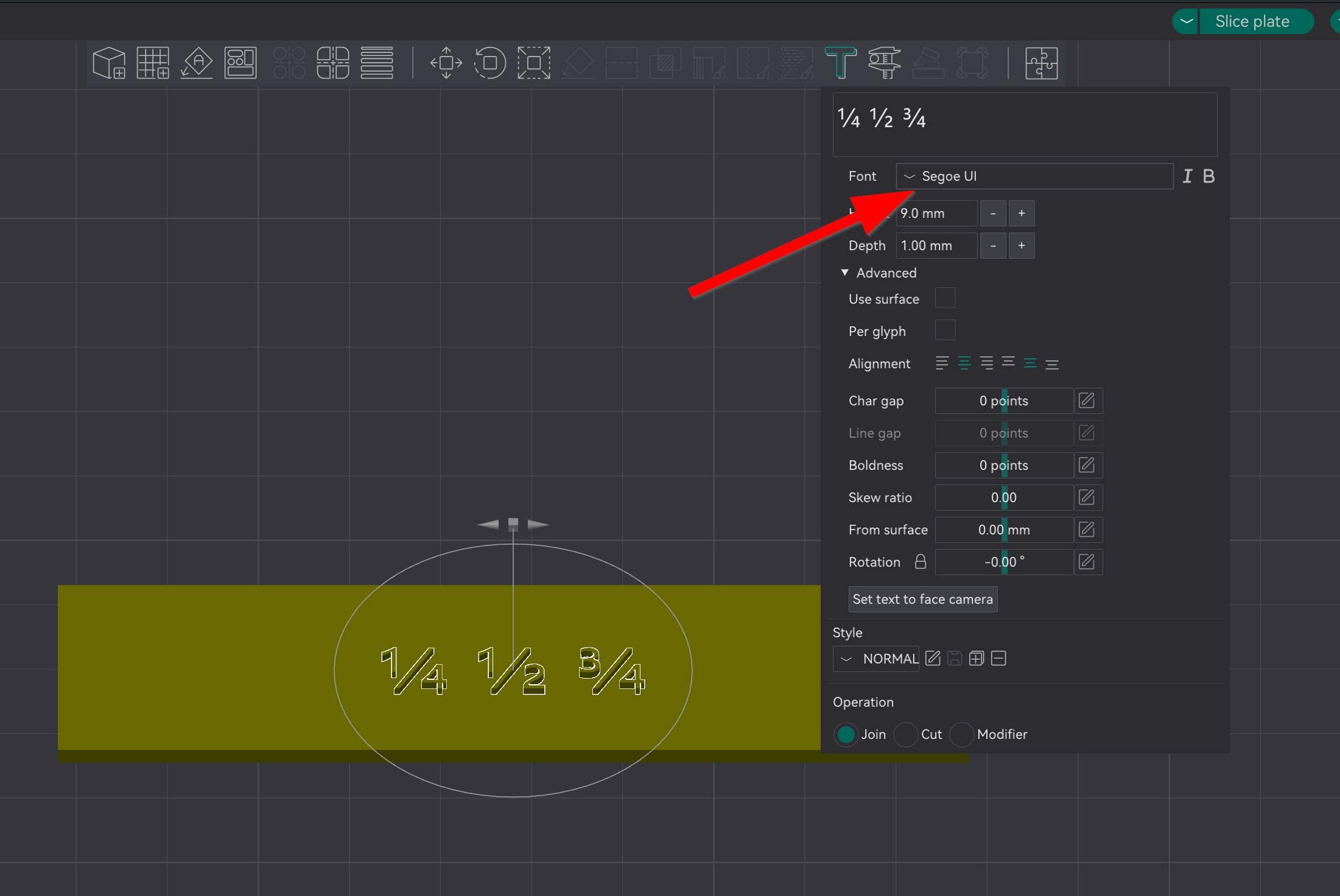
However, depending on the symbol set/font family you are using, 1/4, 1/2 and 3/4 are part of many symbol sets. You access them via the charmap app in Windows.
Make sure you are selecting the same font before you do.
Option 2
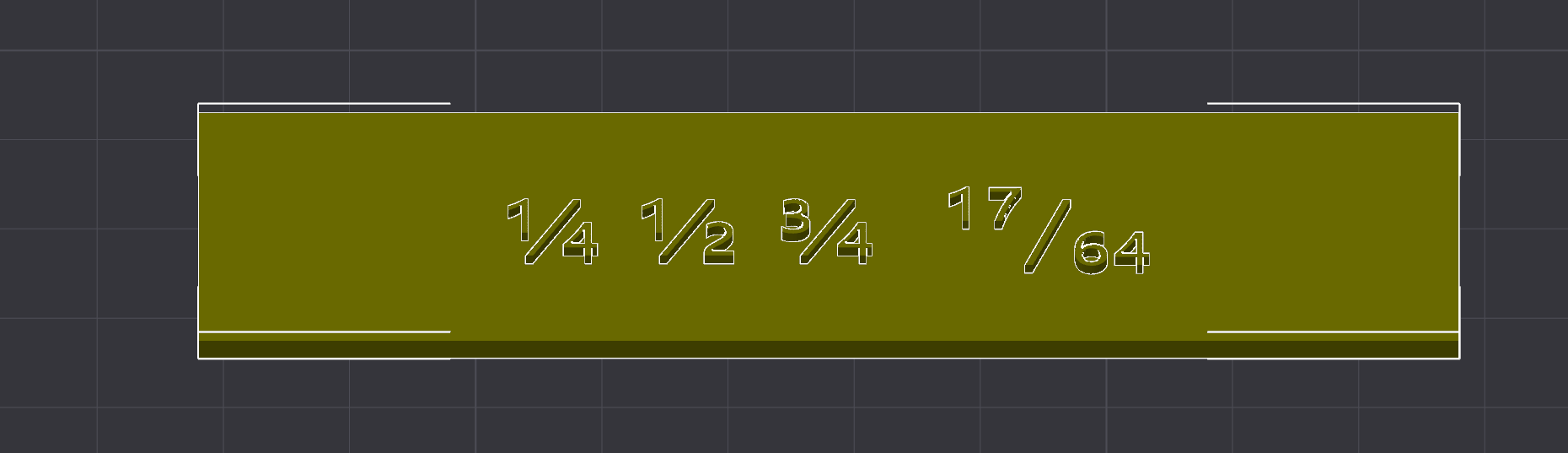
Another way to do it is to use the superscript and subscript characters in Charmap. That is the long way so just go online and ask Google or your favorite AI to do it.
Or you can simply copy and paste these characters below into Notepad. I simply copied them off the web. The first row is superscripts and the second row is subscripts.
⁰ ¹ ² ³ ⁴ ⁵ ⁶ ⁷ ⁸ ⁹
₀ ₁ ₂ ₃ ₄ ₅ ₆ ₇ ₈ ₉
⁄
Then assemble them in notepad using copy and paste in the order you want and copy and paste that string into the slicer.
¹⁷/₆₄
Option 3
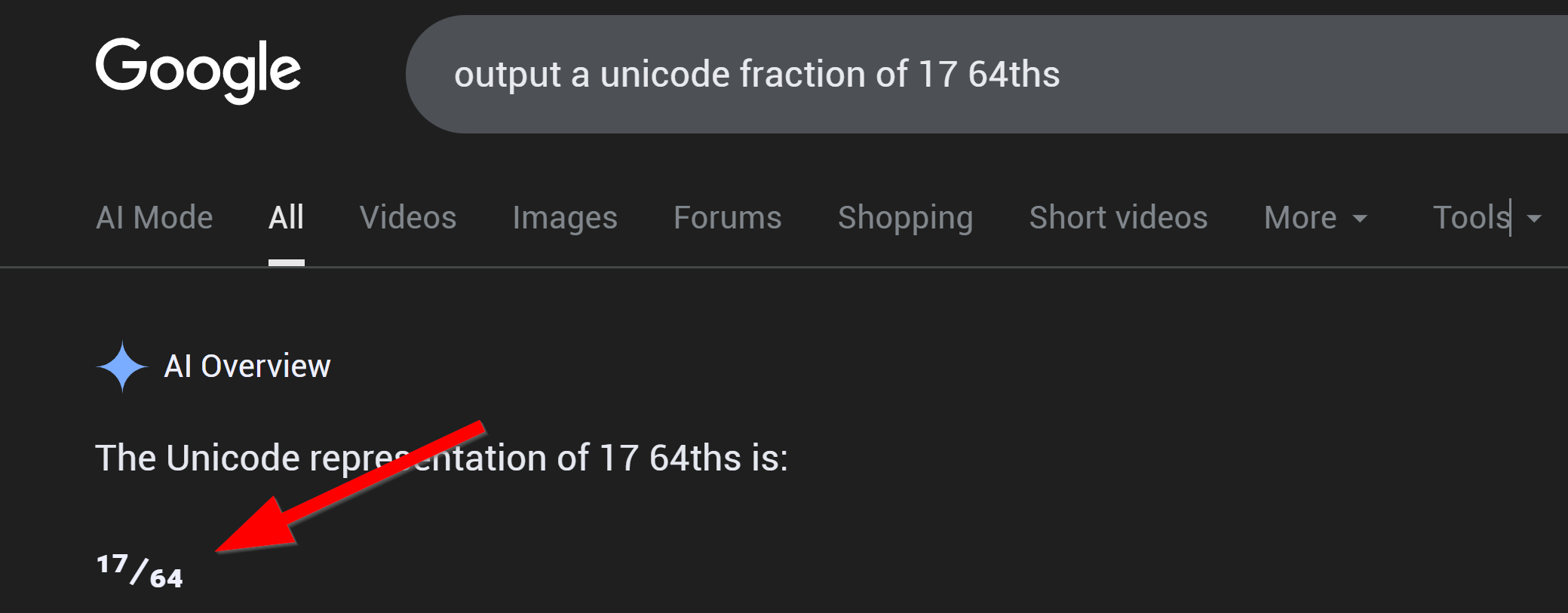
Of course Google will probably do that for you and you can copy and paste from there.
Here is an example of a Google search that illustrates how to do that. It of course also will find sites that will format it for you too.
2 Likes
The first solution worked for me - thank you so much for the quick reply!
Extra tip: on Windows one can hit WIN + . (period) in any app/program to bring up an inline popup where emojis, ASCII art, and lots of special characters can be selected directly (including the fraction glyphs).
Also the Windows Store “Character Map UWP” is a nice upgrade from the old version.
-Max
1 Like