Ams lite feeder stripped?

I seem to be having difficulty with my spot #2 feeding filament. The others are doing ok.

When I looked more closely at the AMS Lite module I see yellow particles everywhere, I’m not sure what they came from but my guess is telling me from a gear set.

Is this something I would need to replace to get that feeder working correctly again? Would this cause the filament to not feed while printing?
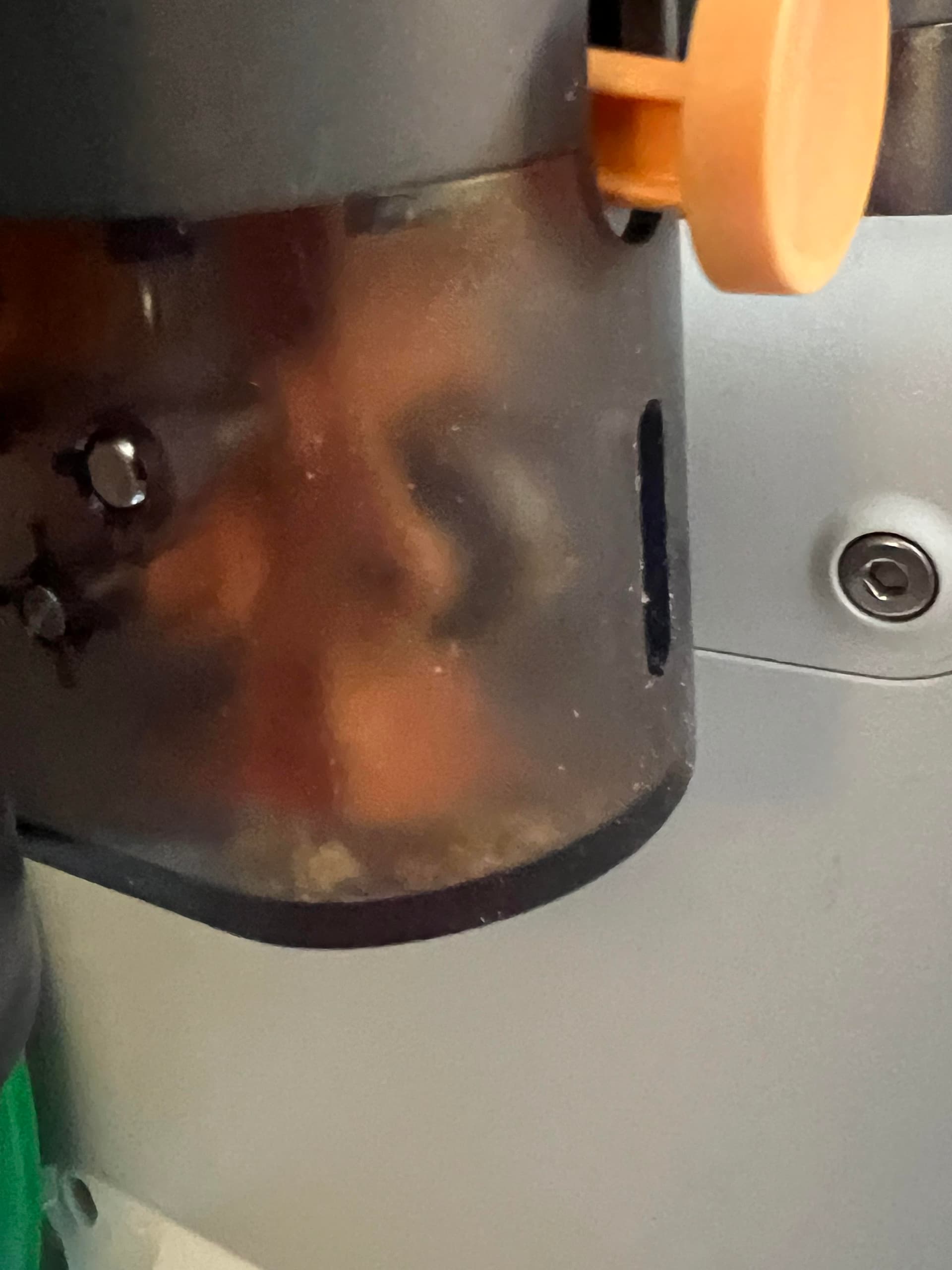
Well, you’re already doomed to have to open it up to get those crumbles out of there, open it up and take a pic of the gears condition

My suspicion is yes, although it might just be debris from the motor+gear chewing thru a stuck piece.

1 Like

More photos for diagnostics.
@Bullocks

Not an expert in this, and haven’t done this repair myself, but it looks fine. You probably need to clean out the grooves of the metal part that grips the filament, but that’s probably it.

1 Like

Agreed with JJ. Unsure of all the wispy stuff in those last photos, but the metal gear needs to be cleaned and it should be good to go. I think it was just chewing on some filament that was otherwise stuck. Imagine a scenario where the filament is held firm by the extruder [clog, bad cut, etc], and the ams tries to push/pull. chomp chomp chomp right thru the filament

Thanks everyone for the quick responses.

Wispy stuff… uhmmm could be cat hair. Don’t judge me.

3 Likes

Hello -

Does anyone know of any diagnostic modes that can be run to test the performance of the AMS Lite feeders without running through prints?

Such as with the XYZ control options. I put my feeder funnel back together but I continue to have issues with prints off that spool. Other spools appear to be doing OK. I’d like to be able to see the output from the odometer, speed sensor, etc…If that makes sense.

Thanks for any help.

At this point, I would create a support ticket. Link them to this forum thread to show them your repairs efforts. With any luck you’ll be shipped a new feeder unit.