I have a similar problem with changing to a generic filament. Have loggec with bambu support team but they are not responding at all.
Welcome to the forum.
Generic filament won’t have RFID chips so the AMS will not recognize them. You have to manually input the values.
Yes, i’ve done this but since the last update it does not allow me to make manual changes to the filament setting.
I was trying to add PLA Wood as an external filament and I discovered that that filament wasn’t listed.
I did a DuckDuckGo search and found this link that lists the PLA Wood filament profile json files.
(Links aren’t supported in this forum. The site was ‘github’ and the url ends with
‘SoftFever/OrcaSlicer/issues/7527#issuecomment-2488656310’)
Examining the file in a text editor, it lists the supported nozzles.
"compatible_printers": [
    "Bambu Lab X1 0.4 nozzle",
    "Bambu Lab X1 0.6 nozzle",
    "Bambu Lab X1 0.8 nozzle"
]
I had a 0.2 nozzle loaded, which isn’t compatible. 
As a test, I manually changed my nozzle size to 0.6 and PLA Wood reappeared as a filament option.
This solved the issue for me, YMMV.
The nozzle compatibility detail is super useful. I wouldn’t have thought the filament disappearing was tied to nozzle size. Good catch on switching to 0.6 to make it appear again. Definitely something others running into the same issue should keep in mind.
Where exactly do i input RFID chips?
Input them? The RFID tags come pre installed on Bambu filament which a Bambu AMS can read.
If you want to use 3rd party filament you will need to manually set the filament type on the printer display/Handy/Studio.
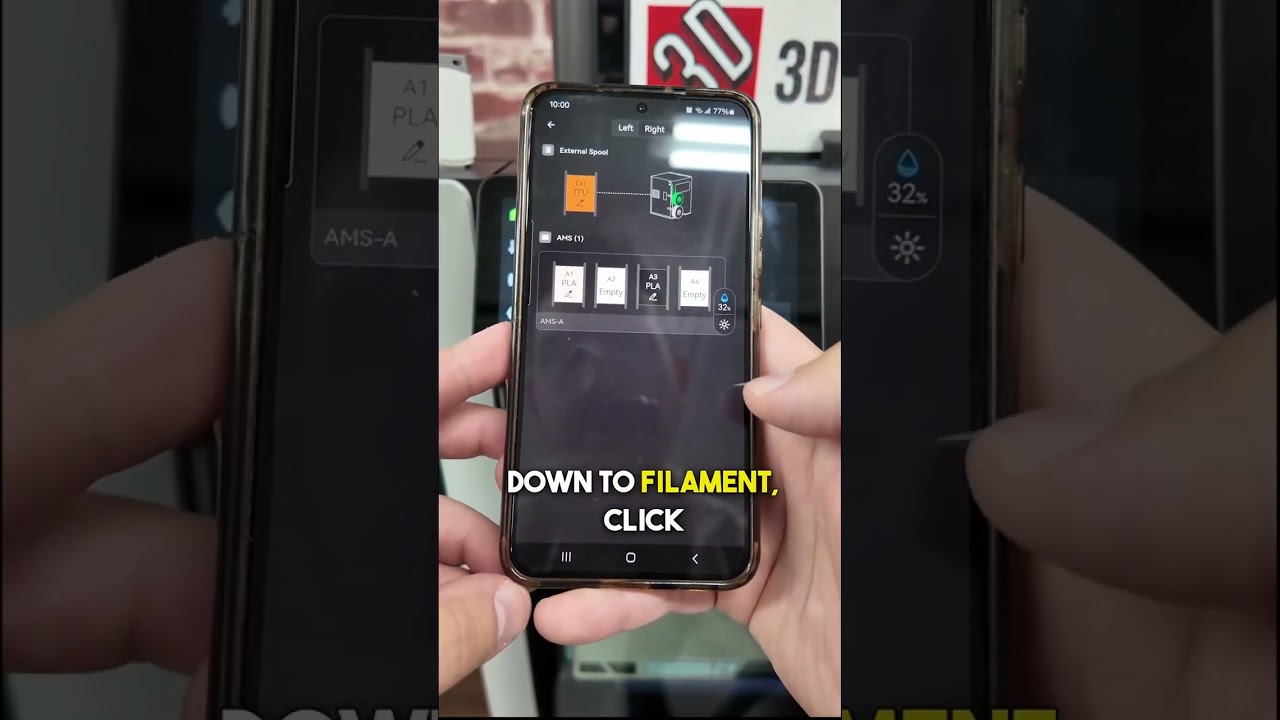
I use Bambu PLA, so i’m cool, i guess. Have already followed those instructions. However, i am still UNABLE to print. I get this message:
“The filament buffer signal lost, the cable or position sensor may be malfunctioning.”
So frustrating!!
What model of printer are you using?
P1S. I usually print with PLA Silk, PLA Basic, but have just hooked up PLA Wood. A .4mm nozzle is acceptable, i believe.
Yes, this is an issue that resurfaces periodically with certain types of filament.Bambu does list that on the filament page for that filament, but it doesn’t help that it is “under the fold”
You have to expand the “View More” to see it.
Edit: also if you scroll waaayyyyy down it is under printing tips…
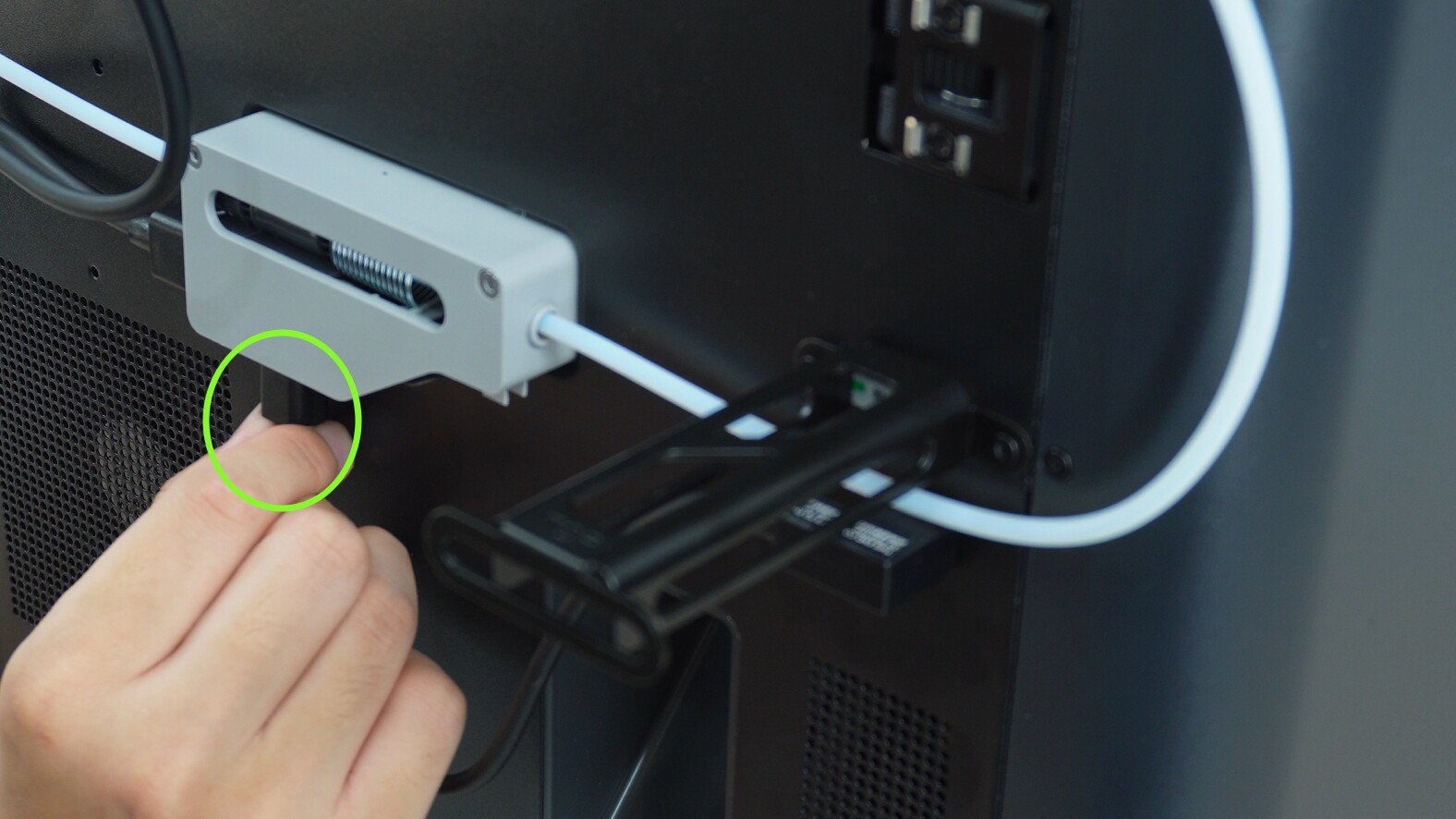
Problem solved! Thanks a mil!