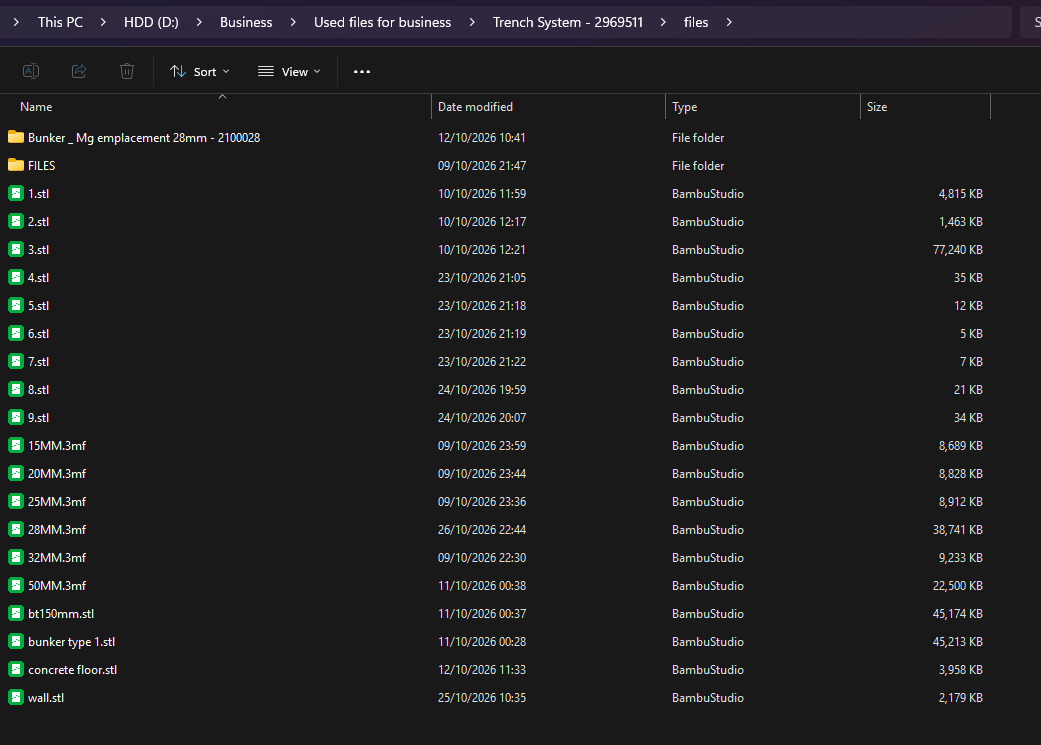
I spent all day working on a project in the slicer today probably about 10 hours in total really tedious work and just as I was closing everything down to go to bed I saved the project. There was another bambu studio window open also and I quickly closed and saved that also not realizing it was the same file except it was from this morning before I had done any work. So now I’m facing have a full day of work erased. Anyone know how I might be able to recover this?
Thanks
I’m not sure if this is right right place to ask this so apologies if not, you may move it if possible to the correct place, thanks.
Something strange is happening. One moment ago there were folder and files here but now they are gone. windows deleted or moved it all while I was looking at it I guess
So now I can’t even see the ‘.model’ files or the folders they were in.
I have a print running now that was printed from a model on the 3mf I need to get back that no longer exists. I wonder If I could at least recover that one model from that. Maybe from the cloud? I’ve looked but my only options are print or delete I think. I need the STL though.
EDIT: my bad you said the .3mf, not the .model file.
No I was looking for the 1st directory (in bamboo_model), it would have had “3D” “Auxiliaries” “Metadata” directories, a “.3mf” file and a few other files. That would be the recoverable one. When you said you found a .3mf with nothing in it, I thought you had found it.
aye yes I had all those files and the folders you named but now the folders are empty. Windows deleted them as I was showing you. In the ‘3D’ folder there were a bunch of .model files that were empty when opened them in bambu studio.
Any chance they were deleted to the trash where you could restore them?
Microsoft has a file recovery app in the microsoft store. There’s also others. If windows did it right, both files exist on your drive. One is just deleted. Problem is that deleted status means it can be overwritten and may have already been overwritten. But maybe not. No way to know though without trying to undelete.
If you have some old files you could delete especially if they are big, it may let the os write in their freed-up space. What you don’t want to do are more writes until you have a chance to even see if the file is recoverable. That’s why delete some old hopefully big files if you can so the os finds the first open space it sees to write new stuff too. There’s also disk optimization stuff that might be running that can also trip you up. Time matters though.
This stuff about deleting files and such only matters if your data is on the same partition as the os. If you store your files on another partition from the os, it’s you who controls files writes so just don’t until you get it sorted.
I’d also use a different computer if you can to do any searches and downloads and hibernate the system with the file issue until you’re ready to try to undelete.
Nah it’s not in the trashcan it was overwritten unfortunately. I downloaded some software to recover files but it seems to be only recovering deleted files not previous versions. There were files in a temp folder in appdata but they only lasted a few hours and no longer exist so it looks like it’s too late. I will have to redo the work I guess. Oh well at least I have my health
Sorry it didn’t work out. When files get deleted accidentally it’s a race to get it back before the space gets overwritten. You almost need to already know how to deal with it before it happens for the best chances.
Not only overwritten but with an SSD you also need to beat the TRIM command if you’re unlucky enough that you’re close to the command deadline so first thing is to get it unchecked before you do anything