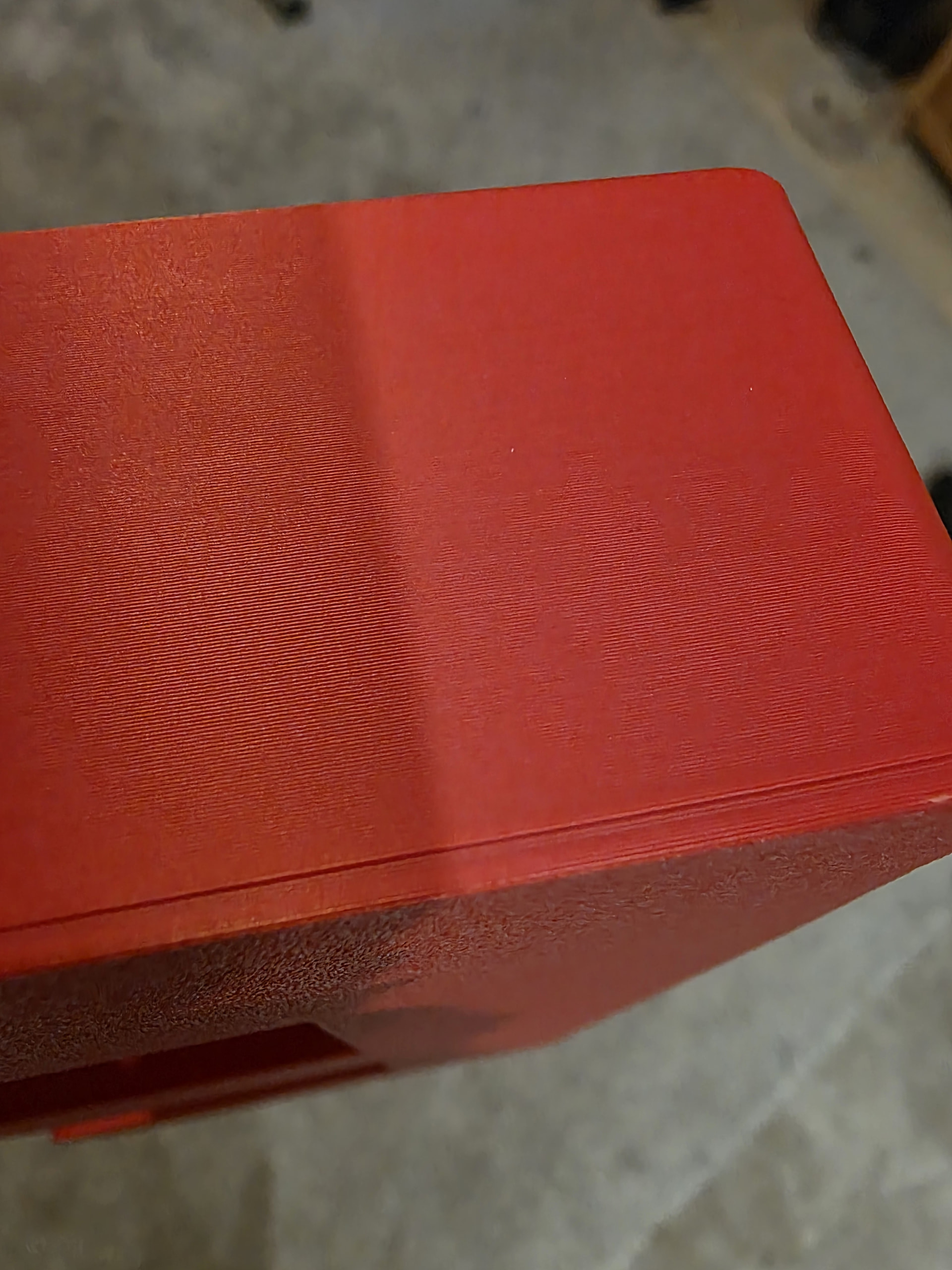
Quite new to printing and want to use ASA. Picture shows ‘ridge’ where it starts printing the walls. Is this a cooling issue and advice on what to adjust would be appreciated. Tried some temperature changes, fan deflector and more wall loops.
Thankyou for the reply and ill get some testing done. I did try and find the answer on here but didnt manage it, thanks again
If you have design control on the part you can add fillets or chamfers where the walls meet the bottom on the inside.
Hi, i dont have design control. I did try a chamfer up the most of the side and again a line where the chamfer ends.
to avoid that I tried bed 110°c and max temp heating, printing the model at the very center of the bed and I almost achieved a perfect cube. printing 4x results in that especially on sides that are probably too cold.
take it as a feature … 
I only ever had this on a Prusa Core One, but I could repeat it using the standard boaty.
Solution was to slow down the print.
The cause in my case was the filament was making a little blob and when the nozzle hit it the layer shifted.
I suspected the ultimate root cause was the filament but it printed successfully many times when done just a little slower.
If you print very slowly so all layers would have had similar-ish amount of time to cool; I don’t think that line would then be as noticeable.
Perhaps explore the minimum print time per layer, I think something like that is in the printer settings under the cooling tab, from vague memory.
Of course your print times will go up but the visible line should hopefully go down.