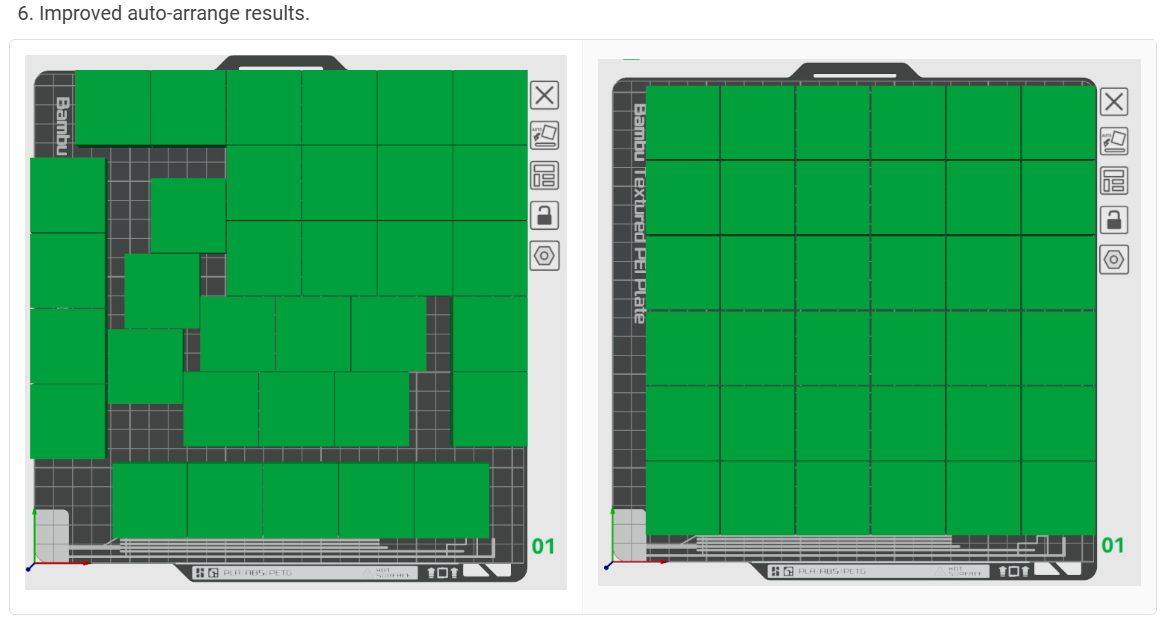
Am I doing something wrong, because auto-arrange just isn’t working for me. I’ve got six parts that I can easily place manually on the bed, but if I drop those six parts randomly and auto arrange it wants to split them onto two plates! I’ve tried reducing the spacing and unchecking Avoid extrusion calibration region, but still no good.
I doubt you are doing anything wrong. Auto-arrange is not very intelligent. It often puts object near the edge off the plate for no reason. It does other strange things. For anything other than to move a couple of object to an okay location you will probably have to do it manually.
The other issue, which you did not mention is whether you have sequential printing enabled. If objects are going to be printed sequentially it tries to account for the print-head size, the height of the carbon rods and it will often think that it needs object much farther apart than you would think they need to be. I have overridden the layout many times by setting the size of the print-head to 0 and manually arranging objects.
I’ve noticed something interesting that leads me to believe the arrangement of items might not be as chaotic as I once thought. When filling the bed with Gridfinity boxes, for example, the slicer arranges half the boxes at a 45* angle., but always on the left side of the build plate, which is where the output of the part cooling fan is located. It would make sense to orient parts this way to minimize temperature variations across the build plate. I would love to hear a Bambu engineer’s comments here, but maybe it’s part of their secret sauce. It’s definitely not random.