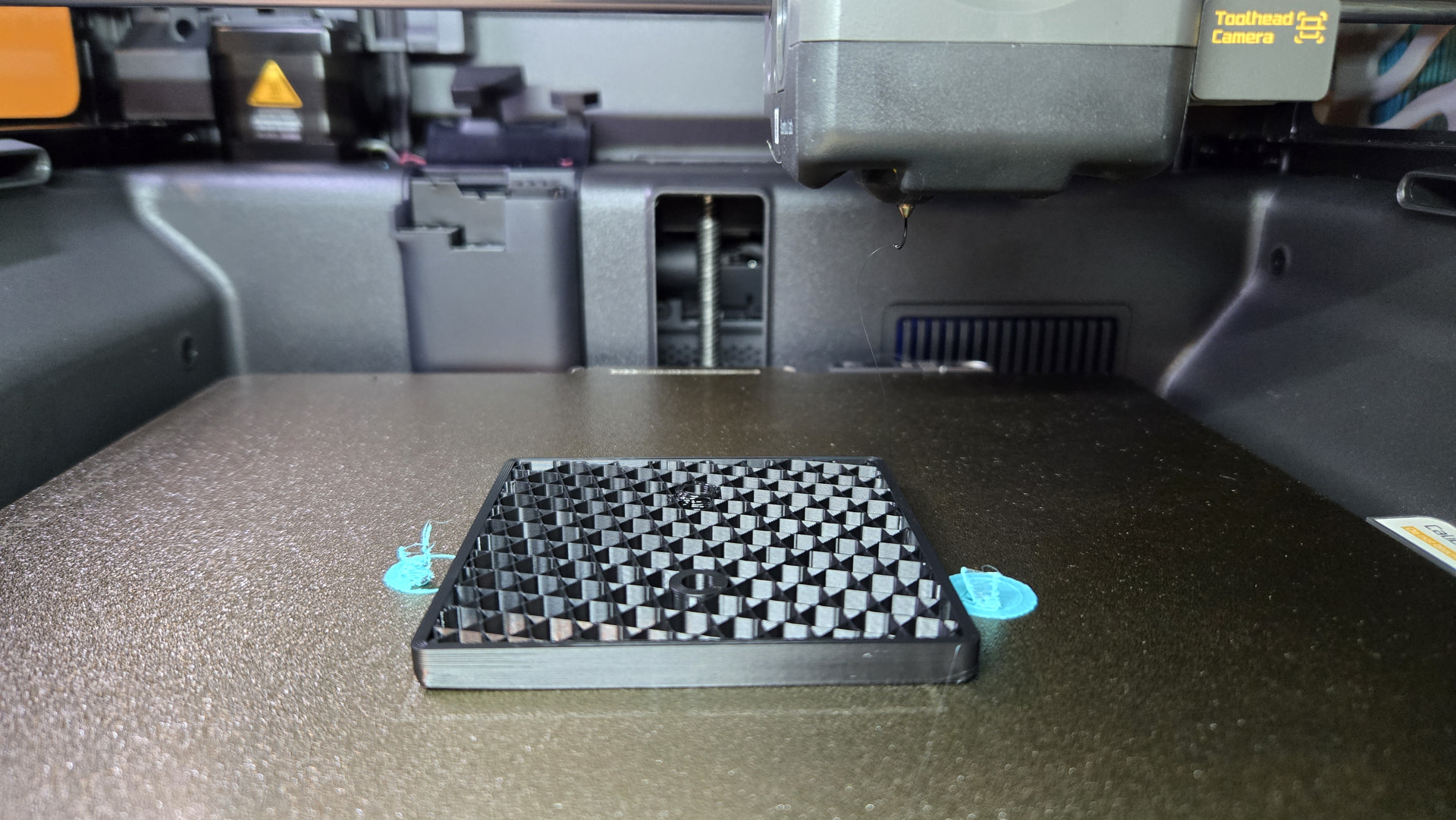
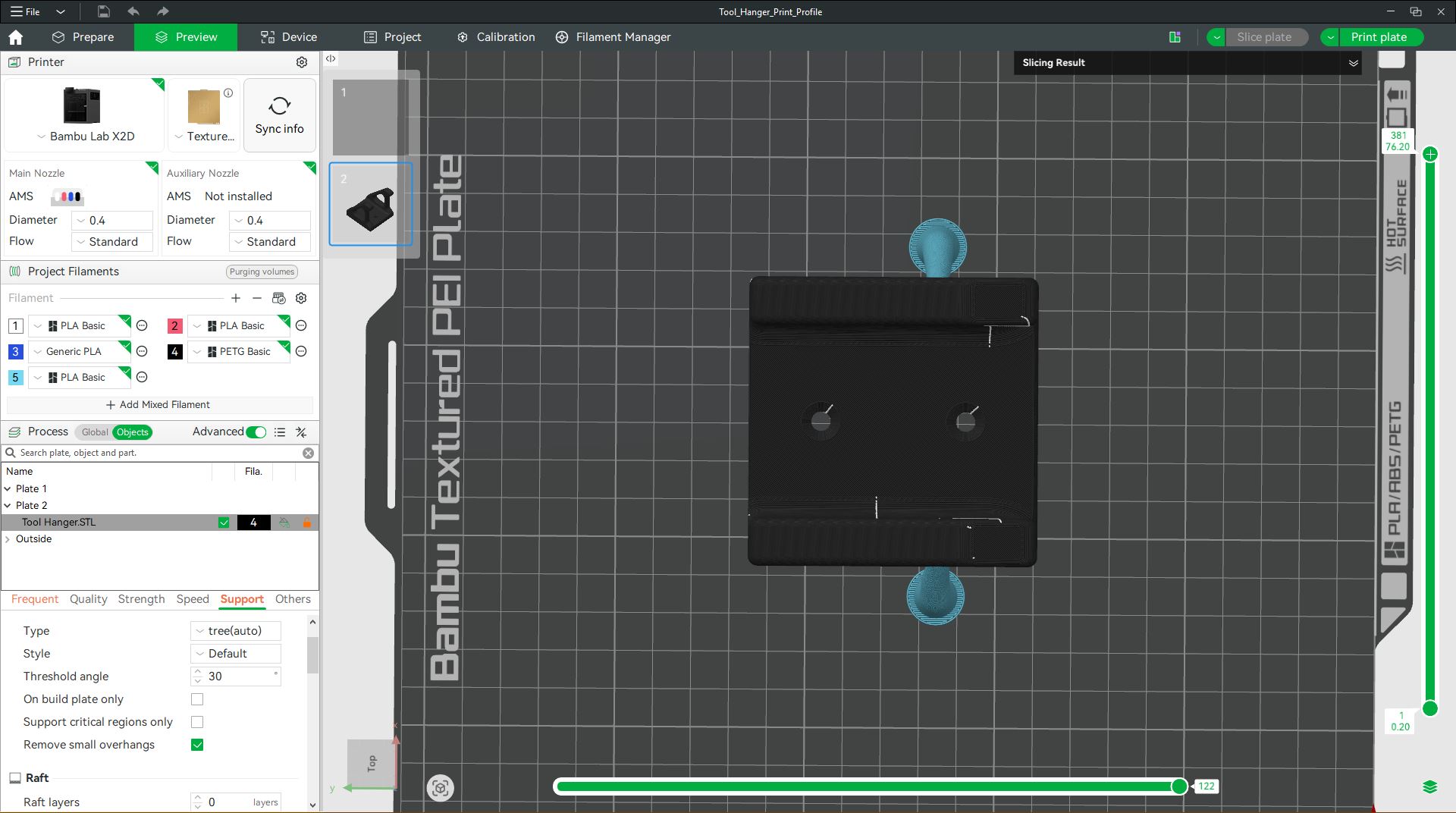
Trying to print download from MakerWorld (Tool_Hangar_Print_Profile) using Bambu PET G from the main nozzle, and Tree Supports using Aux nozzle with Bambu PLA. First try the Aux nozzle stopped extruding after a couple of layers. Cancelled and cleaned Aux nozzle.
Used Aux nozzle to print main part and it printed two layers of the base just fine. Started original print again and again Aux nozzle stopped printing supports after several layers. Aux nozzle temp was 220c the first time and I raised it to 230 the second time.
I have not changed any settings for part, Main or the Aux nozzle other than the temp.
My last idea is to print the entire part using Aux Nozzle with the PLA. I set the speed to “Ludicrous” and nozzle to 220c, it prints great.
Tried to print with PET-G and PLA for supports and it failed again. I prints the first layer and then it never increases layers. It goes to the Aux nozzle and extrudes filament but the nozzle tip is too far above the last layer to attach.
PETG requires a bed temperature of 70 degrees. This is most likely too high for PLA cool properly when printed on the bed so you are getting adhesion issues.
Instead of printing the entire support with PLA, have you tried changing it to use PLA on the support interface layer only?
I have not tried using pla on the support interface only. I did not know about this.
So I have changed the Support/raft base to PEG and the Support/raft interface is PLA. After slicing, I see the PLA. Wow, this should solve my issue and speed up the print.
Thank you so much for the info.
I am really new at this hobby and will learn from folks like you and Elothan.