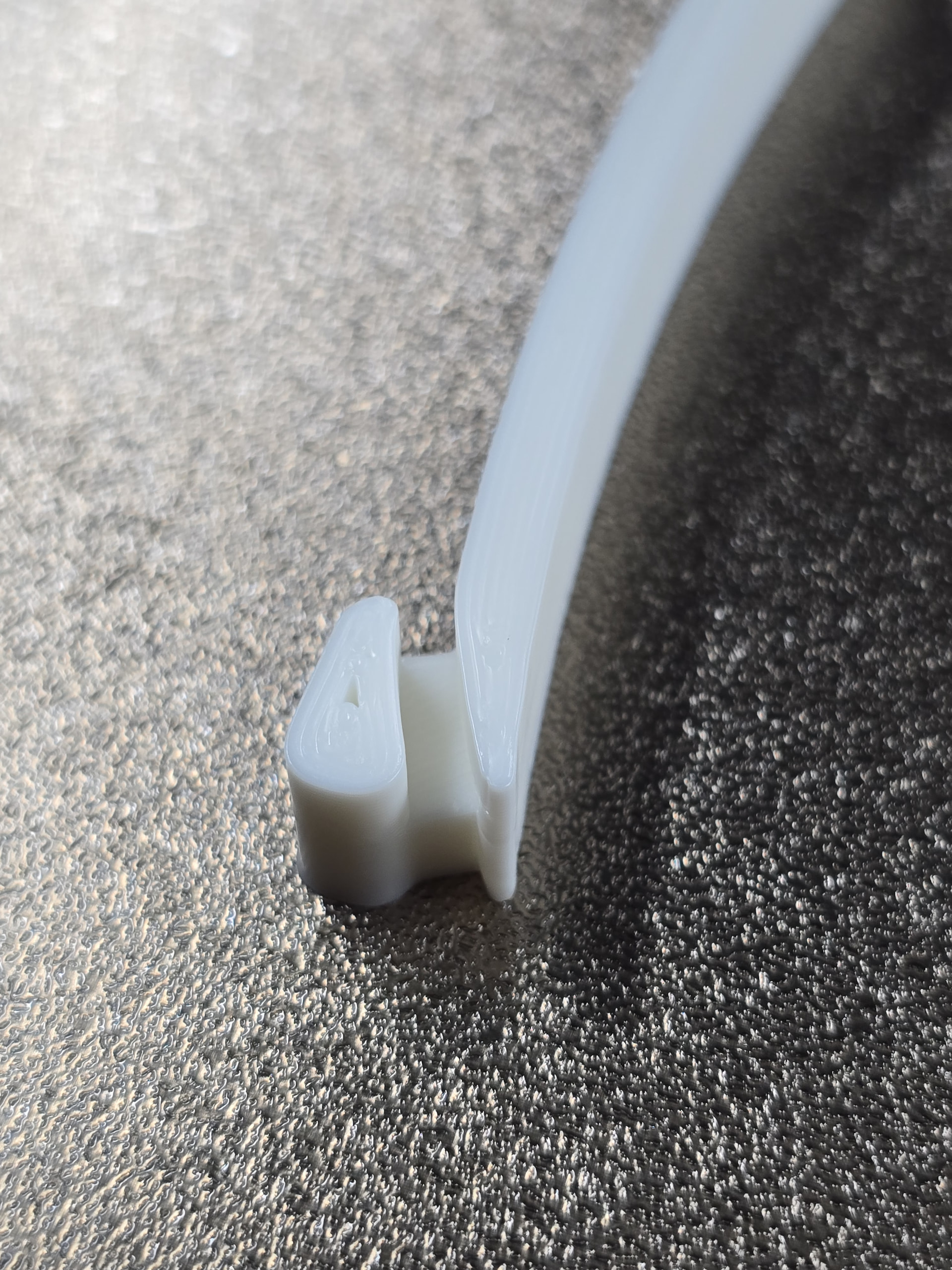
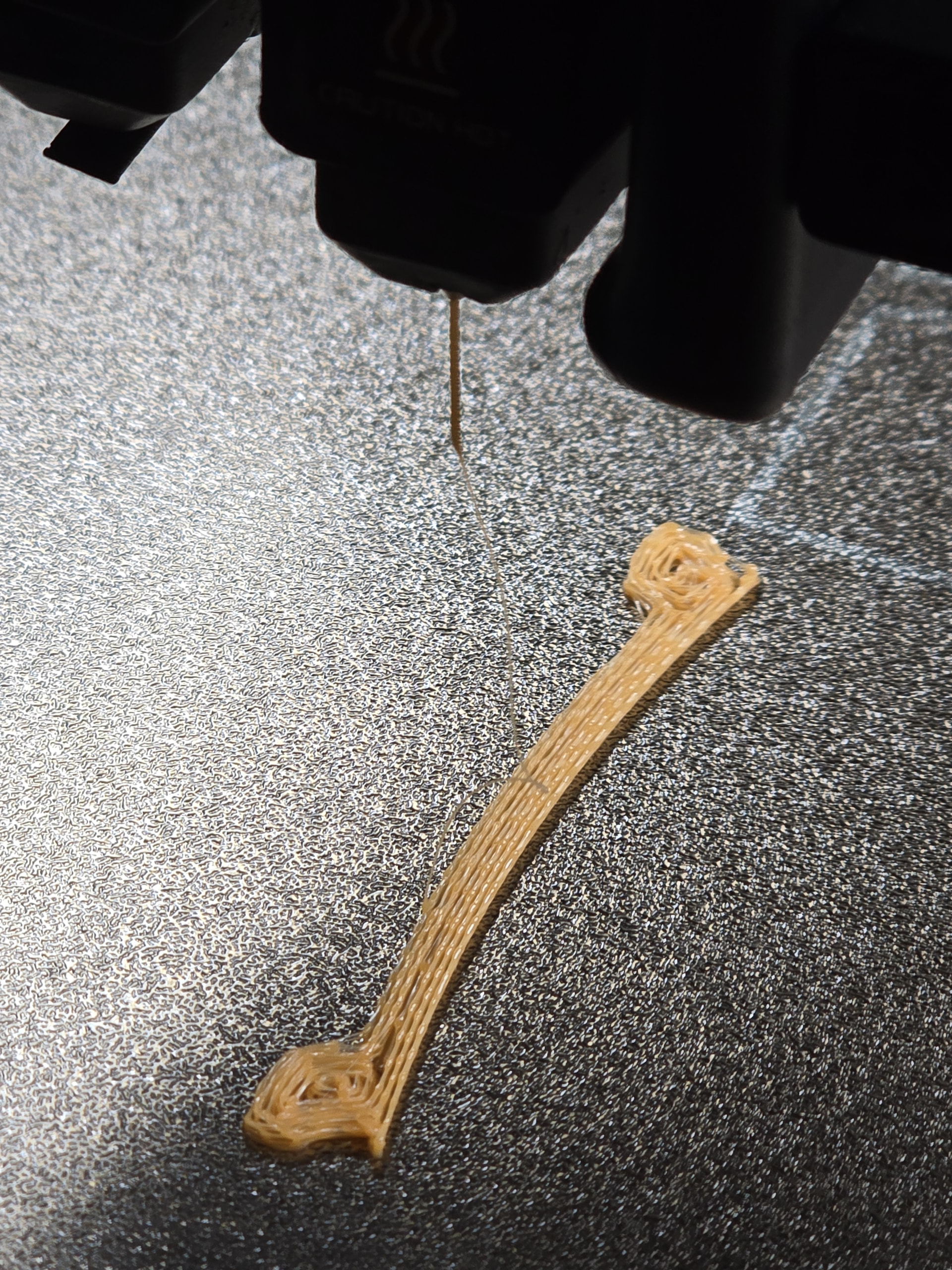
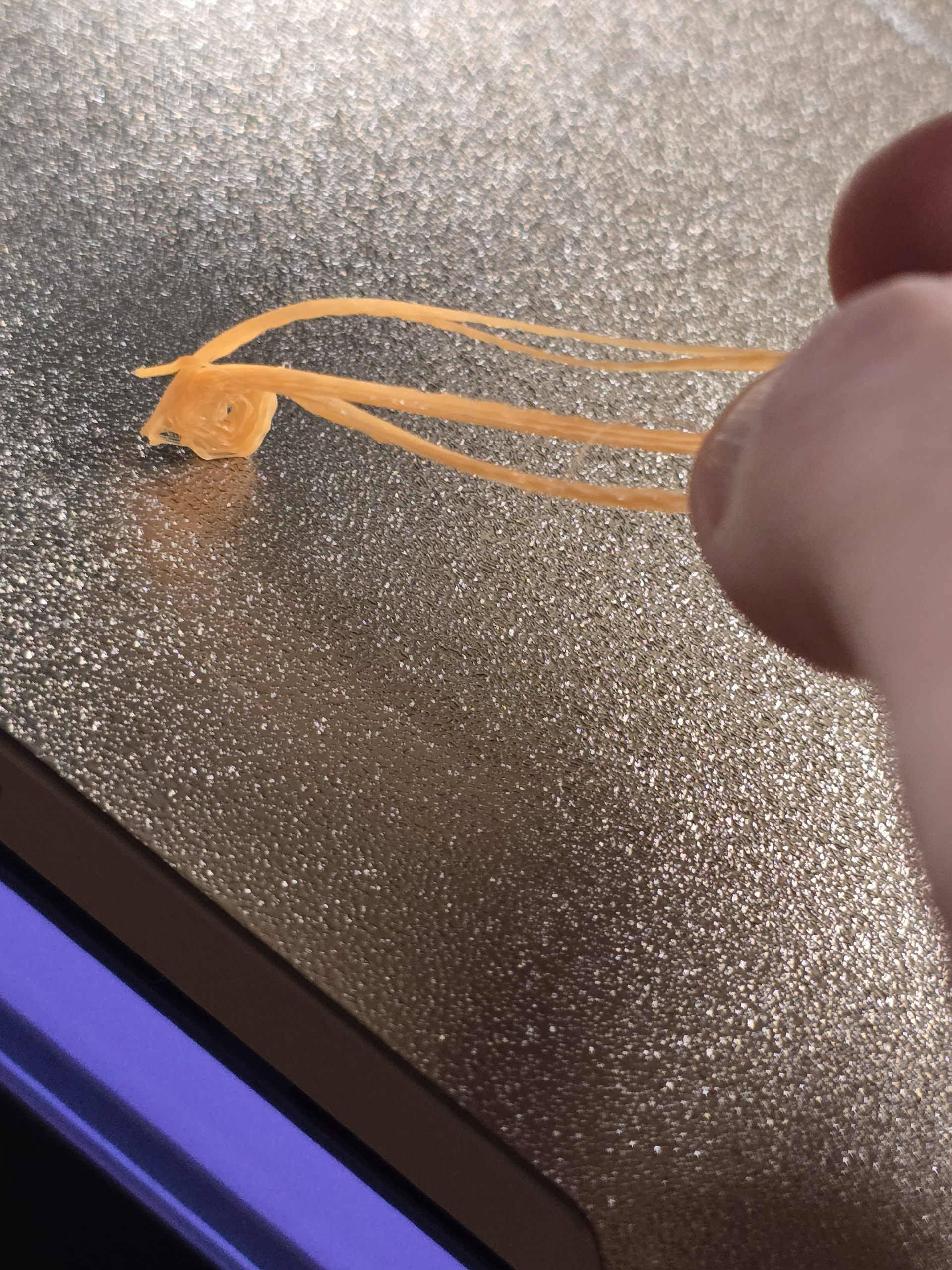
I would appreciate some input from users with experience in TPU printing to narrow down this issue that has been bugging me for a few days now, and I am running out of ideas to try next.
This is a very slow print on the 85A - takes more than 10 hours. As you can see from the timelapse below the print was progressing beautifully, but towards the end (roughly at the 7-8 hour mark) I started experiencing severe under-extrusion issues. But my biggest problem is not this single failed print, but that this issue seems like it is now persistent and shows up from the very first layer of any subsequent attempt to use this specific 85A TPU spool.
I suspected and tried the following, but I am still unable to figure out what’s wrong here.
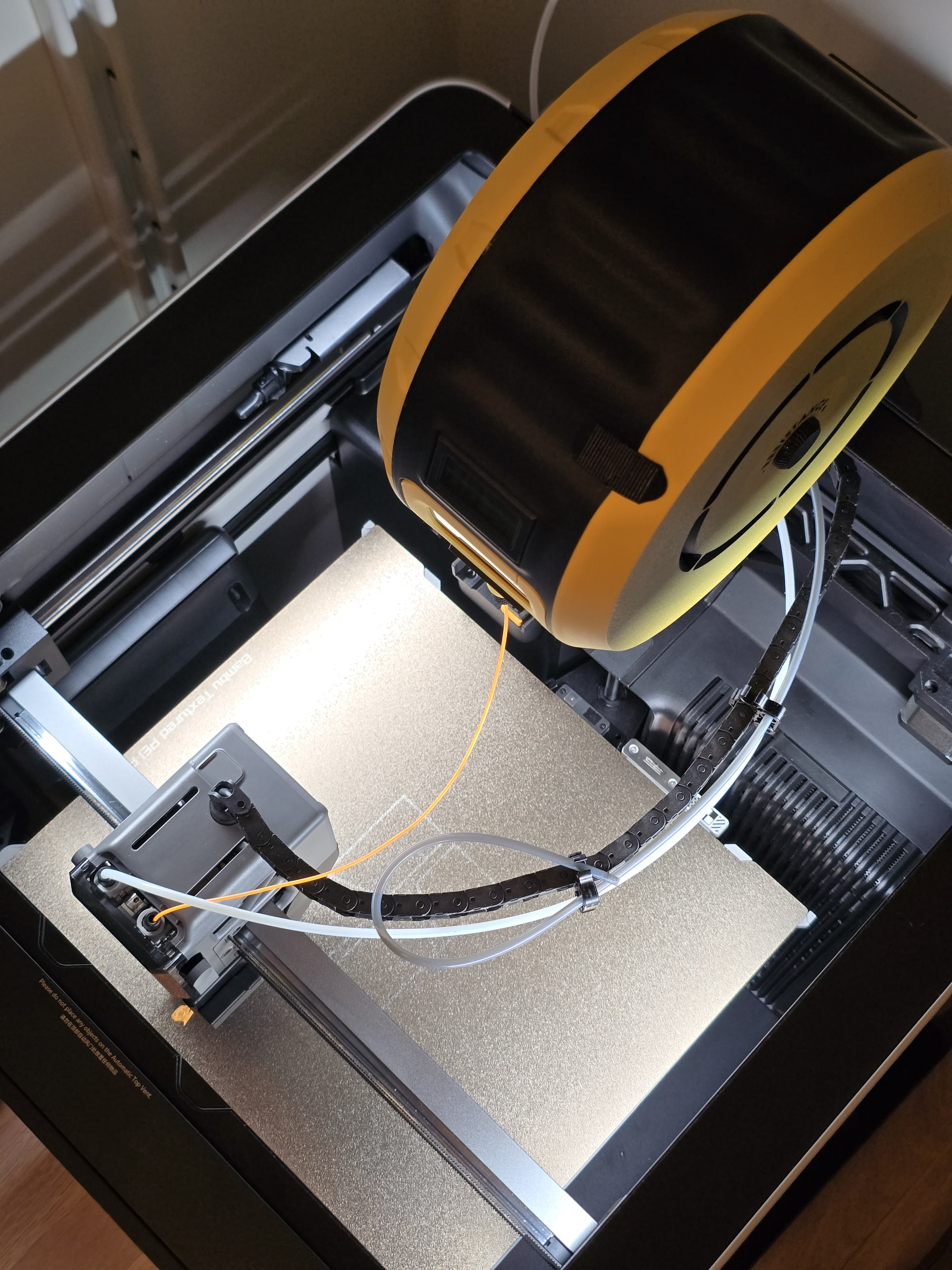
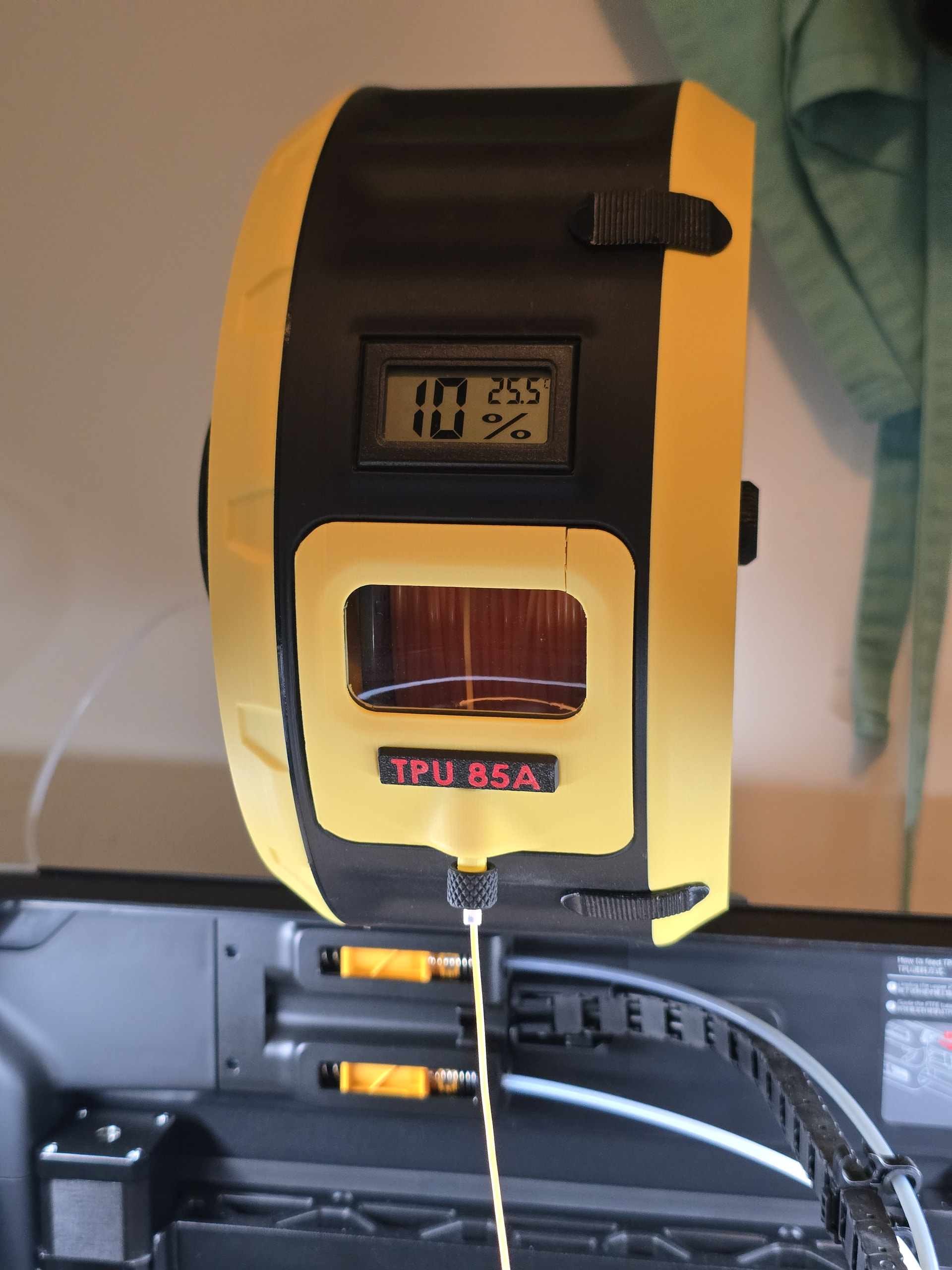
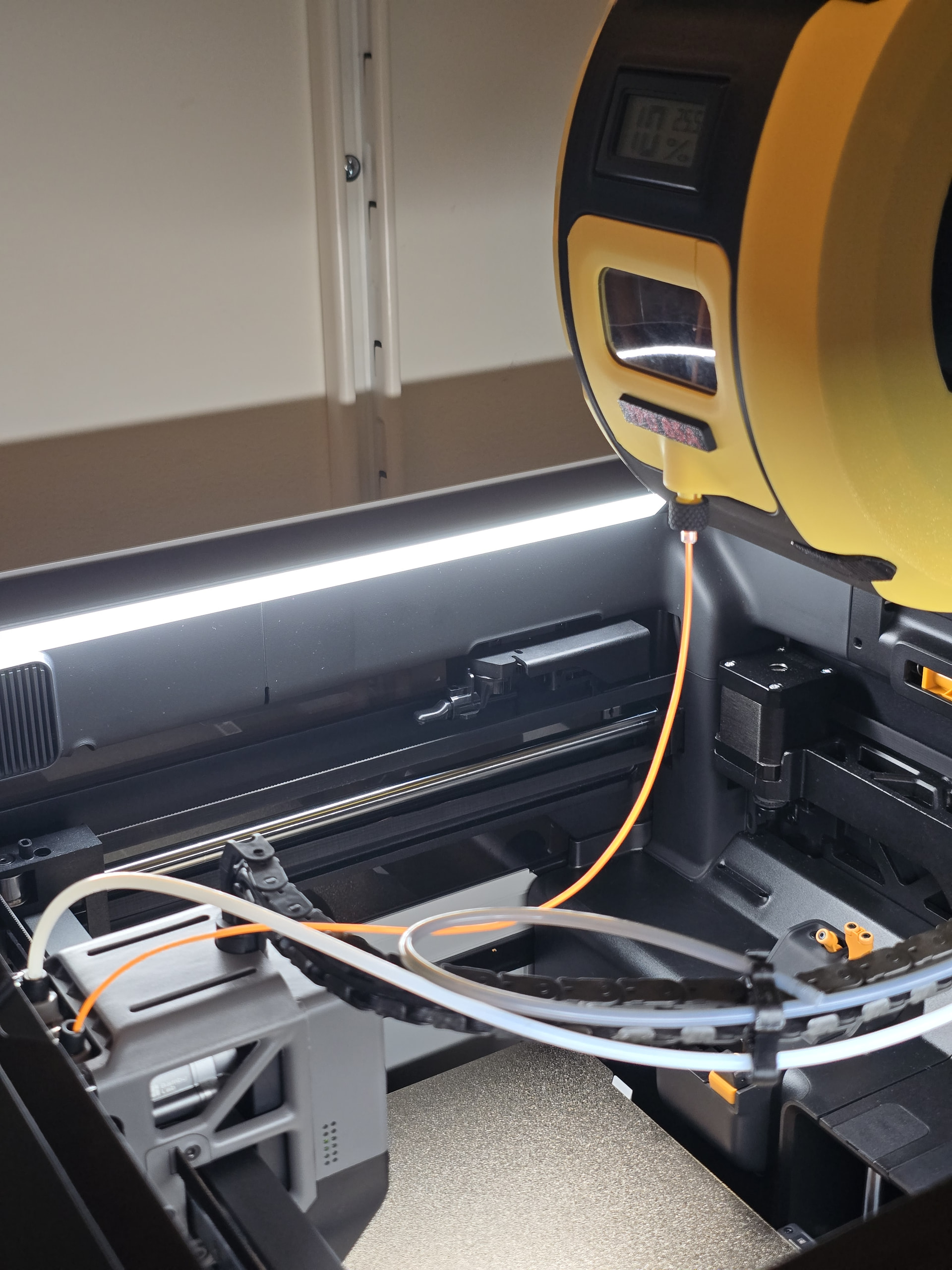
Filament drying: The filament was dried in an AMS-HT at 75C for 18 hours (that’s the default recommended setting when you select the TPU drying option) right before I started the print, and I feed the TPU directly (no PTFE tubes involved) with the Retracting Spool Holder Pro: Retracting Spool Holder Pro (+SPiNE for P1/X1/H2) - Free 3D Print Model - MakerWorld
Friction that hinders pulling of the filament in the extruder: I ruled this one out as the direct feeding with the Retracting Spool Holder doesn’t involve any PTFE tubes and the spool is nearly free rolling - sometimes too much!
Partial nozzle clog: I did a several cold pulls with TPU, and the nozzle looks in pristine condition: it is a dedicated TPU nozzle that has printed less than 0.5kg of Bambu TPU 90A so far.
You can start by removing the hotend and observing if the filament can be extruded properly. If the filament extrudes normally after the hotend is removed, it indicates a hotend clog rather than an extruder clog.
I did this, and the filament extrudes normally after the hotend is removed - so I also ruled out an Extruder clogging issue.
TPU heat creep: I could potentially explain the failed print in the time lapse above with TPU heat creep issues after several hours of printing, but I doubt that TPU heat creep is the issue here as the problem is now persistent from the very first layer even after I re-dried the filament and tried to print again the next day.
Since the phenomenon appeared mid-print and is consistent since then, something must have changed in between. I would check whether the extruder is really clean but I would expect some variation in extrusion in case the gears are dirty. Are you sure that the filament is of very same quality? Have you printed something else using different material and has it worked fine? Have you tested a different nozzle? Have you dried the material again? TPU on a roll can be very ‘sealed’ and moisture might have been trapped further inside the spool, means, just a part of the outer layers is really dry.
Did you calibrate the flow rate yourself, or are you using the value “1” included in the 3MF file for the “wheel rim protection pad”?
The filament is an original BambuLabs TPU 85A ( TPU 85A / TPU 90A | Bambu Lab US Store ) bought from the BambuLab online store. I use the default filament settings from the Bambu TPU 85A @BBL H2D profile. The Flow ratio value is set to 1 in this profile.
Have you ever replaced the nozzle during the time you’ve been using the printer? It might simply be worn out - or very messy inside.
I use a dedicated 0.6mm nozzle to print TPU - I have printed less than 0.5kg of TPU with this nozzle, so I would consider it to be still “as good as new”? I will buy a new nozzle to rule that out.
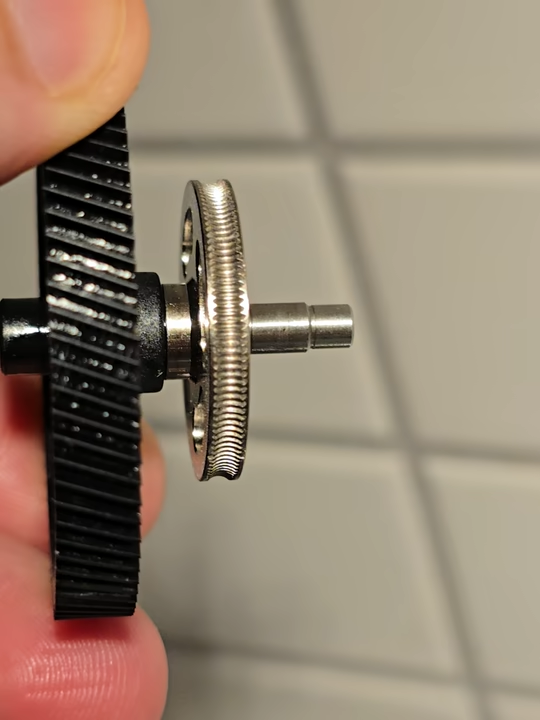
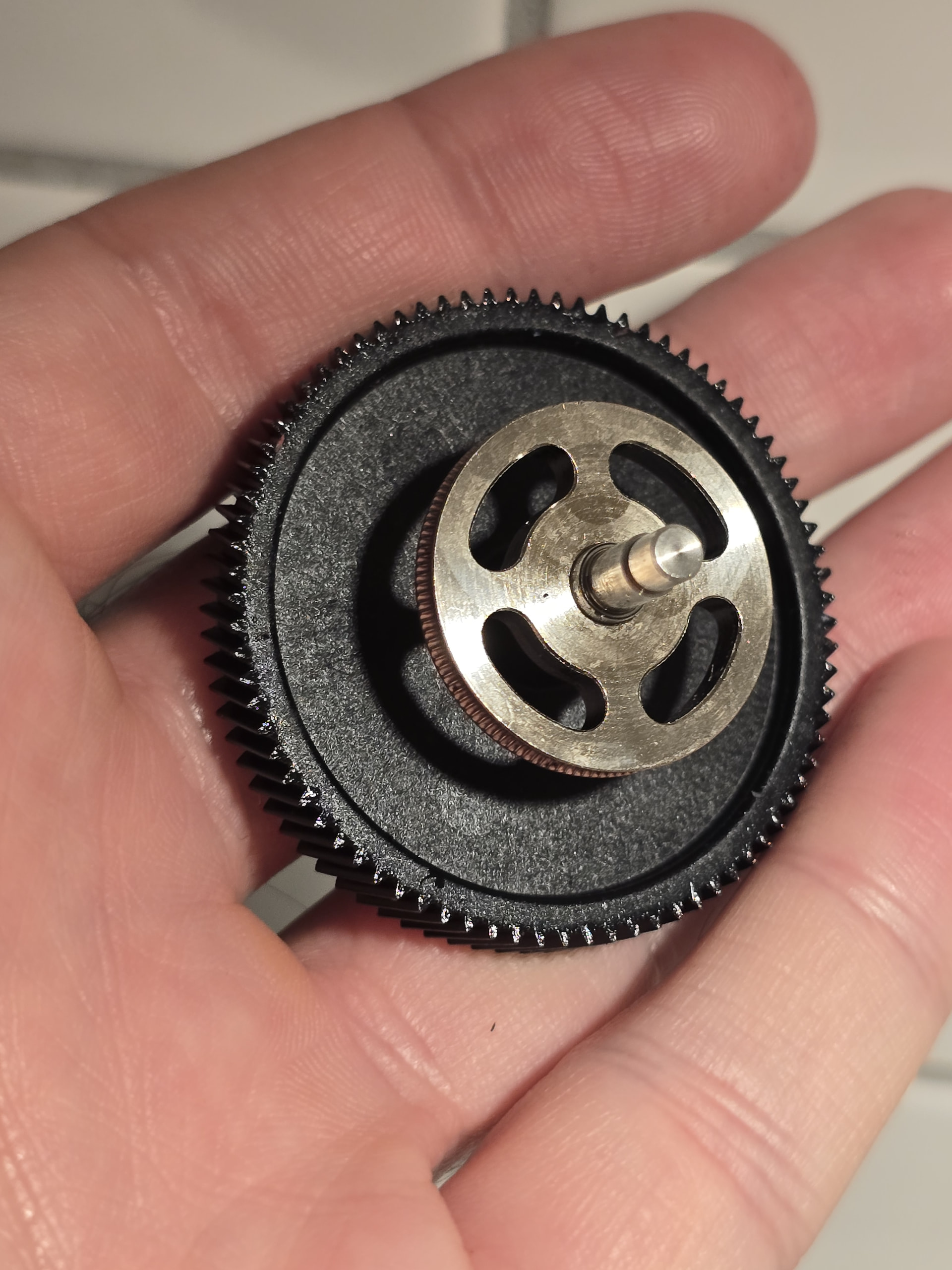
The same could also be true for the extruder gear. Have you at cleaned it after all that TPU printing?
Are you sure that the filament is of very same quality
I only bought filament from the official BambuLab online store so far - never tried any third party filament on my printer yet. The filament in question is this TPU 85A: TPU 85A / TPU 90A | Bambu Lab US Store .
Have you dried the material again?
Yes, that was the first thing I tried. Re-dried and started a new print, but same issue.
Have you printed something else using different material and has it worked fine?
Not since this issue appeared - I have been trying to print the same filament over and over but all my attempts have been failing as I described in the original post. I’m going to try printing with the same nozzle and the TPU 90A spool I have around and report back. Meanwhile, I will order some spare 0.6mm nozzles.
Have you tested a different nozzle?
TPU 85A recommends a 0.6mm or 0.8mm nozzle - I have a few spare 0.4mm nozzles but no other 0.6mm lying around. I am going to order a few spare 0.6mm nozzles.
First of all, I’d start by calibrating the filament; maybe that alone will solve most of your problem.
That’s what you should do next. As I said, if you’ve never done this before, that could be a factor - especially with TPU, which can cause a lot of abrasion. You don’t have to take it apart completely, but just enough so you can see and clean the gear.
After that, let us know if the problem has been resolved. If not, we can always dig deeper into troubleshooting.
Did you do a cold pull with TPU?
That sounds weird. You do a cold pull with PLA, PETG or a dedicated cleaning filament. TPU is too soft to do a cold pull!
Sorry for the confusion! I was typing the word “TPU” too many times in this post In this specific sentence I wanted to write PLA. White PLA is what I use for the cold pulls.
Note that I don’t have the laser module in this printer - it’s only doing 3D printing. So even after a few hundreds of hours of 3D printing and without having ever cleaned the extruder gear, it seems like it was still very clean (other than some grease on the black gear teeth that drives the extruder gear).
I will send some prints with the same nozzle on PLA, TPU 85A and TPU 90A. I’ll do that later today and post an update.
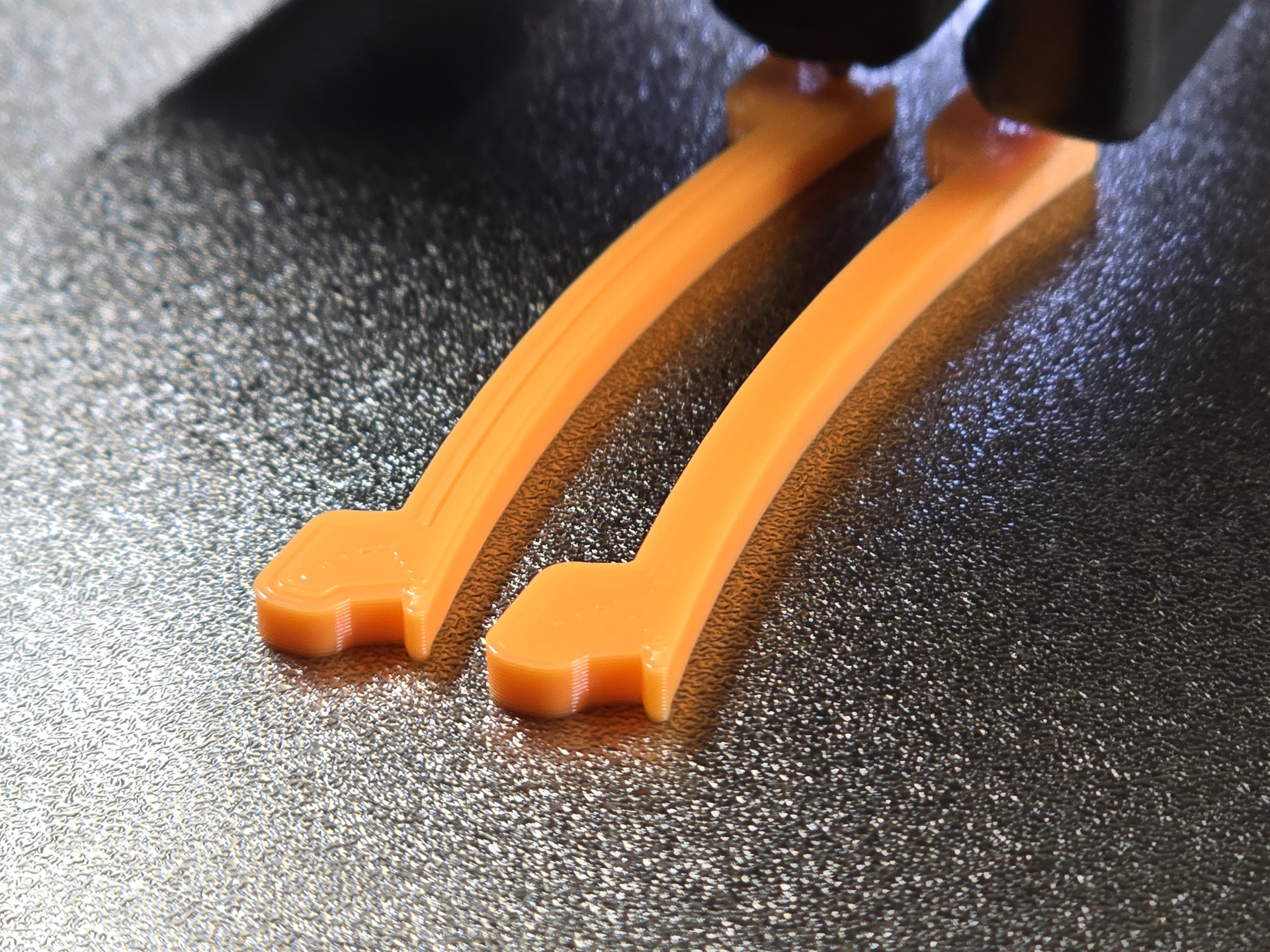
After the extruder disassembly and “cleanup” (there was not much to clean - looked clean already) I did a motion accuracy calibration with the vision encoder plate. Then with the same nozzle I sent the same print with PLA and turns out great:
Tension and humidity shouldn’t be an issue after all this drying and the direct feed (images of the filament feeding system below - you can see the filament has basically no tension at all going into the extruder). Trying a flow rate calibration now to see where that takes me. I perform a “Complete calibration” (in progress now, none of the 9 “podiums” look very good so far). It still puzzles me what changed all of a sudden - as I mentioned at the beginning of this thread, this spool used to be printing fine with the default Bambu TPU 85A @BBL H2D filament profile. Anyway, I’ll report back in a few hours with the flow rate calibration results. First time that I do this, so I don’t know what to expect yet
Flow rate calibration is done and I have good news, but also more questions than answers! The good news is that it seems to be now working much better with a flow ratio value of 1.188.
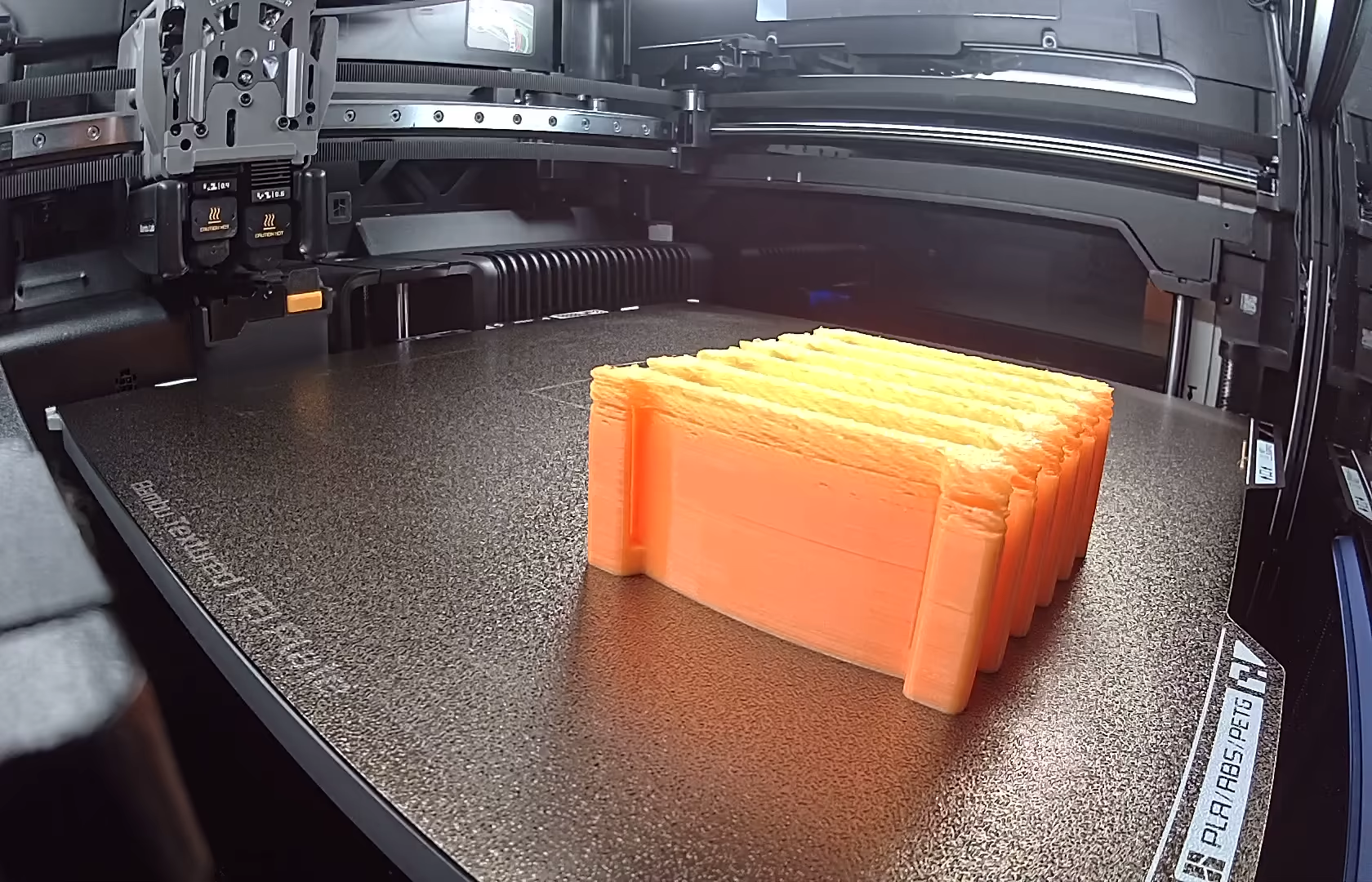
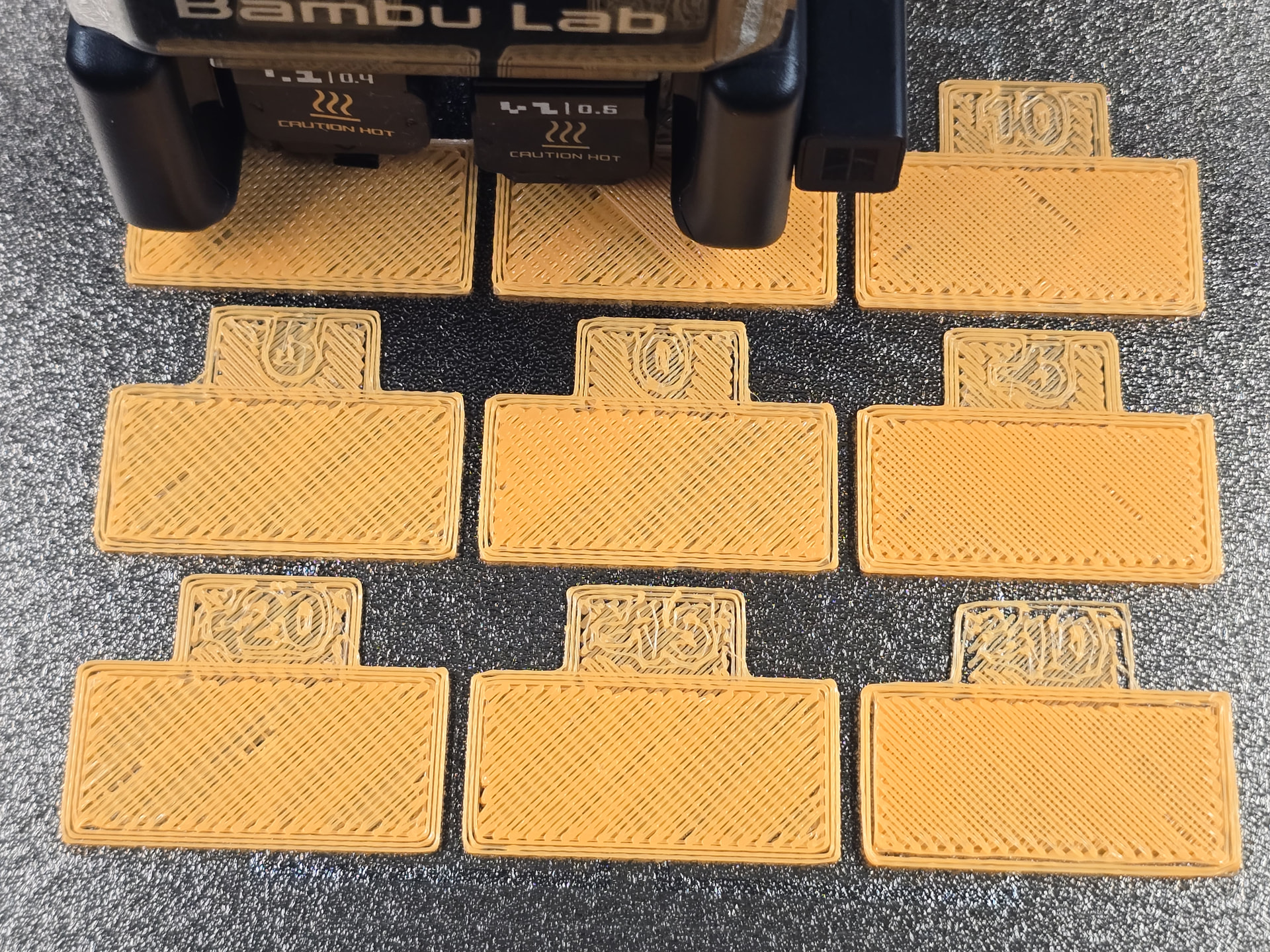
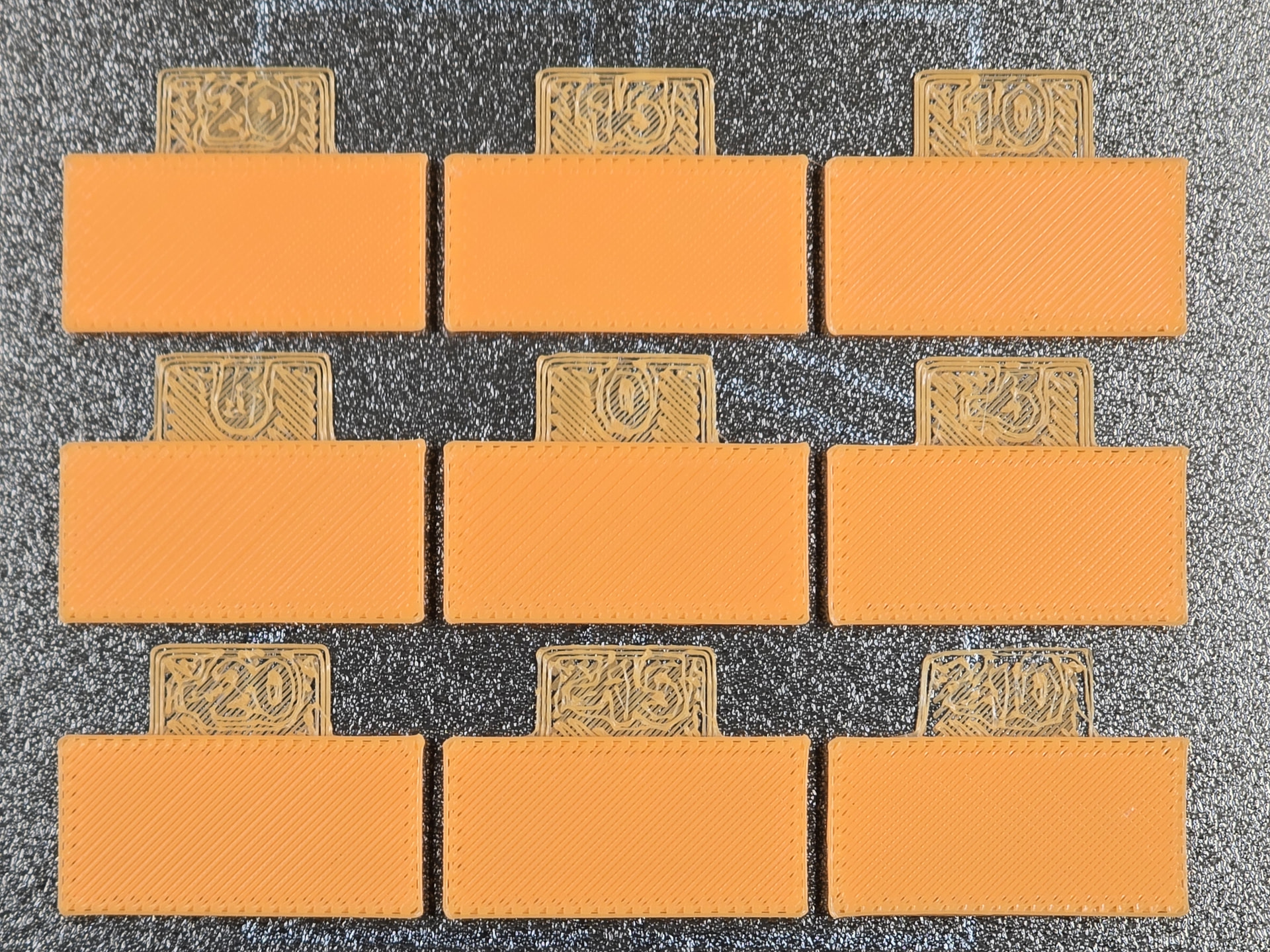
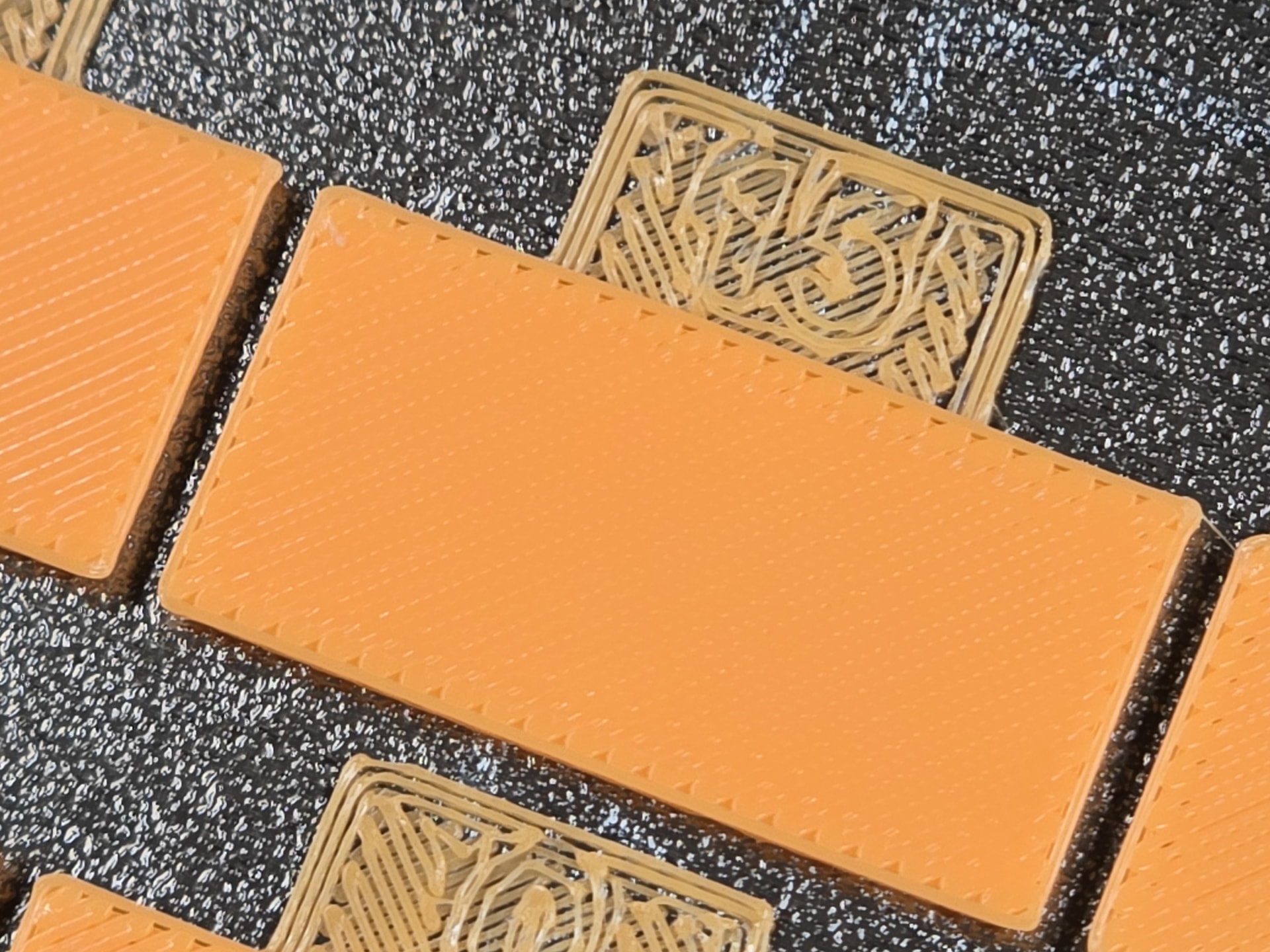
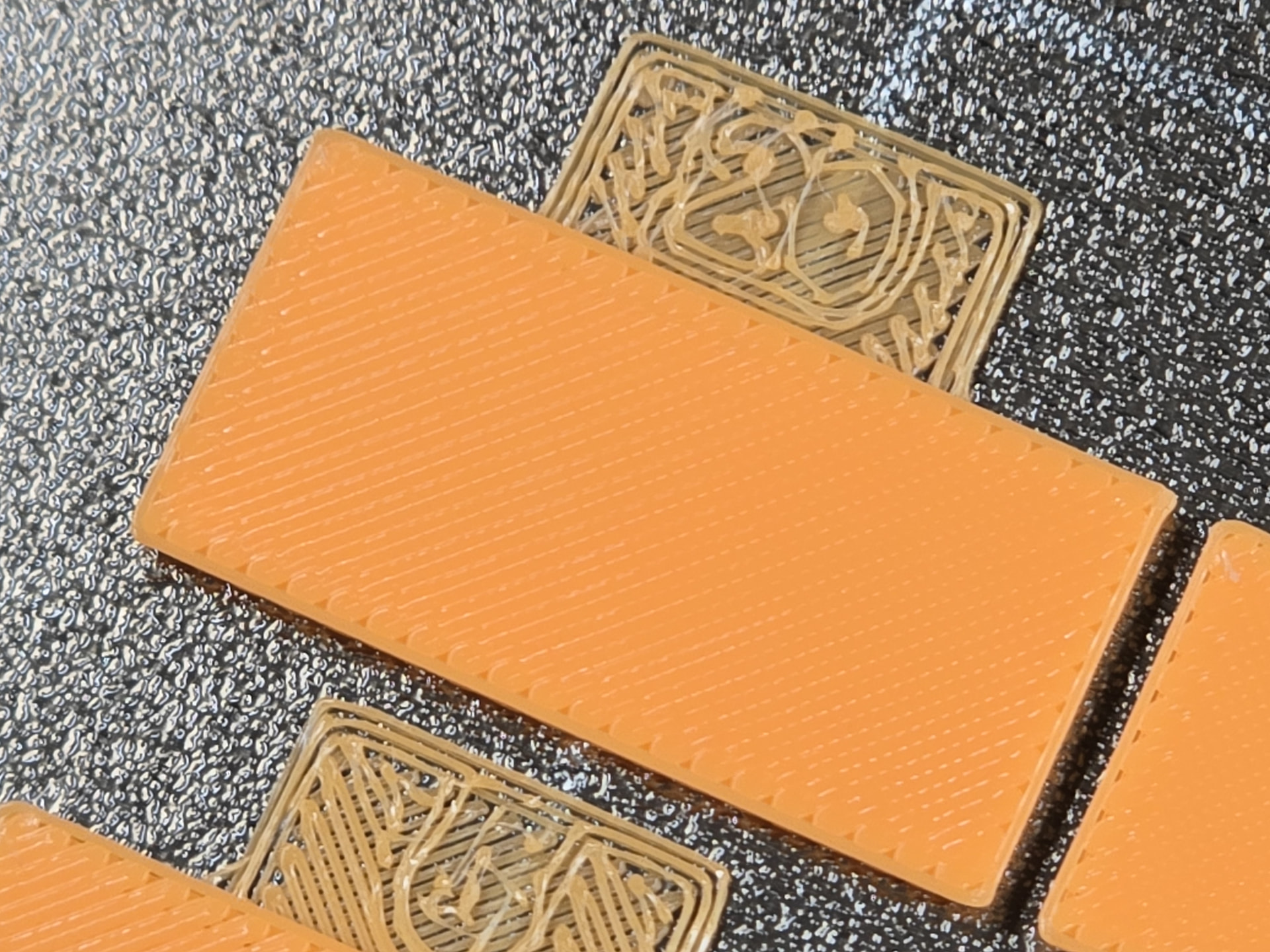
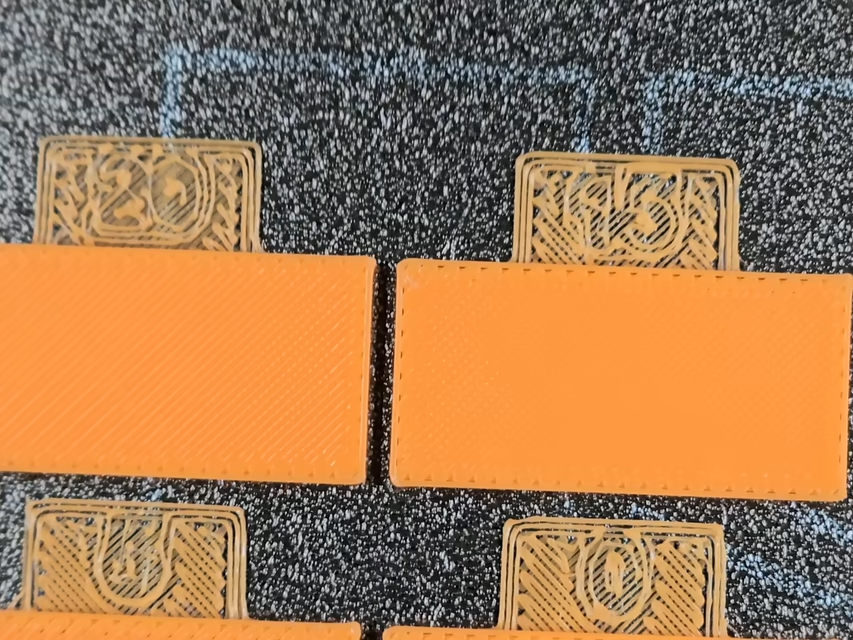
But as you can see in the first image below, early in the calibration phase all 9 “podiums” look terrible. At the end (second image) all look pretty good, but +15 and +20 look significantly better - everything else is clearly under-extruded, but not as bad as what I experienced earlier when I first started this thread. +20 look a bit over-extruded, but I see the small holes at the edges are better filled, so I decided to go with +20 and reduced the value a bit. That’s how the flow ratio value of 1.188 was calculated.
When the flow rate calibration is happening, is the flow constant throughout all the layers for each of the 9 “podiums”?
If the answer to 1. is yes, then why the the earlier layers look so bad? That looks like the “mid-print” issue I had when I started this thread, but in reverse: started badly, but improved throughout the print instead of starting good and degrading mid-print.