I guess category P1P means/includes P1S Combo
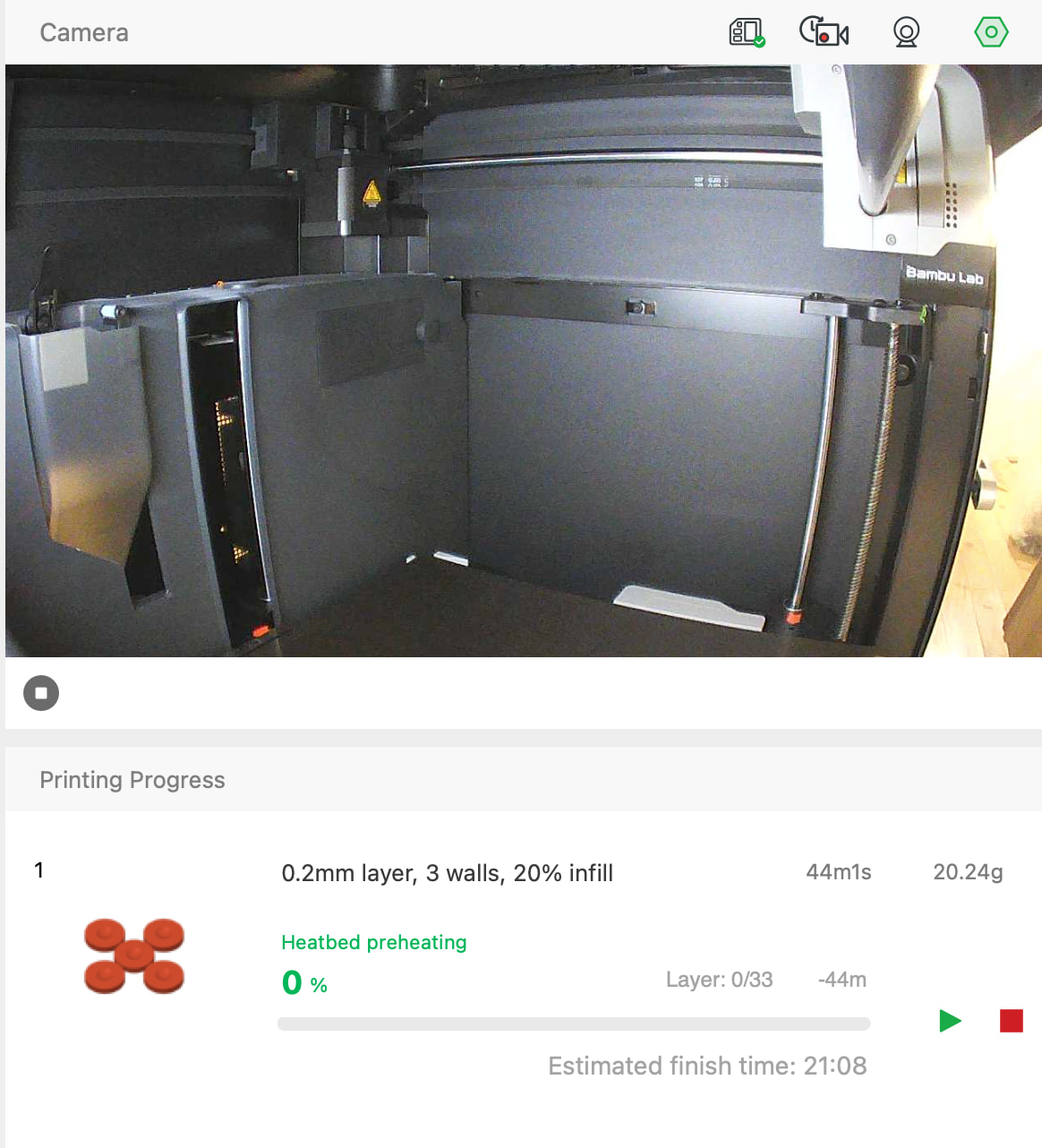
When actually printing the project, in the Bambu Studio Printing Progress window pane (on MacOS), the time, finish time, picture of geometry, weight of filament to be used and progress reflect the actual settings chosen,
while the filament colour, layer thickness, number of walls and percent infill reflect what is saved in the project file (?).
Just cosmetic I suppose, but it would be nice for it to show what is actually happening.
Is there any way to set that up?
Adding screenshot: