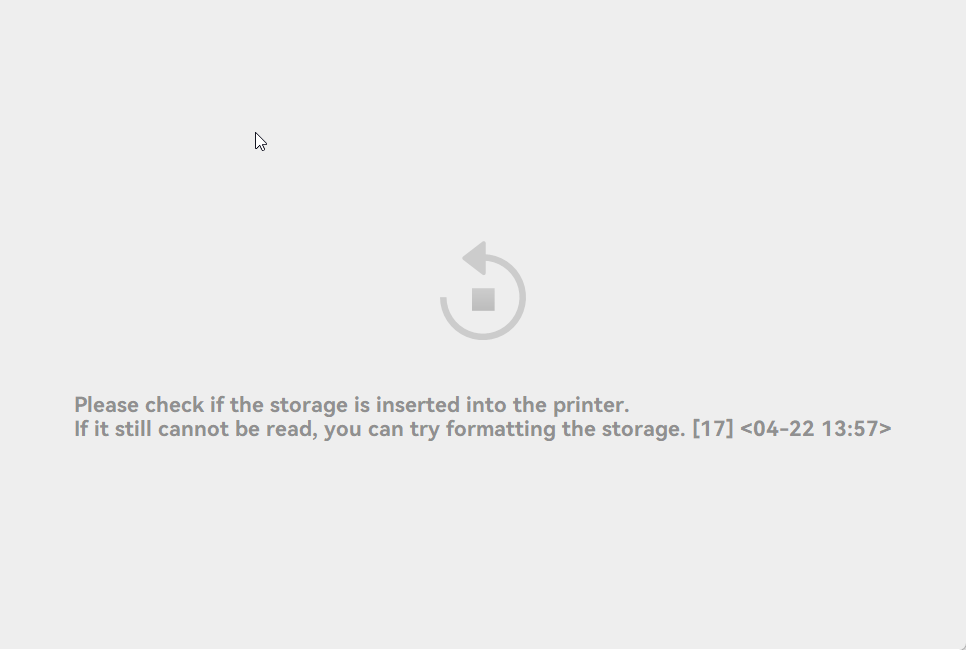
Just got a X2D, and while tryign to see some timelapses I noticed that Bambu Studio cant acess the storage of the machine, neither timelapses nor other files.
Bambu Handy can connect to it without issue, but I found it weird that Studio cant.
Tried uninstalling/reinstall with no luck, redoing the networks separately, etc.
I would assume it’s a network issue, the printer is on WiFi (combined 2.4/5ghz) and my pc is ethernet.
Does X2D have a slot for an USB stick? I ask because I was complaining for missing timelapses on an H2D - but I didn’d have an USB stick in the printer to save such data…
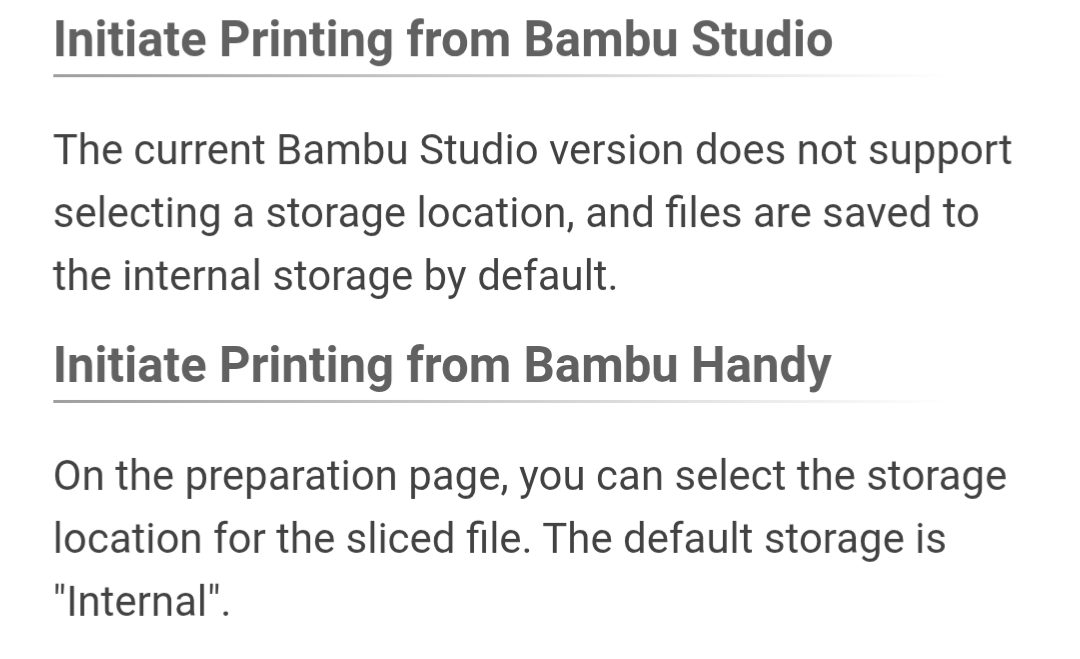
I’m having the opposite problem where I can connect to Bambu Studio but I can’t see my storage, ANY storage, external or internal, from Bambu Handy on my X2D.
 to save such data…