Bambu Studio has different Spool when printing

When you choose a Spool before Slicing, lets say Spool 3, and then Print.

The Spool has changed in printing, you choose 3 but Spool is 4 with the same Color(the Color Tab above) as 3 with the Color of the Spool.

It will print the Color of Spool 4(in this example).

You can change the Spool to 3 in the Print Tab manually.

Any setting that would cause this(i am not new to this and searched settings up and down) the issue or is that a Bug in Bambu Studio?

It picks the spool based upon which is the lowest number slot. So order it’ll pick 1 > 2 > 3 > 4. So you typically place the most used spool to the left of the one you want as the refill. If you are seeing something else, then it may be a bug or something else.

Some things to look at or consider:

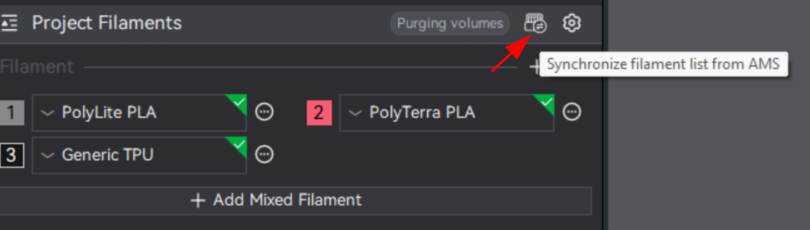
  • Make sure that you are syncing your filaments to what’s currently in your printer
  • Make sure that the color you are printing with and the refill not only exactly match color, but also brand.