Bambu Studio has several problems on my Macbook

I have a pretty nice MBP and have run BS without any issues for a long time. Currently macos Sequoia 15.5 . But its functionality has been devolving for a while now, and previous versions that worked fine exhibit the same issues that 2.1.1.52 is (what I have on the computer in question right now). I run BS on 2 other computers just fine.

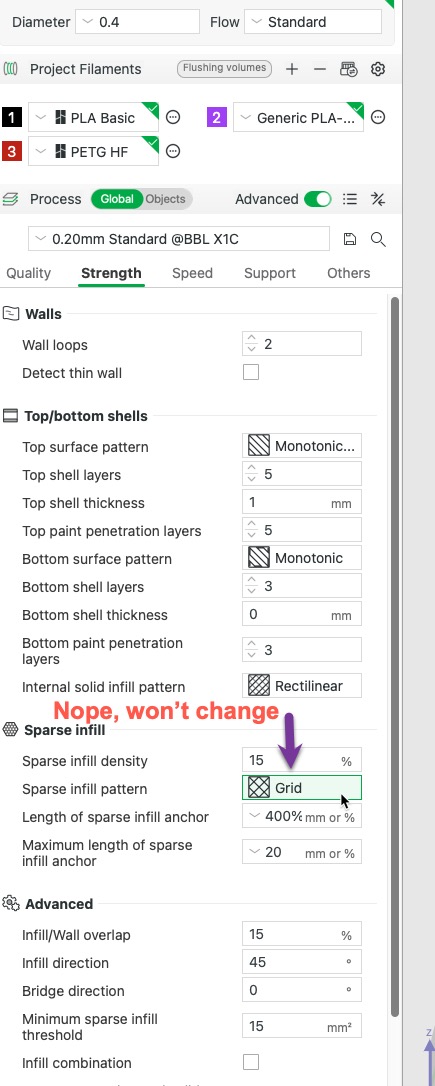
  • Can’t change the infill type. New file/old file/imported file. Whatever it is, I can’t change it to anything else.
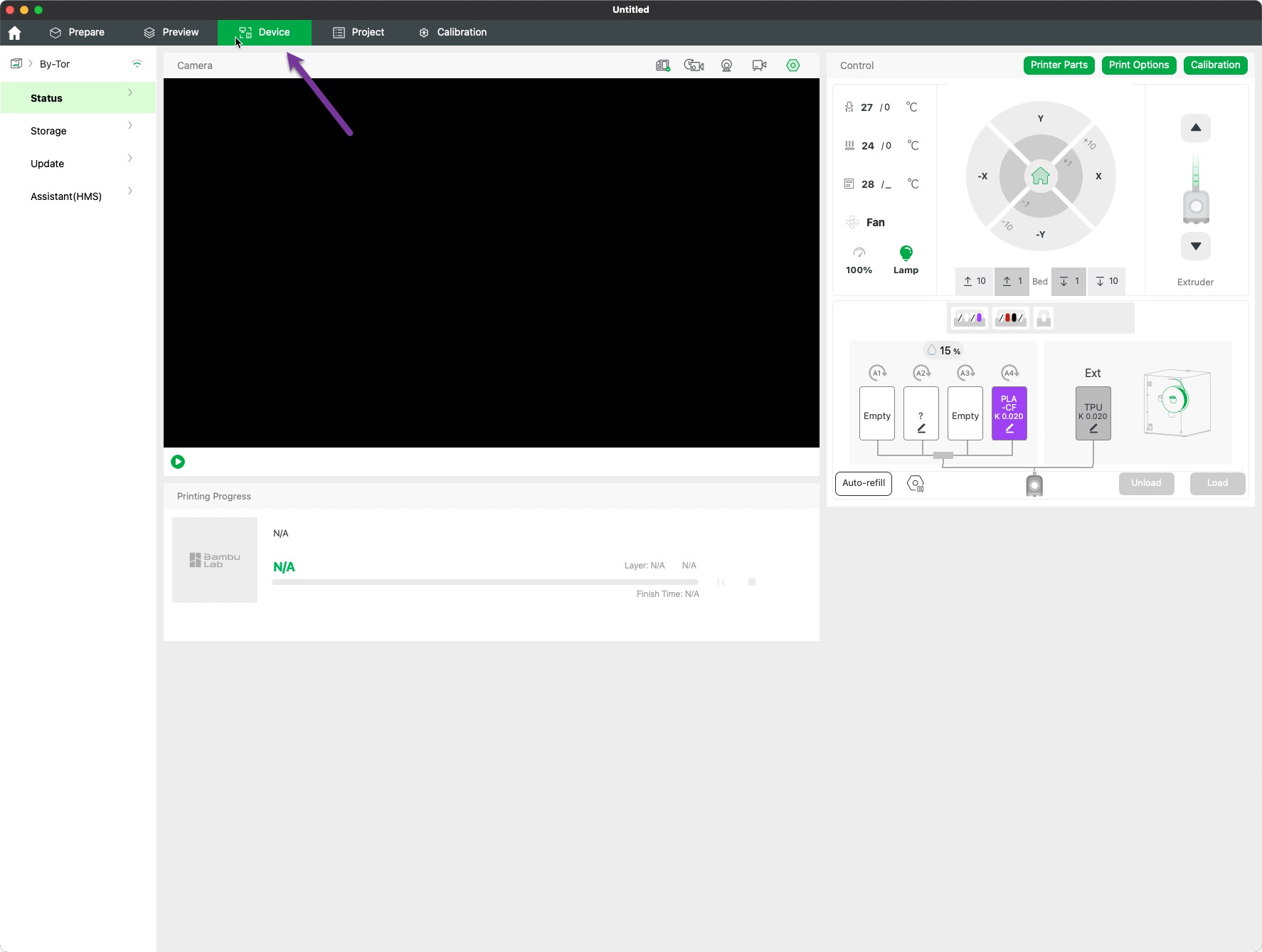
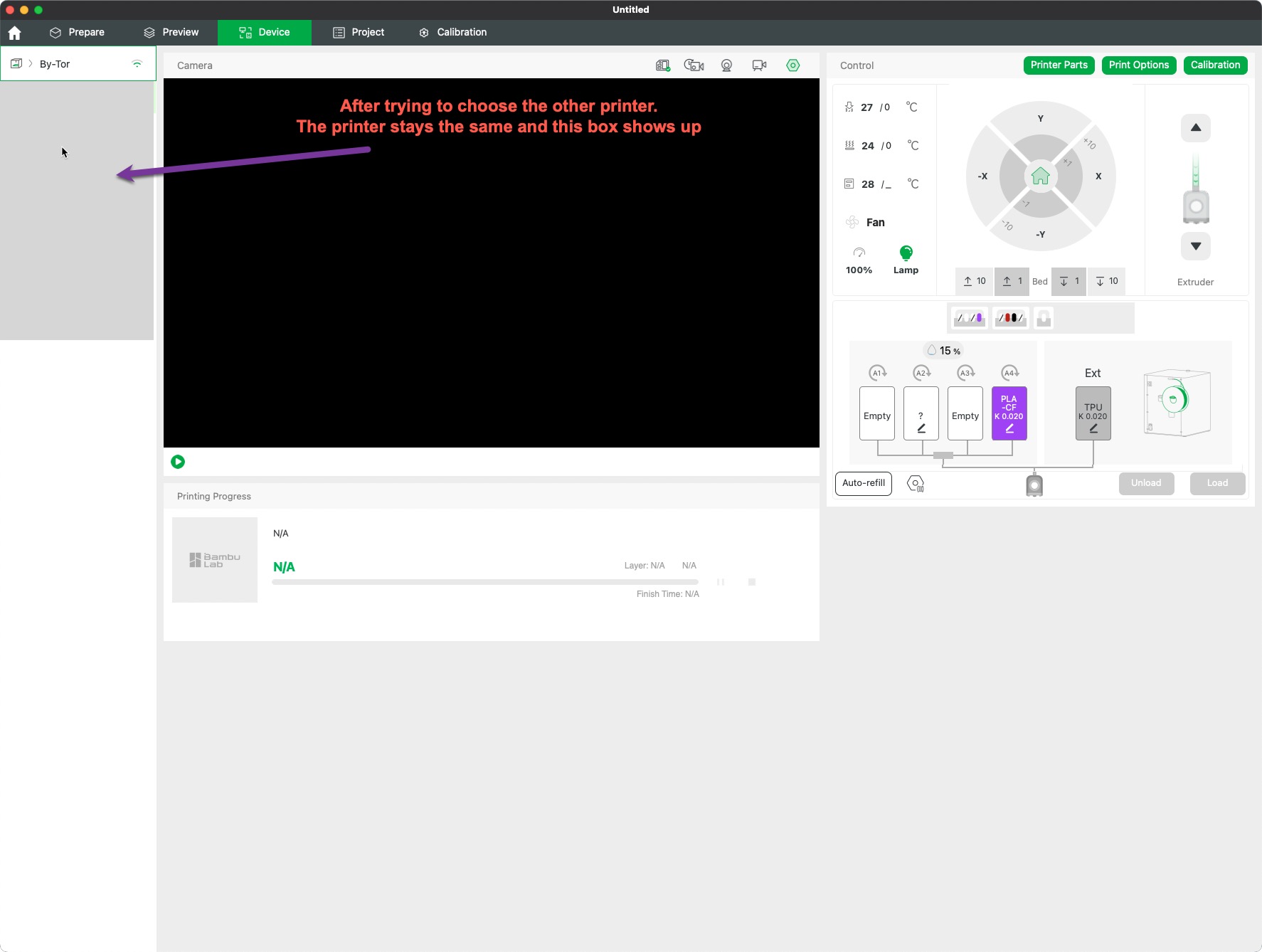
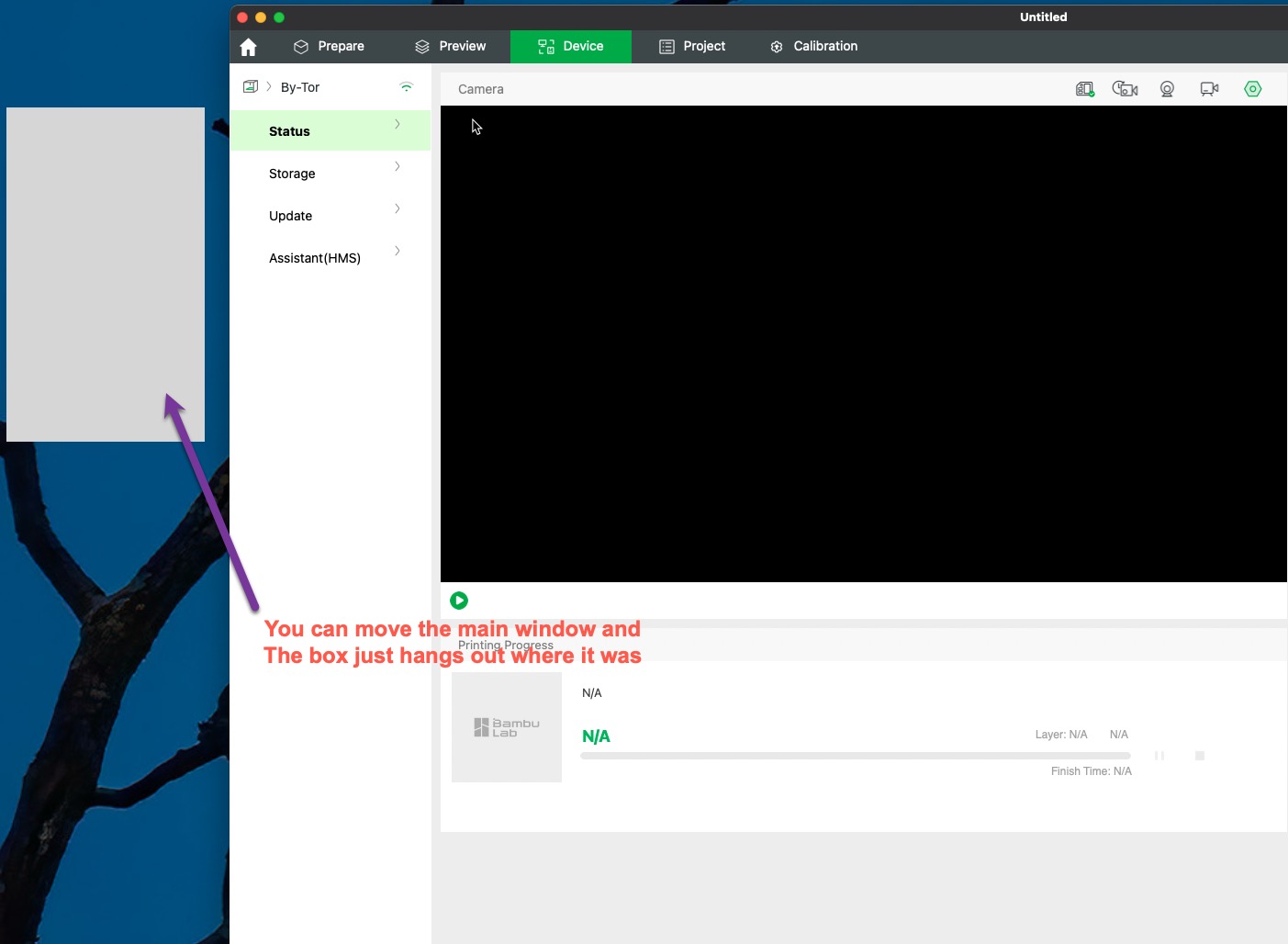
  • Can’t change the printer in the Device tab, and a gray box shows up. The box is not fixed to the main window.
    I have an ongoing support ticket open and have submitted log files. The person answering is running on a mac with the same OS and doesn’t have issues. Any clues would be appreciated.
I run on latest MacOS also, and do not see any of these issues. Maybe your settings got corrupted or something?

1 Like

Have you tried uninstalling & reinstalling?

I run on Sequoia too and am having the same weird blank box issue, along with intermittent crashes / disconnects. Been reporting the bugs as they happen, so I’m hoping it gets flagged to be fixed soon.

1 Like

@LakeWorthB @austinvojta
Sorry I didn’t reply sooner, I’m not getting reply notifications. I’ve sent support the requested files that they asked for, then days later they just closed the ticket. I’ve reopened the ticket but haven’t heard back.

I have deleted the program and configuration folder more that a few times. BB support told me that gets rid of everything related to BBS. My SOP is to full shut down, start up, then reinstall, and have done that many time. I’ve tried more recent releases and I get the exact same issues.

I’m no programmer, but my hunch is that there is another place where something related to BBS is lurking on my mac. So that’s where I am now. But I’m getting plenty of exercise running up and down the stairs to my basement.

I think my current plan is to swap my work macbook with the problem one at home.

You could try with pearcleaner to make sure you delete everything.

1 Like

Thank you, I will try that.

I also noticed that during the “clean” install, that I had to set it up and choose region. In the upper RH corner, the screen showed me as being logged out. When I pressed “Login”, it brought up my username as if I was already logged in. I did not enter my BB/Makerworld user pass. So, I thought that was strange.

I deleted the cookies for MW in chrome - same thing. So, I’ll keep slogging on and try pearcleaner.

A follow up on my issue:

BB support was very diligent in helping me and kept at the problem. They had an idea that I took a bit further and I found the issue. I realized the I could only change numbers or percentages, but anything with text would not change. The mac trackpad worked with BBS, but I rarely use it.

Solution: I use a program called BetterMouse on my macs and use Logitech MX products. I removed the Logi+ program after they injected an AI component you can’t opt out of. I had a setting in BetterMouse that was causing the issue. I exempted BB Studio from BetterMouse and now everything works.

1 Like

FWIW, Logitech has an “offline” version of Options+ that does not have AI and a few other “cloud” features, like cloud configuration backup.

I switched to this version a little while ago, though to be honest, I never used the AI component or saw any effects from its presence.

In Windows, I preserved my many app-specific mouse key assignments by backing up settings.db from %LocalAppData%\LogiOptionsPlus and then replacing the file after installing the offline version.

Thanks for that info. I did try that with instructions I found on reddit a while back, and couldn’t get it to work. It did not reference the page you linked, so that’s new to me. I failed to mention another reason I stopped using it is because it’s a resource hog.

This was the solution to my macOS Tahoe woes. Thank you!

So I am having the same issues on my Mac Mini. I also used Logi+ and Better Mouse. I have completely un-installed Logi, but I added Bambu to the app exemption list on BM, but I still cannot make the changes to the drop downs. When I quit BM I can. Thank you for this info, it has been a struggle for the last couple of months. At least now I can shut down better mouse.

I unistalled BetteMouse and reinstalled, then added Bambu to the exception list again and now everything is working as it should. Thanks again.

It’s been four days since BambuStudio stopped working for me (I couldn’t change any print settings, filament, layer thickness - absolutely nothing). I’ve tried everything I possibly could: I reinstalled the program ten times, deleted the Configuration Folder, logged out of my account, restarted my computer, and was just about to give up. And finally, it dawned on me that exactly four days ago, that damn Logitech app stopped working for good, and I discovered BetterMouse. The pieces fell into place, so I tried turning it off, and everything started working again. It’s good that you can set exceptions in BetterMouse (as I understand it, the problem is with the “left-click through” setting). I don’t remember going through such a hassle since the days of Windows Vista