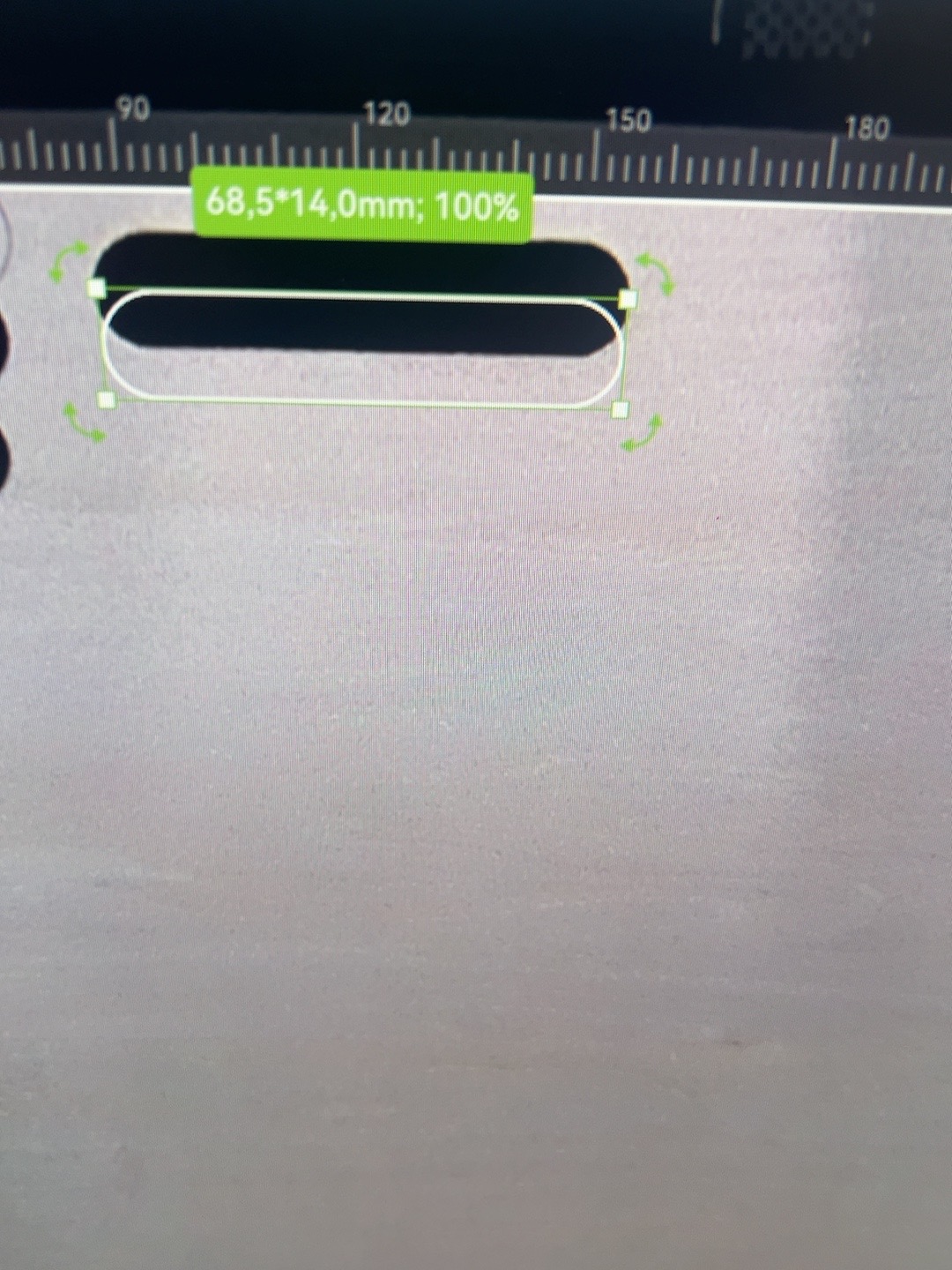
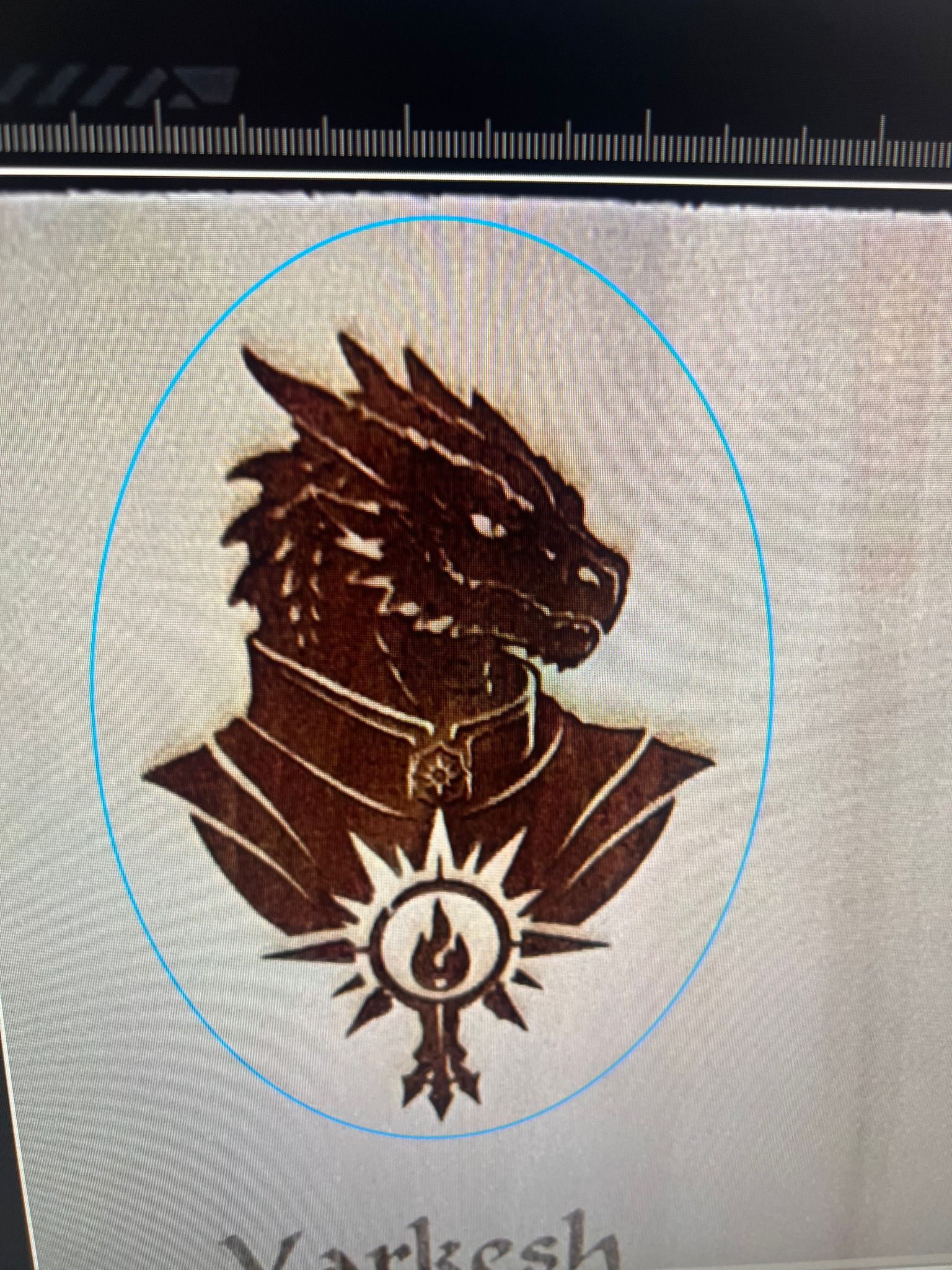
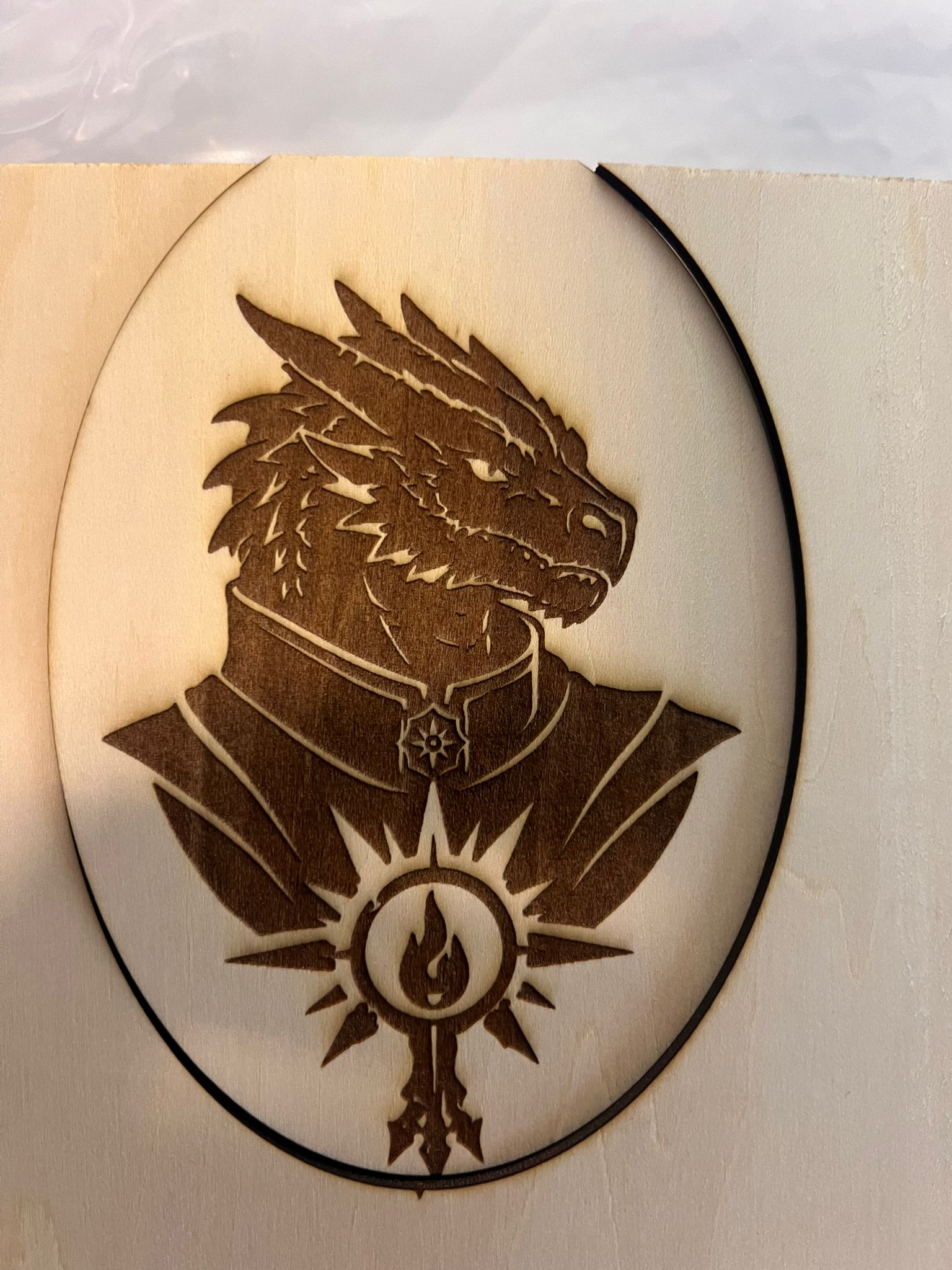
Hey at all. Why is the Digital marked cutting line not align with the real cut?
With this problem i cant engraving around the cutted object without the risk that the cut is not where i planned it.
Thanks in forward
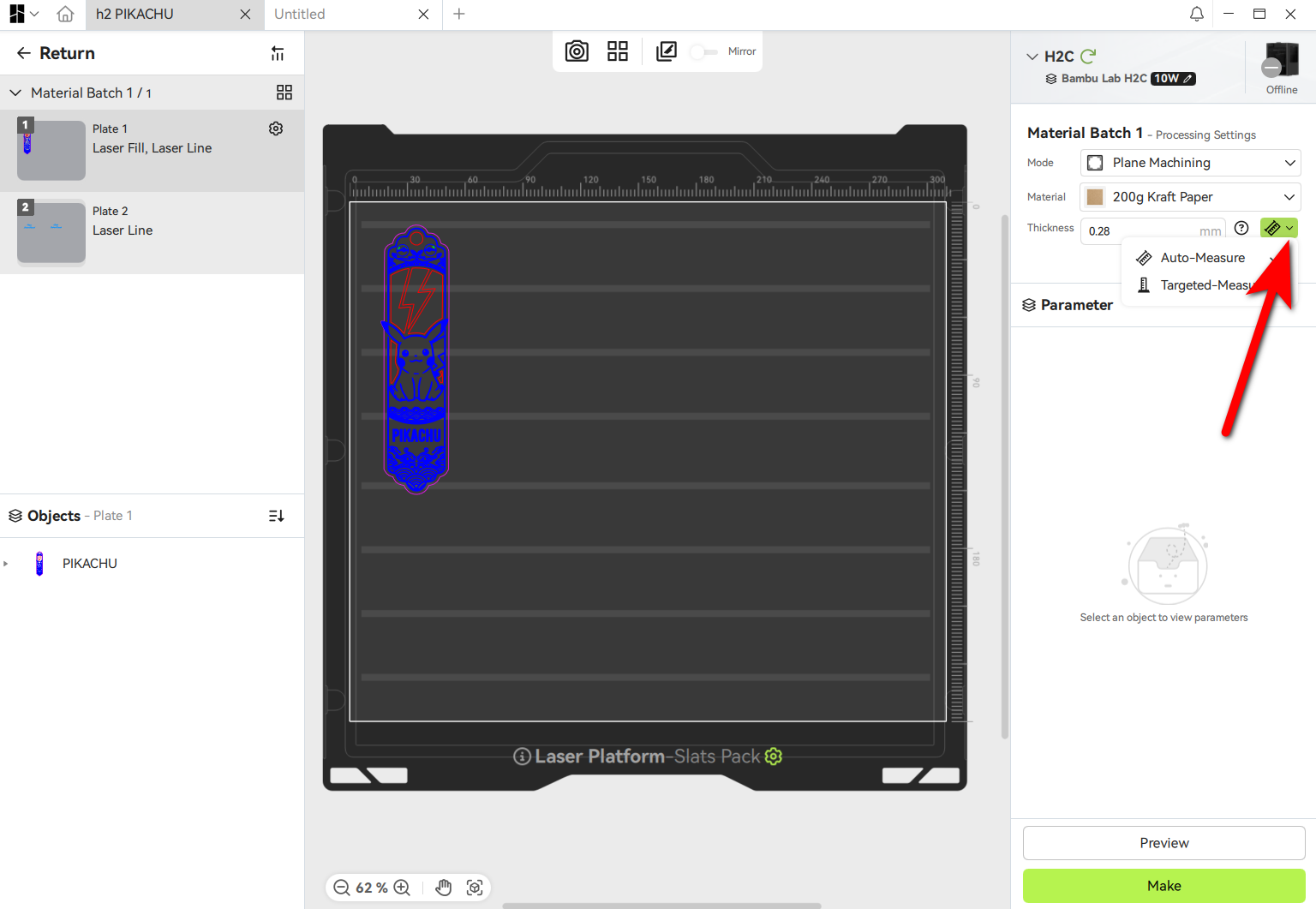
I don’t have a laser equipped H printer but from what I understand it is important to make sure that the material thickness is specified correctly or there will be an offset applied.
Additionally, since the Birdseye camera is located at the front of the device, I have found that it’s easier to get perfect alignment for objects closer to the front of the plate (so that the camera is closer to looking directly down at them)
The thickness is most likely the main cause. A faulty calibration of the Birds Eye View camera could be an issue also.
You could consider a new calibration of the BEV camera.
A tip for future projects could be to combine the engraving and cutting in one job.
Important to make sure your cut action is last. To make sure the order is correct, you can move the cut object to a second plate but keep it at the same position.
Nevertheless, in normal circumstances, such an offset should not happen.
measurement with bird eyes it’s not perfect. it is better if you enter a real measured value. 
It’s not about measuring the thickness with the BEV camera, but for the correct positioning (offset of the image) a proper thickness is needed.
The laser head itself is doing the thickness measurement at the given location.