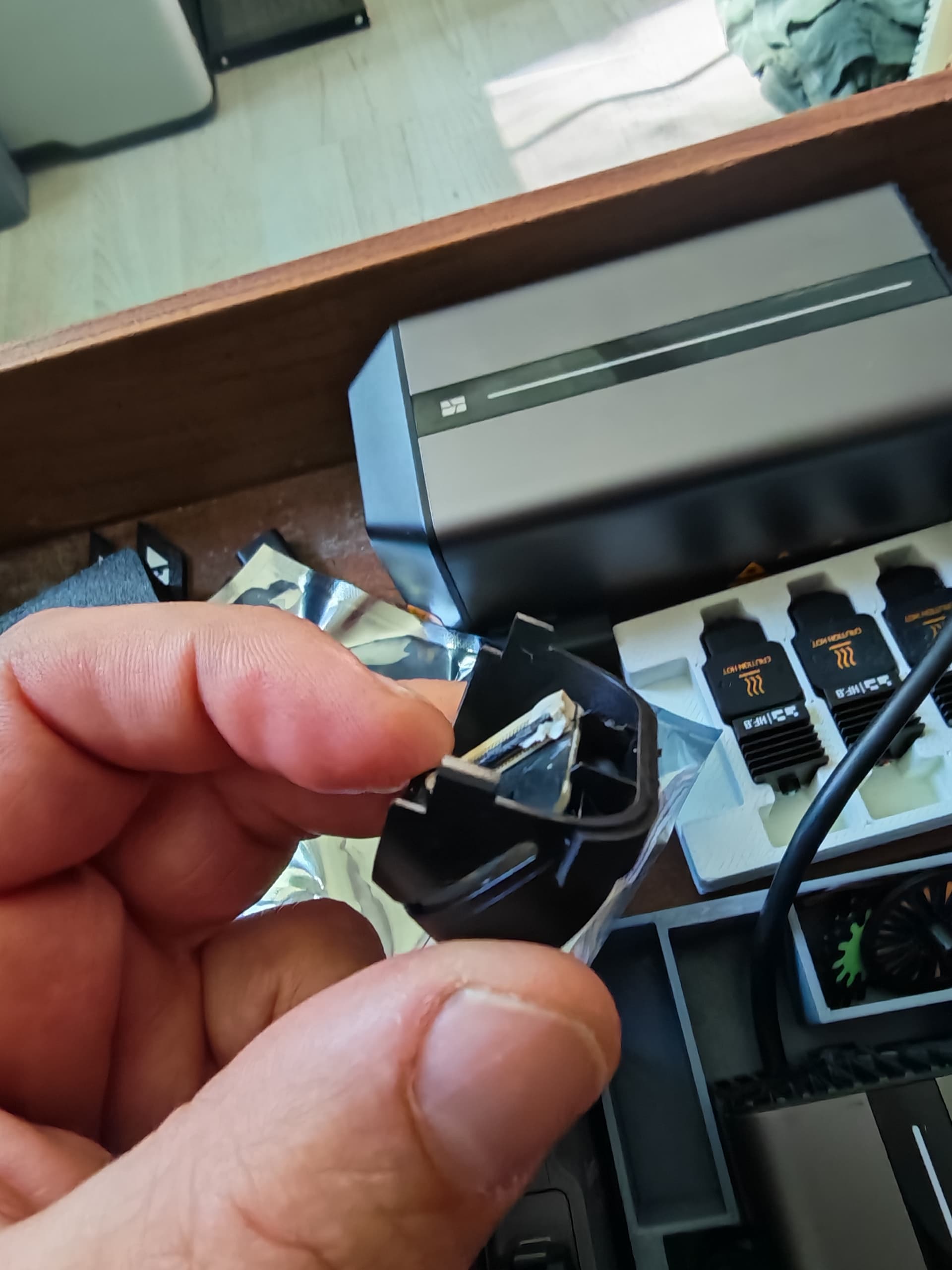
I recently bought a laser module 40W. It worked fine at the first installation.
I bought a rotary table and put the laser module back on and had to calibrate.
When calibrating the laser module you have to put the laser bed on, but when you
calibrate the birdseye, at only needs the headbed.
Now the laser cannot be calibrated, tried it many times.
If I try to calibrate the birdseye, it stops at 60%, informing me that calibration of the toolhead camera did not succeed.
Here is what I tried:
- Cleaning all cameras, with microfiber cloth and also with alcohol
- Checked the plugs of the birdseye
- Checked the toolhead camera, get the cap off, see if it is straight
- Replaced marking stickers
- Tried different clamping heights of Laser Module
- Back to an earlier firmware
- Reset to original settings
- Opened a support ticket, after 3 days asked me to clean the camera. Now waiting more then a week.
Nothing seems to be working.
3D printing works fine as well as the cutting tool.
Any ideas ?
hello,
look your laser head there is a small hole with a black pin inside. look if it’s well centered. I’ve had a lot off bad calbration when pin was close to the edge.
i succeded to bend it gently with the first filament purge in the corner of the bed  it’s soft and fin…
Thanks! Mine looks fine, tried to center it a little more. No luck on the calibration.
Sorry to read that. do you try to reboot the printer?
Yes, did that, but will try again tomorrow. I now also downgraded the firmware 2 version, still not working. So updated again to newest version.
I tried rebooting without any improvement. I also attached extra light inside but also gives same error codes. These are error codes I received when either calibrating the birdseye are lasermodule:
0c00-4041 163806
0c00-4041 163306
0c00-4041 162806
0c00-4041 162506
0c00-4041 160006
0c00-4041 155106
0c00-4041 153206
0c00-4041 182105
0c00-4041 181305
0c00-4041 180905
0c00-4041 180505
When i got my calibration problem . support asked me if the bird eyes cam was well positioned. it’s just clipsed.
press on both sides to remove it and installed it again …
Right, did that too, also disconnected the ribbon connector and connected again. I think I have run out of options.
Having the same exact issue. No luck adjusting the height of the laser module, and have cleaned all of the cameras and QR codes.
In my case I had to send my laser back to bambulab, to a warehouse in Germany and they send a new laser. The new laser worked fine. I only need to test it for the second time, because my first laser also worked the first time. Not yet found the time to test. I will post as soon I did. Maybe next week.
So tried my new laser for the second time, without any issues