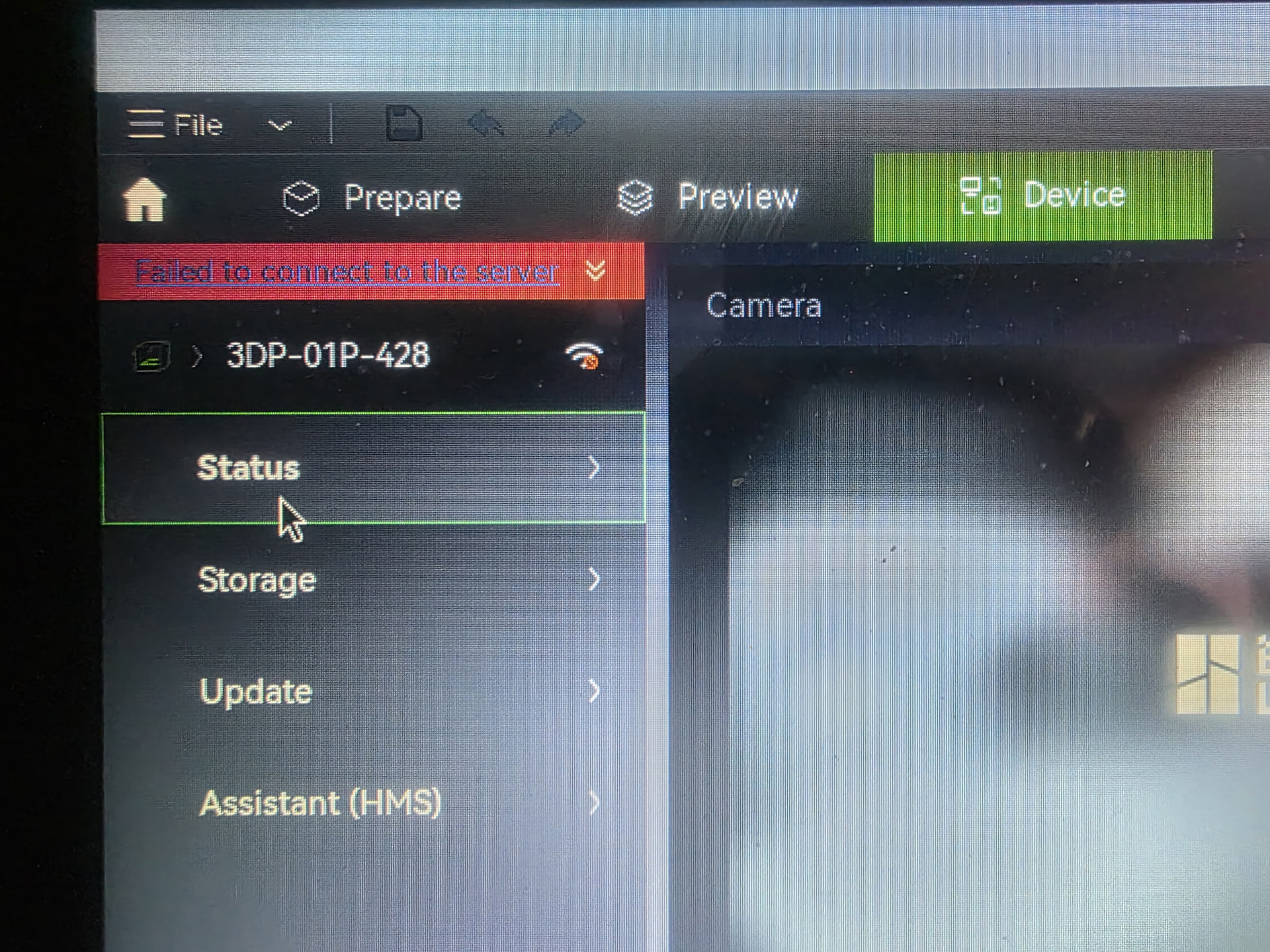
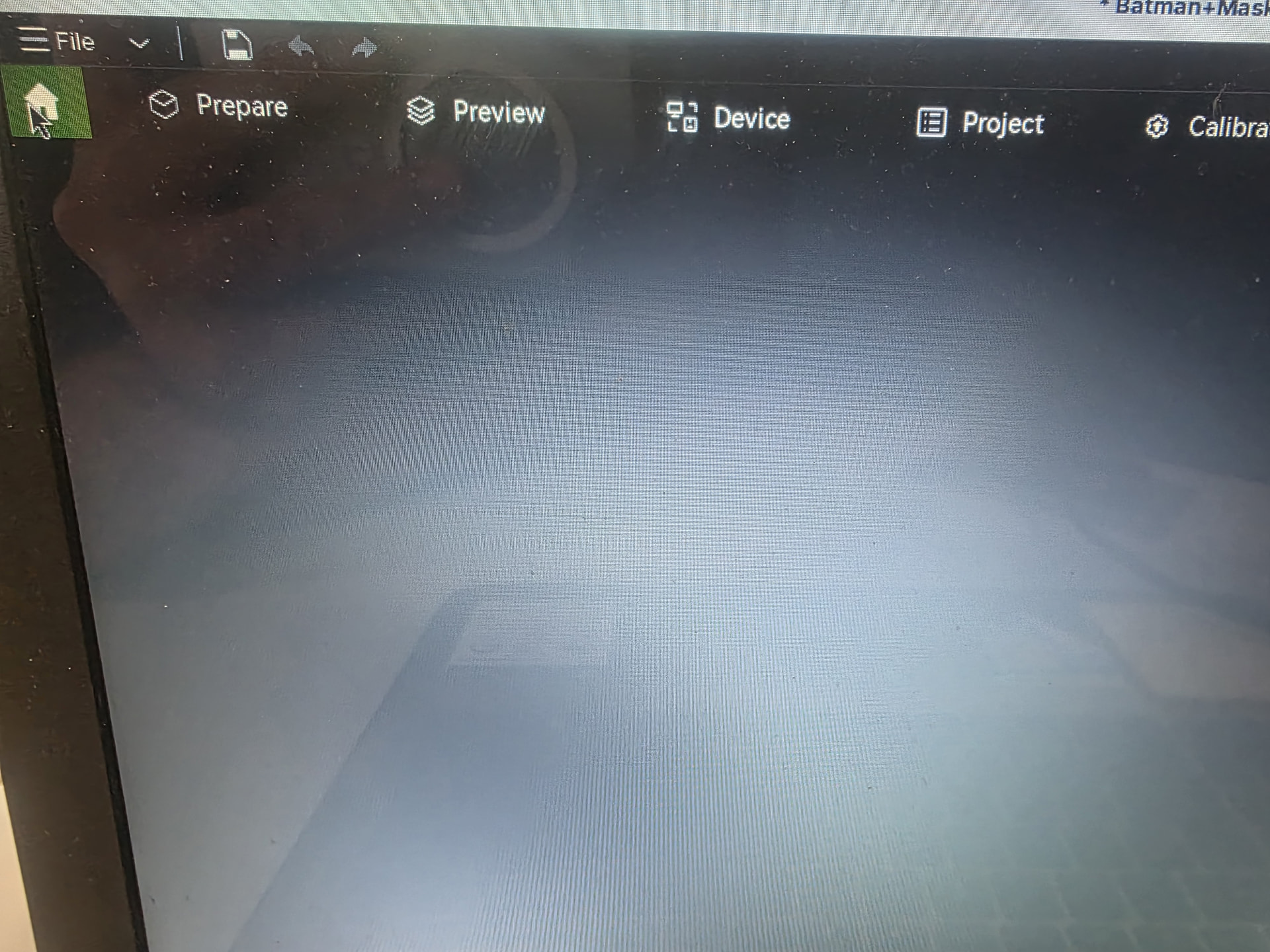
I have been having an issue with Bambu Studio for the past few days. When booting up the home screen is just blank. No Makerworld models, no previously opened files, no user settings, nothing. To note I have been able to get the Prepare tab to function, but then I run into another issue. On the Devices page it keeps giving the “Failed to connect to the server” issue. I have tried uninstalling then reinstalling the software, I have resynced the P1S to the software, but the issues remain. At this point I don’t know what else to do, so if anyone else has had this problem, please let me know. Important to note the the app still works, this is an issue on my PC. The firmware is up to date and I am running it on the Linux distro Zorin OS, if that helps.
Smells like a network / firewall issue. Either local on your Linux box, the vpn, or your router.
This appears to be a problem with Studio on Linux, as of around a week ago.
I’m running Fedora 44, and get the same problem. In the background there are four WebKitWebProcess processes thrashing with 100% CPU!
Something to do with rendering web pages (for example, Studio’s “Home” page, and the login page), perhaps to do with recent updates to WebKit and/or Cloudflare.
This seems to be the relevant bug report: Linux/Ubuntu: MakerWorld & cloud login blocked by Cloudflare challenge in embedded WebKit (Home blank, WebKitWebProcess CPU spin) · Issue #12414 · bambulab/BambuStudio · GitHub
- Your PC clearly gets an IP, or you shouldn’t be able to post something here. But does your P1S also gets one? And what are the 2 IPs you’re getting?
- Are you running a Flatpak or an AppImage and what’s the version you’re using?
- On Github you posted that you’ve build an AppImage yourself, but did you already try the latest prebuild AppImage from Github (the latest public release, NOT the beta) without opting in for the beta when you start the AppImage. Remove or backup ~/.config/BambuStudio before you start the stable public release AppImage.
- Have you already tried the latest stable Flatpak? This feels like a more logical approach on a Fedora system.
Have tried AppImages of many versions, and Flatpak, and compiling from source. Makes no difference. Studio was working fine until about a week ago. Then it just started hanging (and using 100% CPU) when trying to view the Home page, and failing to be able to Log in to connect to the printer.
This doesn’t seem to be a problem with the Studio code, more likely a problem with a new WebKitWebProcess version, or perhaps its interaction with Cloudflare.
Internet connection isn’t a problem: Bambu Handy connects to the printer just fine. The problem is that Studio’s web pages, such as the Home tab, fail to render. So I don’t see anything on the Home tab (which isn’t a massive problem) or the Login popup (which is a problem as I can’t log in to connect to the printer via the web).
I can print fine from any of the Studio versions using LAN mode.
Interesting!
What version of Fedora? I’m using 44.
What window manager? I’m using GNOME.
What version of WebKit?
I have:
# sudo dnf list --installed | ack -i webkit
qtwebkit.x86_64 2.3.4-46.fc43 <unknown>
webkit2gtk4.1.x86_64 2.54.0-2.fc44 updates
webkit2gtk4.1-devel.x86_64 2.54.0-2.fc44 updates
webkitgtk6.0.x86_64 2.54.0-2.fc44 updates
Which AppImage? I’m focussing on Bambu_Studio_linux_fedora-v02.08.04.57.AppImage
That was about the only information you were giving in your first post, so what do you think I installed?
I posted a picture, are you blind? I’d accept that question from a regular user but not from someone that claims to be a mechanical and software engineer at once. On top of that the window manager is completely irrelevant to your problem
That’s the very latest Public Beta, even 2.8.3 is still in beta, it’s normal these come with issues. Help fixing them and post your solutions upstream or just run the latest stable Public Release. Do yourself and others a favour and simply install Bambu Studio from your Gnome Software Center.
Sorry, I thought you were helping me narrow down the problem.
As the OP and I have both said, this problem (blank Home page, blank Login page, WebKitWebProcess running away with 100% CPU) only started about a week ago. And it affects all versions of Bambu Studio that I can find. Including building from source code on the same machine.
The window manager might be part of the problem: GNOME and KDE use quite different graphics components. The problem is clearly related to WebKit and web page rendering, as that’s the part of Studio that’s failing.
I have installed Bambu Studio from the Gnome Software Center, which is version 2.8.2.61 and installed from flatpak. That’s what I’ve been happily using for many months, until this problem started.
I’m not the only one with this problem, so hopefully we’ll find the cause soon.
More details. On starting Bambu Studio (any recent version, AppImage or flatpak), the Home tab fires off several processes that sit consuming 100% CPU each:
UID PID PPID C STIME TTY TIME CMD
username 166869 165799 0 11:47 pts/0 00:00:00 /usr/libexec/webkit2gtk-4.1/WebKitNetworkProcess 2 33
username 166870 165799 76 11:47 pts/0 00:00:10 /usr/libexec/webkit2gtk-4.1/WebKitWebProcess 4 35
username 166871 165799 76 11:47 pts/0 00:00:10 /usr/libexec/webkit2gtk-4.1/WebKitWebProcess 6 39
username 166872 165799 76 11:47 pts/0 00:00:10 /usr/libexec/webkit2gtk-4.1/WebKitWebProcess 8 42
username 166873 165799 76 11:47 pts/0 00:00:10 /usr/libexec/webkit2gtk-4.1/WebKitWebProcess 10 45
username 166874 165799 76 11:47 pts/0 00:00:10 /usr/libexec/webkit2gtk-4.1/WebKitWebProcess 12 48
username 166875 165799 76 11:47 pts/0 00:00:10 /usr/libexec/webkit2gtk-4.1/WebKitWebProcess 14 51
username 167269 165799 78 11:47 pts/0 00:00:10 /usr/libexec/webkit2gtk-4.1/WebKitWebProcess 16 61
username 167270 165799 78 11:47 pts/0 00:00:10 /usr/libexec/webkit2gtk-4.1/WebKitWebProcess 18 65
which matches the problem with Bambu Studio not displaying the Home page or login page (presumably both rendered by WebKit, which is stuck in an infinite loop).
I need to run
killall WebKitWebProcess
to kill the thrashing processes. This prompts Bambu Studio to return to the Home tab, if another tab has been selected, and issues a "Untitled" is ready system alert message. So clearly Studio is waiting for the Home page HTML to be rendered. Luckily this doesn’t kill Bambu Studio, which can still be used (without Home or login pages) in LAN mode.
My Fedora 44 upgraded these packages on 27 September, around the time the problem started:
webkit2gtk4.1-0:2.54.0-2.fc44.x86_64
webkitgtk6.0-0:2.54.0-2.fc44.x86_64
I’ve tried downgrading these two:
dnf downgrade webkit2gtk4.1
dnf downgrade webkitgtk6.0
so my machine is running these versions now:
webkit2gtk4.1-0:2.52.1-1.fc44.x86_64
webkitgtk6.0-0:2.52.1-1.fc44.x86_64
but that hasn’t helped to fix the problem.
The previous screenshot had the Flatpak running, this one shows BambuStudio_ubuntu24.04-v02.08.02.61-20260820225108.AppImage and the running webkit processes.
Webkit just got a minor update on Fedora, so maybe you should try it again. The only relevant difference between your and my setup could be that I’m running Fedora on virtio graphics and you’re running it natively on your system.
All up-to-date here. The WebKitWebProcess processes still run away with 100% CPU and the Home tab is still blank. It’s definitely getting stuck trying to render the Home tab HTML from the Bambu website. Makes my PC get quite hot if I let it run. And it will, all night (ask me how I know!).
The bug report I linked to above thinks it’s a problem with Cloudflare, as other programs have similar problems. It appears to be a bit random, though, which doesn’t help.
Perhaps an HTTP redirect loop? I might see if I can analyse network traffic…
The only thing I can add is that the Flatpak also works on my system running Debian Trixie/amdgpu/Wayland/SwayWM&KDE, with or without VPN. Please report back if you got it resolved and good luck!
I may have discovered the solution to this.
I was having trouble with OpenSCAD on the same machine, it was failing to load fonts that it had listed in its font library. Which seemed odd.
The fix for that was to run fc-cache-64 -rv to rebuild the font cache for 64-bit applications that make use of fontconfig.
Once I had done that, OpenSCAD fonts worked again, and, without anything else, Bambu Studio also started working again! The Home page renders, I can log in, and everything.
It does seem plausible that a failure to load a font might cause WebKitWebProcess to run away. I don’t know why my font cache became corrupted, though.
Things corrupting out of the blue doesn’t sound very healthy, I’d also run an extended smartctl (-t long) on your storage device and see what it reports.
I think it must have been a recent OS update, a couple of weeks ago.
There was an update to google-noto-emoji-fonts that I applied on 2026-09-29. Just before my problems started.
This would fit with the fact that several other people had the same problem, at around the same time. And at least one other person has already confirmed that fc-cache-64 -rv fixed the same problem for them too.