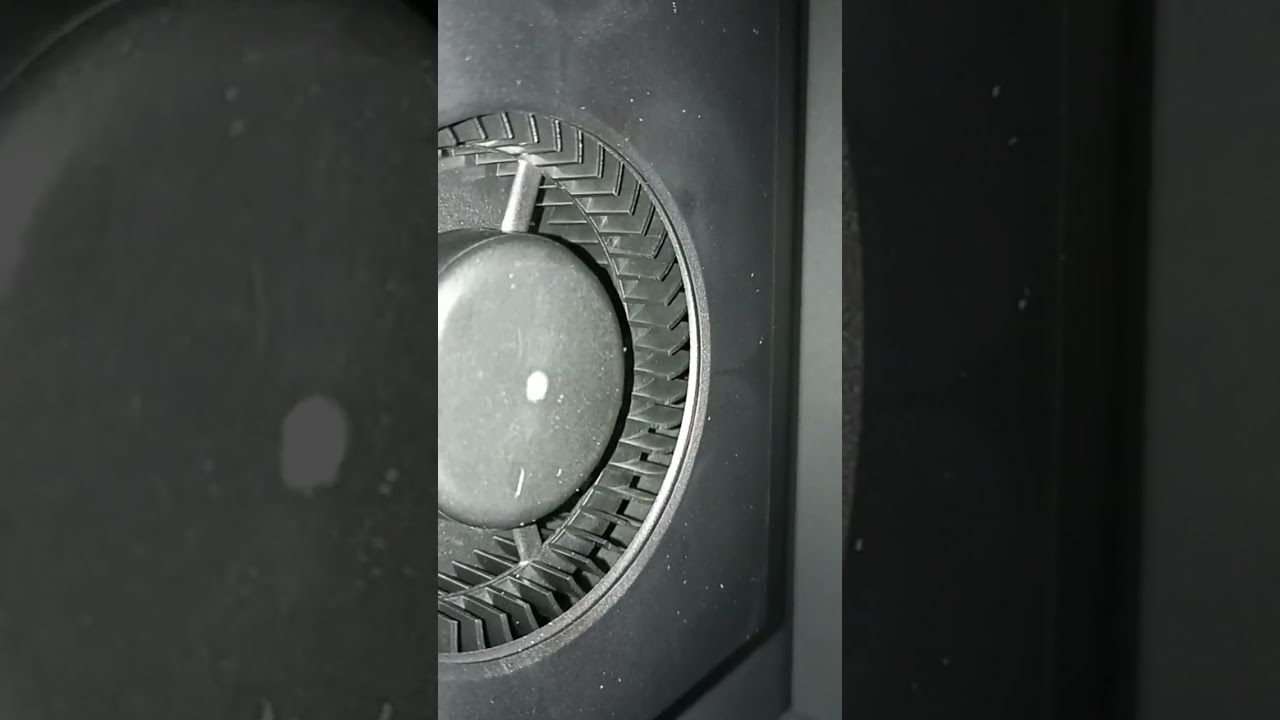
I would like to dig more information regarding the issue that lead me to have the printer replaced because it initially seemed to work fine, but after a couple hours, it “died”.
Could anyone help pointing diagnostics actions I could execute to help pinpoint the root cause of this since P1S bricked seems to happen to other users as well as I can read on the forums
What is the cause ?
Any way to avoid this in the future ?
All this happened on the same day :
1- Received the printer, boxed properly from UPS carrier, no physical damage
2- Unboxed and followed the instructions, including bambu Handy Android app, bluetooth connectivity, WiFi connection, self-test that succeeded
Following the self-test I believe the bed platter was left UP instead of lowering back down as it was initially
3- There was a firmware upgrade suggested in bambu Handy I believe, proceeded
4- According to what I saw on the printer LCD, the upgrade succeeded, then printer was idle.
5- Powered-Off the printer Power back on using the switch, powered back on OK
6- Waited a couple hours
7- Printer LCD screen was black, and printer did not respond on the network, tried Bambu Studio but could never connect to the printer
8- From then on, when powering on the printer, the fan runs for 3 seconds and the motor seems to “skip” I ear the sound and can see its trying to move the strap
Then fan stops and nothing else happen, LCD is black not backlit.
hope someone can help about what component I could look at to troubleshoot this , I should have the printer for some time before I receive the replacement and return the broken one ;
Found out about the AP board indicator light behind the screen is abnormal, not lit green, its not lighting up, other status lights on the back of the printer are normal ; Normal State: the MC board flashes green once every 5 seconds Normal State: the TH board indicator light is constantly green
Im with bambu lab support also, they had me take out the sd card and reformat it, put it back in , but that didnt help, if they come back with more diag steps or solutions, will document it here
Hello
Thank you for your update
I believe that updating the firmware will not damage the AP board.
Kindly note that circuit failures can have various causes, so you can confidently proceed with the firmware update.
Please let me know if you have other questions or if I can assist you with anything else.
We are here to help you!