Hi everyone,
I’m having an issue with Bambu Studio that I hope someone can help me with.
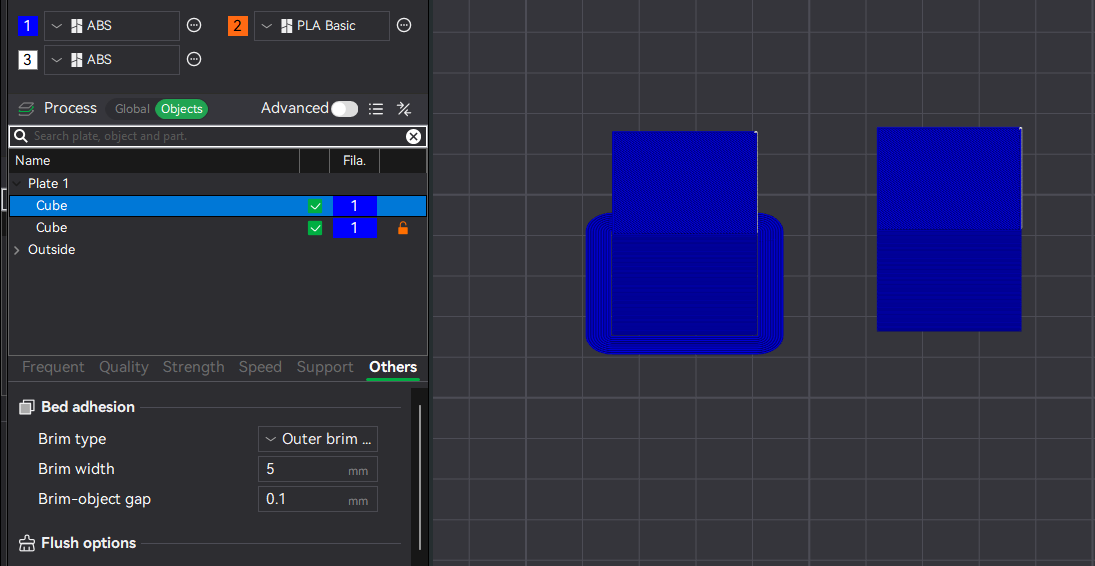
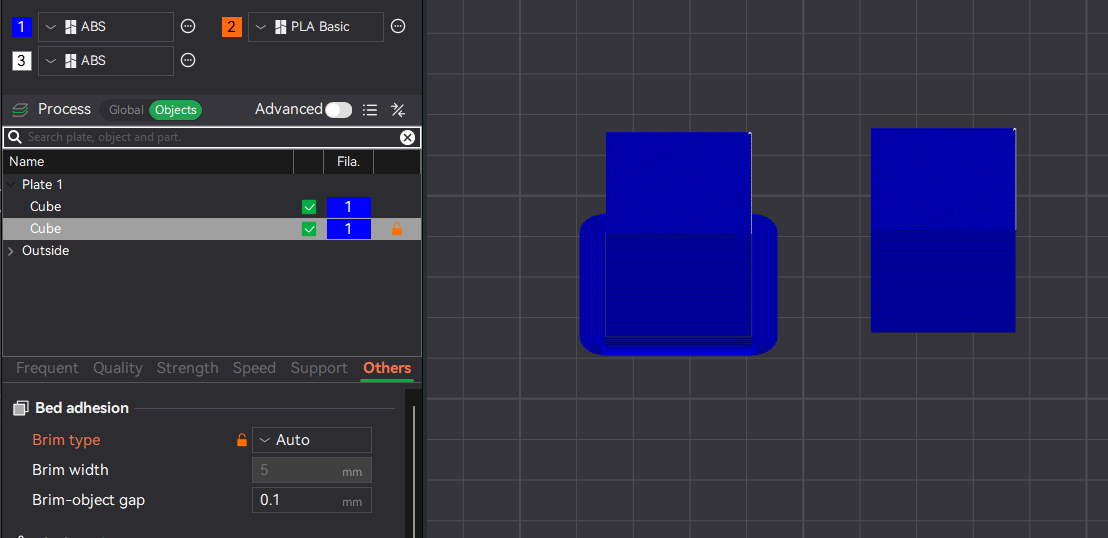
I have two objects on my build plate. In the slicing settings, I have:
- Brim type: Outer brim only
- Brim width: 8 mm
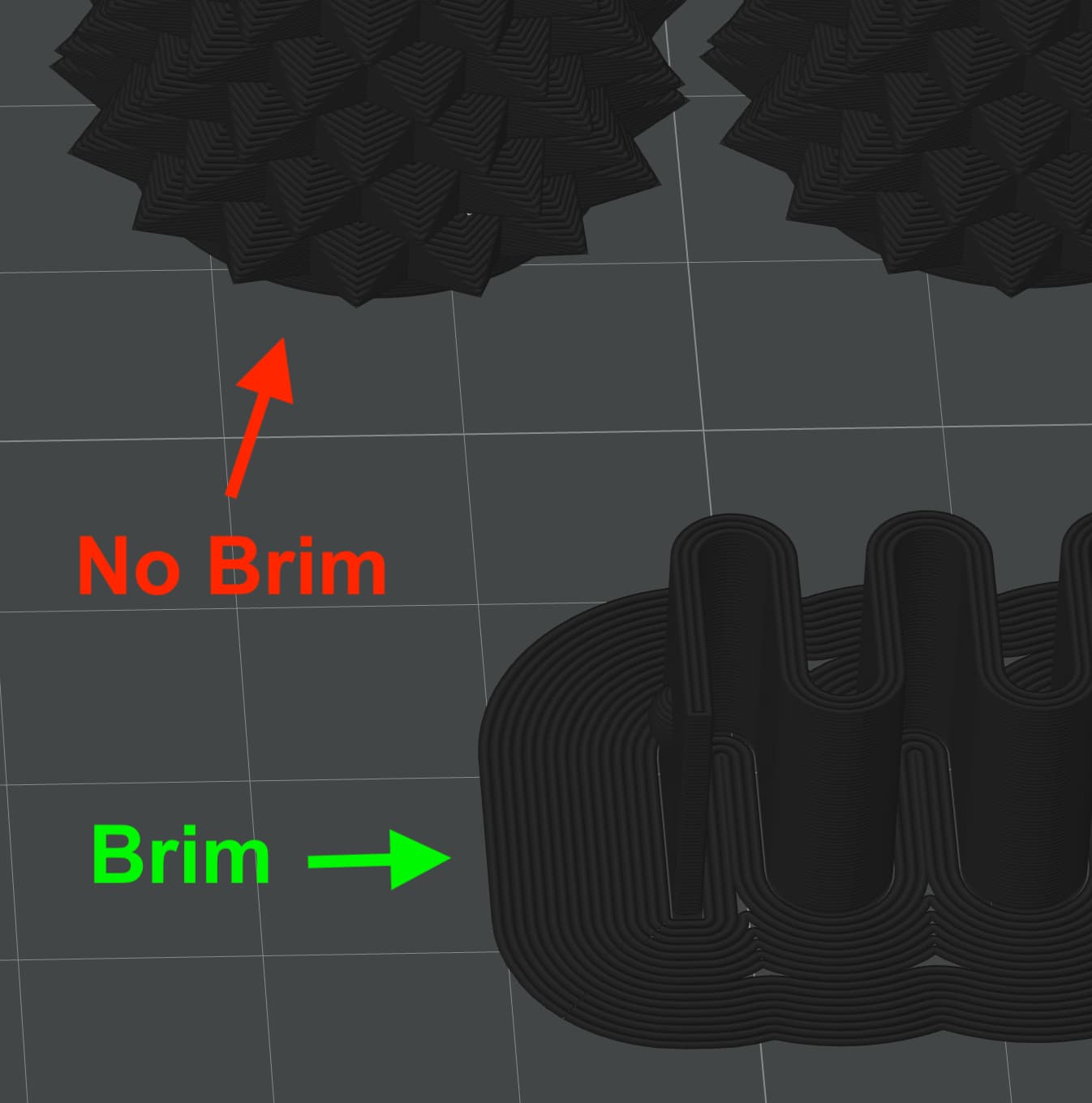
When I slice, I can clearly see the brim generated around one object, but the other object doesn’t get a brim at all. Both objects are on the same plate, and I expected both to receive the same brim settings. (See picture below)
Some additional details:
- Both objects are separate models, not grouped.
- Neither object is floating — both have contact with the bed.
- I’ve tried moving them slightly apart, but the problem persists.
- I work with Bambu Studio v2.4.0.70 on MacOS.
Has anyone experienced this before? Could it be related to object shape, bed contact area, or a slicing setting I’m missing? Any suggestions on how to make sure the brim applies to both objects would be greatly appreciated.
Thanks in advance for your help!