Browsing the store today and choosing filaments I found that I can’t open them in a new tab. Doesn’t work with CTRL and with right mouse button, can you please fix it? This was very helpful when choosing different types and colors of filaments, I like to have multiple tabs open to compare them and make sure I don’t forget anything.
It is working for me on a Mac using Chrome.
I was about to write that it’s strange, but you probably checked the UK store 
In fact, I didn’t specify which one I meant, so: doesn’t work on both Firefox and Chrome, EU Store.
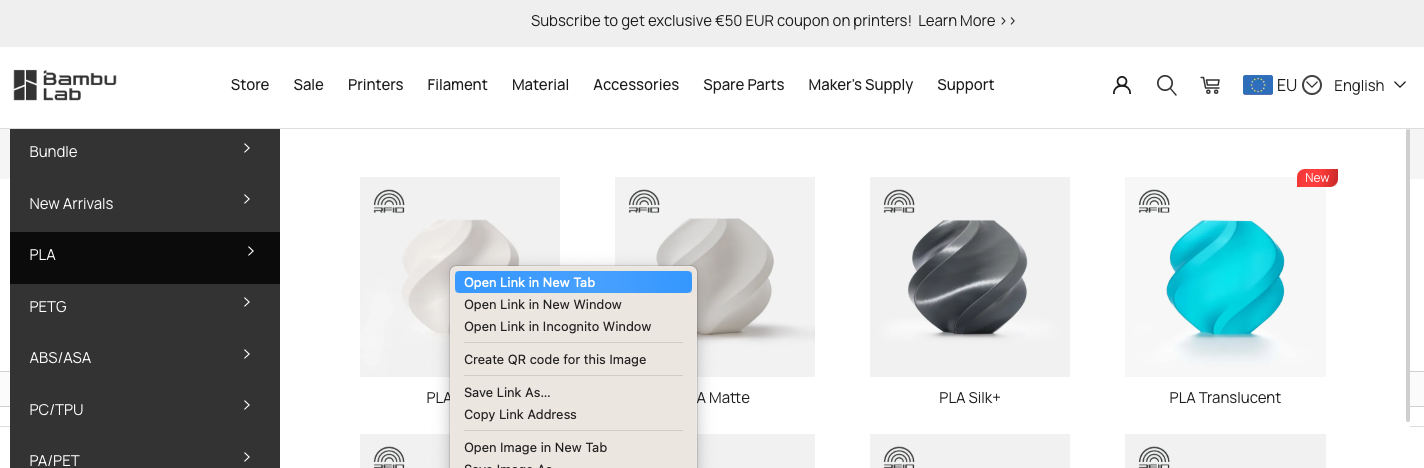
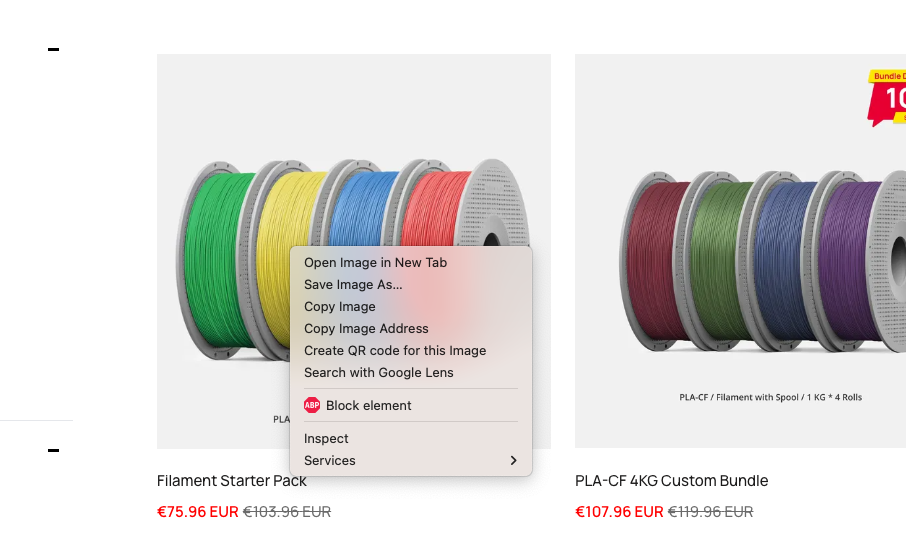
Option number two, in filaments. You’re right, it is actually possible from the menu, thanks (it’s better than nothing). But it’s a bit annoying, it used to work in filaments too 