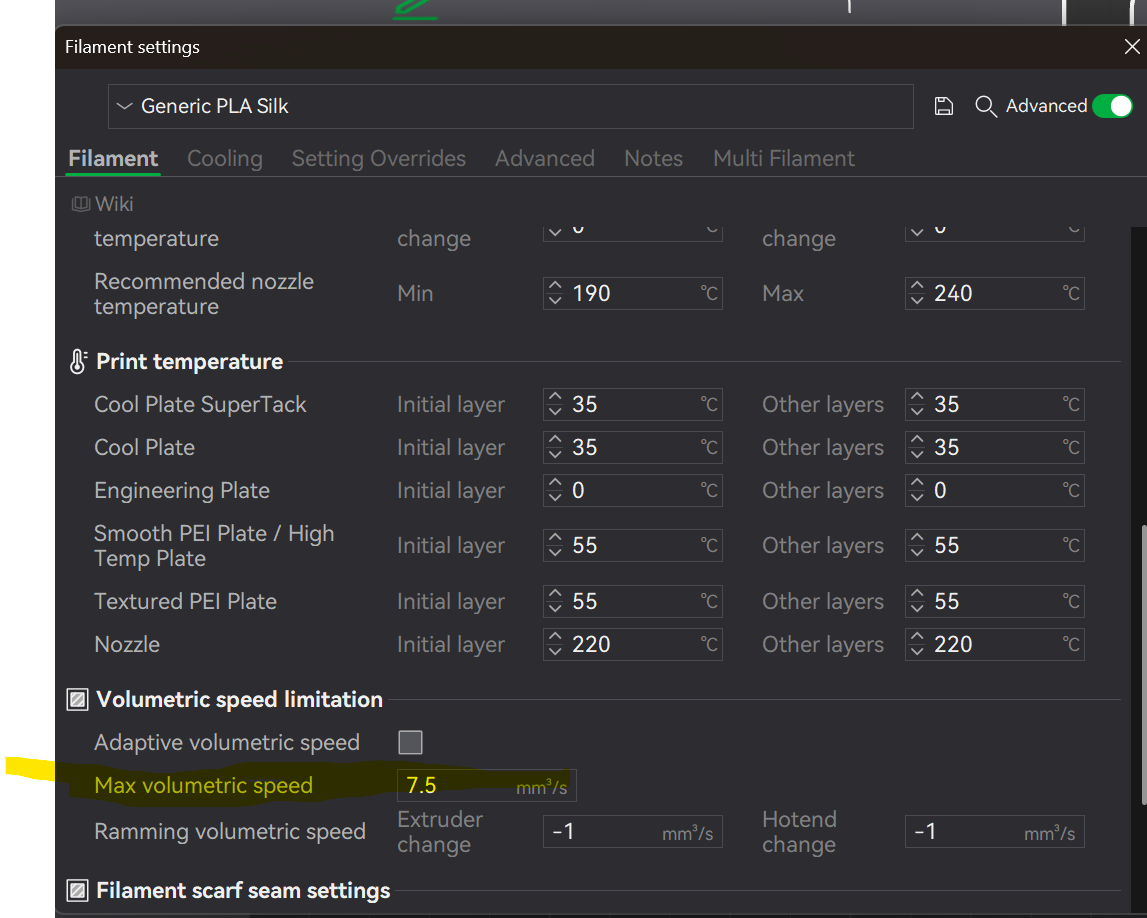
I have a new H2S with about 140 hours of printing time on it thus far. For the first time I tried to print Generic Silk PLA multi-color using the AMS2. I changed the filament settings accordingly and got an error and it wouldn’t print at all.
I changed the filament to a different spot and got the same error message. Changed to a different roll of filament, thinking maybe I had a defective roll. Again, same error and wouldn’t print. I don’t remember exactly what the error was but after checking online, it seemed as if I needed to make some manual adjustments to the printer if I’m going to use Generic Silk. Tried drying the filament for several hours today and tried once more. This time I got an error (different from the last two) saying it is unable to feed filament into the extruder due to entangled filament or a stuck spool. Checked this and I don’t see that as the problem.
Printing now with a standard generic PLA (NOT Silk) and it’s printing fine. Can’t figure out what I’m missing here. TIA for any help/suggestions.
This time I got an error (different from the last two) saying it is unable to feed filament into the extruder due to entangled filament or a stuck spool.
Visually inspect the PTFE line as it tries to load.
Does it clear the buffer/hub before you get this error?
Does it enter into the final bend of the PTFE line before it enters the top of the toolhead?
2b) Do you see it get caught here?
Does it make it far enough to generate a poop, but fails after that and before printing?
It may sound silly but try snipping the end of your filament off again, flatly, send it back thru and see if it gets caught again.
UPDATE: Thank you all for your replies and suggestions! I did snip the ende of the filament again - flatly. I know I snipped at an angle before. I was able to successfully print a benchy so I’m thinking I should be good to go now moving forward.