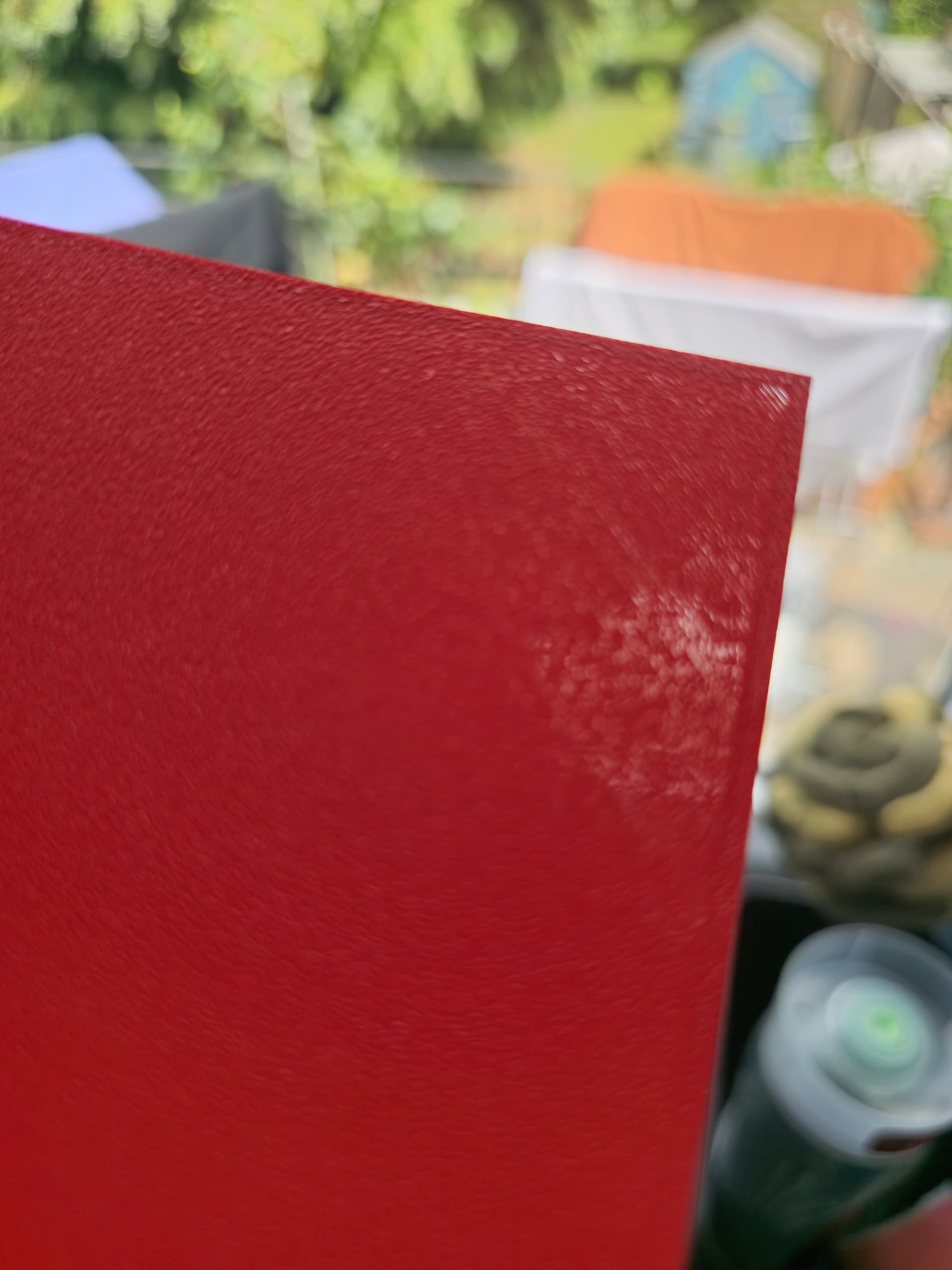
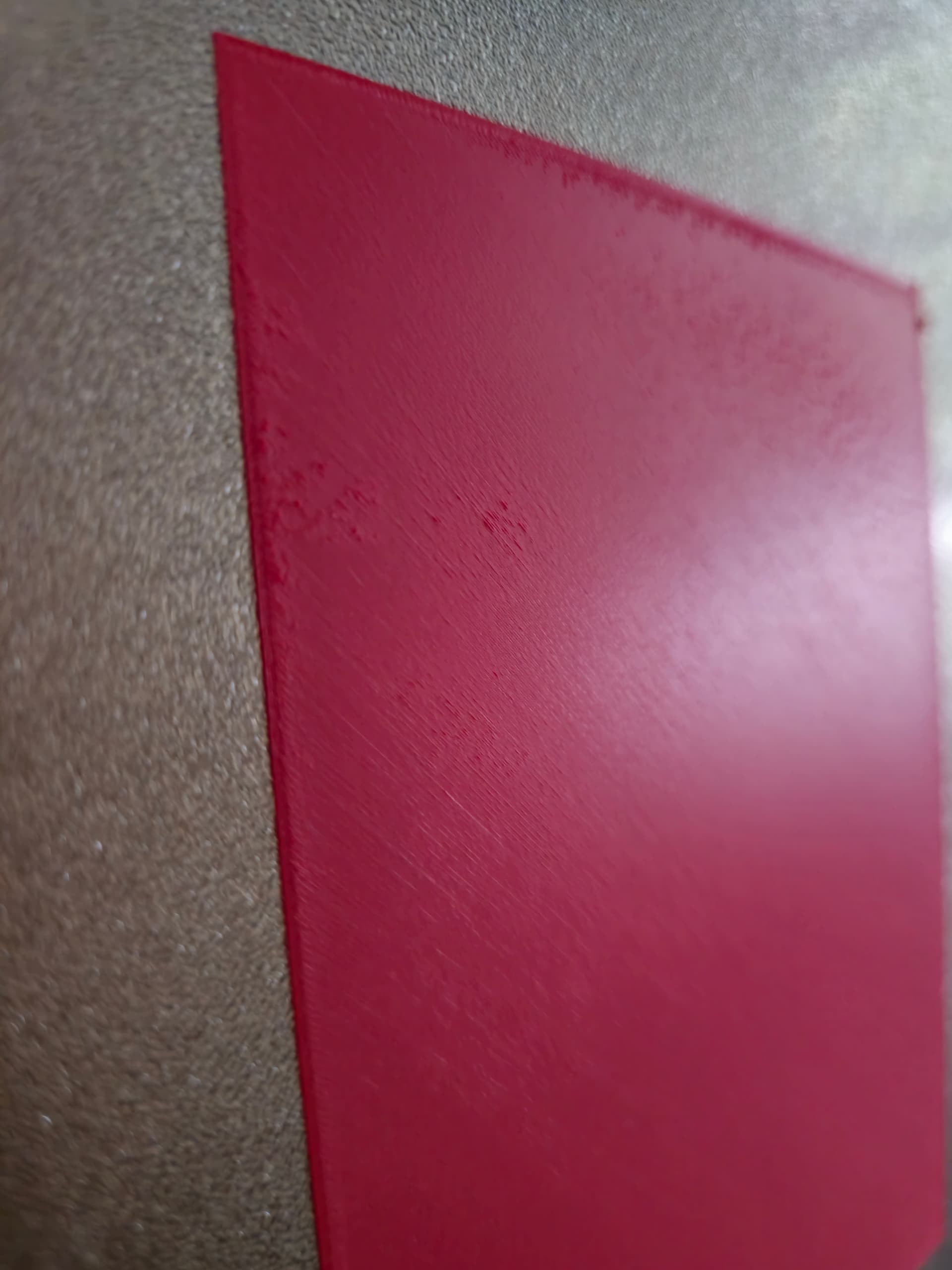
I just installed a 0.2mm nozzle on my X1C to try out some lithophanes.
I’m using the Sunlu PLA CMYK bundle.
I thought it would be best to do a flow rate calibration just to make sure everything’s working properly. The printer lays down the initial material strip at the front of the plate just fine. However, as soon as it starts the actual print, it clogs at the nozzle and nothing gets deposited on the build plate. I don’t think it’s an internal nozzle clog, since the first flow test prints fine at the front.
Here are the steps I’ve already taken:
Dried the filament
Calibrated the printer
Double-checked all slicer settings (selected 0.2mm nozzle)
Using the generic PLA printing profile
Any help would be greatly appreciated — not sure what else I can try at this point.
bed leveling with paper is not needed on bambu printers as it auto calibrates on 4 axis. And i have same problem, and it print auto-calibrations perfectly, with the same bed leveling as the failing one…which is identical to the OP’s problem and mine.
It seems that it was the Sunlu filament CMYK bundle. It was confusing because bambu was giving me test prints and they printed ok.
But i couldn’t print an actual model at all kept constantly failing. I couldn’t even get the bambu labs calbrations to work.
So i purchased some new bambu matte filament and it printed no problem. Only issue i have now is the first layers are not that great.
I found that for all types of textured plates. like SuperTack and Textured PEI, you must have a minimum of 0.12mm layer height for first layer or it will not stick.
This is especially for the above two types of plates.
For smooth plates where you use glue, 0.1mm can work, but i still recommend 0.12mm as minimum with 0.2 nozzle. (I now use this as minimum for ANY nozzle)
The front test patterns use 0.12mm layer height on all bambu printers.